For example, if I search the name of.my event, ”Ryto innerdance” google finds a product page, but not an event page! Becouse I use ticket addon, it creates a product in woocommerce, and google finds it, but does not find the event page. Or if it finds it redirects not to event page, but to homepage. Can you help with this?
Archives: Replies
Replies for tickets on suppota
Reply to: tickets(404527)
Or to be more specific, is there any guidelines about SEO and eventON plugin, what are best practices or tricks or options for best outcome in google search results?
Reply to: tickets(384858)
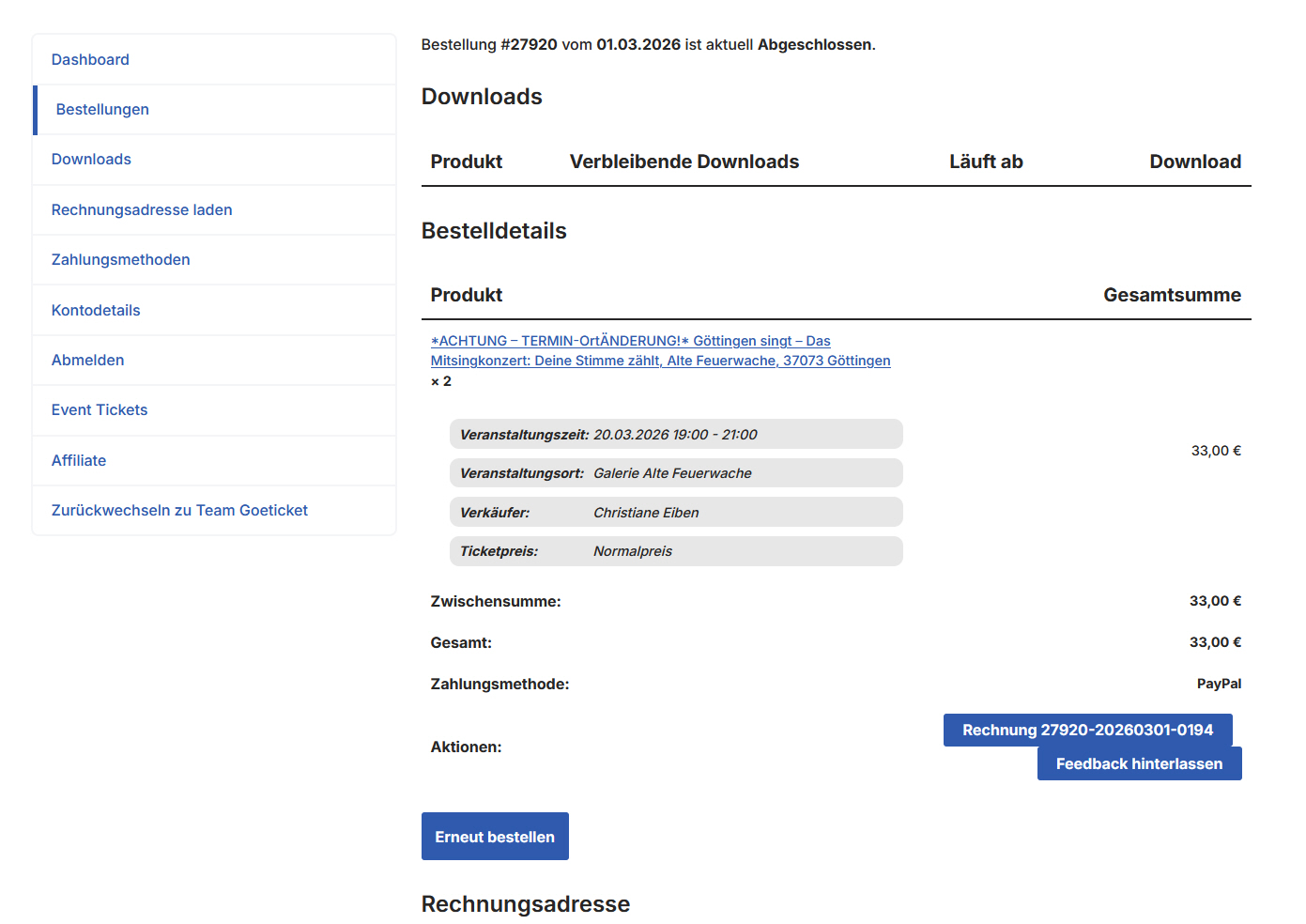
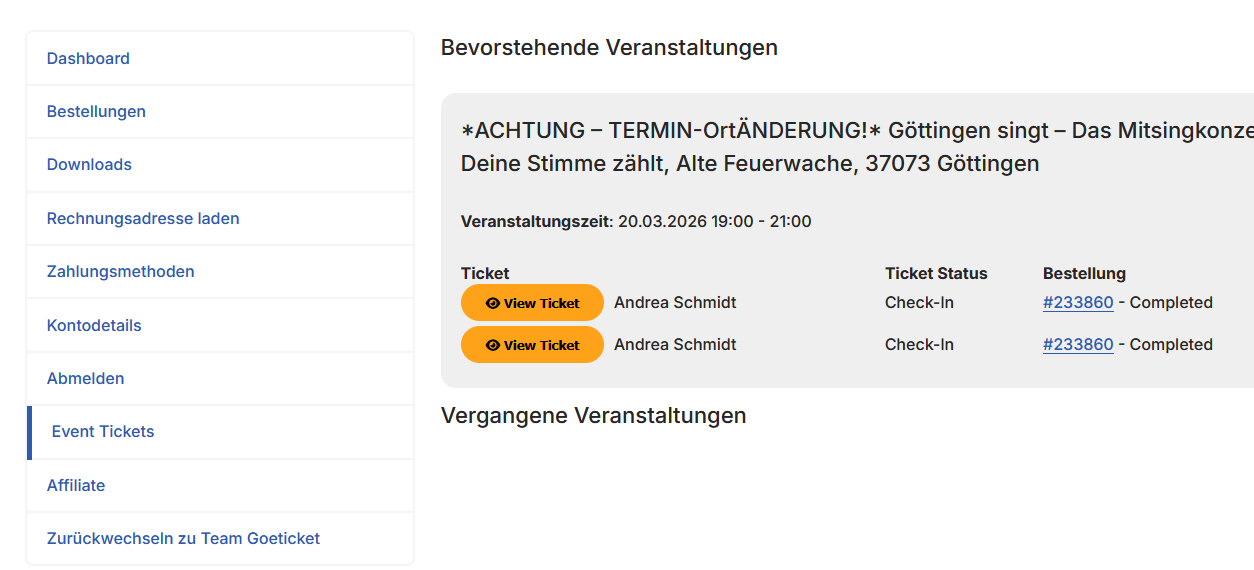
Hello, after updating to Eventon 5.08, Tickets 2.5.2, and WooCommerce version 10.5.2, purchased tickets, QR codes, and the download button are no longer displayed in the customer account or on other pages using the shortcode [woocommerce_order_tracking]. Additionally, the ”View Ticket” button under ”Event Tickets” in the customer account is not working. Please investigate this issue. Thank you.
Reply to: tickets(404519)
Another attempt to include some screenshots.
Reply to: tickets(404519)
Reply to: tickets(404519)
Reply to: tickets(391080)
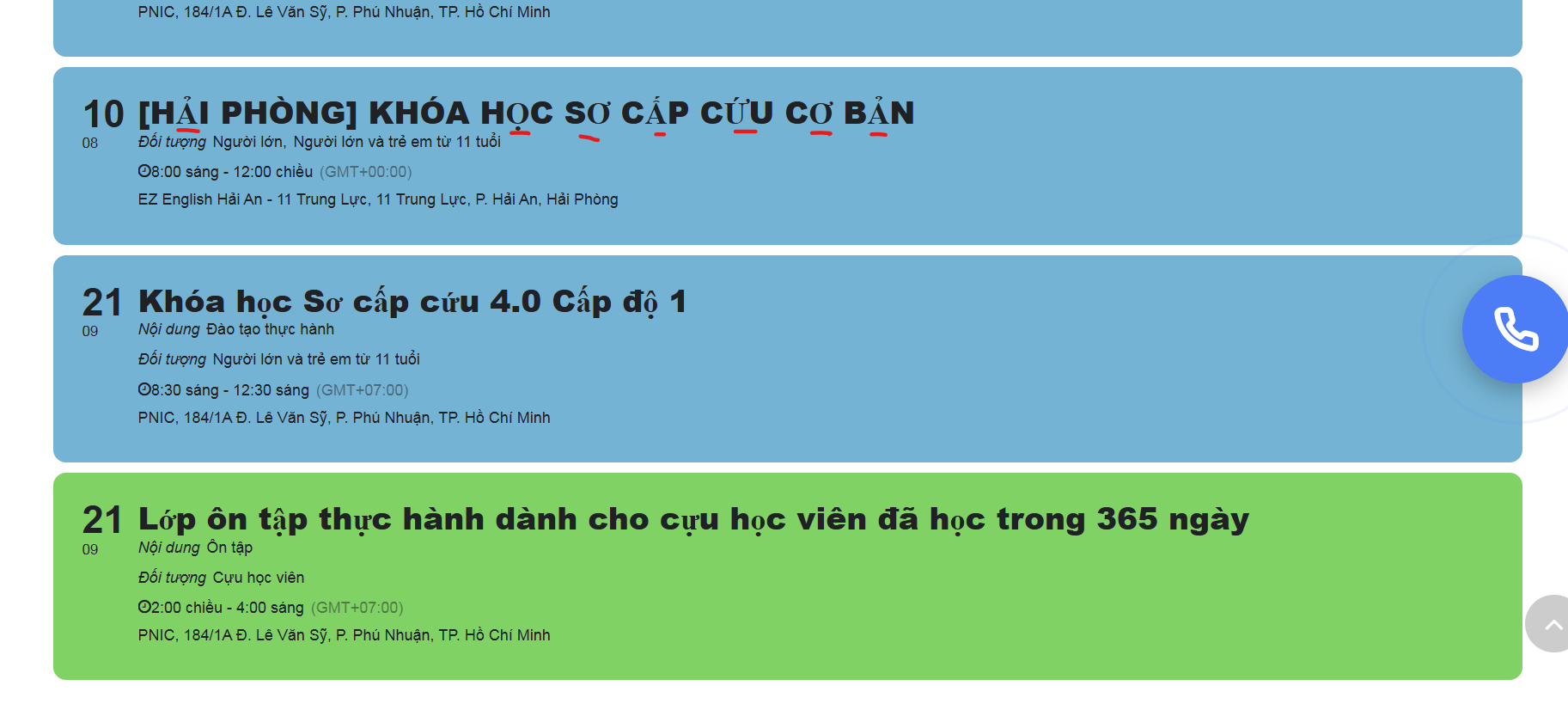
If you can’t fix it, please let me know how to change the event name font to be the same with the other content (location, time)
Reply to: tickets(391080)
what do you mean by screenshot ? you mean the font bug ? it’s still the same as I submitted the first time:
Link: https://survivalskills.vn/khoa-so-cuu-cho-ca-nhan/
Font bugs: All the characters that are not in bold are all errors
Reply to: tickets(404470)
Ashan,
On dev2:
https://dev2.myeventon.com/test-178/
Event:
https://dev2.myeventon.com/events/test-81/
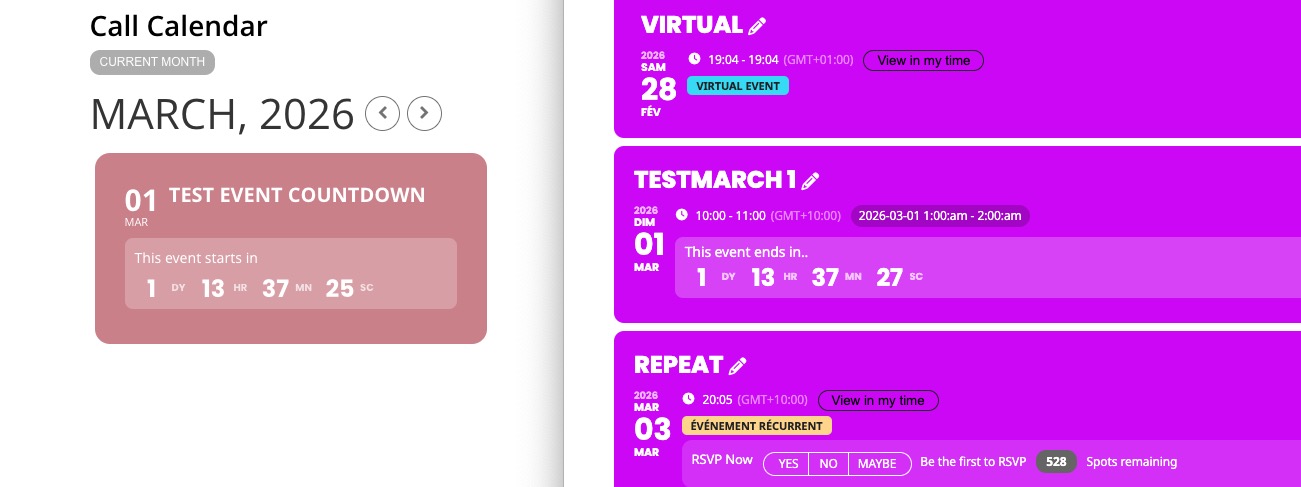
Could you check?
Reply to: tickets(404470)
Hello,
Thank you for your messages!
I am going to escalate this ticket to development to help in here. Please allow us some time to address this, and we truly appreciate your patience. Thank you for being a valued EventON customer!
Additionally, if your site has any IP blocking or security restrictions in place, kindly disable them temporarily to facilitate our support process.