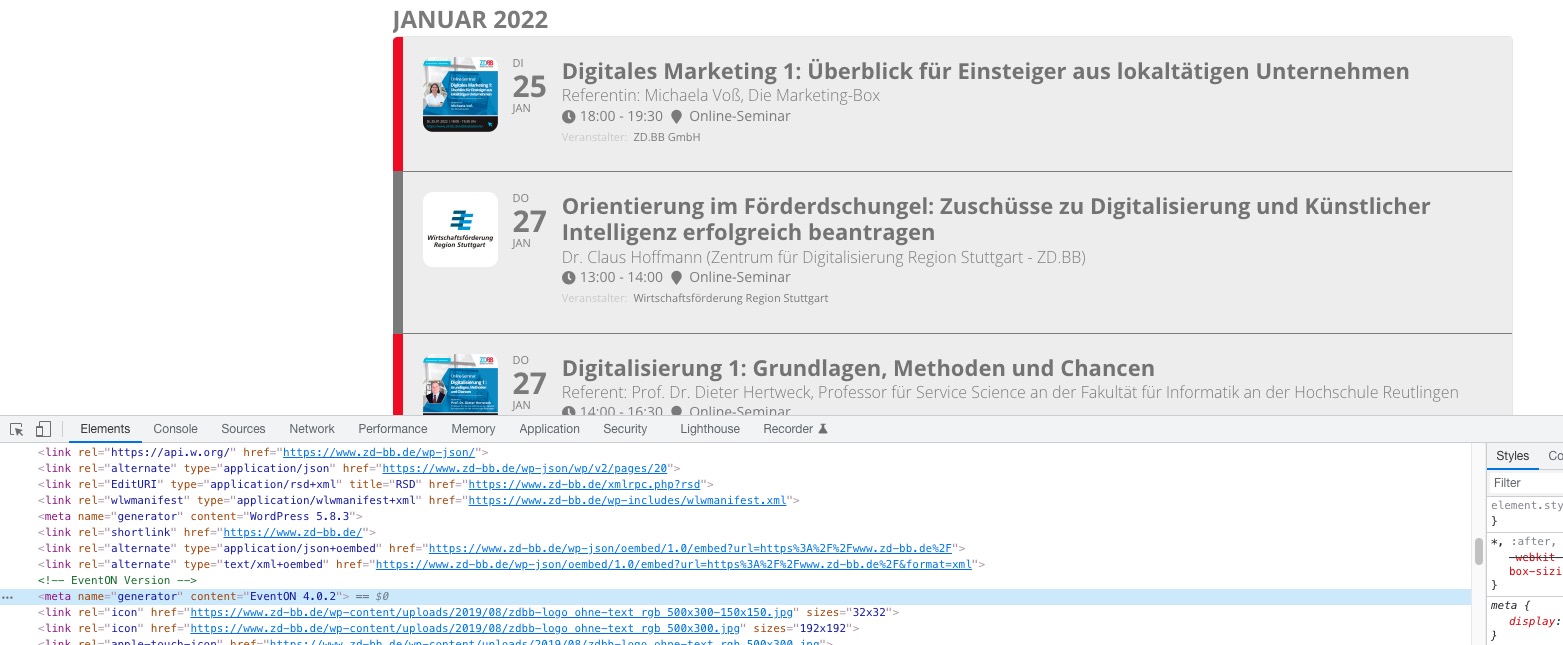
Sorry about the delay in response. The client who owns this account never forwarded me your last reply, so I just became aware of it after they asked about this issue again the other day.
I have followed your instructions and done the following for debugging:
- – Created a copy of the website.
- – Disabled theme.
- – Disabled all plugins except EventOn to see if it would work again.
- – Changed the allowed memory usage for the website to 500MB, 550MB, 600MB, 650MB.
- – Tried different PHP versions: 7.3, 7.4.
Still having the same issue; no matter which event I go to edit in admin tools, the page comes up blank 95% of the time. On rare occasion the page will come up okay, but on refresh it will be blank again. The error log was showing memory exhausted errors:
[20-Jan-2022 14:47:45 UTC] PHP Fatal error: Allowed memory size of 681574400 bytes exhausted (tried to allocate 20480 bytes) in /home/bmwra/dev2.bmwra.org/wp-includes/meta.php on line 1085
[20-Jan-2022 14:47:45 UTC] PHP Fatal error: Allowed memory size of 681574400 bytes exhausted (tried to allocate 20480 bytes) in /home/bmwra/dev2.bmwra.org/wp-includes/class-wp-fatal-error-handler.php on line 72
It doesn’t matter what I changed the memory to, it would still show the same error. See the video below for confirmation of this, which includes a screenshot of the error log of my attempts.
https://drive.google.com/file/d/1HgsNNqRRHObMVjfvqs52wkoCkjquHcEq/view?usp=sharing
I ask that you please take a look into this and see what you can determine. Here is the new admin logins for this DEV site:
https://dev2.bmwra.org
https://dev2.bmwra.org/wp-admin/
Username: eventon
password: WPtppweb5124@@
I have two other plugins activated right now to protect the site from accidents; disable emails, and maintenance. Feel free to deactivate those during your testing, but please reactivate them after you are done testing.
When you go to login to admin, it will show you the maintenance page. To login click on the right column “padlock” icon, enter your logins and it will log you in fine, then you can go into admin tools.
And in case you need FTP access:
Host: ftp.bmwra.org
Username: eventon@bmwra.org
password: RVmECGQk2HRs
port: 21
type: FTP with TLS/SSL (auth TLS explicit)
The error log file can be found within FTP in the /logs/ folder for dev2_bmwra_org.php.error.log file during your testing. The DEV site in question can be found within the dev2.bmwra.org folder.