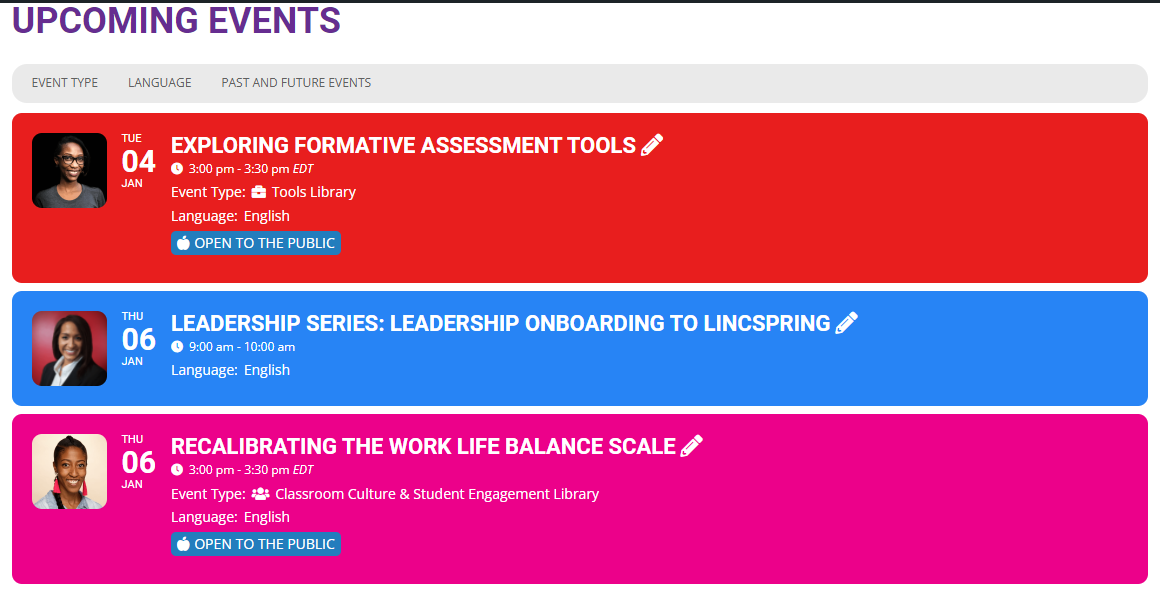
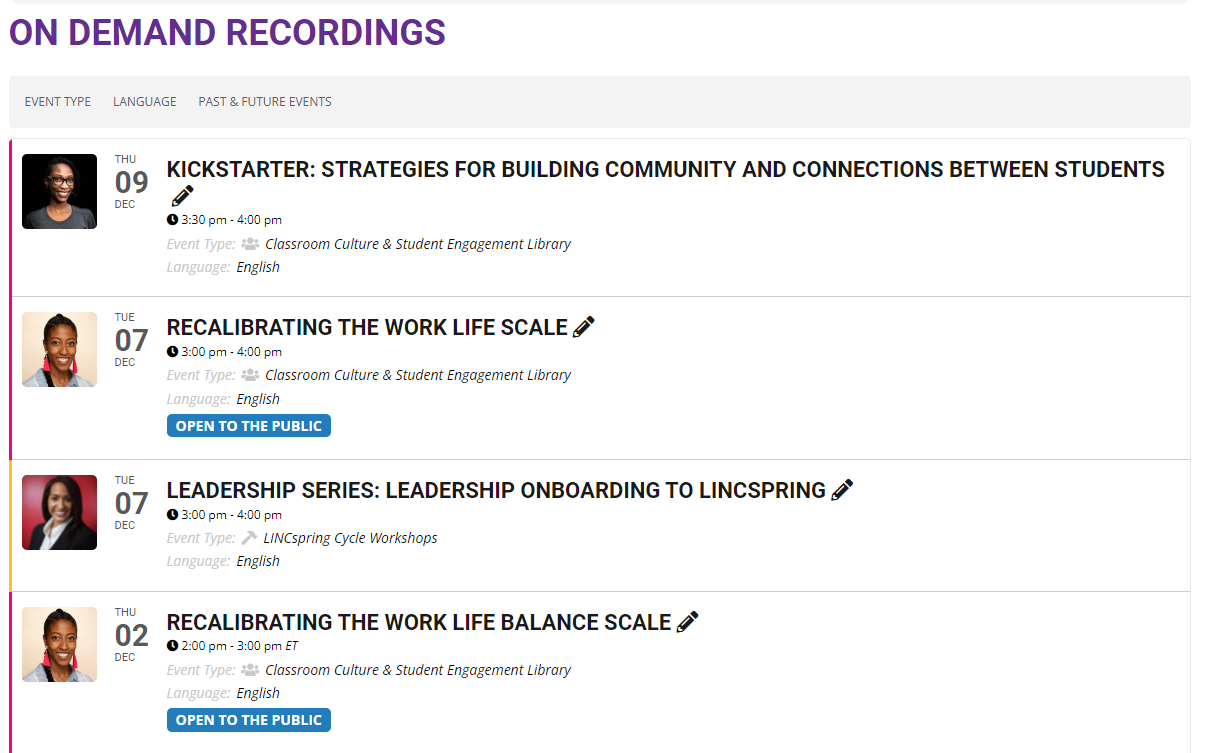
Hi Tim,
Please use the custom CSS code below to fix the issue
.ajde_evcal_calendar.boxy.box_2 .eventon_list_event, .ajde_evcal_calendar.boxy.box_2 .evoShow_more_events{width:100%;}
Please add this CSS code to EventON > Styles (If you don’t see any change, EventON > Scripts & Styling > turn off Write styles to header > save settings > turn on Write styles to header):
Hi Jurriaan,
Please open a new ticket so that we can help you troubleshoot the issue.
see video below
please update eventon to 4.0.2
To update eventon to latest version: If you are unable to do autoupdate, you can go to codecanyon your account > download and get the latest eventon version as zip file. Then you can go to your website, deactivate old eventon, activate (Do not delete eventon settings & data when EventON is uninstalled) from eventon settings, delete old eventon, install new one and activate. This link will further explain the process it. Also you can follow us on twitter to get real-time announcements on updates!
if you use the full cal please update it
To update eventon addons: You can download latest eventon addons from myeventon > my account. Then you can go to your website, deactivate old addon and install new one and activate then delete the old addon. This link will further explain the process. Also you can follow us on twitter to get real-time announcements on updates!
Eventon 4 is our biggest update https://www.myeventon.com/news/eventon-4-0/
Hello,
EventON is compatible with WPML. Please follow this guide on how to use it in shortcodes:
https://docs.myeventon.com/documentations/wpml-eventon-front-end/
Also when you use WPML you need to create multiple events for each language instead of using Event Type: https://wpml.org/documentation/getting-started-guide/#translating-your-site-yourself
Hi the details are as follows:
https://tattersallsclub.com.au/wp-admin
UN: eventon
PW: NQ#)Bs)UL7C#ZM9xCWKqLg%L