Hello,
Could you go to EventON Settings and just save them?
Please also send us a screenshot.
Replies for tickets on suppota
Hello,
Could you go to EventON Settings and just save them?
Please also send us a screenshot.
We are glad your issue is resolved, if you have any further questions or concerns please create a new ticket.
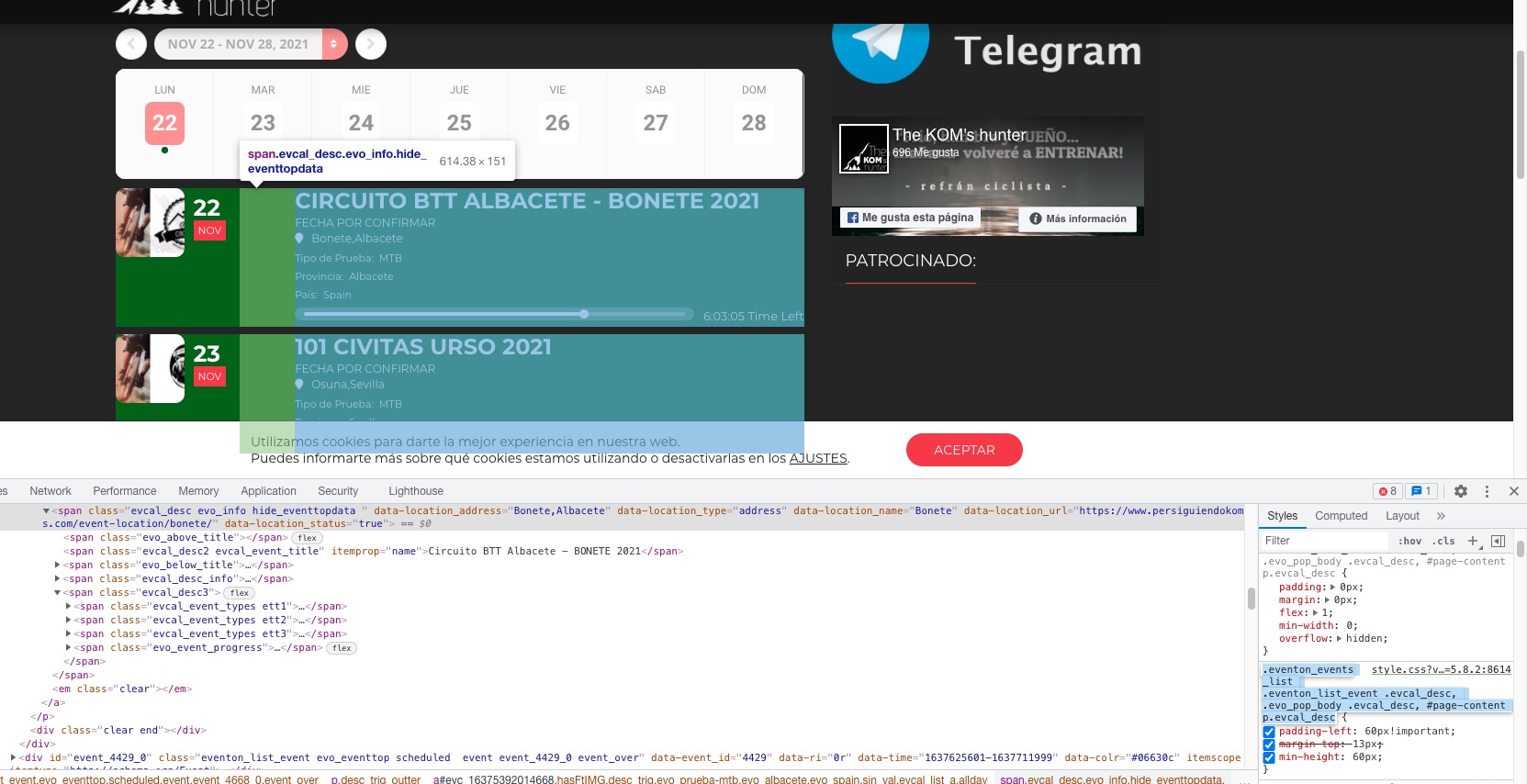
There are more custom css styles that need to be removed. For example,
Hello,
Would you mind checking the file via FTP/SFTP. There does not seem to be any option to edit the theme in the wp-admin dashboard.
https://conexionespacial.com/acceso
Sorry, there was a problem with the user setting.
Login is www.bmab.de/bmab
User name is EventON
C@w1UJ*e5)CDiDIlQjvtAJ1m
I first selected “Completely disable”. After your message I changed it to “Javascript file only”. There still is no conflict with Hero Maps but the map doesn’t show in the event (https://www.bmab.de/events/test-gmaps)
Hi Juan,
Please send in your wp-admin link. The standard /wp-admin does not seem to work.
Hi Anuradha,
Thank you for your message, I am going to assign this ticket to Ashan and he will be able to take it from here. Please allow some time for him to get back to you, we greatly appreciate your patience.
I have added this code:
// Enable WP_DEBUG mode
define( 'WP_DEBUG', true );

// Enable Debug logging to the /wp-content/debug.log file
define( 'WP_DEBUG_LOG', true );

// Disable display of errors and warnings
define( 'WP_DEBUG_DISPLAY', false );
@ini_set( 'display_errors', 0 );

// Use dev versions of core JS and CSS files (only needed if you are modifying these core files)
define( 'SCRIPT_DEBUG', true );

In the wp-config file.

What shall I do next?