This is the most comprehensive and amazing support I’ve ever experienced. You did a video specifically for my case. Thank you! I’m still so pleasantly shocked. It all makes sense and I’ll start working on the fixes.
Does the add-on allow me to build one map for non-logged in users that only shows past events, and another one for logged-in users that shows the current event and all future events? I only want logged-in users to see current and future. Thanks!
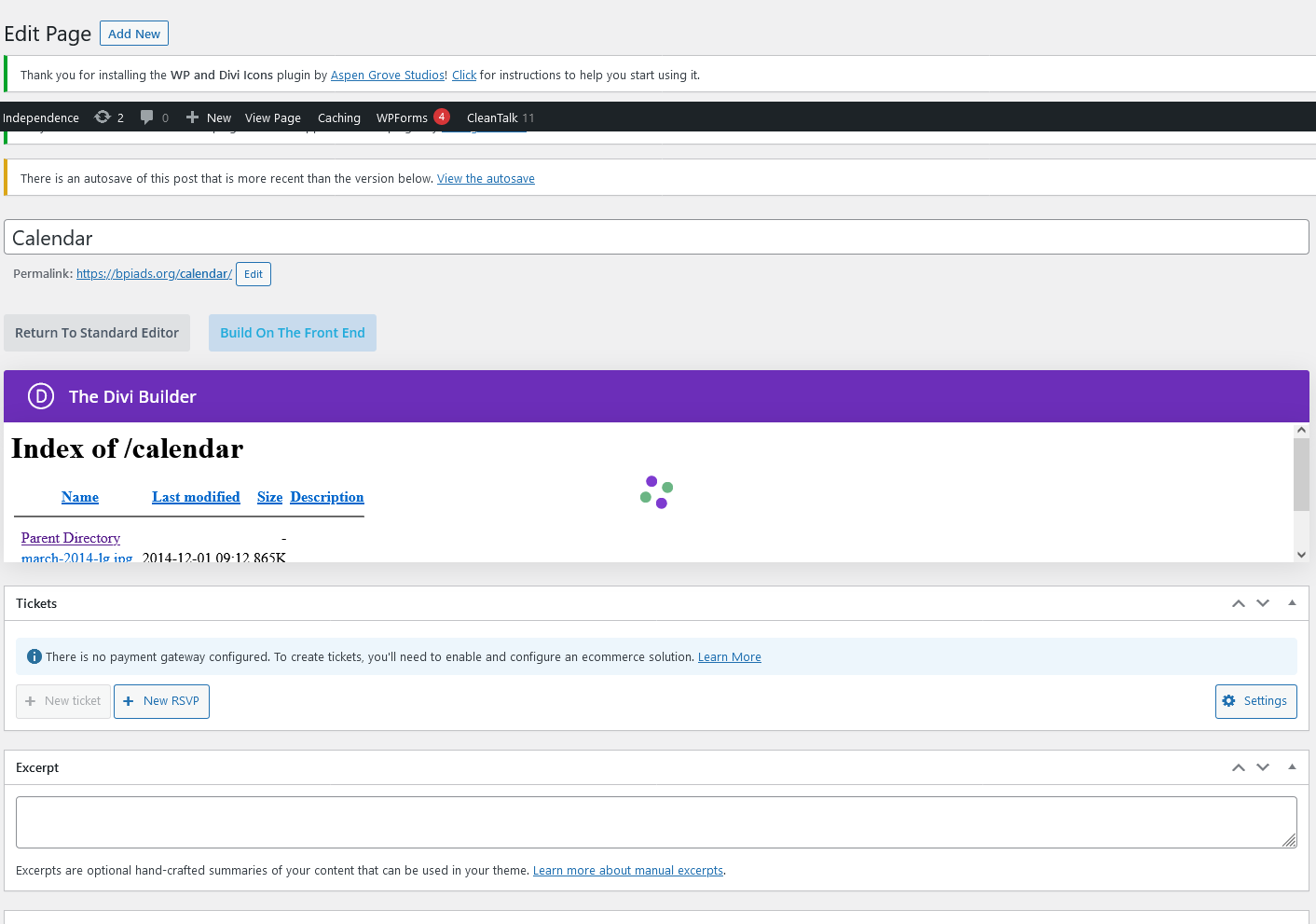
And I just recreated the entire page, deleted the existing one and I get the same thing!! See this screenshot, now from my dashboard – why is this happening?
Hello! Just checking in on this ticket. Can someone please respond?
We need to work with someone to get you all set up as a vendor so we can purchase this much-needed add-on for a CURRENT PROJECT we’re working on. We would very much appreciate a response with a contact, at the very least, of someone we can call or email directly in order to get this all set up. And, if you’re able to respond with the following info, we can at least get the paperwork started on our end.
Thank you!
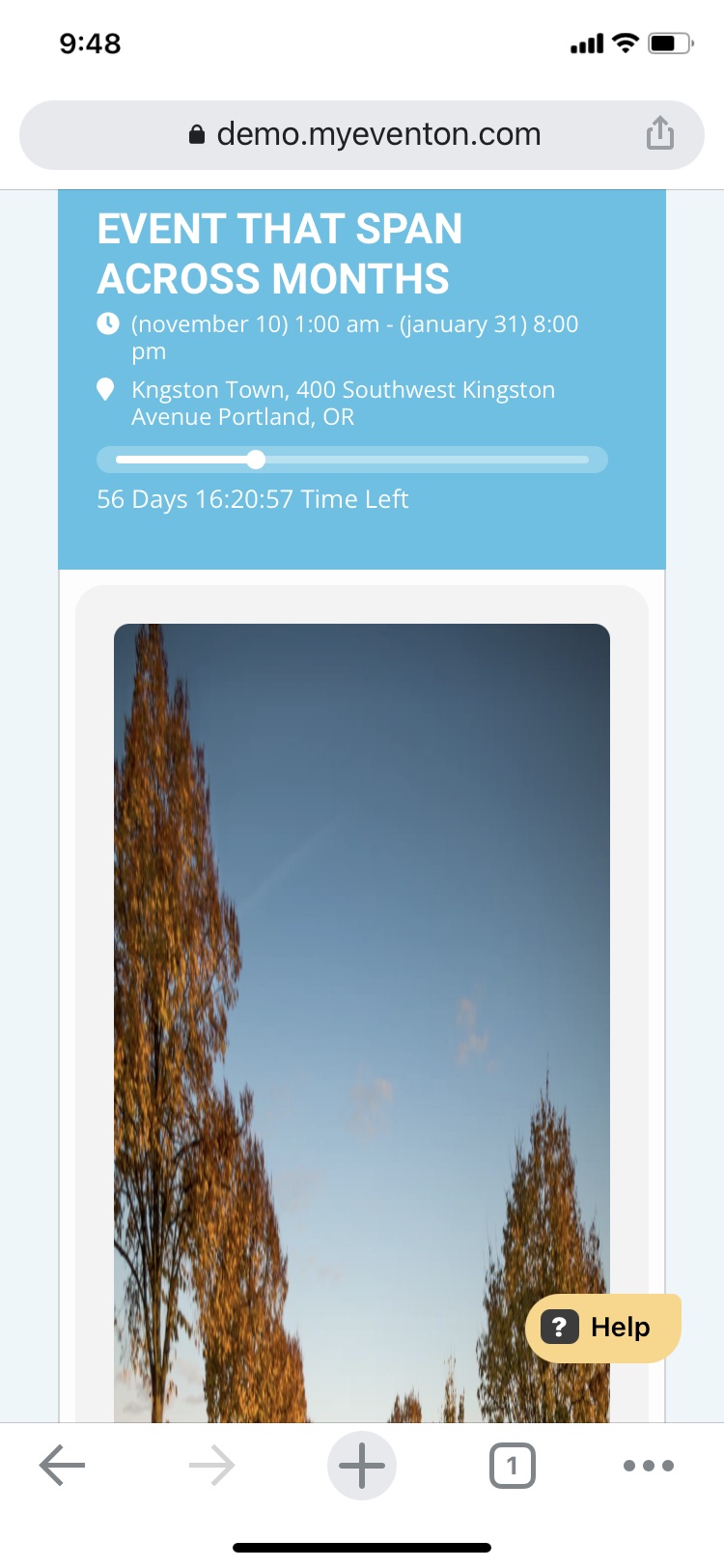
Please see attached image.
I’d also like to know if there is a way to create a multi-vendor marketplace where any registered vendor can upload an event and sell tickets from it and I would receive a commission. Ideally they would be able to access things like create jitsi meeting and also be able to access the below plugins from the front end: https://www.myeventon.com/addons/seats/
https://www.myeventon.com/addons/bookings/
https://www.myeventon.com/addons/dynamic-pricing/
https://www.myeventon.com/addons/ticket-variations-options/
What 3rd party plugins would be required to accomplish the above?
This link provides some info on how to setup a commission based model, however the plugin recommended here doesn’t support stripe yet: https://www.myeventon.com/news/setup-vendor-style-website-using-revenue-builder-addon-bundle/
I’ve also seen your post on this issue here: https://helpdesk.ashanjay.com/ticket/we-would-like-to-build-an-event-multivendor-marketplace-incl-commission-accounting-which-multivendor-plugins-do-your-plugins-work-with/
If you have any further insight, please let me know.
Also, I’d like to know if it is possible to increase the font size for any of the titles, labels, etc..
Yes the site is now live – https://bpiads.org/calendar/
Could you send us a screenshot?
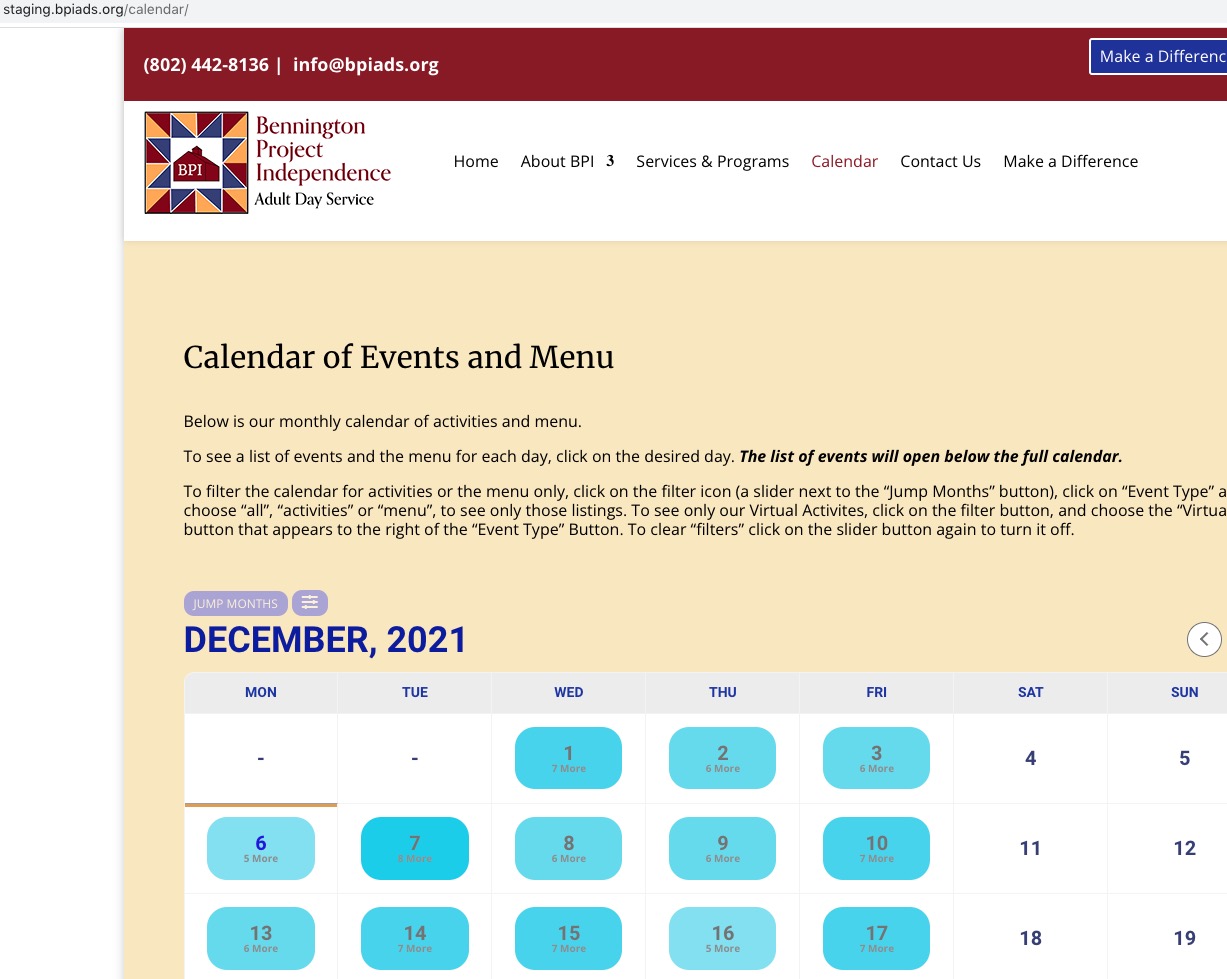
Calendar page:

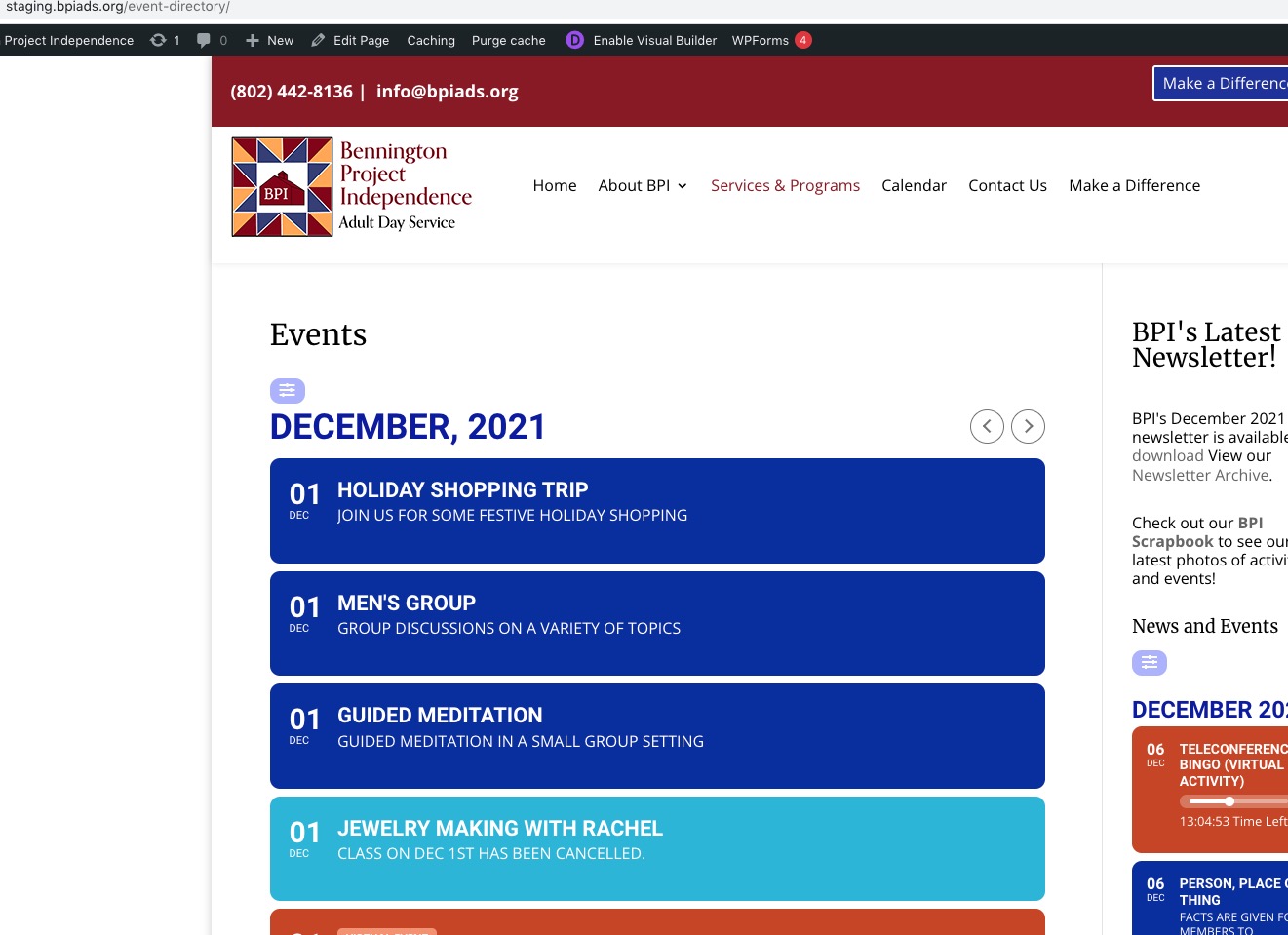
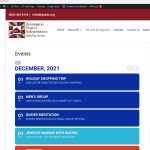
Events page:
Hello,
Could you go to EventON Settings > Event Top > Select Default Calendar EventTop Style: Clear with left border colors and gaps?
OR
Please go to EventON Settings > Single Events > Select EventTop Style: Clean White.
After go to your shortcodes and add eventtop_style=”0″.
Hello,
Could you try updating EventON to 4.0.2?
To update eventon to latest version: If you are unable to do autoupdate, you can go to codecanyon your account > download and get the latest eventon version as zip file. Then you can go to your website, deactivate old eventon, activate (Do not delete eventon settings & data when EventON is uninstalled) from eventon settings, delete old eventon, install new one and activate. This link will further explain the process it. Also you can follow us on twitter to get real-time announcements on updates!
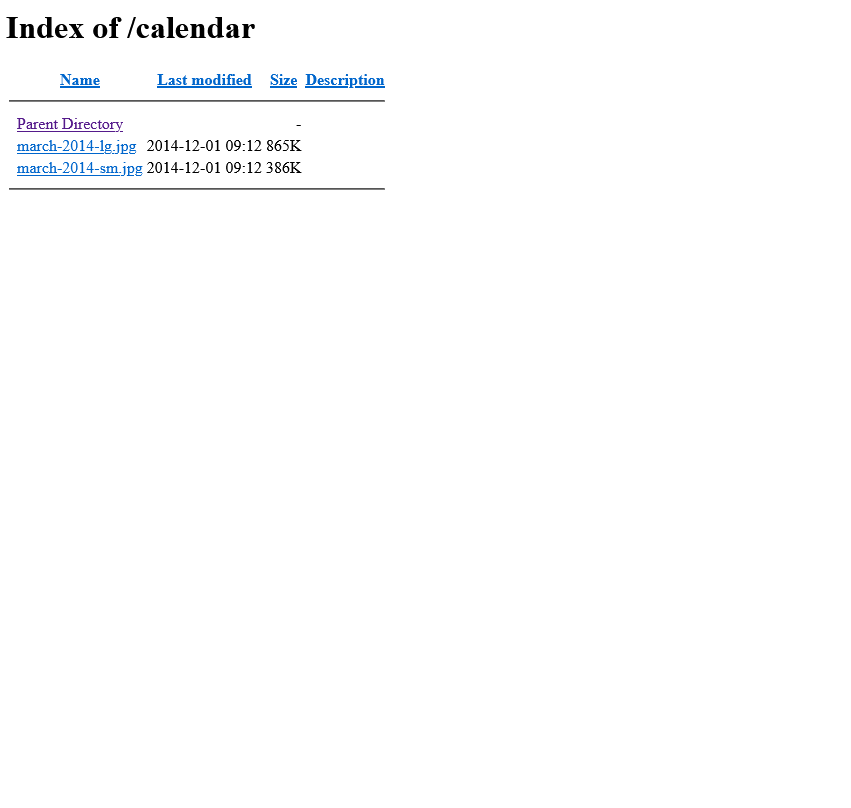
My calendar page has gone completely bonkers – I get a “directory” when I try to edit this page with a couple of jpg files listed. When I last checked this page that was NOT happening. I have no idea what just happened to it. I hadn’t had a chance to even try the suggestions you made above so I know that is not the issue.
Help!