Hello,
1. You can either go to EventON > Event Top > try Select Default Calendar EventTop Style: Clear with left border colors OR Add eventtop_style=”0″ to your shortcodes.
2. Please add grid_ux=”2″ to your shortcode.
Replies for tickets on suppota
Hello,
1. You can either go to EventON > Event Top > try Select Default Calendar EventTop Style: Clear with left border colors OR Add eventtop_style=”0″ to your shortcodes.
2. Please add grid_ux=”2″ to your shortcode.
Hello,
Add New Event works except you need to wait for quite some time:
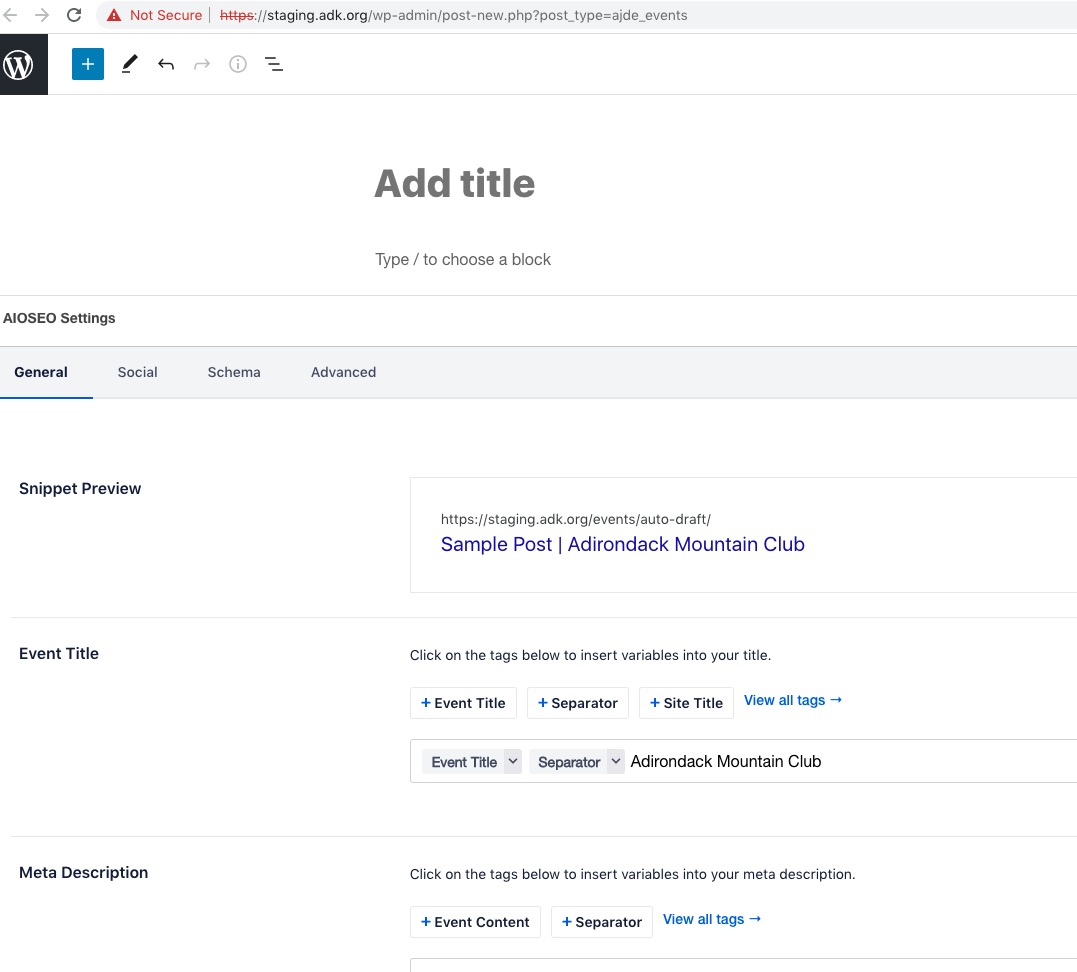
The issue is in the server. You can try disabling other plugins to see if it helps freeing the memory.
This is not resolved.
I need to recover my base plugin license.
Ah. Thanks!
Ah thanks so much, I dit not realise that the add on was separated from the plugin.
It helps and I have new settings to play with, but I can’t manage to display the image proprely. I have trying with another image as well but the image is always blow out and I see a little portion of it.
Pretty sure it is simple to fix, but I don’t do this kind of work often enough…
Hi Artem,
thanks for the update – seems to be working now
https://empowerment.community/event-manager/
But I am a little confused… why can’t you close the same door, that you just opened?
… meaning disabling the debugging mode directly after you have finished?
Ok, thank you. I’ll wait to hear from him.
Again, we’re simply trying to get your company set up as a vendor, so we can purchase this EventOn slider plugin from you guys. We’re a US government private contractor and we have to have people/companies set up as vendors in our system before we can do business with them.
Hopefully we can move forward with this ASAP. We really need to get the add-on ASAP for our website project.
Thanks!
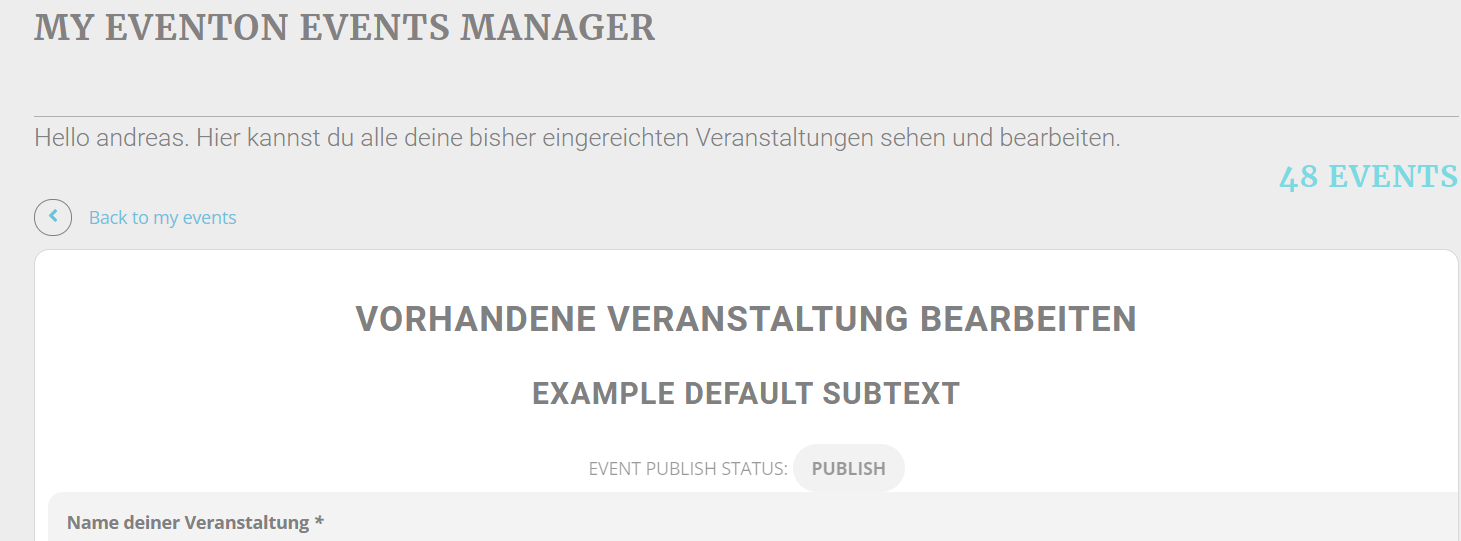
Hey Andreas,
I have asked Ahsan again to take a look at the request 🙂
That’s not what I’m looking for.
The base license key.
I wrote out a long ticket in detail in the ticket system and then it deleted it.
Is there a number I can call?