Hello,
1. & 2. Could you update EventON to 5.0.8? The update will fix the fields not displaying.
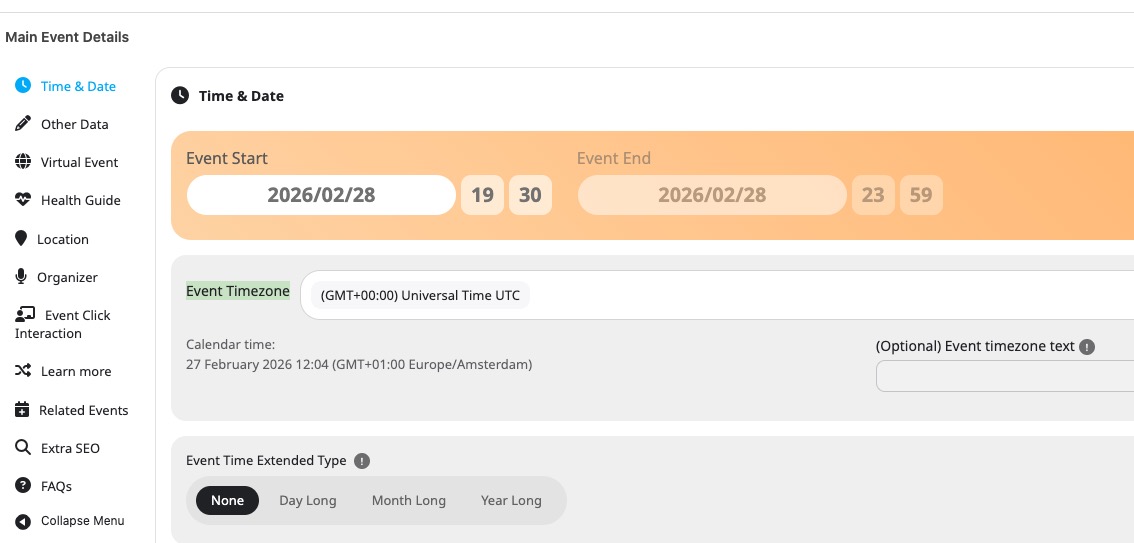
3. Could you change event’s timezone to Amsterdam?
Also try adding hide_mult_occur=”yes” to the shortcode.
Replies for tickets on suppota
Hello,
1. & 2. Could you update EventON to 5.0.8? The update will fix the fields not displaying.
3. Could you change event’s timezone to Amsterdam?
Also try adding hide_mult_occur=”yes” to the shortcode.
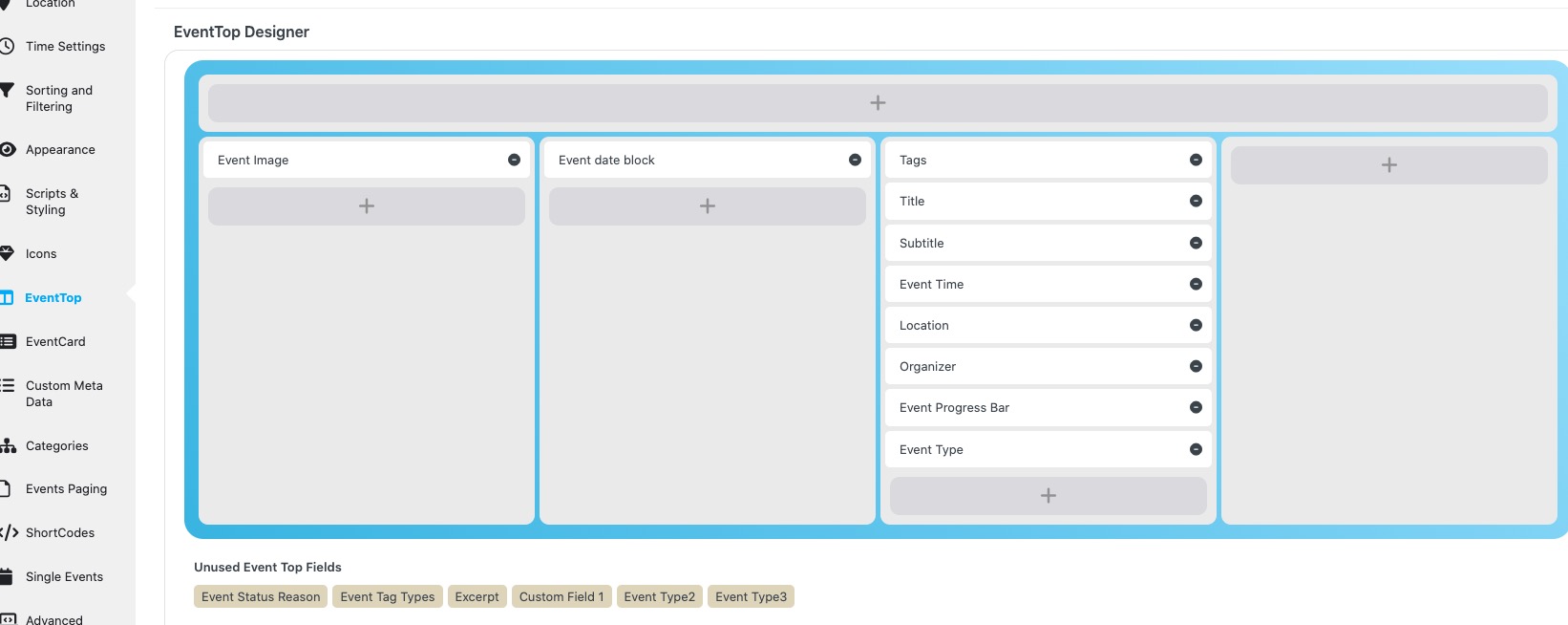
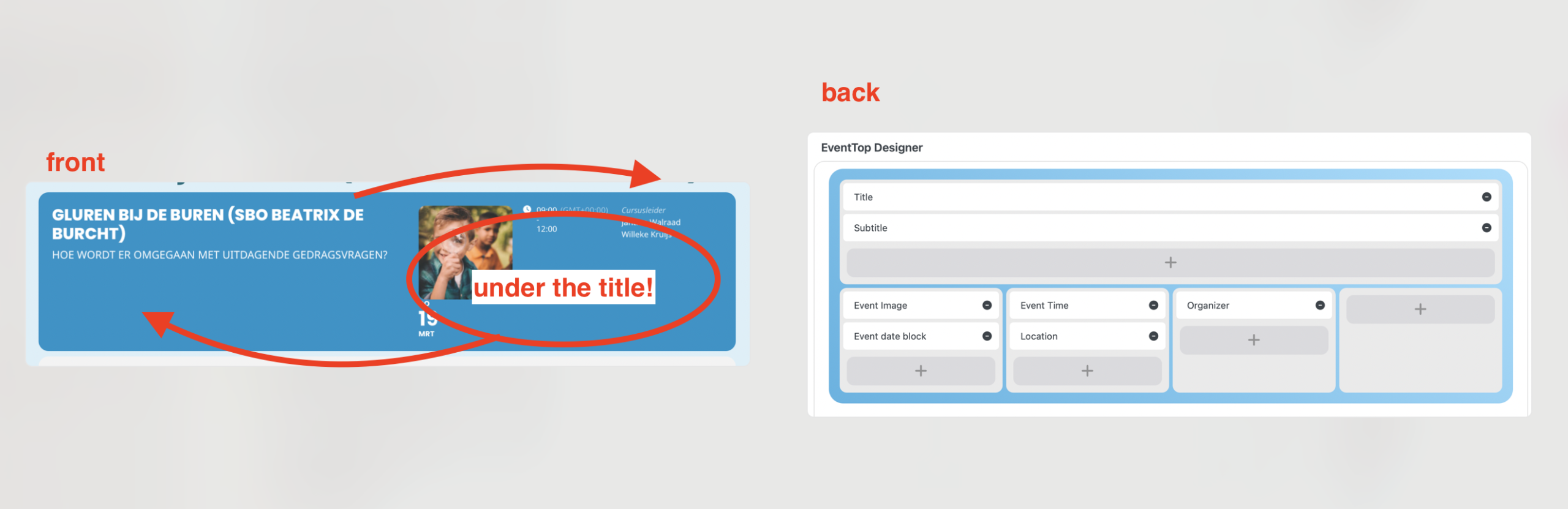
Could you update EventON to 5.0.8 and then go to EventON > EventTop > arrange/add fields like this:
Ashan,
On dev2:
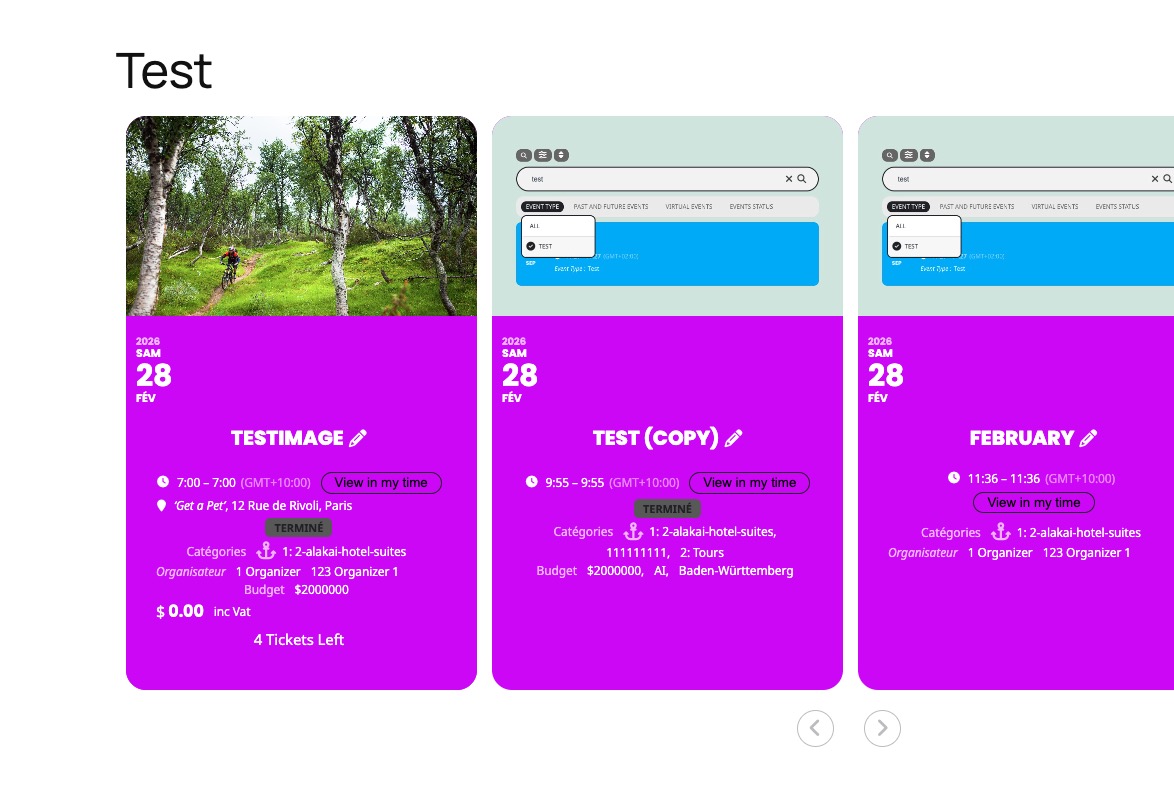
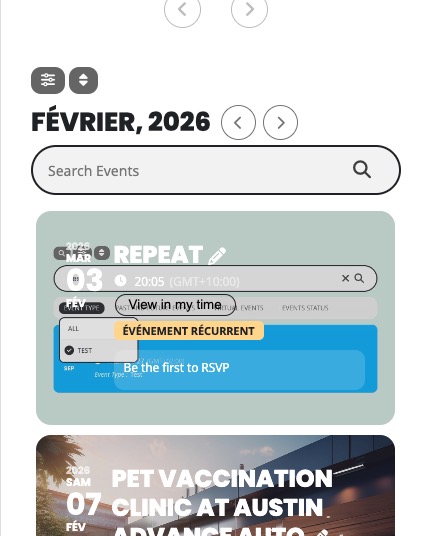
https://dev2.myeventon.com/test-177/
Hello,
Thank you for your messages!
I am going to escalate this ticket to development to help in here. Please allow us some time to address this, and we truly appreciate your patience. Thank you for being a valued EventON customer!
Additionally, if your site has any IP blocking or security restrictions in place, kindly disable them temporarily to facilitate our support process.
Hello,
Please update EventON to 5.0.8 to fix the issue.
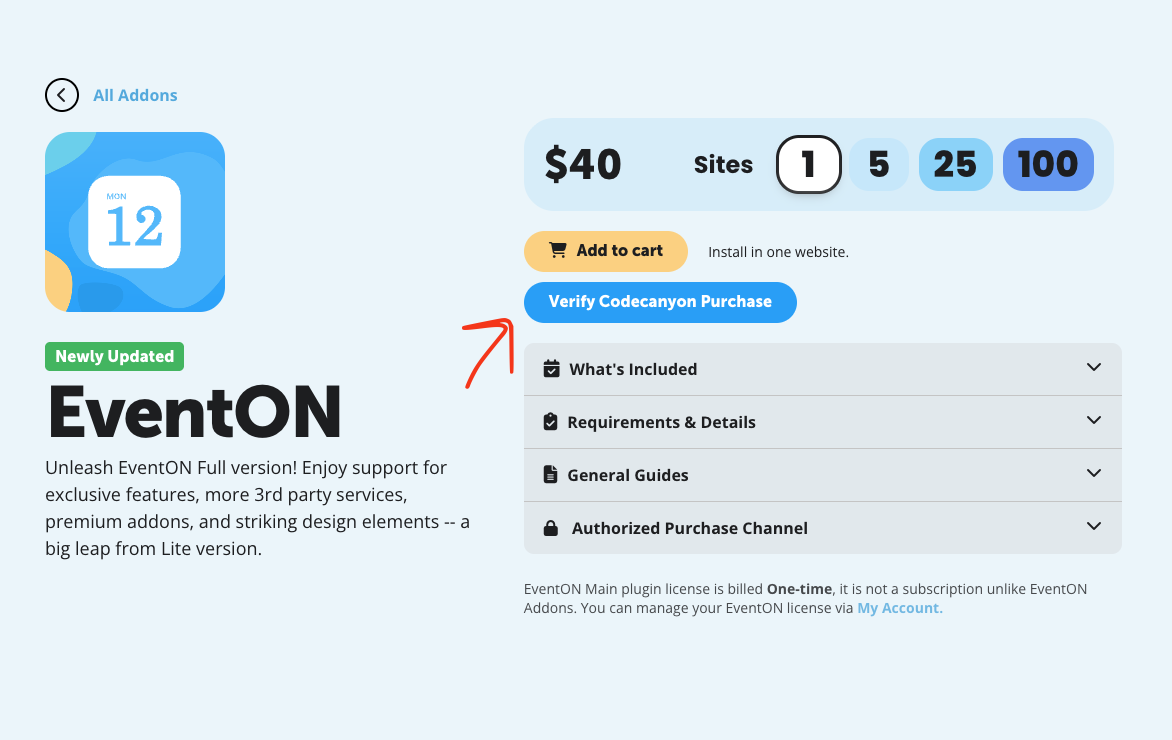
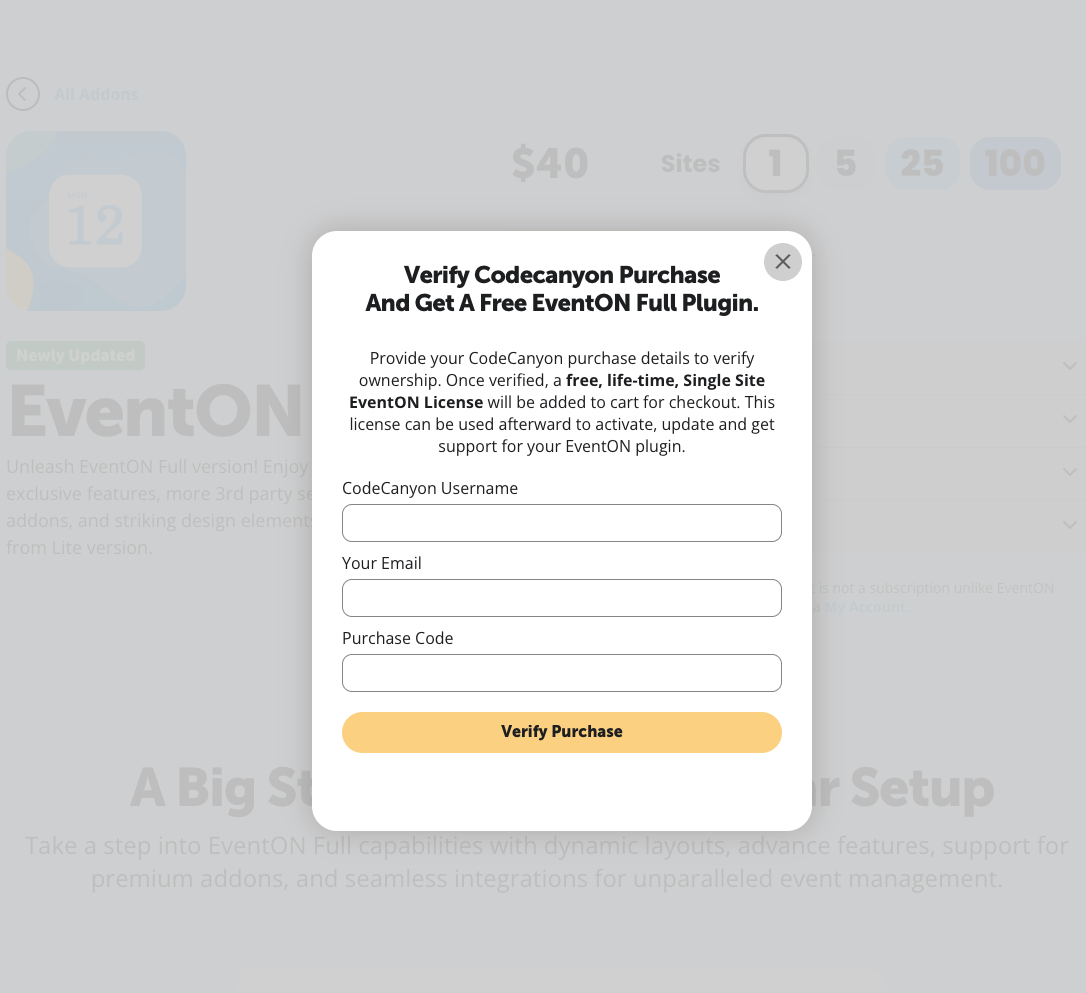
Please take a look at these screenshots on how to get a free copy of EventON with CodeCanyon’s license:
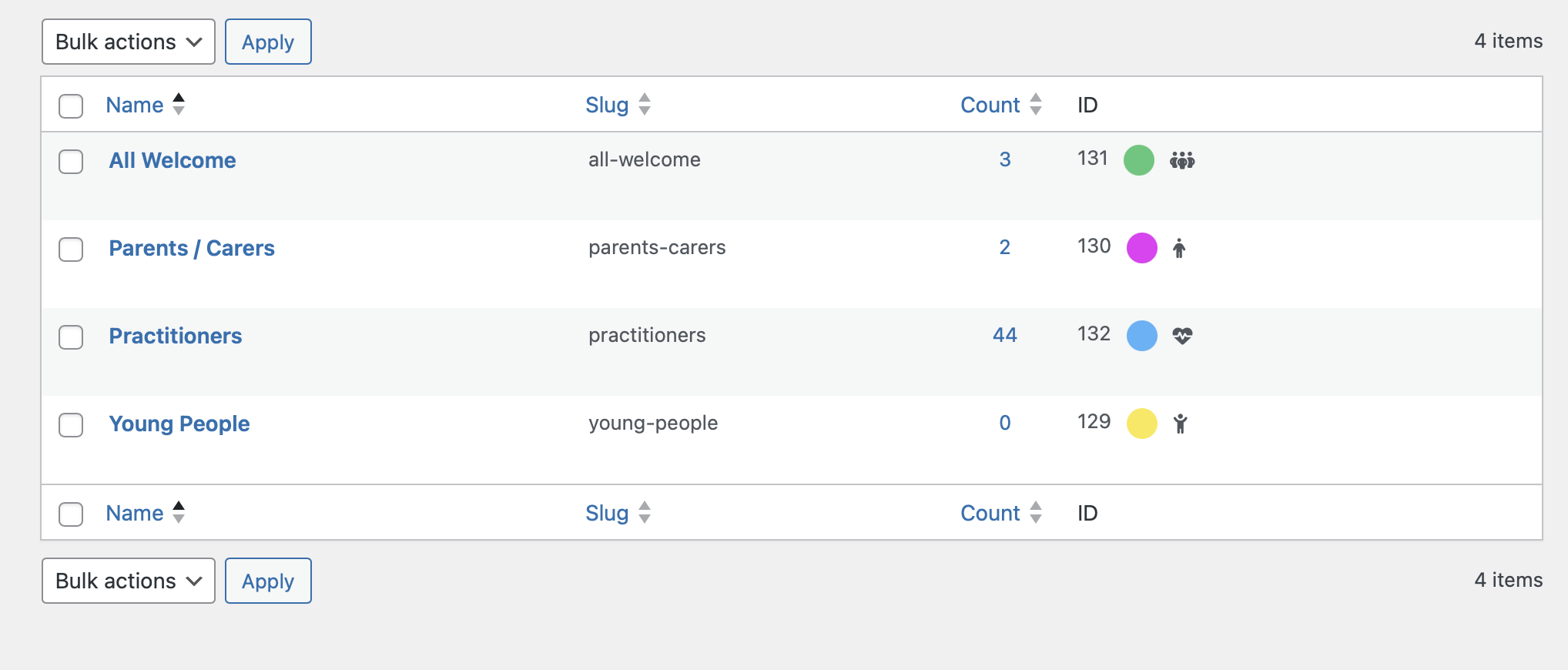
Here is the image from the back-end and the front-end
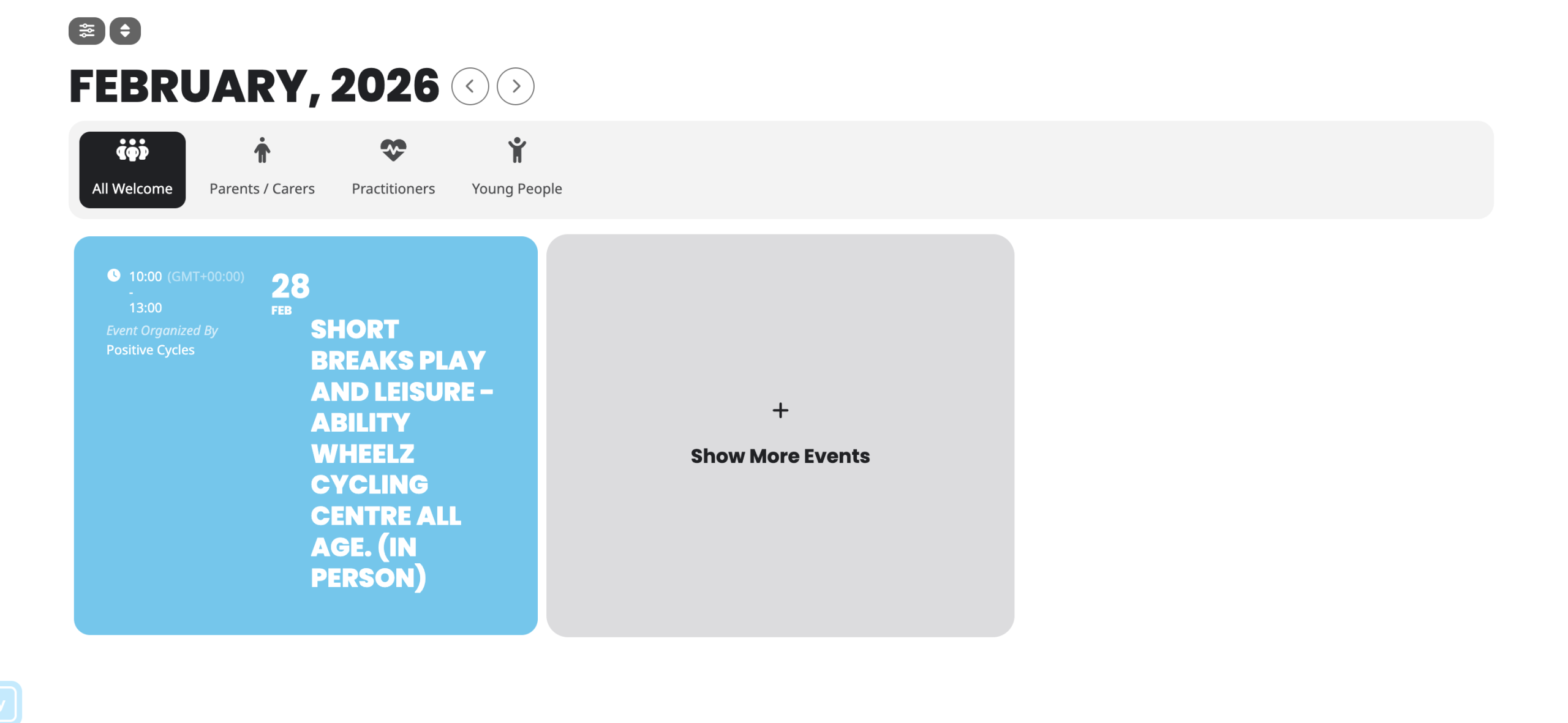
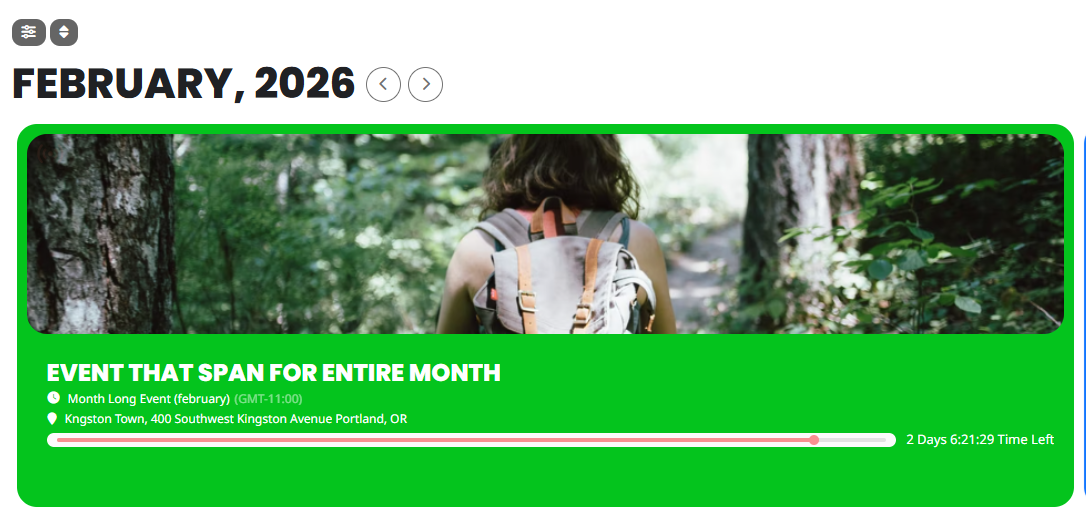
I’m trying to get all of the event details to display exactly the way they appear on your webpage using that shortcode.
Right now, the image above the event, the month-long February listing, and the address are not showing on my end.
This is the shortcode I’m currently using: [add_eventon tiles=”yes” tile_bg=”1” tile_style=”1”] Can you please let me know if I’m missing any parameters or additional settings that need to be included in the shortcode to ensure the image, full February event display, and address all show correctly?
Where can I download this version?