Hello,
With Bookings it’s a little bit tricky. Could you create a new event, select dates and times, enable “Activate tickets for this Event”, fill in “Ticket price ($) (Required*)”. now press Publish, after the page update, you can enable “Enable booking blocks for this ticket”. The problem is that after you enabled it you need to update your event by pressing update.
We are glad your issue is resolved, if you have any further questions or concerns please create a new ticket.
Hello,
Thank you again for the information about the ability to display previous events.
I will definitely use this in the future.
As for the 4th point
4.
Also this page is a good example of where the time, location and the teacher details are showing in the sidebar widgets.
And they weren’t showing before? You can hide this by going to EventON Settings > EventCard Design.
I have gone into the EventON settings> EventCard Design and hidden the time, location and the teacher details, but even though I’ve updated the Events Lists:Ext to version 0.21 and am running the latest EventON plugin, turning these off haven’t made any difference to my sidebar widgets. What am I doing wrong here?
Thank you for the quick response.
Now I have the booking button available. I am running the latest addon for booking
But I am receiving this when I go to use the booking option in the event
“Booking not activated. Save event and try again!”
I deactivated and activated again. Did not work.
Thanks
Hello¡
Thanks¡ I have tried and is not possible to have woocommerce and products in a different subdomain. I will look for another option
Thanks¡¡
Hello,
Could you replace tile_style=”1″ with tile_style=”2″ in the shortcode?
Hello,
1. Please check Ashan’s reply on the topic: https://helpdesk.ashanjay.com/ticket/refund-please-6/
2. Could you send us a ticket with the issue? Unfortunately, I cannot find it.
3. It says that “There has been a critical error on this website.” when you check the HTML code. Please follow the instructions in this documentation to activate debug in your site to see any PHP errors recorded that can provide insight on to whats going on. Please reply with a link to debug.log file. If you are not able to do this please send us FTP access to your site so we can do this for you.
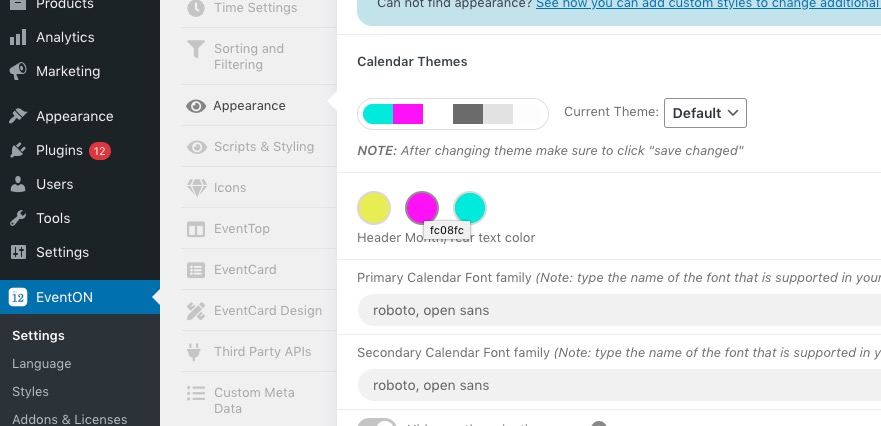
Please go to EventON > Appearance > 
If you don’t see any change, EventON > Scripts & Styling > turn off Write styles to header > save settings > turn on Write styles to header.
Also, how do I make the text appear slightly wider on a phone?
Like this?
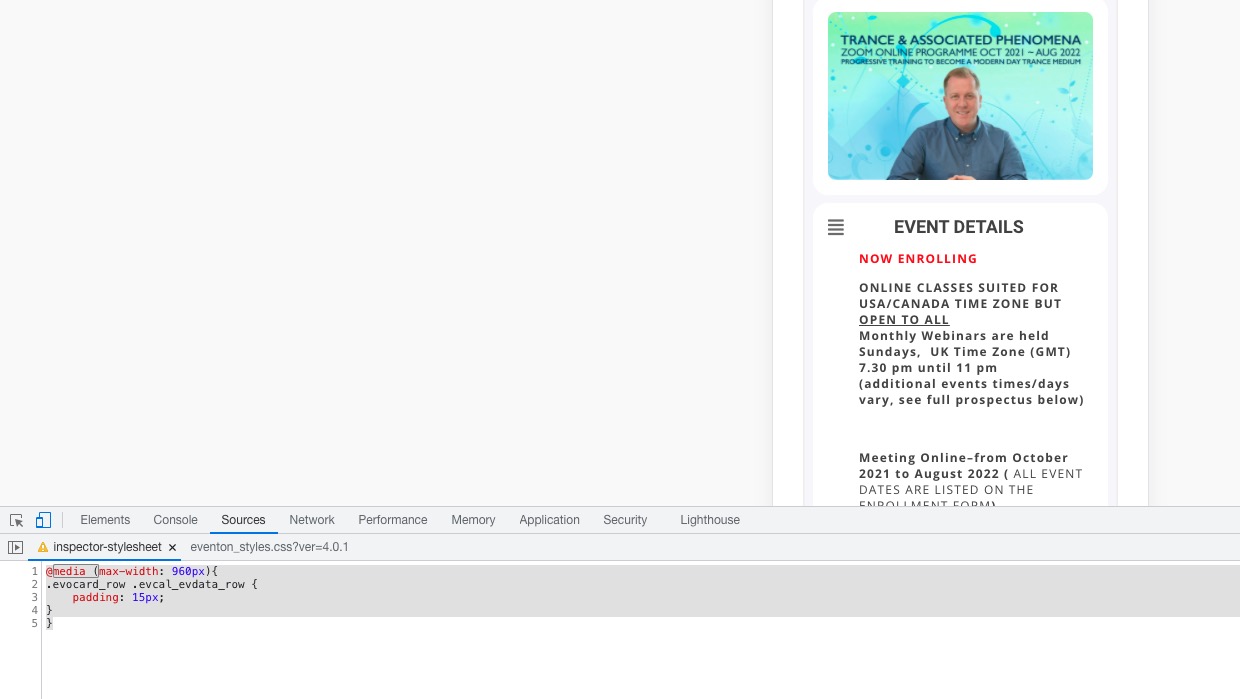
If so please add this CSS code to EventON > Styles (If you don’t see any change, EventON > Scripts & Styling > turn off Write styles to header > save settings > turn on Write styles to header):
@media (max-width: 960px){ .evocard_row .evcal_evdata_row { padding: 15px; } }
Please take a look at this guide: https://docs.myeventon.com/documentations/shortcode-generator/
All you need to do is to create a new page and just post the shortcode there, then press Publish and check.
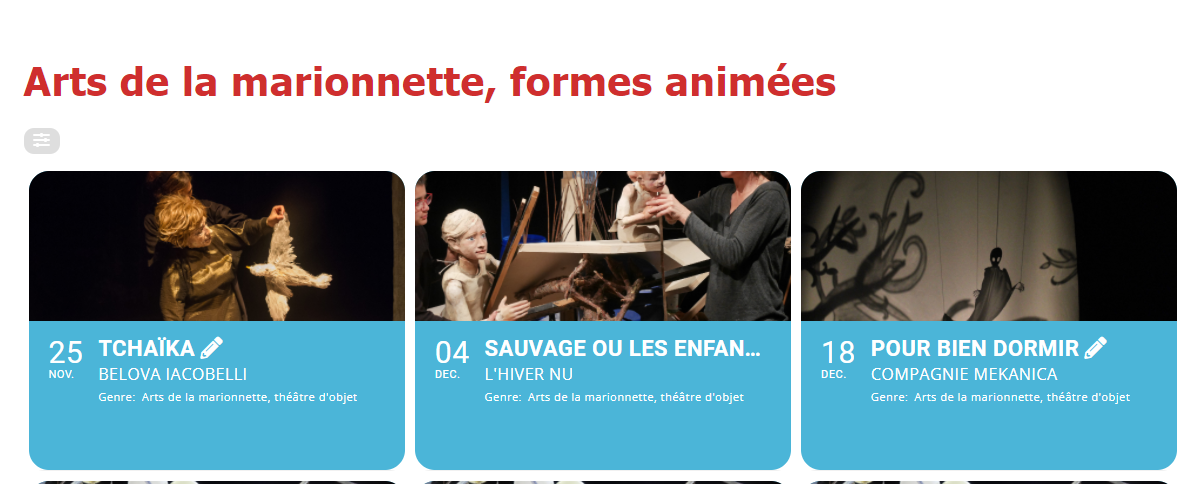
This part should be white and its blue even though I set it up to be white.
The rest came back normal thanks !