When you change type’s title, please also go to EventON > Language > Event Type Categories and change the title there.
Archives: Replies
Replies for tickets on suppota
Reply to: tickets(392468)
Hello,
Are you referring to this custom code you added to functions.php of your theme:
https://renewthenew.org/wp-admin/theme-editor.php?file=functions.php&theme=winwood-child
Please check and let me know.
Reply to: tickets(392372)
Hello,
Could you update FullCal to the latest version?
To update eventon addons: You can download latest eventon addons from myeventon > my account. Then you can go to your website, deactivate old addon and install new one and activate then delete the old addon. This link will further explain the process. Also you can follow us on twitter to get real-time announcements on updates!
Reply to: tickets(391771)
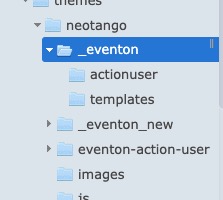
I renamed eventon folders for the theme to stop using them, but Single Event Page isn’t working:
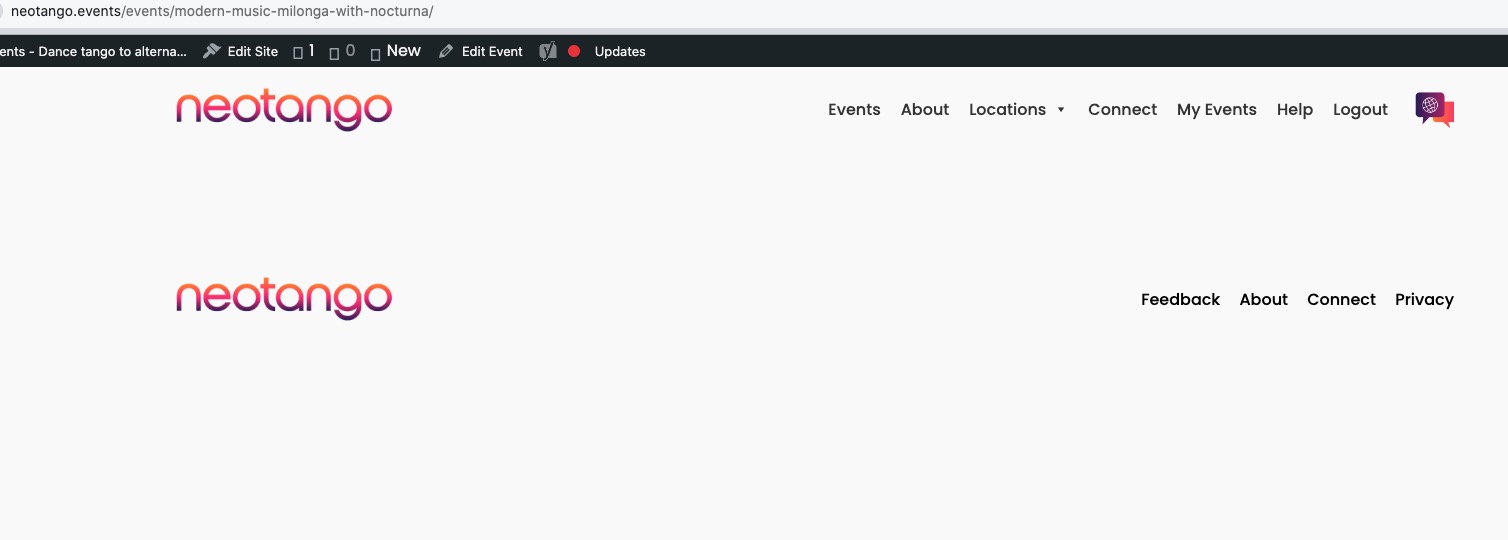
Do you have any more customizations somewhere in the theme or as a snippet?
Reply to: tickets(392434)
I changed “Caminhada” to “0-Caminhada”, but on Calendar i see the same name “Caminhada”.
Have to something more to see the update?
thanks
Reply to: tickets(392300)
Please try adding this code:
.widget .ajde_evcal_calendar.color.esty_2 .eventon_events_list .eventon_list_event .evoet_title { margin-bottom: 0 !important; padding-bottom: 0 !important; }
Reply to: tickets(392028)
I changed the code in Additional CSS:
https://staging.flamboree.org.uk/wp-admin/customize.php?return=%2Fwp-admin%2F
Seems to be working now. Please check and let me know.
Reply to: tickets(392434)
Ups, i will try
Reply to: tickets(392259)
“Manage Ticket Stock” should work:
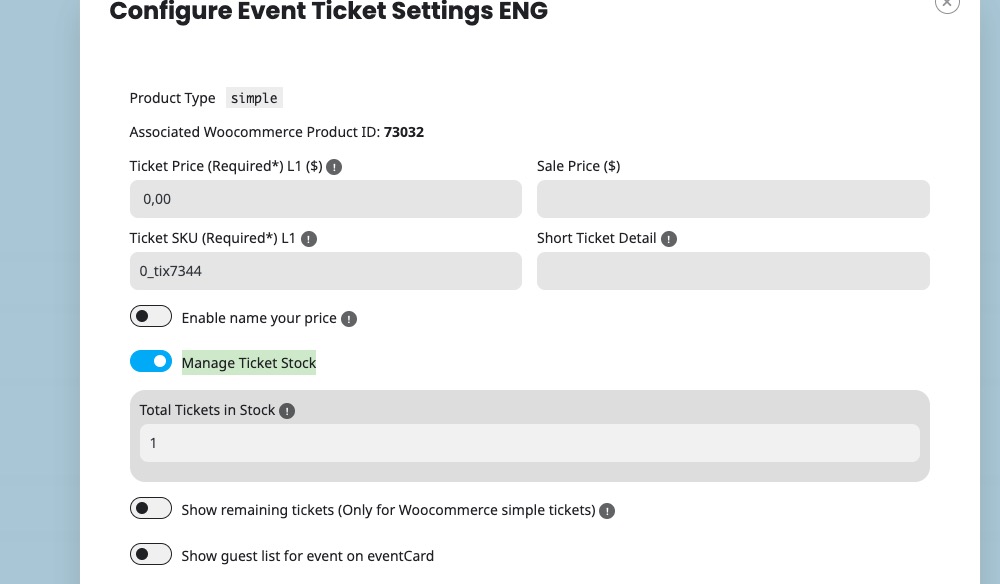
Please try and let me know.