Thank you :^>
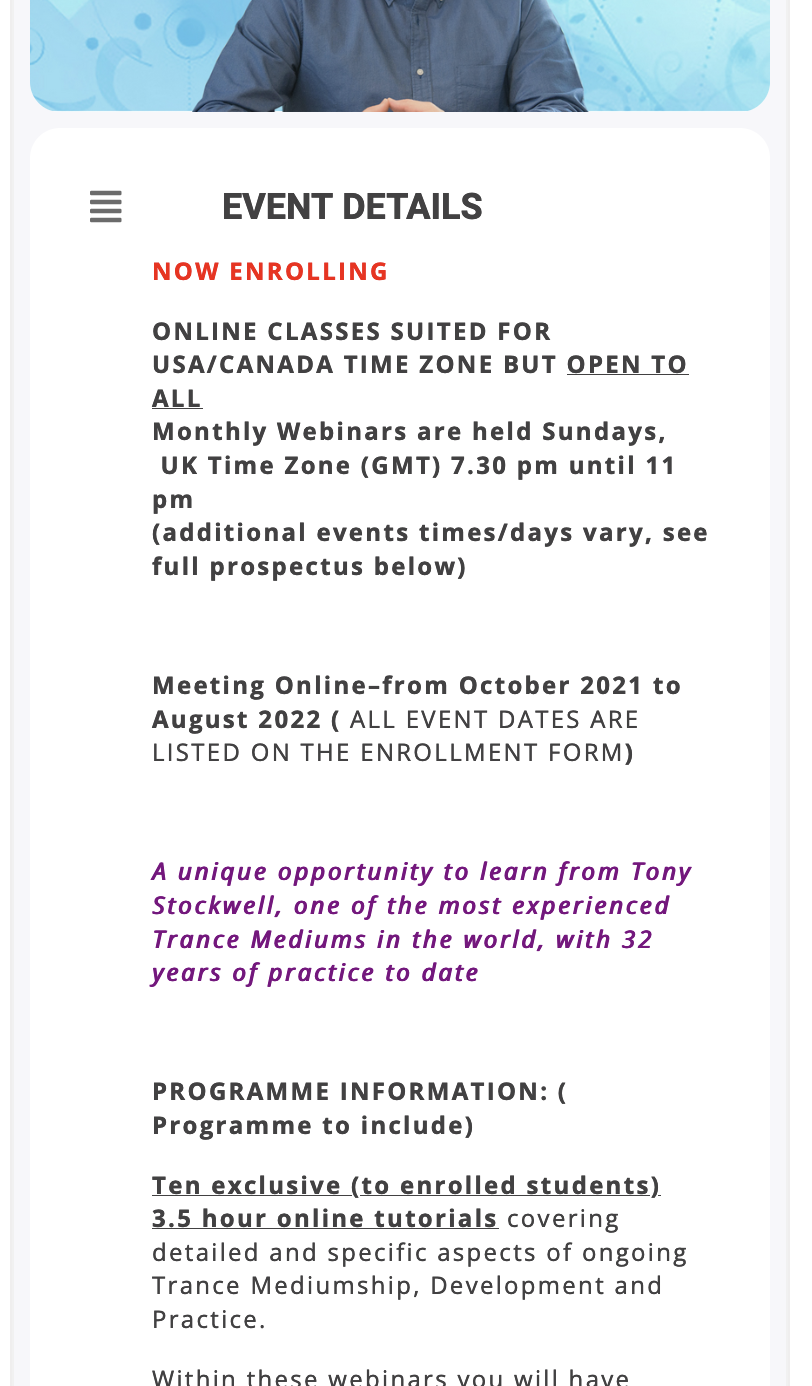
How do I change the size and color of the month and the year at the top of the event? I need the color to match the date below.
Also, how do I make the text appear slightly wider on a phone?
Replies for tickets on suppota
Thank you :^>
How do I change the size and color of the month and the year at the top of the event? I need the color to match the date below.
Also, how do I make the text appear slightly wider on a phone?
What a great reply. so through, and my problem is solved.
Thank you so much!
Michael
Hello,
Could you try adding eventtop_style=”0″ to the shortcode?
With your current shortcode you can change event’s colour by going to Edit Event > Color.
Please add hide_month_headers=”yes” to your shortcode to hide Month Headers. Filtering is available by default.
Can we check your wp-admin?
Also could you go to wp-admin > Settings > General > make sure that Timezone is right?
Go to https://globalvitiligofoundation.org/wp-admin/post.php?post=2253&action=edit > change the shortcode.
Lucile Donivard,
Could you create a new ticket with included login info?
Basically, what you need to do is to go to your shortcode, find ux_val=”3a” and replace it with ux_val=”3″.
Ashan,
New design complain: Reply to: 256904
Do I need to tell them that we aren’t going to change this?
Thank you for your messages, I am going to assign this ticket to Ashan and he will be able to take it from here and find you a solution. Please allow some time for him to get back to you, we greatly appreciate your patience and thank you for being a eventon customer!
Thank you for your messages, I am going to assign this ticket to Ashan and he will be able to take it from here and find you a solution. Please allow some time for him to get back to you, we greatly appreciate your patience and thank you for being a eventon customer!