I have updated the WP theme (the GEM) to the latest version. Issue persist. I cannot select the dates…
Archives: Replies
Replies for tickets on suppota
Reply to: tickets(255473)
Will this work for you: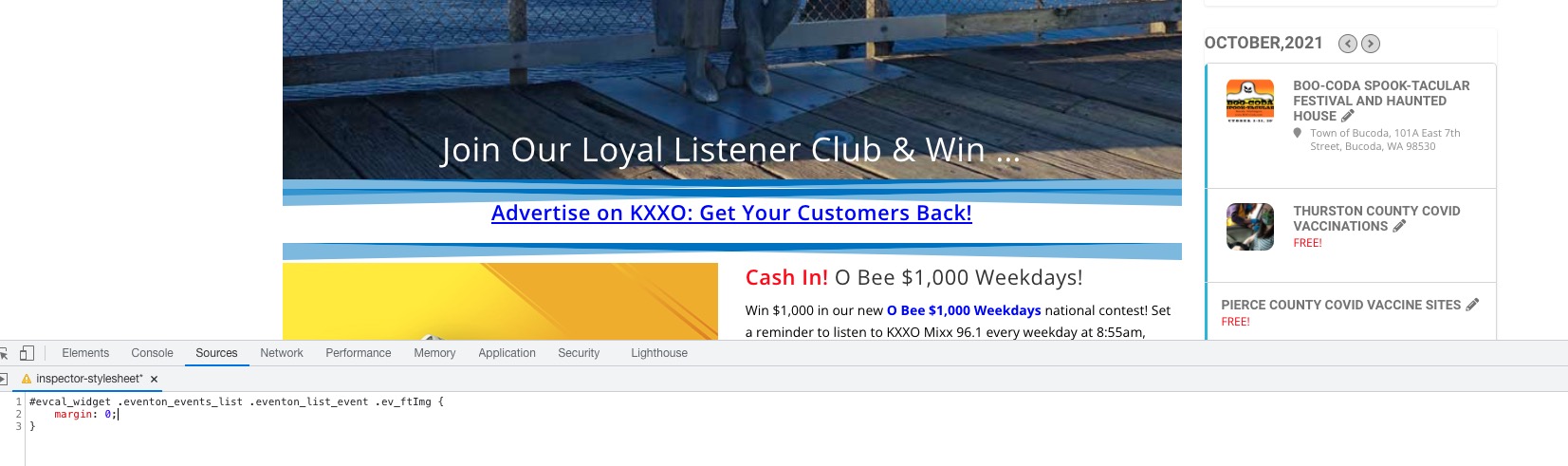
If so please add this CSS code to EventON > Styles (If you don’t see any change, EventON > Scripts & Styling > turn off Write styles to header > save settings > turn on Write styles to header):
#evcal_widget .eventon_events_list .eventon_list_event .ev_ftImg { margin: 0 !important; }
Reply to: tickets(255733)
Hello,
Please add this to the shortcode:
event_count_list=”yes”
The option applies Event Count to the whole events list.
Reply to: tickets(254902)
We are glad your issue is resolved, if you have any further questions or concerns please create a new ticket.
If you have a moment, we would greatly appreciate if you could kindly leave us a review at codecanyon! from your account > downloads. Cheers!
Reply to: tickets(254902)
That worked (once I figured out you meant adding it to the theme’s CSS rather than inside the EVENTON plugin. 🙂 )
Thank you for your help! It looks much better and takes up less screen real estate now.
Reply to: tickets(254235)
That correction I think was for the other person, not for me.
Reply to: tickets(255473)
Hello – Thanks for Scripts & Stylings tip; that worked. However, images still displaying centered on widget. I’d prefer top left flush with date, perhaps with a few pixels width between image and date so they’re not squished together. Thanks! Scroll down below banner ads on https://www.kxxo.com for how widget looks now.
Reply to: tickets(255621)
Ok its installed. Didn’t seem to help though…
Reply to: tickets(255317)
I am not updating eventon for atleast a month until all issues are resolved. We def. need a better event management app for wordpress. This is all hacked up.
Reply to: tickets(255003)
Hi Artem
Thanks it worked.
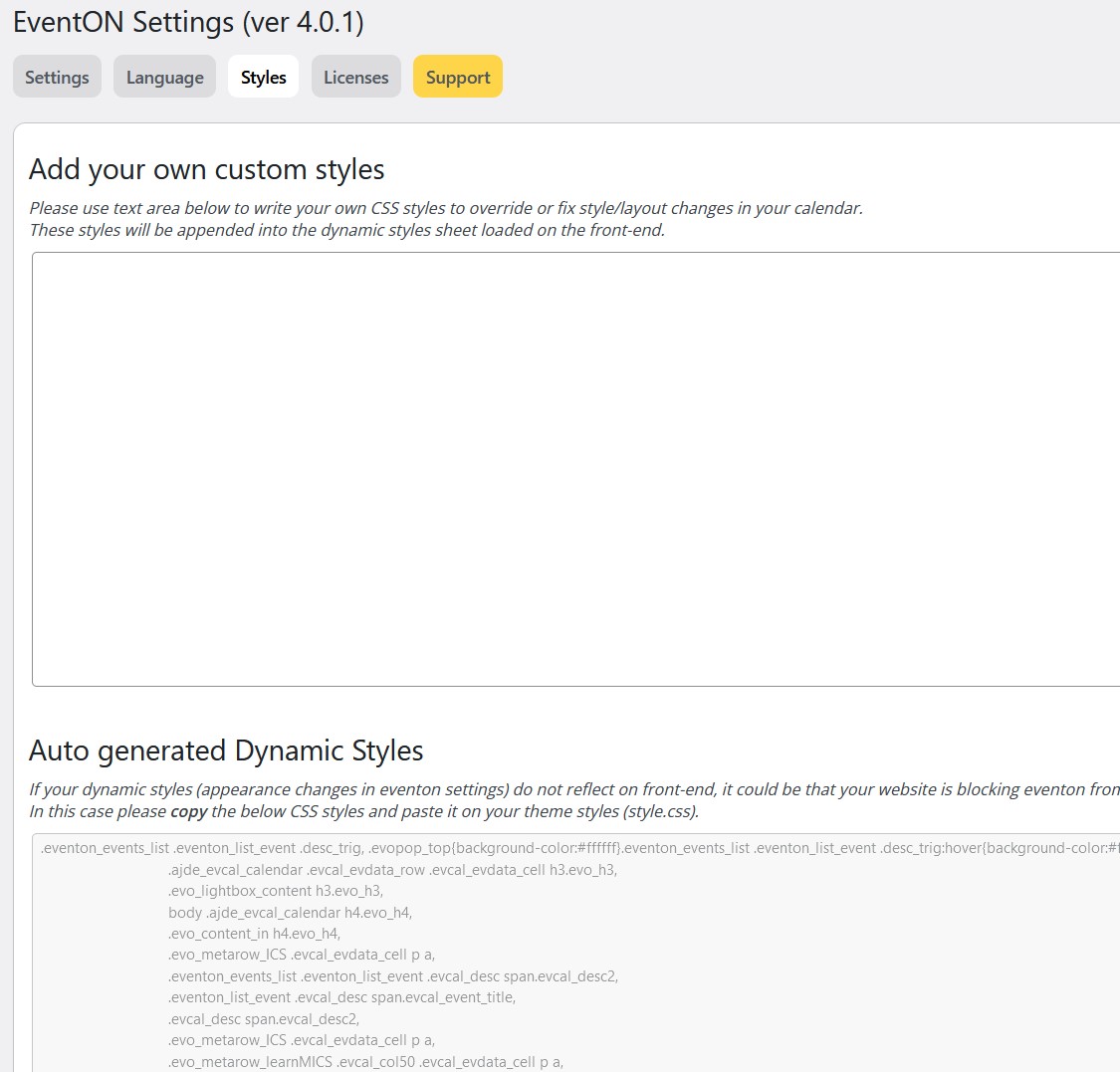
Question: I have implemented this code in CSS Customizer, but isn’t that better in my own EventON Add your own custom styles, is it a code that corresponds to the plugin directly?
Guido