How to change the hover
/*changes the icons color*/
.evo_cal_above span{color:black; background-color:white;}
Replies for tickets on suppota
How to change the hover
/*changes the icons color*/
.evo_cal_above span{color:black; background-color:white;}
Perfect!!! What have you done to make it work?

Thanks a lot
Thank youuuuuu
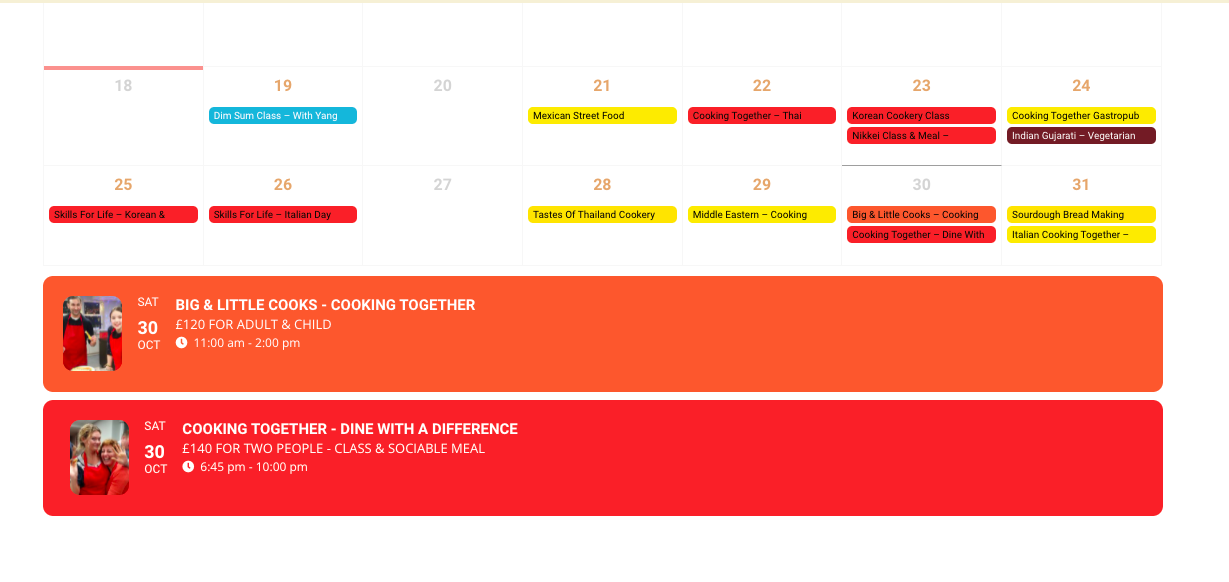
I have added that – it worked thanks
I’ve amended the code as below but the event top is still showing as a colour and I can’t see the months and years above the calendar – I’m trying to get it to show only years 2021 and 2022
[add_eventon_fc show_et_ft_img=”yes” hide_past=”yes” tile_style=”2″ fixed_year=”2021, 2022″ jumper=”yes” style=”names” ]
Could you please tell me the code to get the event top right, to show years 2021 2022 and the months above the calendar
Thanks
Helen
Could you try installing https://wordpress.org/plugins/enable-jquery-migrate-helper/? It seems that the theme wasn’t updated to work with WP 5.8.
In order to change the background, please go to EventON Settings > Appearance > EventTop. If you don’t see any change, EventON > Scripts & Styling > turn off Write styles to header > save settings > turn on Write styles to header.
I’ve also added custom CSS code that should fix the images issue. Please check and let me know.
I went to EventON Settings and enabled Remove schema data from calendar. Please check now.
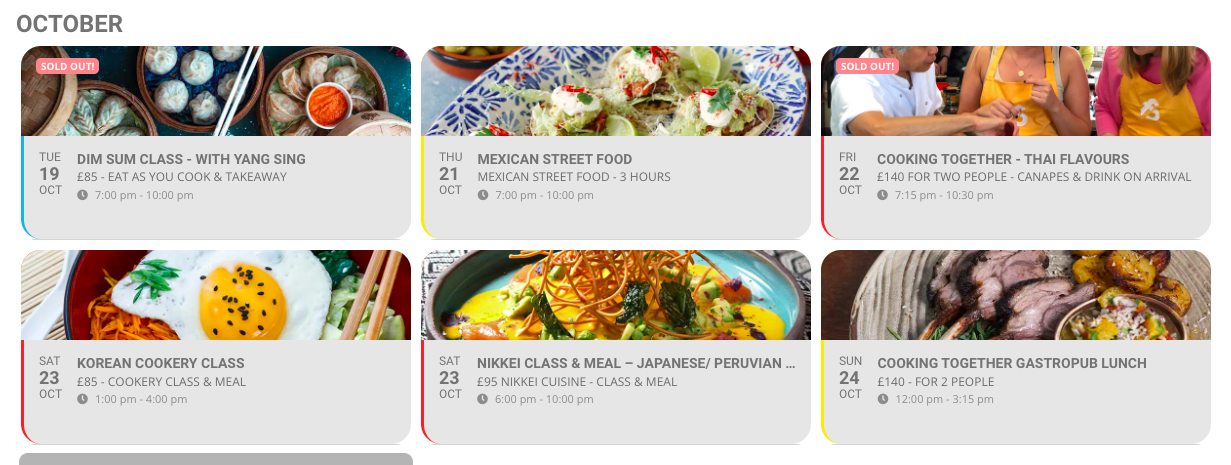
The gap between the day and the date looks wrong and is different to other pages.
Is there a way to get it to look like other pages where I’ve use the shortcode generator?
The example below is from our homepage
Thanks
Helen
Please check now.
Hello,
It seems that you also need to update Event Lists: Ext add-on first.
To update eventon addons: You can download latest eventon addons from myeventon > my account. Then you can go to your website, deactivate old addon and install new one and activate then delete the old addon. This link will further explain the process. Also you can follow us on twitter to get real-time announcements on updates!