Hello,
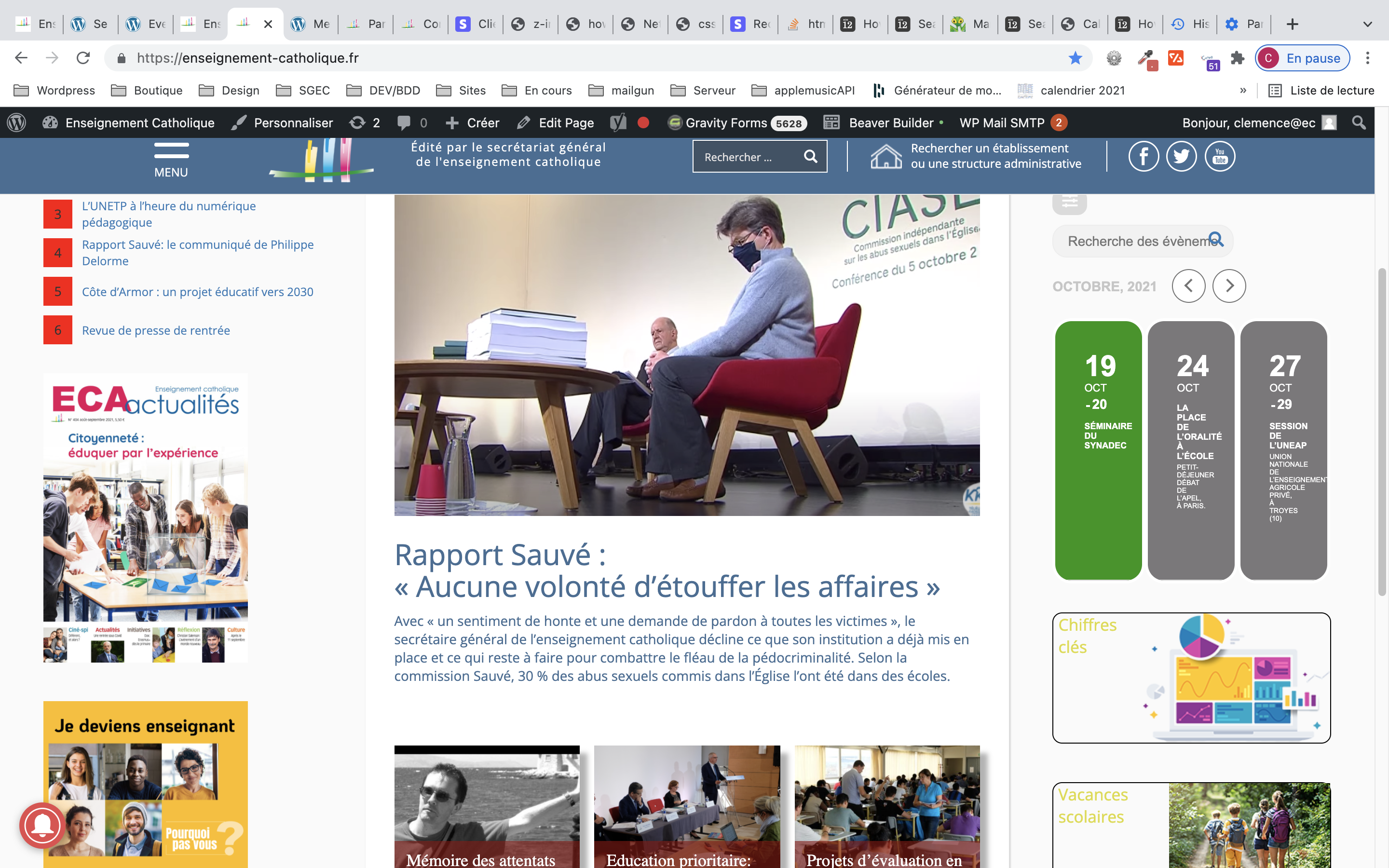
It seems that because of sidebar’s width you should replace tile_count=”3″ with tile_count=”2″ in the shortcode to show only two tiles per row.
Replies for tickets on suppota
Hello,
It seems that because of sidebar’s width you should replace tile_count=”3″ with tile_count=”2″ in the shortcode to show only two tiles per row.
Please add this code:
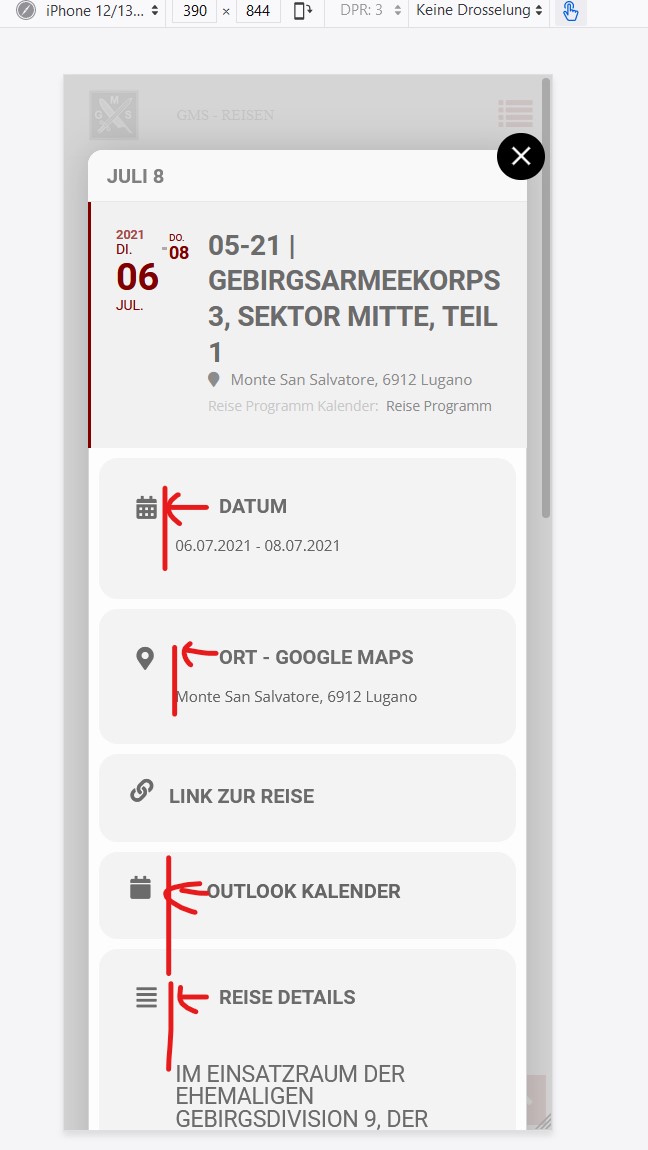
@media (max-width: 480px){ .evcal_evdata_row .evcal_evdata_cell h3, .evo_metarow_ICS.evo_clik_row .evcal_evdata_cell h3, .evo_metarow_learnmore.evo_clik_row .evcal_evdata_cell h3 { padding-left: 0px } .evcal_evdata_row.evo_metarow_ICS .evcal_evdata_cell { padding-left: 0px; } }
admin
dtnj38146
Hi Artem
So far it seems to be working.
But unfortunately with Mobile the title texts are not left-aligned.
Thank you for your answer.
Guido
Hello,
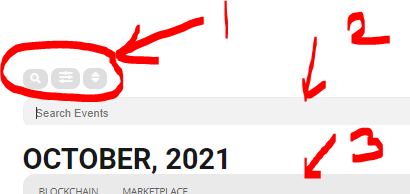
Please use the custom CSS code below to change the colors
/*changes the categories color, background and hover colors*/
.eventon_sorting_section{background-color:black;}
.eventon_filter_line .filtering_set_val:hover { background-color: #d2d2d2;color: #fff;}
.eventon_filter_line .filtering_set_val{color:white !important;}
/*changes the icons color*/
.evo_cal_above span{color:black; background-color:white;}
You can add the code in Appearance > Customize > Additional CSS
the screenshot with my problem.
Thanks.
Hi Stef,
Before we take a look, as basic troubleshooting, could you please try the instructions mentioned in this documentation to make sure your issue is indeed coming from eventon.
Hi
Please find attached a screen capture, thanks for your help
Hey!
Sorry but I do not understand what you mean by shortcode, should I change there? or do I have to renew the event list as well?
Lasse
Could you send us a screenshot?
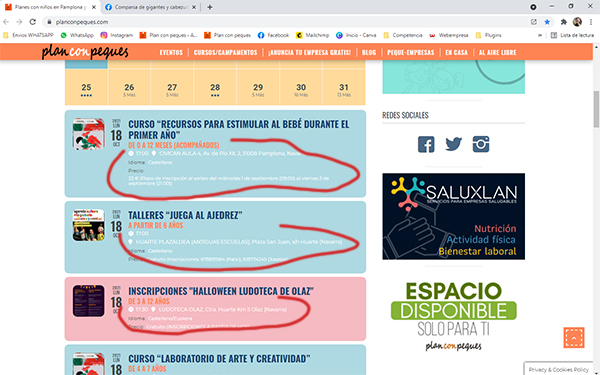
I send you a screenshot.
Please add this CSS code to EventON > Styles (If you don’t see any change, EventON > Scripts & Styling > turn off Write styles to header > save settings > turn on Write styles to header):
.evcal_evdata_row .evcal_evdata_icons { position: relative; }
I have added the css code and it has not merged. Then I have turn off "Write dynamic styles to header" but there have been no changes