Thanks! I am not really a coder so have just used the Inspect option to copy your CSS and adjust it (Specificity was already in the code). I am happy to take your lead on what CSS to use but nothing I am adding to Customise>Additional CSS is actually reflecting on the front end.
Archives: Replies
Replies for tickets on suppota
Reply to: tickets(391921)
I am looking forward to any update on this,
thank you,
Abigail
Reply to: tickets(390451)
We are sorry for the delay. Ashan will update you ASAP. He’s working on EventON 4.9.11.
Reply to: tickets(386612)
We are sorry for the delay. Finding a server with these specs should be enough to run eventON + Tickets + QR + Woocommerce, according to Ashan:
CPU 2 core+ RAM 4GB+, storage 20GB SSD+
Reply to: tickets(392109)
Ah sorry. Ashan is working on 4.9.11. It should be available ASAP.
Reply to: tickets(392177)
Hello,
We are aware of the issue and are working on fixing it. The update will be available ASAP. Thank you for the info!
Reply to: tickets(392028)
Could you let us know more about added “Specificity: (0,4,1)”? I don’t think that you should add it this way. Please try removing it.
On my side with your code used:
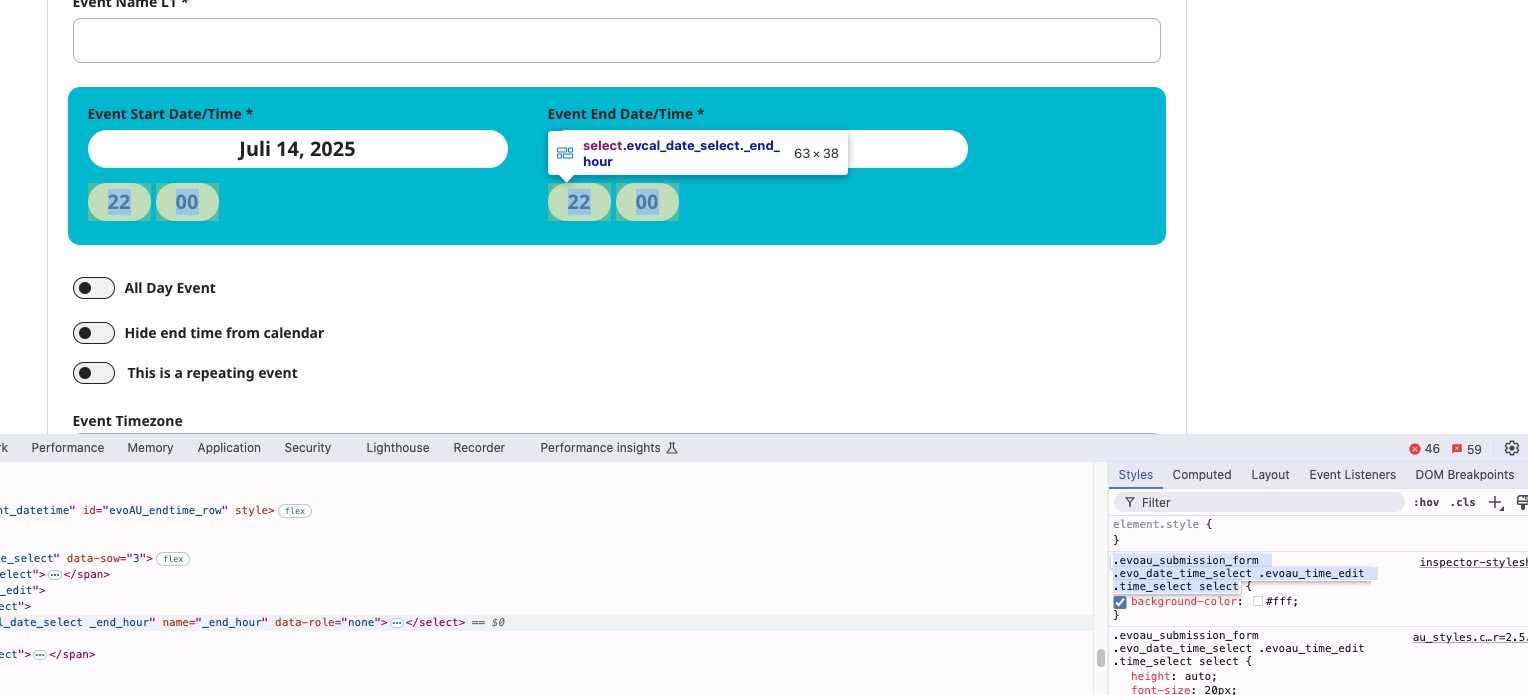
As for EventTop color of Event Map, please try this code:
.evoem_lightbox_body.eventon_events_list .eventon_list_event .desc_trig, .evopop_top { background: red !important; }
Reply to: tickets(392189)
About Enable language corresponding events. Please make sure that it’s disabled.
Reply to: tickets(392189)
Hello,
Please send us wp-admin access to your site from “Access Info” box on right side menu, to further assist your situation.
Did you enabled EventON > Enable language corresponding events?
Reply to: tickets(392190)
Hello,
Please follow this guide:
https://docs.myeventon.com/documentations/customize-eventtop-date-format/
Use ‘date’ and try $start[‘F’].’.’.$start[‘d’] according to:
https://www.php.net/manual/en/datetime.format.php
Just make sure that quotes are correct.