Hi, thank you for gettting me the previous version. Unfortunately, the issue has continued.
We installed immediately on staging, over course of 24 hours had no issues, did same on the main site, ran into issues a few hours in (realized the Constant contact plugin was active on main not test site) so disabled refreshed all and that solved the problem immediately. However, within a 2 days we got back to the issue of no calendar loading past the grey pro load box. If we go in and clear all caches (sometimes server cache) we can get it to load properly again.
We are having once per day having to do this to get that calendar to load. I had tried to resolve through all info could find here in support or any thread, to no resolve, finally thought issue started occuring same time as updated, so was hopeful that was resolution. But since now continuing, I’d like to ask for additional help.
Should I resubmit a ticket so can add the backend login information? Our calendar is used for state social services training, so just link to registration but we need it up as we get dozens of signups daily and get emailed frequently that calendar is done (people have to register for licenses etc.). happy to share backend, I haven’t updated plugin or done anything since reverting.
Will mention that the temp domain, was working everyday since the 18th, but isn’t now. May have stopped in the last day or two max, I had been checking everyday to see if it worked while the main site didn’t. Every setting etc. is the same, but this one took a week to stop, which is what we were at originally in Dec and Early Jan before it started being a daily occurance.
https://wordpress-706230-6224051.cloudwaysapps.com/ (can see on that main page it’s just stuck trying to load).
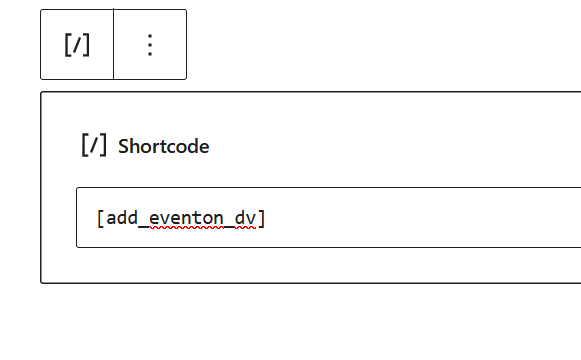
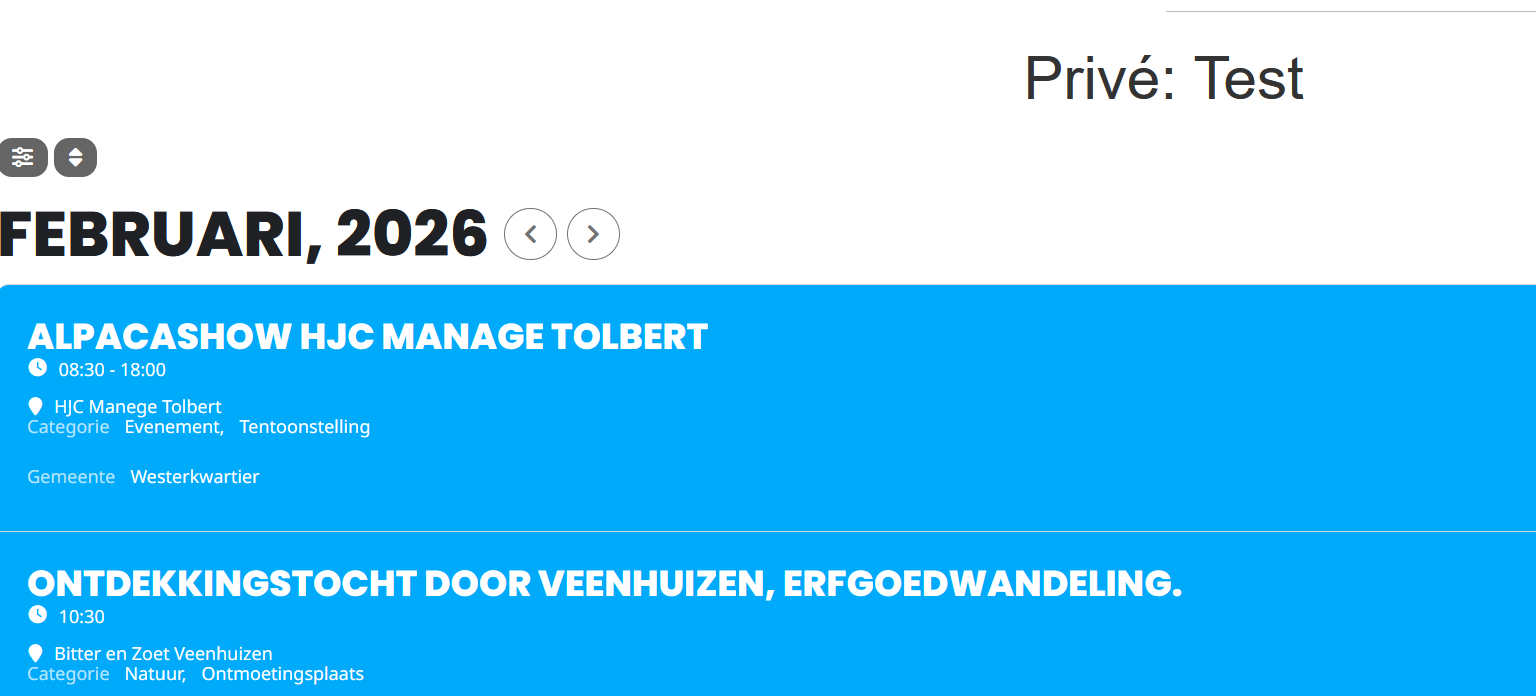
I tried it on a new page with nothing on it
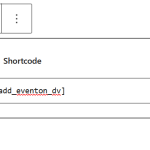
Gives the same result, without the month and day box at top:

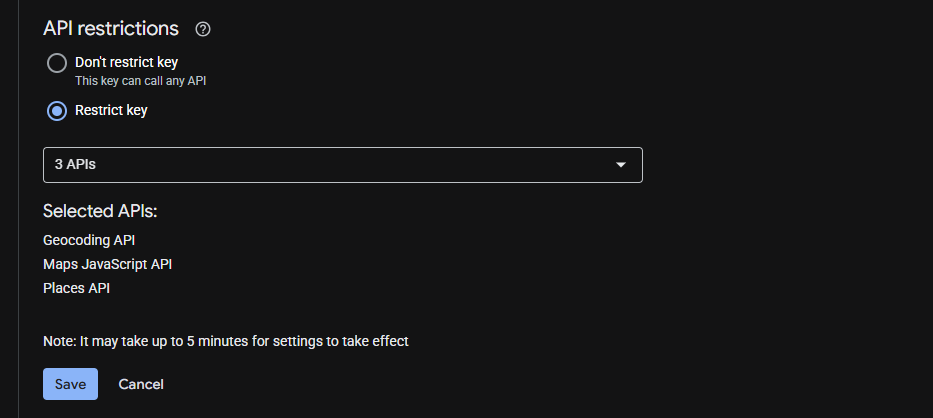
I have enabled the Geocoding API and updated the API key restrictions to include it.
New issue:
Geocoding Service: This API key is not authorized to use this service or API. Please check the API restrictions settings of your API key in the Google Cloud Console to ensure that all of the APIs and services you need to use are correctly specified in the list of enabled APIs. For more information, see https://developers.google.com/maps/api-key-best-practices. For more information on authentication and Google Maps JavaScript API services please see: https://developers.google.com/maps/documentation/javascript/get-api-key
Hello,
RSVP 3.1 version is available. Please update and check if the issue continues.
To update eventon addons: You can download latest eventon addons from myeventon > my account. Then you can go to your website, deactivate old addon and install new one and activate then delete the old addon. This link will further explain the process. Also you can follow us on twitter to get real-time announcements on updates!
We are glad your issue is resolved, if you have any further questions or concerns please create a new ticket.
If you have a moment, we would greatly appreciate if you could kindly leave us a review at EventON WordPress Page OR EventON > My Account > Downloads. Your review helps us a lot in continuing EventON improvements!
Ashan,
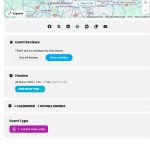
The same on dev2.
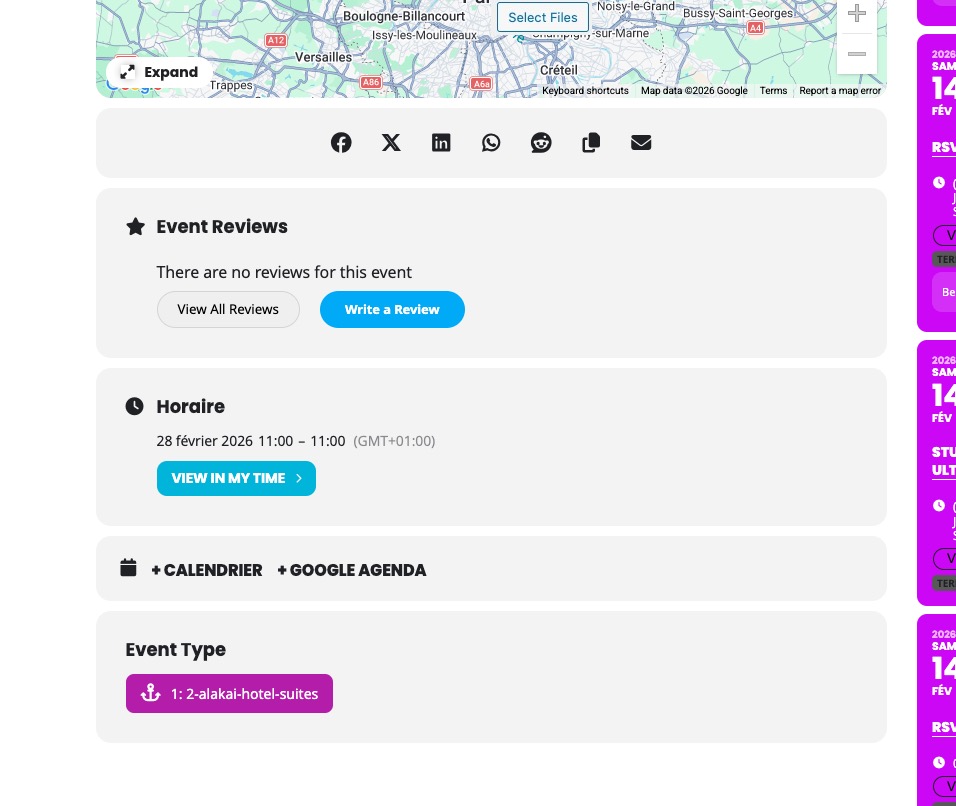
Location and Organizer sections aren’t visible.
Thank you for letting us know! Our devs will respond ASAP and provide you with a fix or the previous version of the plugin.
We are glad your issue is resolved, if you have any further questions or concerns please create a new ticket.
Thank you for your great suggestion, at the moment it is not supported. However please create a new ticket and select Feature Request as category so others can vote on your idea and get it moved into development faster.