Hello,
Are you referring to Subscription Confirmation email?
Could you send us a screenshot of the email?
Replies for tickets on suppota
Hello,
Are you referring to Subscription Confirmation email?
Could you send us a screenshot of the email?
Hello,
Could you update Tickets add-on? To update eventon addons: You can download latest eventon addons from myeventon > my account. Then you can go to your website, deactivate old addon and install new one and activate then delete the old addon. This link will further explain the process. Also you can follow us on twitter to get real-time announcements on updates!
After the update, if the issue continues, please follow the instructions in this documentation to activate debug in your site to see any PHP errors recorded that can provide insight on to whats going on. Please reply with a link to debug.log file. If you are not able to do this please send us FTP access to your site so we can do this for you.
Any updates?
Thank you for your messages!
I am going to escalate this ticket to our account manager to help in here. Please allow us some time to address this, and we truly appreciate your patience. Thank you for being a valued EventON customer!
Hello Artem,
thank you for that – i do the steps but it doesnt work. Can you please help here?
Thank you for your efforts
br
Andi
Hi, I hope you had a nice vacation 😉
I just meant you should try logging in from a browser that isn’t logged in. Then you’ll get a blank admin page.
Hello,
Terribly sorry for the inconvenience.
Could you update EventON to 5.0.10 to fix this issue?
Please follow this instruction:
To update eventon to latest version: (If auto update works, please try that from with your website plugins page)
1. If you purchased eventON from codecanyon > Go to EventON Full page and verify your purchase to get a free copy of eventON latest version and move your purchase over to myeventon.com.
2. If you already purchased eventON from myeventon.com go to My Account > Downloads and get the latest version copy.
Once you have the latest version zip file. Then you can go to your website > make sure ”Delete eventon settings & data when EventON is uninstalled” is De-slected from eventon settings, delete old eventon, install new one and activate. This link will further explain the process it. Follow us on X to get real-time announcements on updates!
After updating to the latest version the issue with the license format will be gone.
Please try and let me know.
I was able to add different code into your functions.php file and remove the oEmbed feature from your website. You can remove the WP file manger plugin.
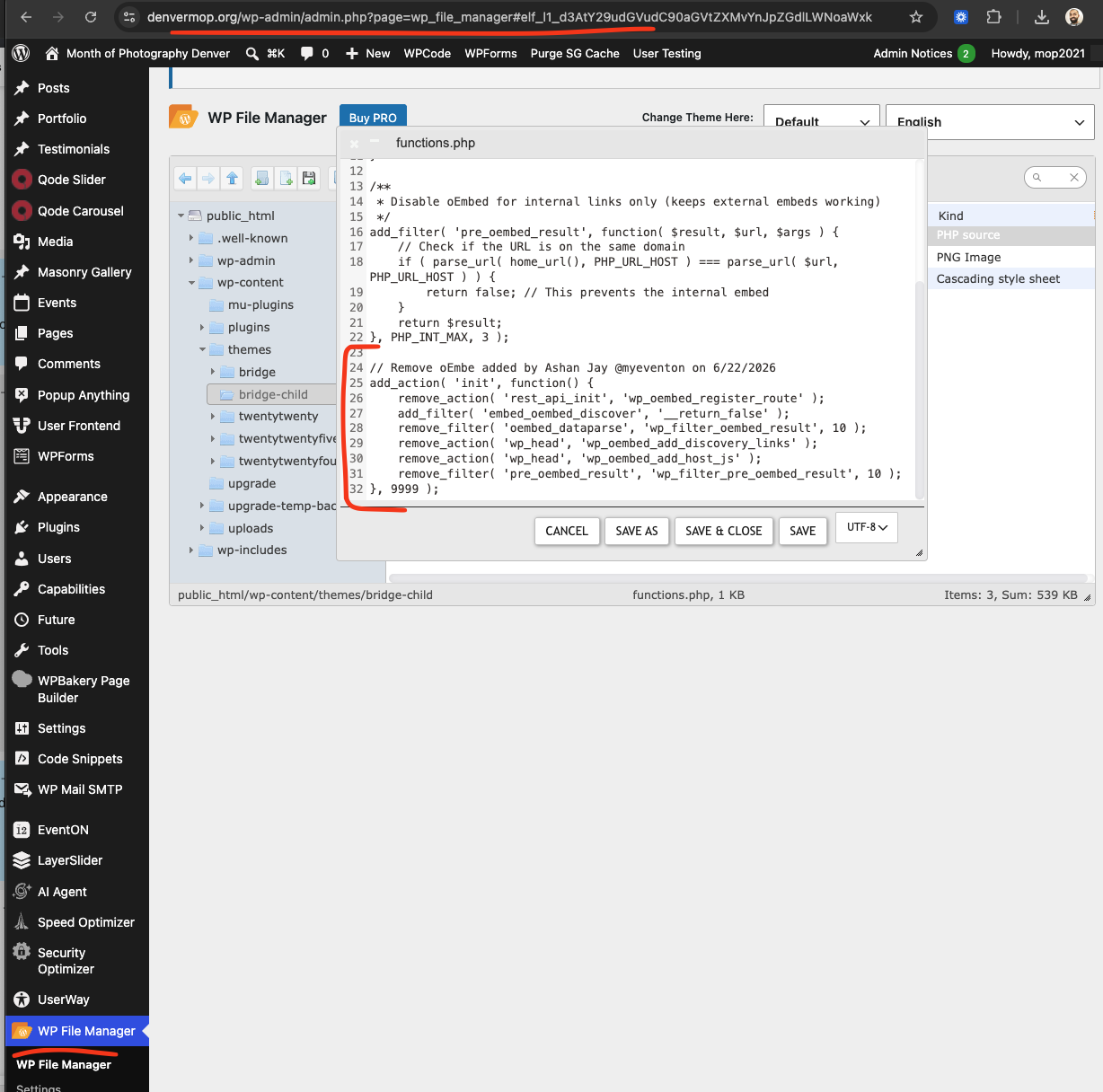
I am going to install file manager plugin to edit the functions.php file to make sure that code was properly added.
Interesting, we never had any requests like so. Unfortunately we do not have the support to allow 2 different emails to access the same account at this time.