The calendar works fine now, thank you!
Archives: Replies
Replies for tickets on suppota
Reply to: tickets(404315)
Please send me a link where I can download the previous version.
Reply to: tickets(404315)
Please expand on Organizer and Location field.
I have these fields filled in and enabled, but they aren’t showing up.
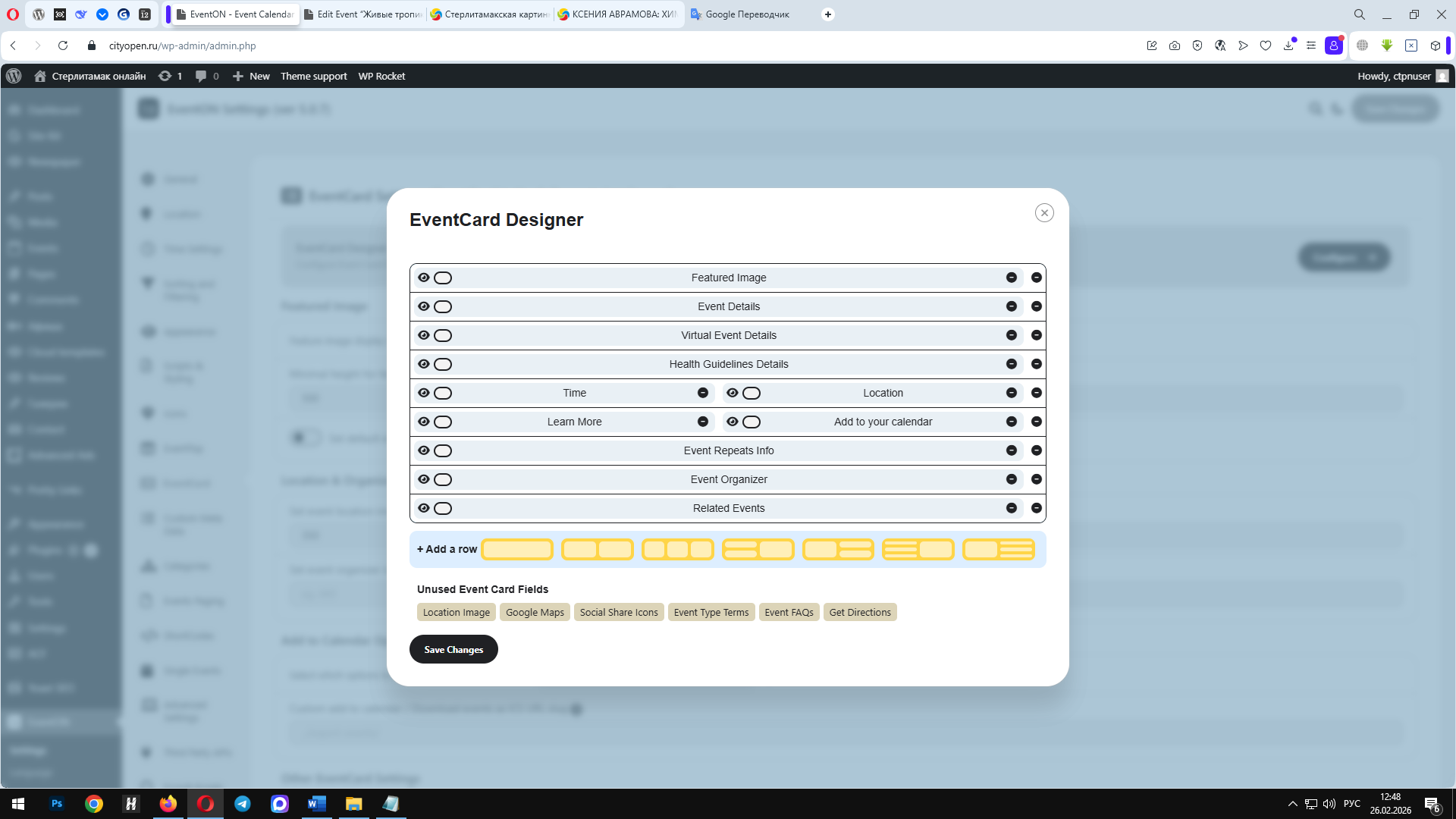
Reply to: tickets(404315)
I added the code, but nothing changed. What am I doing wrong?
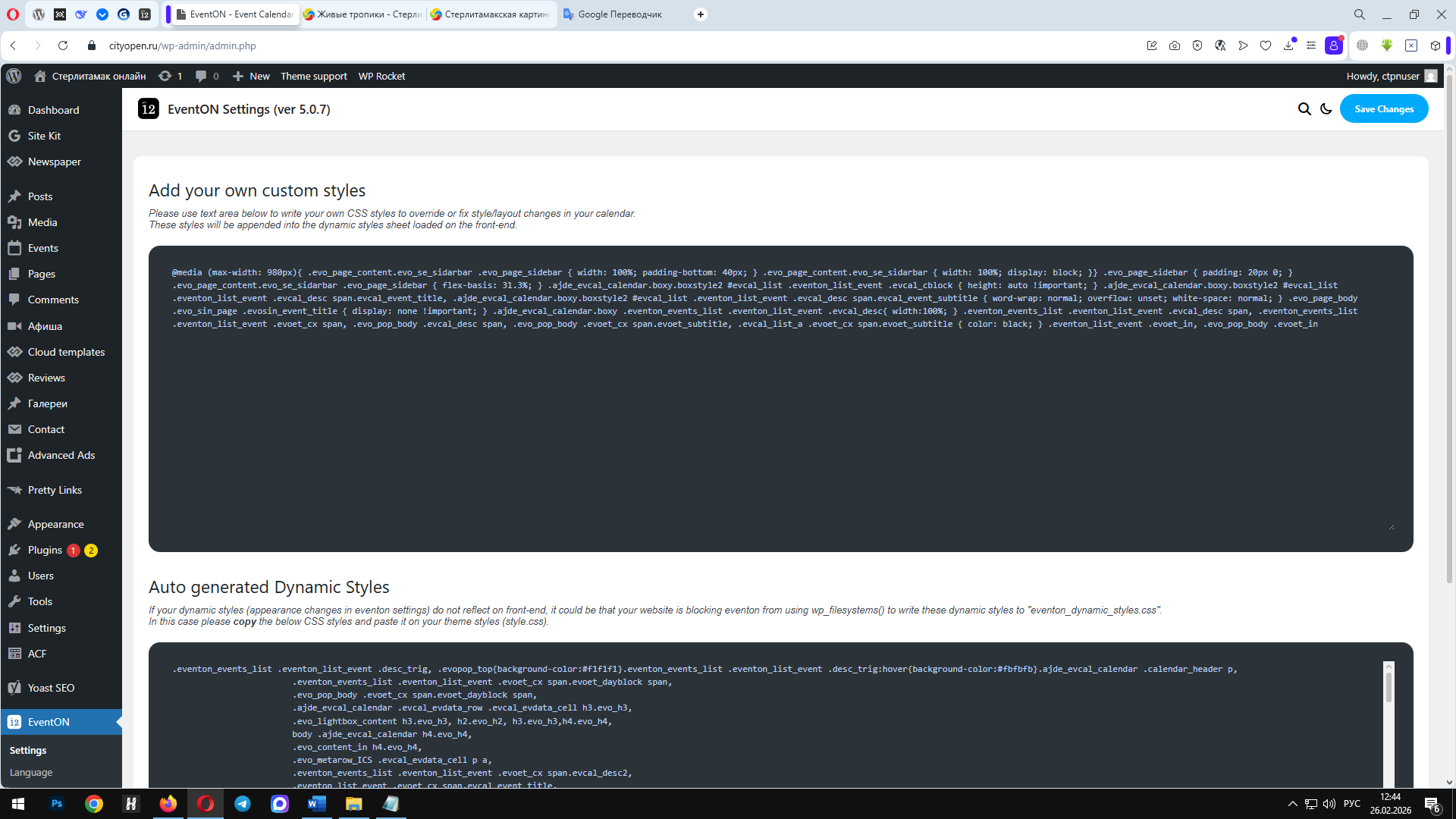
Reply to: tickets(403094)
All done license is now with you and new key activated. Great process all worked well.
Reply to: tickets(404093)
I’m no longer receiving the error message. The map loads briefly for a second, then disappears.
Reply to: tickets(404045)
One more question left about this. Is it possible to change event type archive page slug. I mean I would really like to rename and translate this slug ”event-type” to ”kategorijos”
Reply to: tickets(401132)
Terribly sorry for the delay.
We’ve released EventON 5.0.7, but only on our website. Could you update and check if the issue continues?
Please take a look at these screenshots on how to get a free copy of EventON with CodeCanyon’s license:
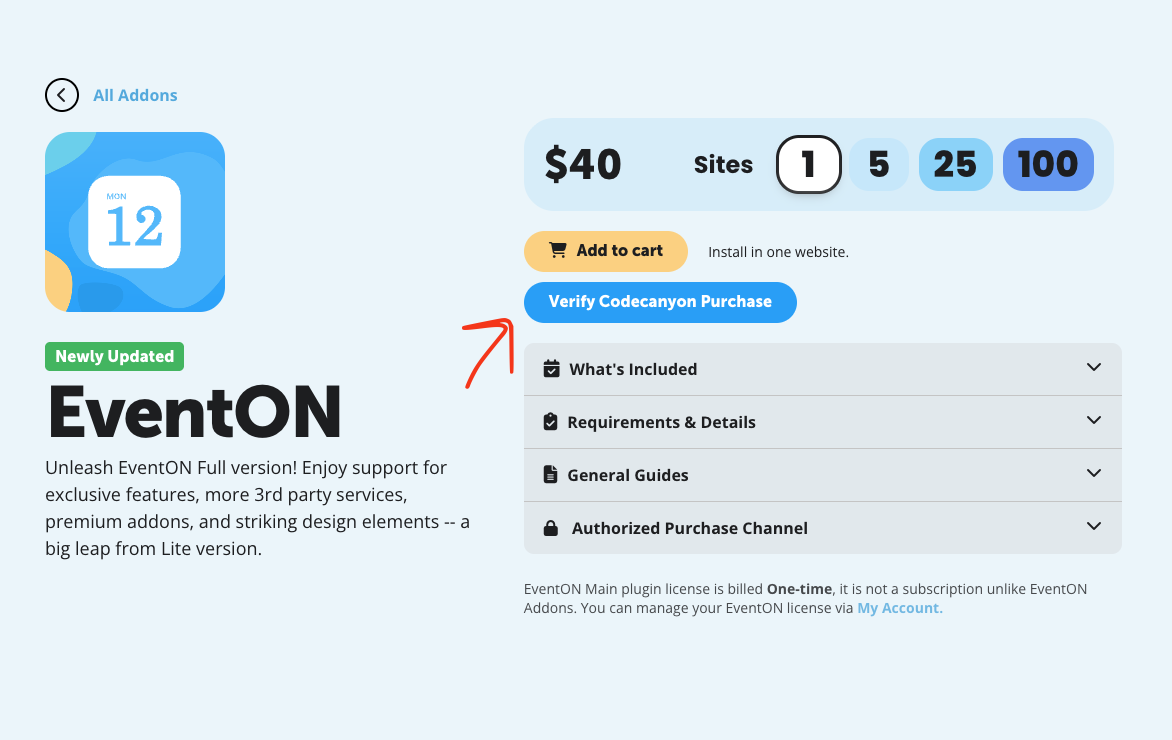
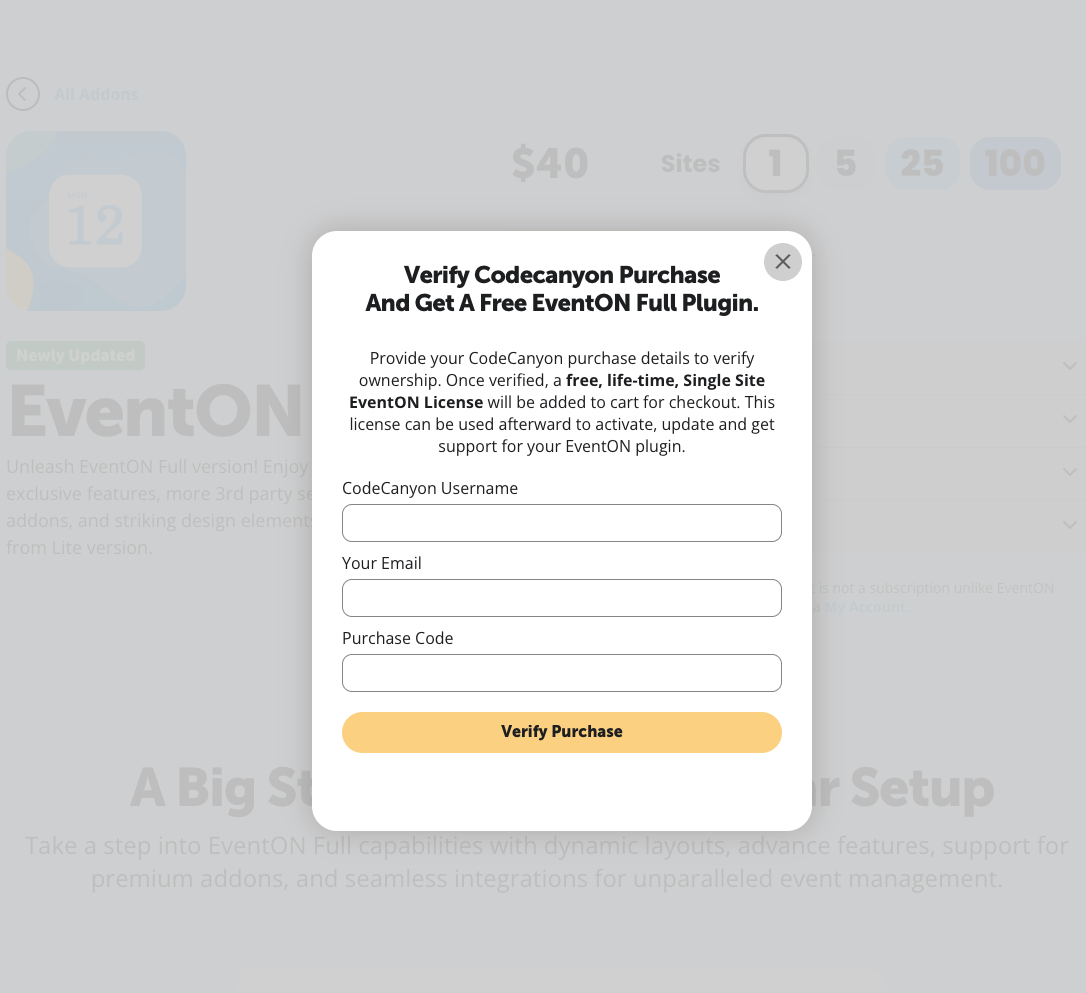
Reply to: tickets(404063)
You can use this plugin to disable plugins and switch the theme for your logged-in user only:
https://wordpress.org/plugins/health-check/
Please check and let me know.
Reply to: tickets(402243)
Terribly sorry for the delay.
We have created this guide on how to change the shortcode on Event Type page:
https://docs.myeventon.com/documentations/how-to-customizing-the-upcoming-events-list-on-event-taxonomy-archive-pages/
About the styling of the page itself. Could you let us more about which parts of the page itself you want to change and how? We are going to provide you with CSS code.