Ashan,
Please check Order ID:
211455
Also take a look at
Replies for tickets on suppota
Thank you for your messages, I am going to assign this ticket to Ashan and he will be able to take it from here and find you a solution. Please allow some time for him to get back to you, we greatly appreciate your patience and thank you for being a eventon customer!
And can we access wp-admin of
https://www.pcrest.org/event-directory/
Because I only see the issue on pcrest website.
Offf…. show_et_ft_img=“yes”
Where and how will this code be added? There is already a shortcode on the event page!
[add_eventon_list number_of_months=”12″ hide_empty_months=”yes”]
Could you please add a demo? I couldn’t understand.
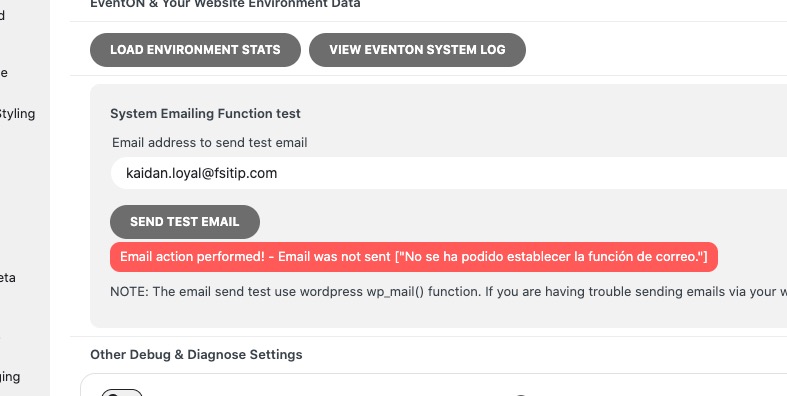
I just tried to send a test email and got this error:
On our test site:
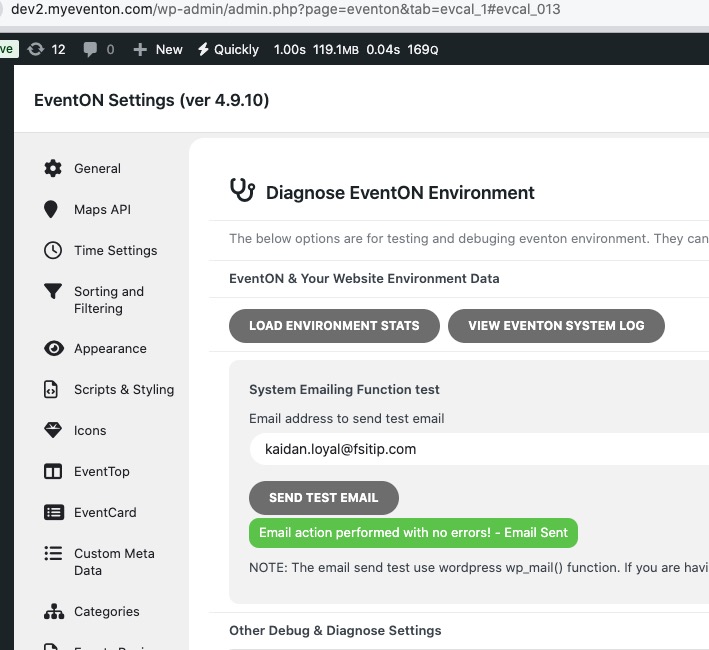
Could you try installing SMTP plugin?
Does emailing work when you purchase a regular WooCommerce product?
So with ICS importer I can add an even to the first site then whenever the ICS importer runs on schedule it would add the event to the second site?
Hello,
Which resolution are you referring to?

Hello,
Please use Event Lists shortcode:
[add_eventon_list number_of_months=”24″ hide_empty_months=”yes” tiles=”yes” tile_count=”3″ tile_bg=”1″]
How to use Event Type to filter events:
https://docs.myeventon.com/documentations/confused-event-type-categories/
Ashan,
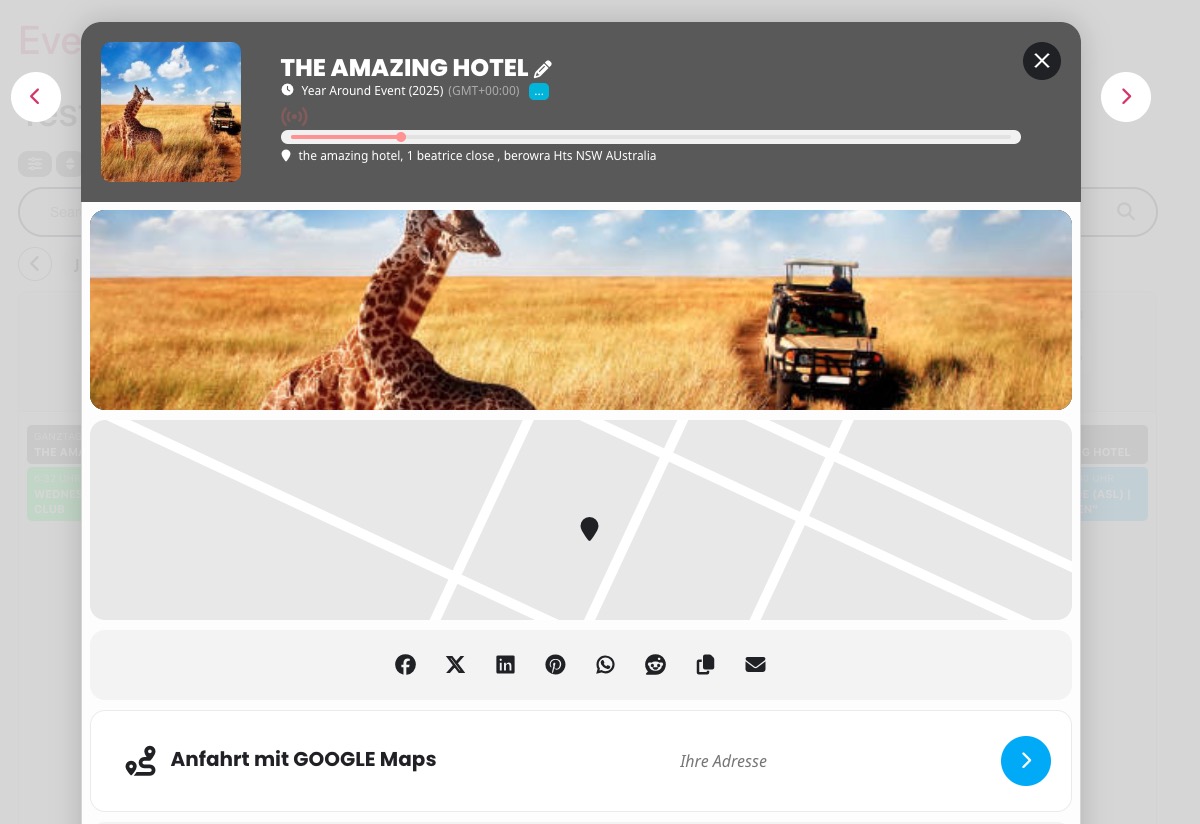
The same on dev2:
https://dev2.myeventon.com/test-1009/
Hello,
Thank you for your messages, I am going to assign this ticket to Ashan and he will be able to take it from here and find you a solution. Please allow some time for him to get back to you, we greatly appreciate your patience and thank you for being a eventon customer! Also please disable any IP blocking on your site if there are any.