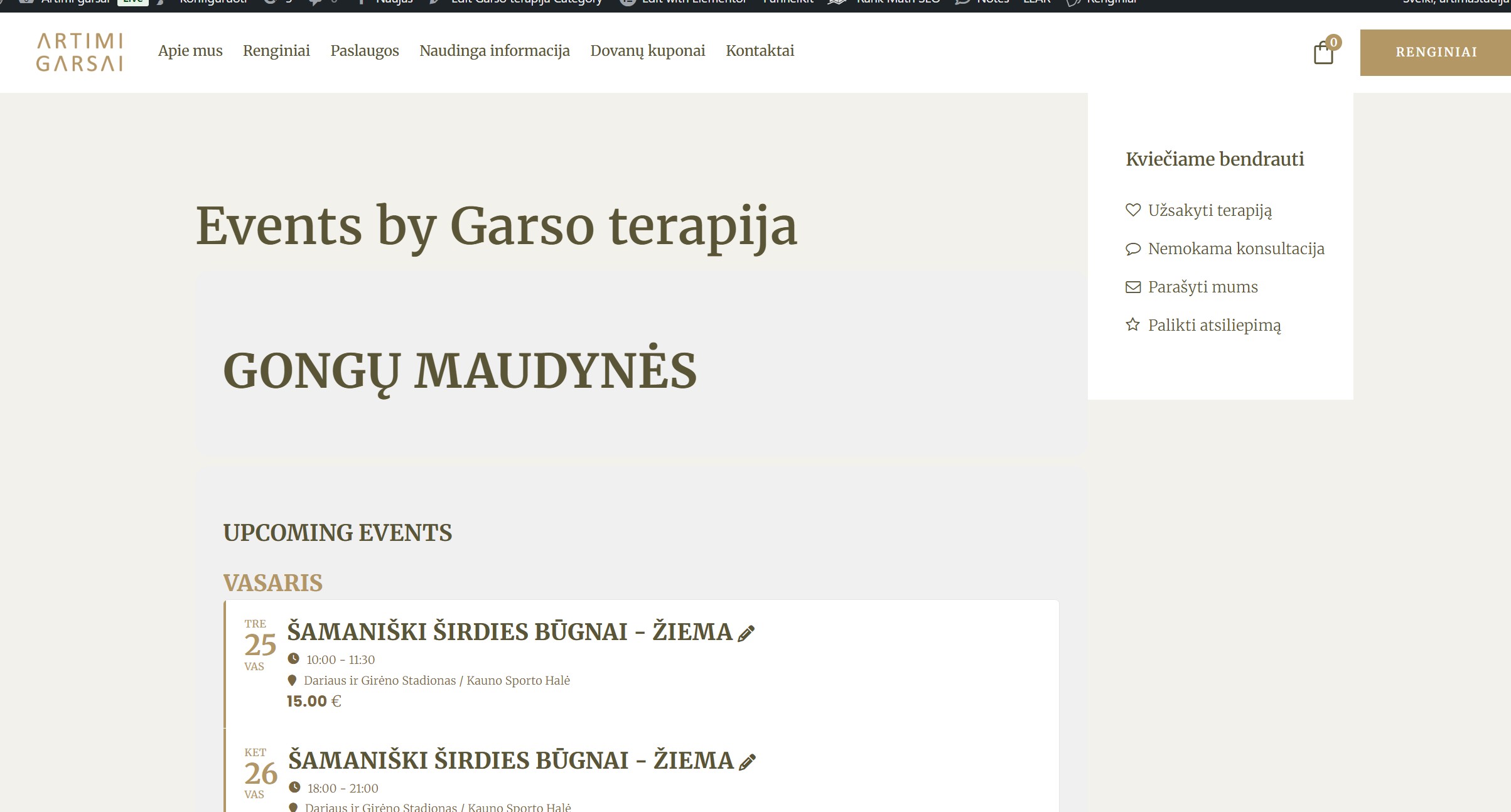
Thank you. It fixes things, almost.. The background of the text and white cards is more grey somehow… Could not find how to change it, there is no such color in eventsOn appearancem and in website options. Also The name ”Event by Garso terapija” should not be there, I would like to delete it. The sidebar to the right is still too high, should have a gap like here: https://www.artimigarsai.lt/garso-terapija-tinklarastis/
Is it possible to fix this?

And another question. You write that it is not possible to change the default checkin page? Could you help me and say what are these option, attaching a photo and what should they do? For example: URL Slug for the check-in page. ? If I change it, the button Open Check-ins Page goes to the URL slug I provided. BUT does not work and does not show the chekins. So something does not add up here…
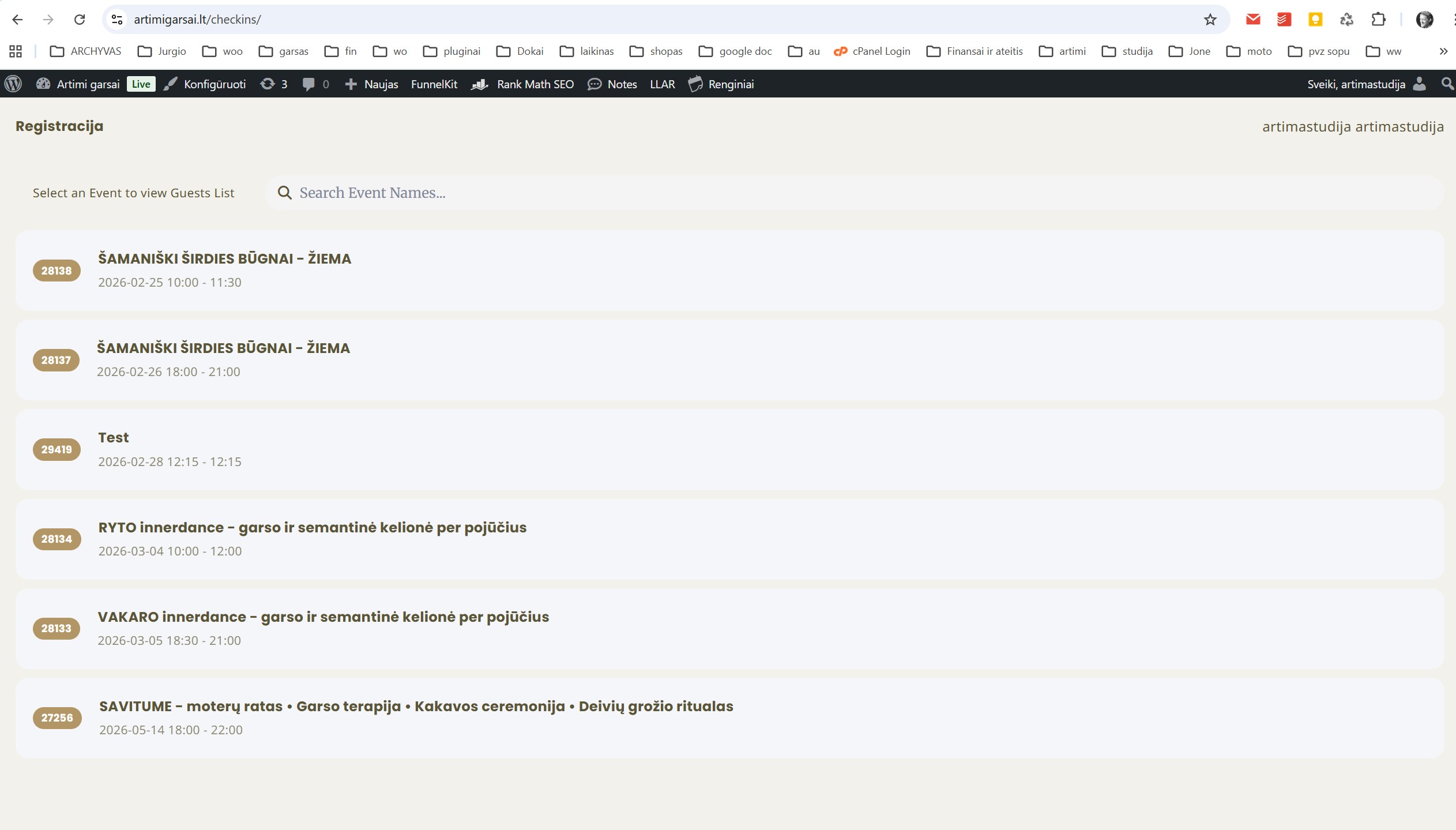
So, I half sorted this out. It is strange that you did not see this. In the eventON script and styling I unchecked this: Load eventON scripts and styles only on eventON pages. Now it does work, but only on my laptop. On mobile phone, it does not work? It just goes to main page. Looks like error 404 or some error, so it goes to homepage www.artimigarsai.lt Why could this be??? Errors upon errors. Please help. Another question, How can I style the checkins page? I mean it is difficult to see, the background of the events could be white for example. The grey difficult to see. Appearence and chekins styles does not cover this…
Another.
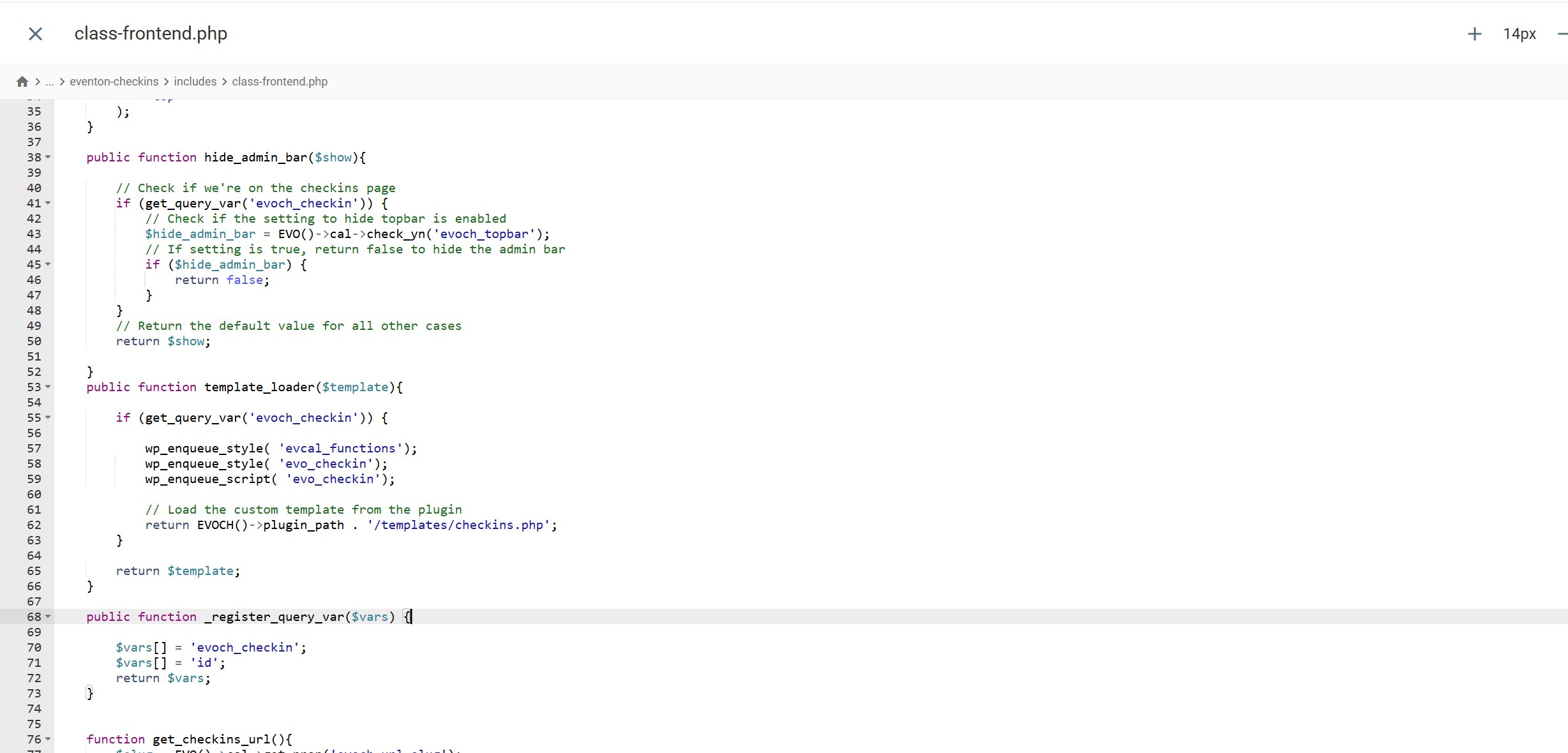
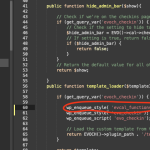
Hello, I put the code: wp_enqueue_style( ’evcal_functions’); here: eventon-checkins/includes/class-frontend.php
Nothing changed and still not working. I also tried to enable the plugin editor, but there is no such line: define(‘DISALLOW_FILE_EDIT’, true); in the wp-config.php . So what should I do? I tried to put that line there with the changed to false part, but then the chekins page crash.
I am getting worried about so much errors with your plugins and addons and so much time spending here in support. Every plugins seems to have problems. I really do appreciate your help as support. If there would be no support I would have deleted and quit your service long time ago. Just hoping that future udpated would not crash all the cganges done so far. And thank you for the support.
Perfect. Thank you so much for your help! We sincerely appreciate y’all. No further assistance is needed.
Hi,
I’m still stuck and could use step-by-step guidance (I’m learning WordPress and I’m not fully sure what I’m doing yet).
Issue #1 — Submission form text/editor is white and hard to see
-
I went to EventON > Styles, but I do not see the option to turn off “Write dynamic styles to header”, so I didn’t change anything there because I wasn’t sure what to do.
-
I added the CSS you provided in wp-admin > Appearance > Customize > Additional CSS, but nothing changed.
-
Also, in the submission editor area, I’m noticing I can’t type normally — I can only paste text in (not sure if this is related to the styling issue).
Issue #2 — Not receiving email notifications to approve submitted events
-
When someone submits an event, I’m not getting an email notification to review/approve it.
-
I want to receive approval notifications for new submissions.
Could you please tell me:
-
Exactly where the “Write dynamic styles to header” setting is located in the current version (menu path), and what to change it to.
-
Whether the CSS selector you gave is the correct one for my form, and if not, what exact CSS I should use (and where you want me to place it).
-
For the approval emails: which EventON/Action User settings must be enabled, and what WordPress email settings (or SMTP) I should check to make sure those notifications send.
Thanks again for your help — once I can fix the editor text color/typing issue and the approval notification emails, I should be good.
would you be able to enable the plugin editor on your website? this is the guide for that:
How To Enable Plugin Editor For WordPress
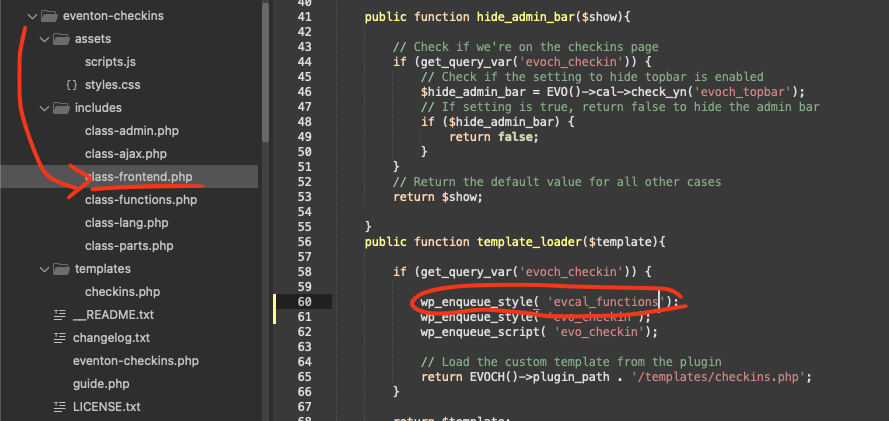
We need to add this code to force load eventon_functions.js file which is not loading on your checkin page, that is causing the button to not respond.
code: wp_enqueue_style( ’evcal_functions’);
where: eventon-checkins/includes/class-frontend.php
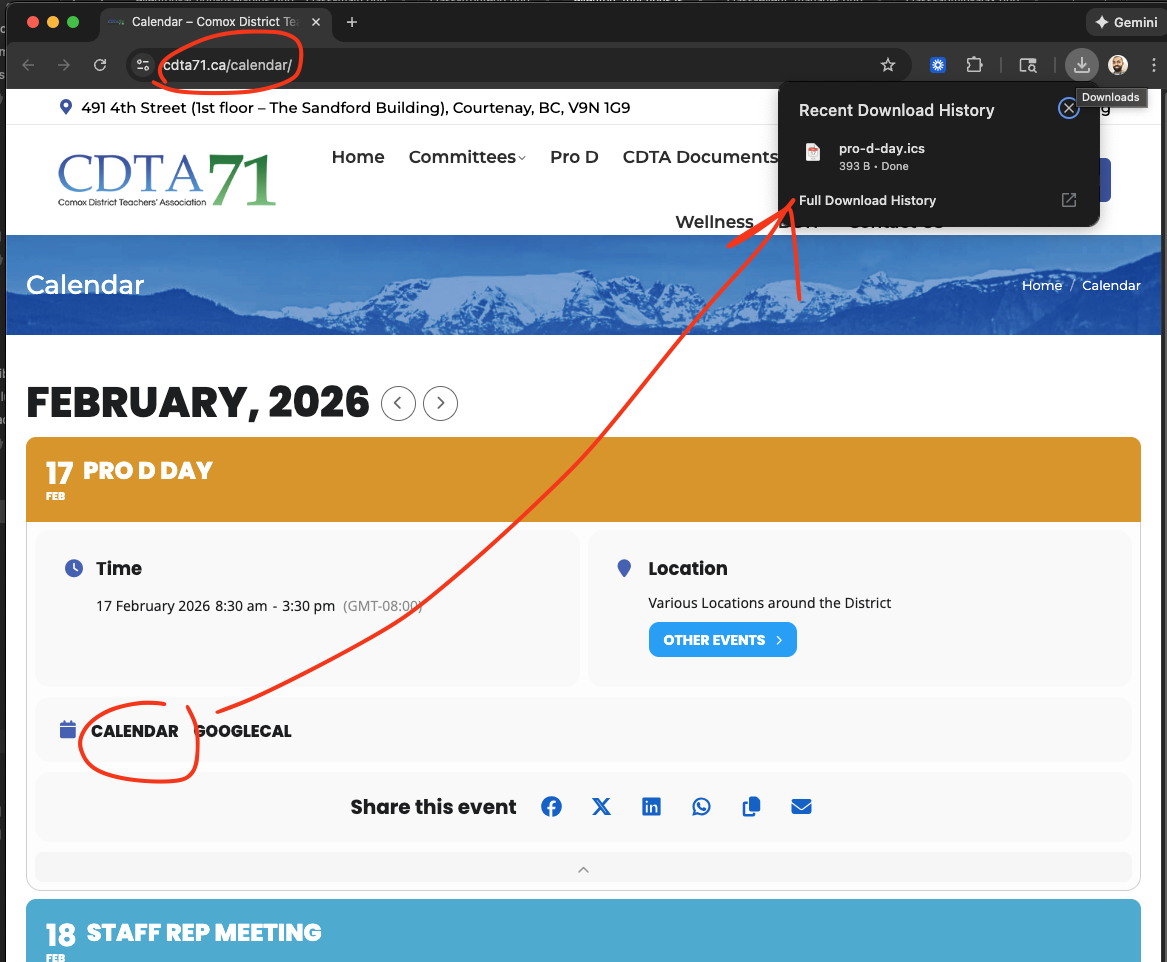
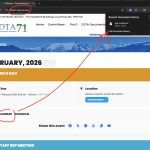
I just tried this on your website and ICS file download works perfectly.
I wonder if there is something with your computer that is causing the ICS file link to not work? Because your website works fine for us from our computers.
Is it possible for you to send us a link with a VIDEO screencaputre of what you experience?
Hello there, we have been working on a big seat addon update, on our end Artem was not able to replicate this issue with the new version. Please allow us sometime, we are almost ready to get this new update out.
Once it is available you can install it and see if it will resolve the cart issue.
We have reached out to them more about this but their response was not useful. We will try reaching out again to receive the full report on these issues.