Perfect! Thank you for the info.
Thank you for your messages, I am going to assign this ticket to Ashan and he will be able to take it from here and find you a solution. Please allow some time for him to get back to you, we greatly appreciate your patience and thank you for being a eventon customer!
Hello,
Are you seeing the same issue on our test site:
https://dev2.myeventon.com/test-1044/
I believe that something changes CSS styling and hides svg icons.
Could you please try the instructions mentioned in this documentation?
Please help me out. Last night I had to refund $890.64 in tickets due to this. You can see here the double booking tickets that I had to refund.
This has become a big problem.
#82130 Marc Hagest – $35.36
#75785 Kevin Myrick – $209.95
#75404 Carole Gerchy – 64.09
#73366 Alonso Ayala – $248.63
#73247 John Penland – $83.98
#67110 Lorraine Silva – 248.63
One thing I have noticed is that for some reason some of the seats that are purchased are staying available for example. If a guests purchases 4 tickets may 3 of them are be changed to unavailable and 1 is still available. I don’t know if you have had these types of issues before, but it is costing me a lot of money and head aches at the venue. I am willing to pay your team to fix this immediately but need it fixed by my next show, please. It is urgent.
Thank you for your help and time.
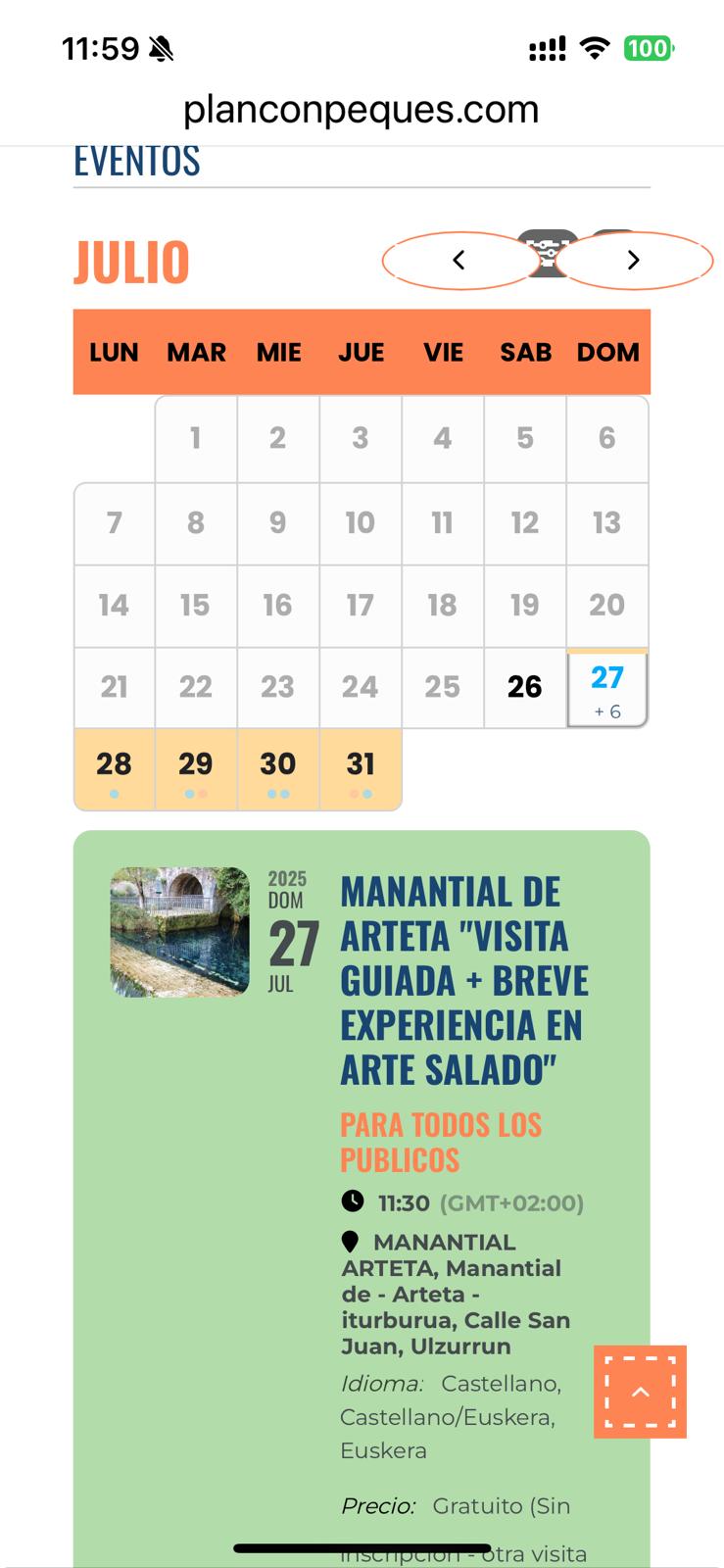
We’ve made the changes you suggested and, after updating EventON to version 4.9.11, the issue with the arrow display is still present (we’re attaching a screenshot).
We also updated the FullCal addon to version 2.2.3, and this update has fixed the issue with number display on smartphones.
Thanks again for your help!
here is the invoice. Let me know if you need anything else to proccess the refund. Thank you.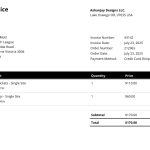
OK thank you. If you update the plugin won’t it override those changes? I cannot provide FTP access because this website is in active development and is not exactly live.
I’ve discovered if the event display setting tiles=”yes” then the map displays corractly. This may help in finding the problem?
This is not theme related as the same issue exists with the 2025 standard theme.
As per your video I changed the latest events to classic mode which removed the vc shortcodes. This doesn’t help. Also re: the Advanced ads error, I tried your plugin without others active and the issues still exist, so it’s not a plugin clash.