That is the event with the issue. The issue is difficult to reproduce because it happens during the checkout process–that is, after credit card details have been entered and the purchase button is pressed.
This has been reported by several users and the reports are growing.
Thanks for looking into this. I went ahead and disabled the language option in the eventon settings and removed the “lang=” part from the shortcode.
The problem is that there are more than 3. And do you know why they are showing up ok in the builder? I suppose maybe the issue here is happening in the import(or different settings in origin site) but need to ensure it is not EventOn first due to that weird issue where it showed correctly in the builder.
HI, i’ve tried to implement the code below but i’m still far from my goal. For your reference, we’re trying to replicate the event listings like on this page, can you please help us building the shortcode to make it similar?
PAGE SUGGESTION
https://event.marriott.com/pfomd-parklane-a-luxury-collection-resort-and-spa-limassol/events
SHORTCODE WITH THE EXAMPLE YOU GAVE US
[add_eventon list number_of_months=”12″ event_count=”3″ show_limit=”yes” event_past_future=”future” exp_so=”yes” filter_clear=”yes” hide_empty_months=”yes” view_switcher=”yes” jumper=”yes” jumper_offset=”2″ jumper_count=”1″ exp_jumper=”yes” bottom_nav=”yes” search=”yes”]

Since you are using WPML, there is no need to activate Enable language corresponding events.
So please disable it and also remove lang=”L1″ and lang=”L2″ from your shortcodes.
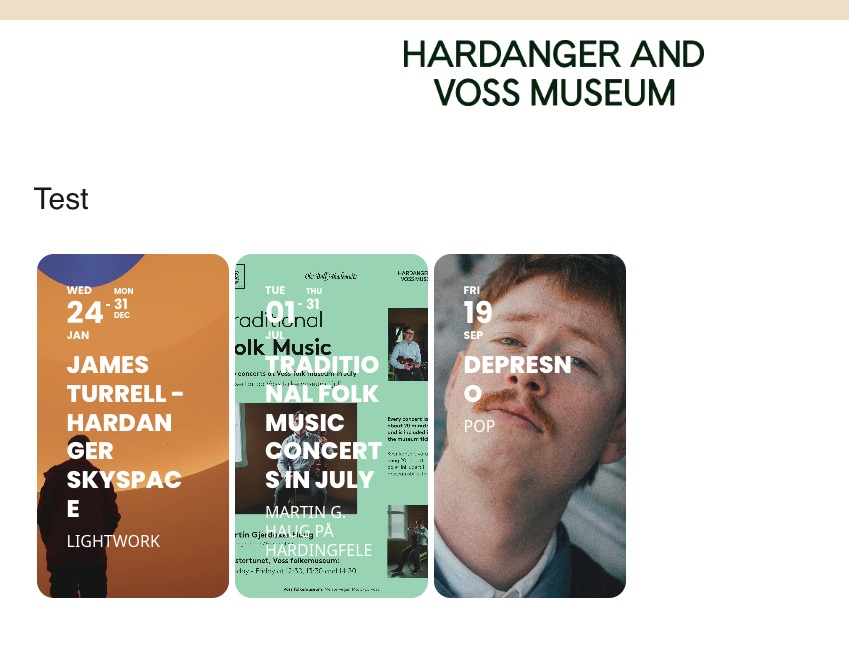
Test page in EN and NO I created:
https://hardangerogvossmuseum.no/en/test/
https://hardangerogvossmuseum.no/test/
All three events are visible in EN with disabled Enable language corresponding events:

My apologies, I just sent the user that was used for support a while back. It turns out there was no role associated with the user so that might be the problem. Anyway, to be sure this time I just deleted the user and readded it with the same password. I think it should work this time.
Ashan is waiting for a reply from patckstack to sort this out
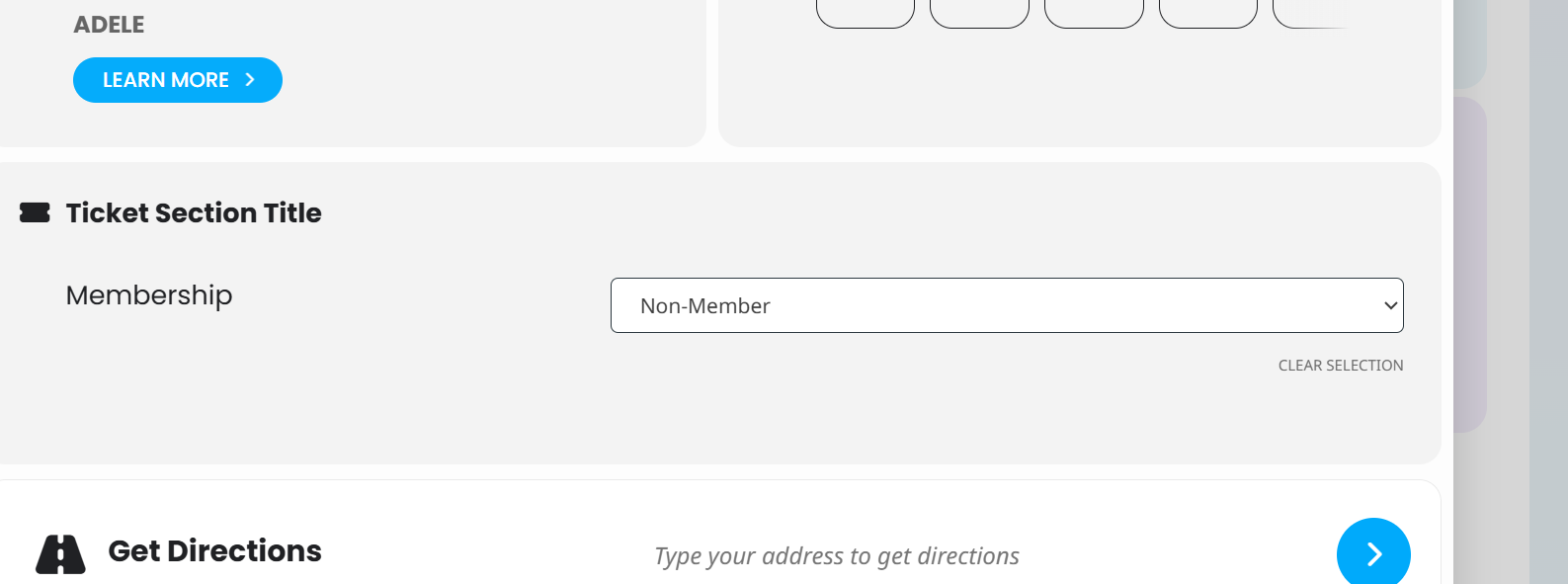
Hi thanks for your reply, when you select a future event, such as gundog class, 30 June, the pop-up event does not show the add to cart button.
It is the same for all events ( I have tried all on 30 June). In the pop-up the button is not appearing.
Hi Artem,
I see that it will work when I remove event_count=”6″ .
Unfortunately I cannot do this, because it damages my layout completely when showing 17 Events below.
Hello,
I am not logged-in and can purchase tickets without any issues from “Farm to Table Dinner” event.
Which event has the issue? Could you send us a link?
You cannot restore your password? Could you elaborate more on why you cannot access it?