Hello,
I cannot access /wp-admin. Could you allow us?
Please also make sure to check this guide on how to enable WPML compatibility with EventON:
https://docs.myeventon.com/documentations/wpml-eventon-front-end/
Replies for tickets on suppota
Hello,
I cannot access /wp-admin. Could you allow us?
Please also make sure to check this guide on how to enable WPML compatibility with EventON:
https://docs.myeventon.com/documentations/wpml-eventon-front-end/
Your event still uses the same shortcode that doesn’t work, while it should be using this Gutenberg element:
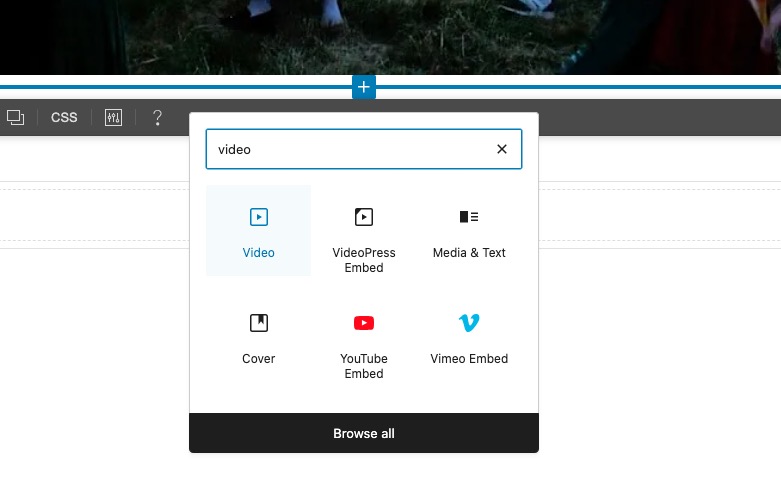
Could you try replacing it the same way I did in my other event?
Hello, thanks for looking into this. I tried the embed code for this event: https://t.somptingvillagemorris.org.uk/events/summer-solstice-2025/but it still won’t load the video. I also corrected the shortcode to single quotes. and checked the advances settings.
Kind regards, Rob
These images might help to show what is happening(one from the visual builder editor and one from the page on the frontend):
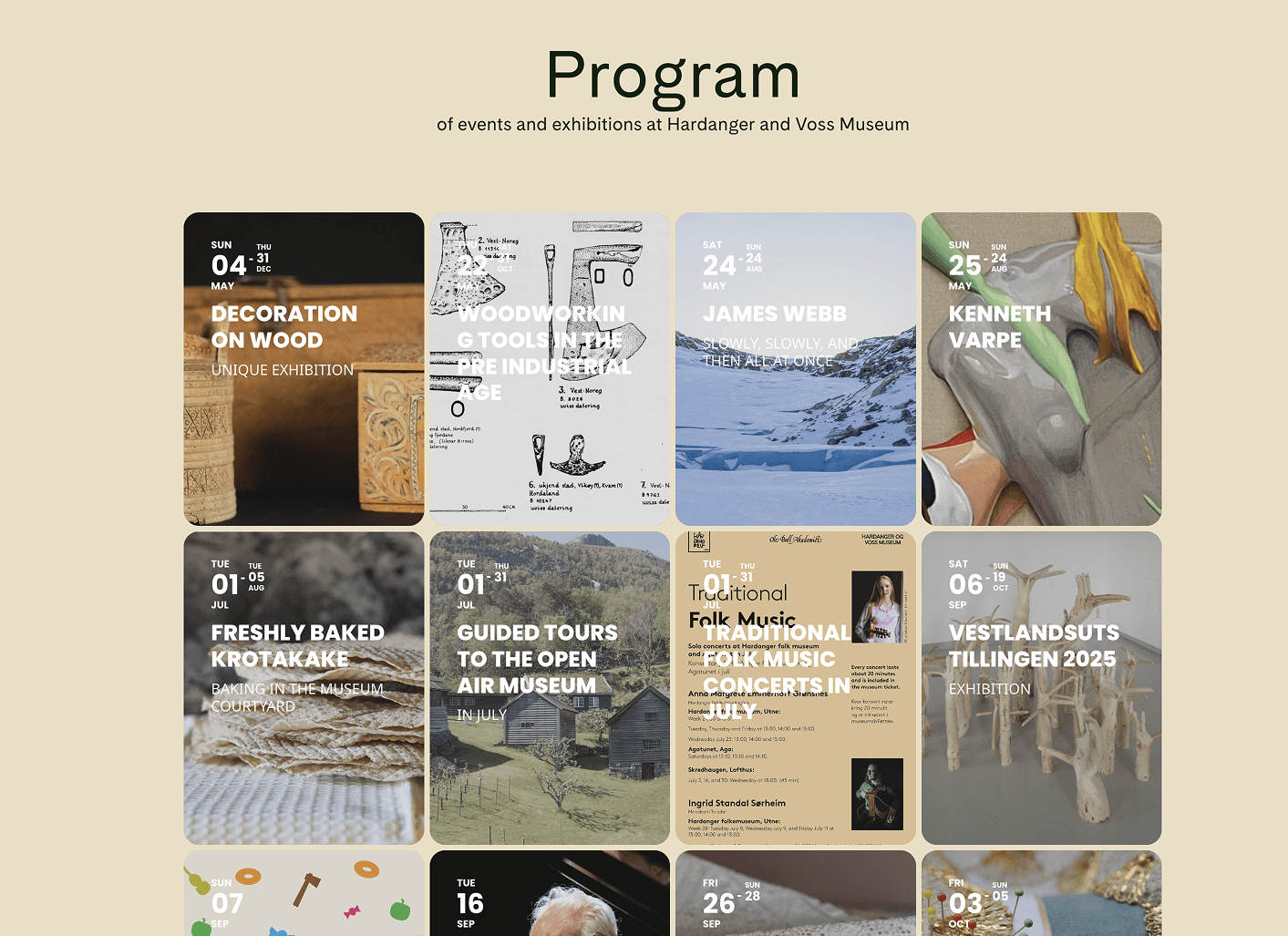
It works excellent! Thanks Artem, you rock.
When you add a shortcode, please make sure to add parameters divided by space and not “new line”:

Please take a look at
https://wp.ihoctest.com/wp-admin/post.php?post=7468&action=edit
Events are visible now:
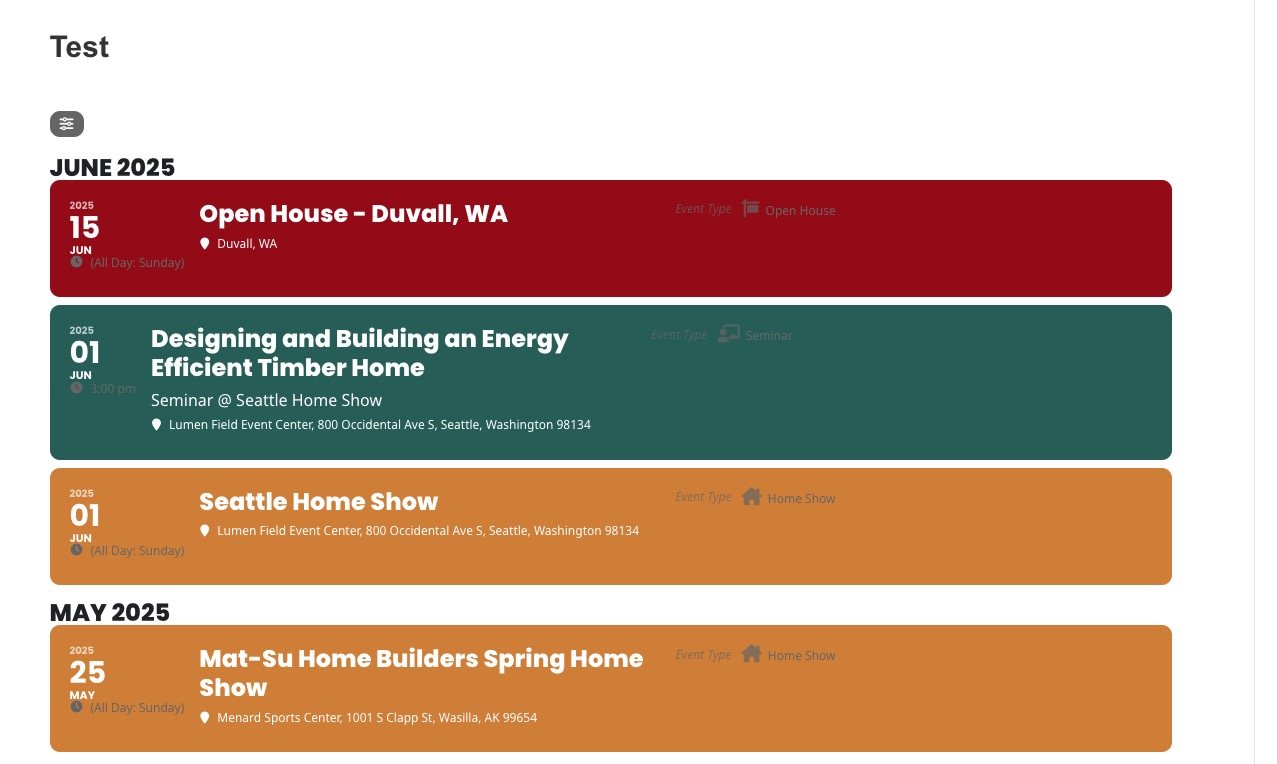
Thankyou! the update fixed it! Most appreciated.
Hello,
There is an issue with the current image uploading functionality for non logged-in users. We are working on the issue and an update will be available ASAP.
Hello,
There is an issue with the current image uploading functionality for non logged-in users. We are working on the issue and an update will be available ASAP.
Please also note that we have limitations in providing customization support due to CodeCanyon’s support policy.