I see that they are working now.
Can the plugin license be activated on both the staging and production sites to avoid having to activate/deactivate when pushing?
Replies for tickets on suppota
I see that they are working now.
Can the plugin license be activated on both the staging and production sites to avoid having to activate/deactivate when pushing?
I actually got those shortcodes from an AI tool because I was having trouble figuring out where to generate the correct ones inside EventON. I wasn’t able to find what I needed in the Shortcode Generator at the time, so I tried that route.
I’ll go back into EventON > Shortcodes > Generator and recreate them properly as you suggested.
Thank you
Thank you. Are there any guidlines what the server performance must be?
Yes that has fixed it, thanks!!!
We are glad your issue is resolved, if you have any further questions or concerns please create a new ticket.
If you have a moment, we would greatly appreciate if you could kindly leave us a review at EventON WordPress Page OR EventON > My Account > Downloads. Your review helps us a lot in continuing EventON improvements!
Ashan,
Login info to the staging website:
These two cannot be added:
https://firebrick-camel-838235.hostingersite.com/events/test-2/
I re-created the event from scratch.
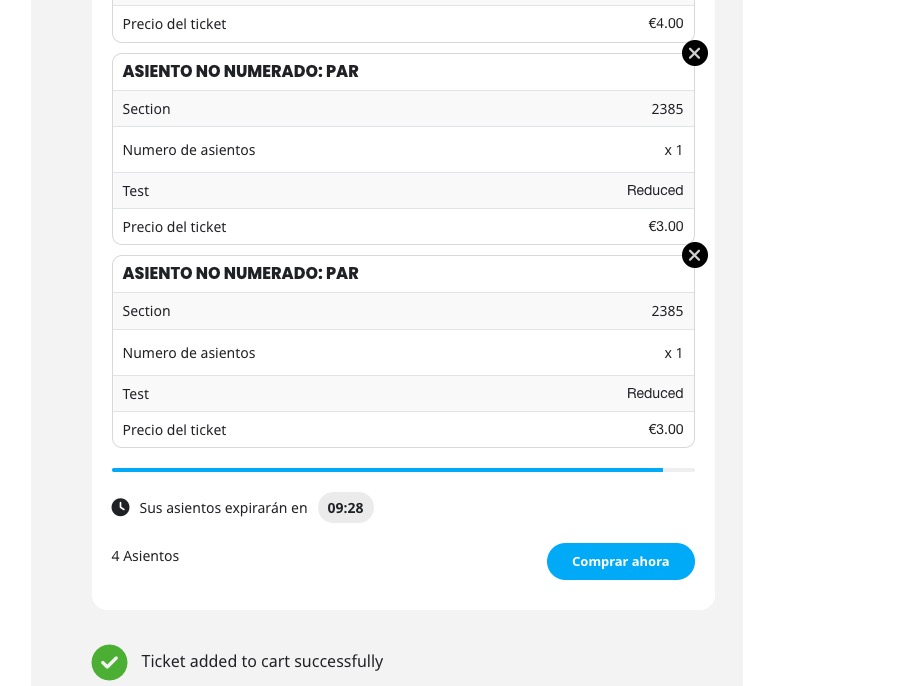
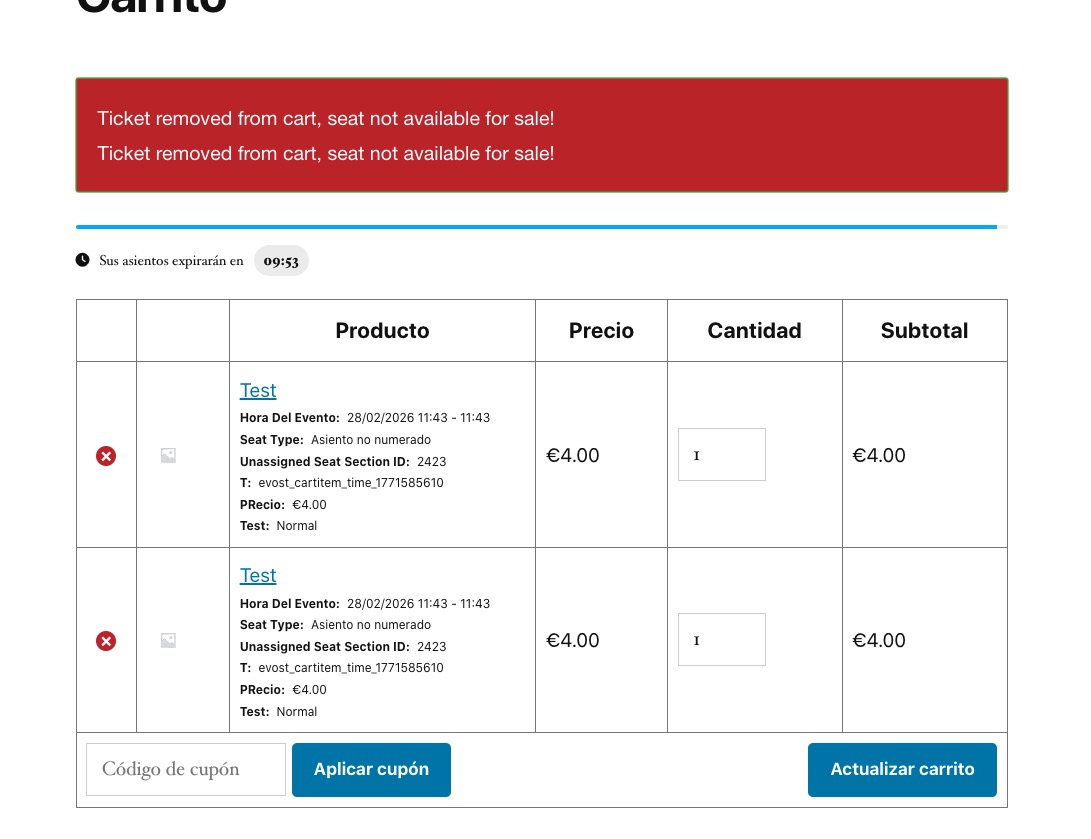
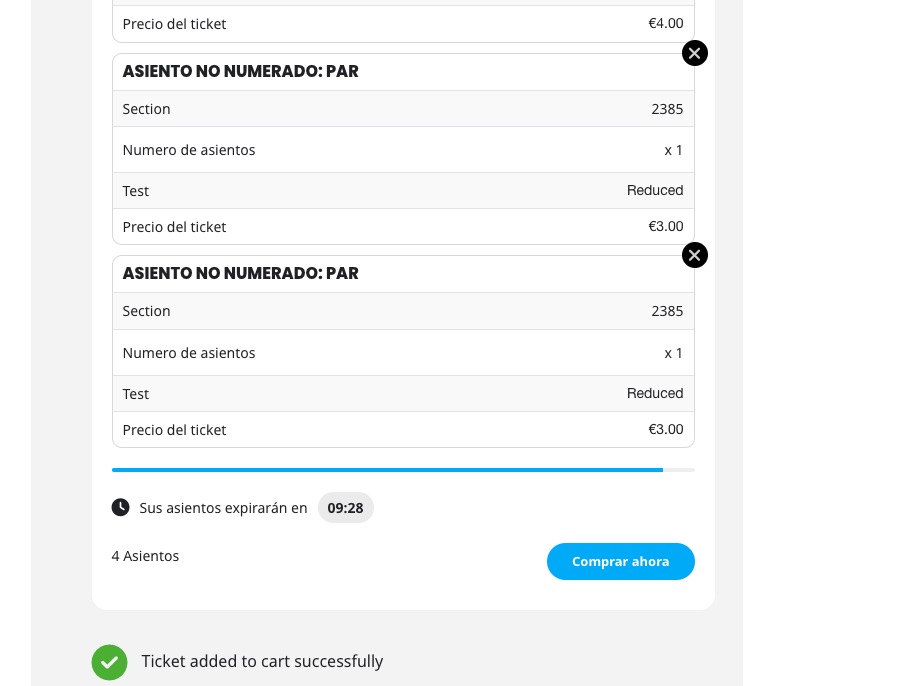
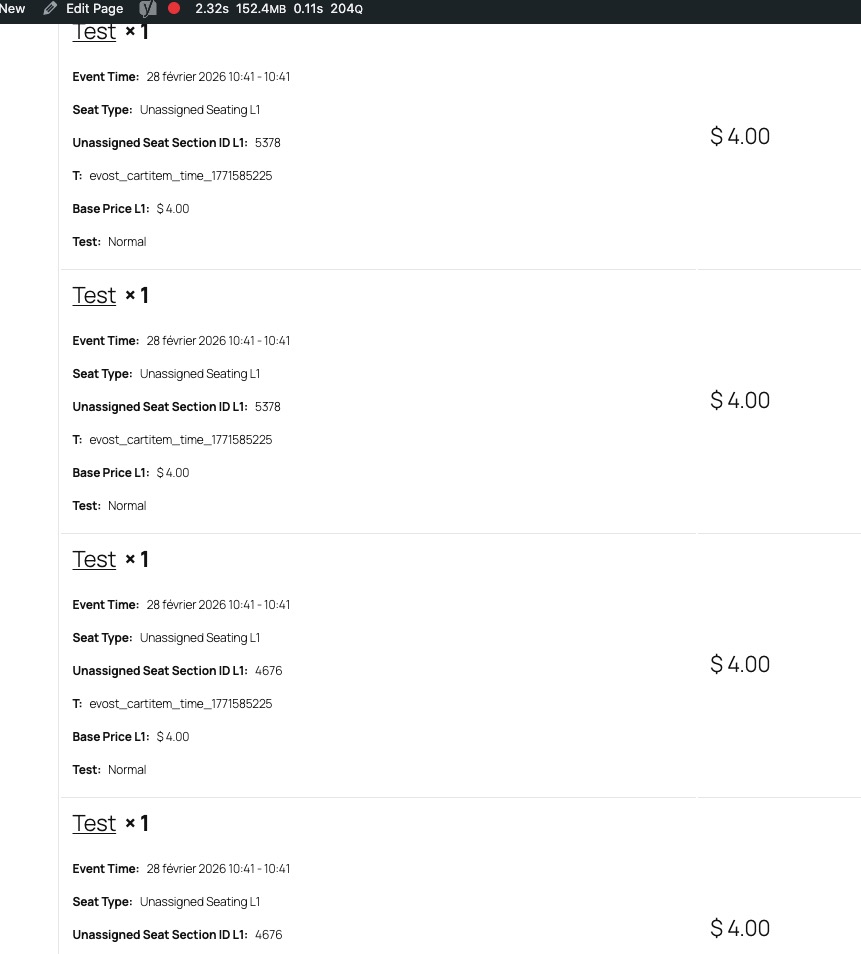
No issues on dev2:
https://dev2.myeventon.com/events/test-79/
Thank you for your messages!
I am going to escalate this ticket to development to help in here. Please allow us some time to address this, and we truly appreciate your patience. Thank you for being a valued EventON customer!
Additionally, if your site has any IP blocking or security restrictions in place, kindly disable them temporarily to facilitate our support process.
Thanks a lot! That solves it.
Could you also please try the instructions mentioned in this documentation? Try ”The best way to tell #1” and ”The best way to tell #2”.
Ashan,
Please check
When they click on CALENDAR, they are redirected to Page Not Found:
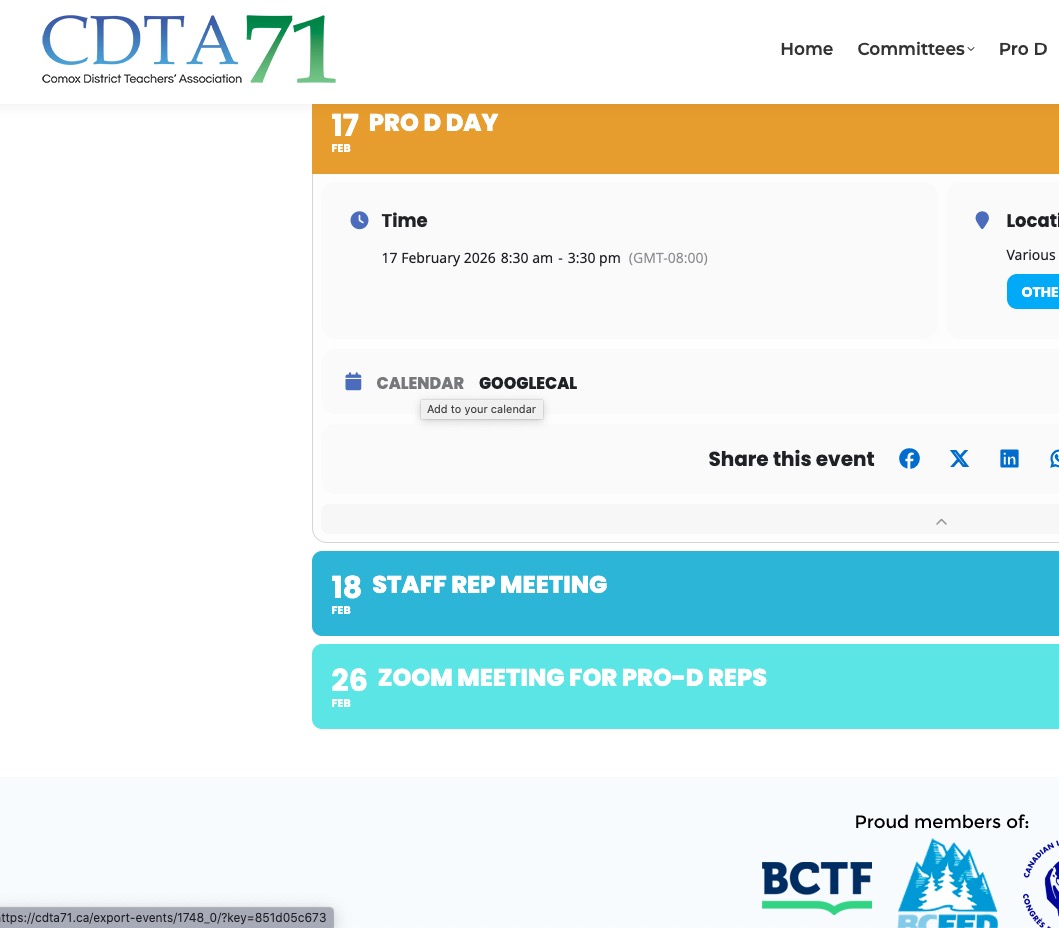
On my side works completely fine.