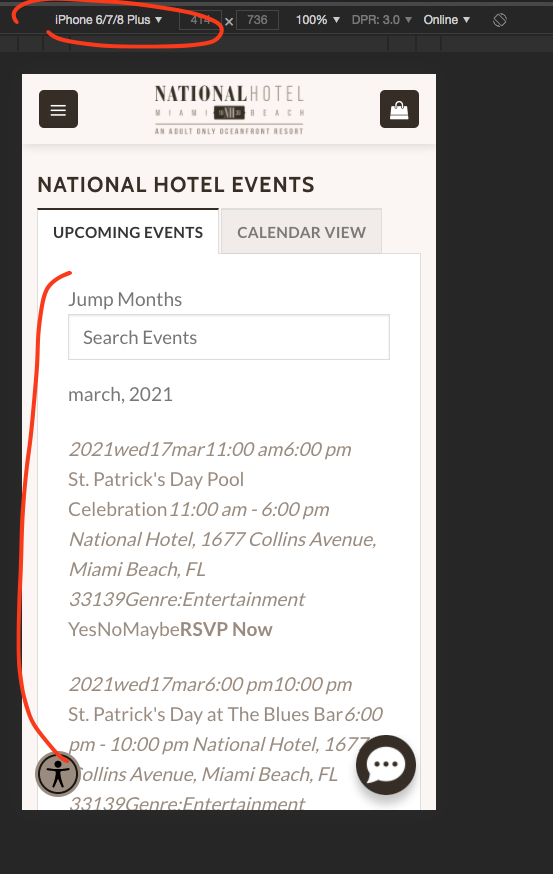
Whatever this tab system you are using is what is causing this issue. Its almost look like the styles are not loading.
Replies for tickets on suppota
Whatever this tab system you are using is what is causing this issue. Its almost look like the styles are not loading.
Hello,
In this case the best solution is to use Custom Data Fields: https://docs.myeventon.com/documentations/setup-use-custom-meta-fields-events/. Just use Button element and then add your link manually.
OR Try following this guide: https://docs.myeventon.com/documentations/show-additional-custom-data-eventcard/
You can also send us a customization job request by creating a new ticket in here and selecting Customization Request as the category.
We are glad your issue is resolved, if you have any further questions or concerns please create a new ticket.
If you have a moment, we would greatly appreciate if you could kindly leave us a review at codecanyon! from your account > downloads. Cheers!
May I try switching the theme and disable plugins?
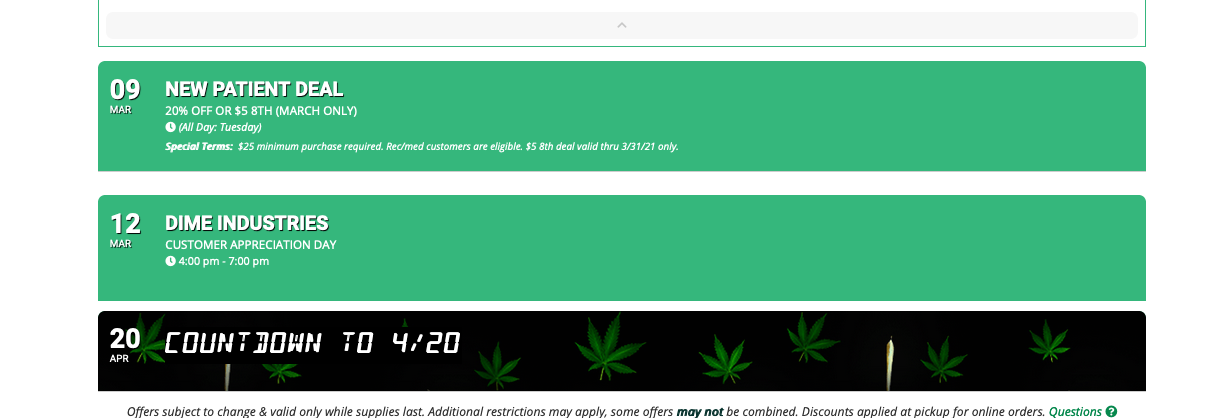
Click on these 3 events to see what I’m talking about; the middle is the only one that works.
Hi,
That is a conflict with your theme.
If you theme author can’t fix, we can do it for $65.
Lrt me know
I reset the password again & tested on my end:
URL: https://stoneagefarmacy.com/my-secret-login
username: supportAdministrator
pass: aIzh4YEP!0RLVdGS0LwM(5Il
Hello,
I am sorry, the access information you have provided did not work for us. Please check them and post the correct login information as a private message, thank you!
Could you also try cleaning your browser cache and check once?
Hello,
This is because your event runs for multiple months. Could you try adding hide_mult_occur=”yes” to the shortcode and check?
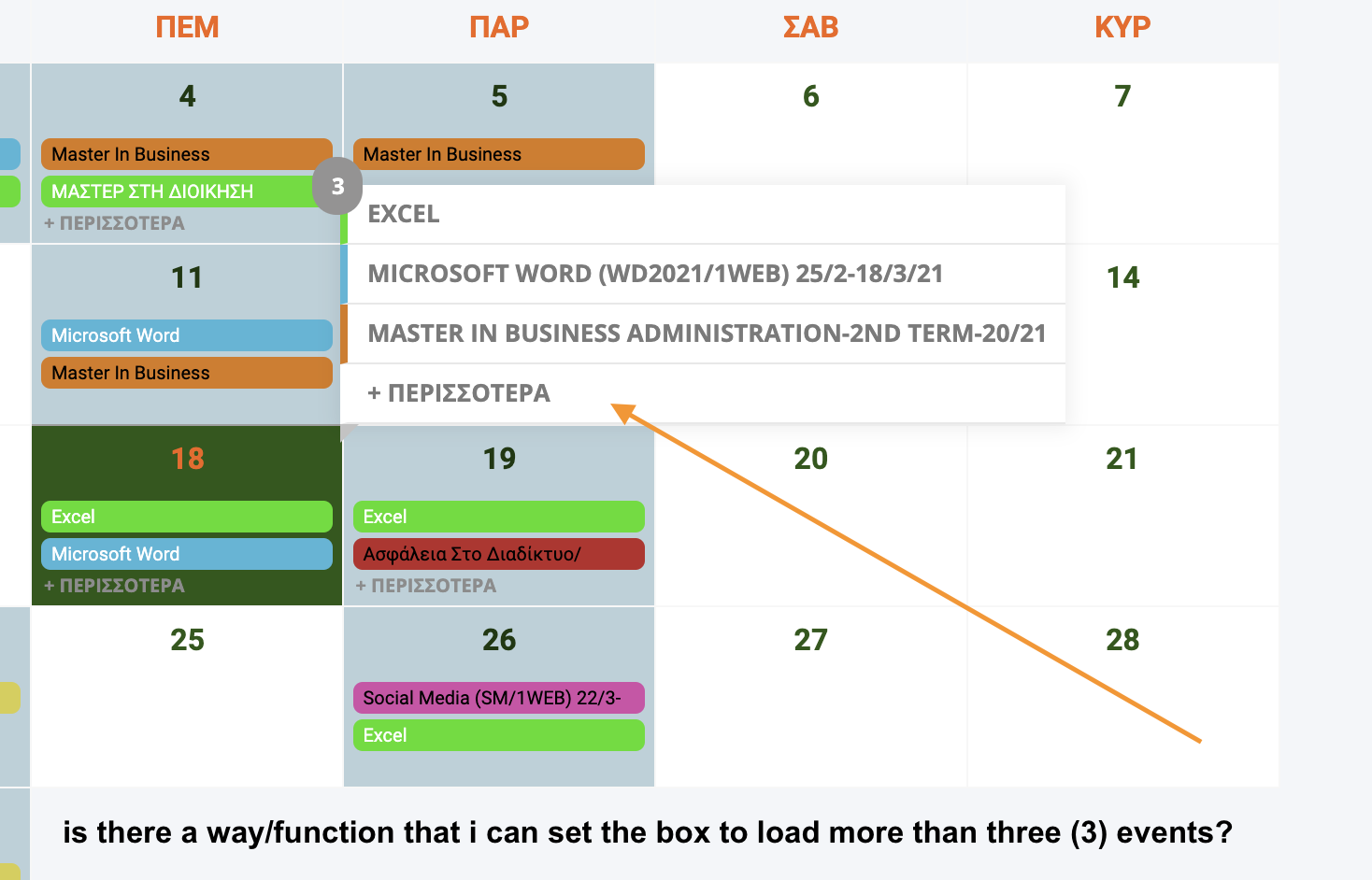
Check attached screenshot for more info.
Best,
G