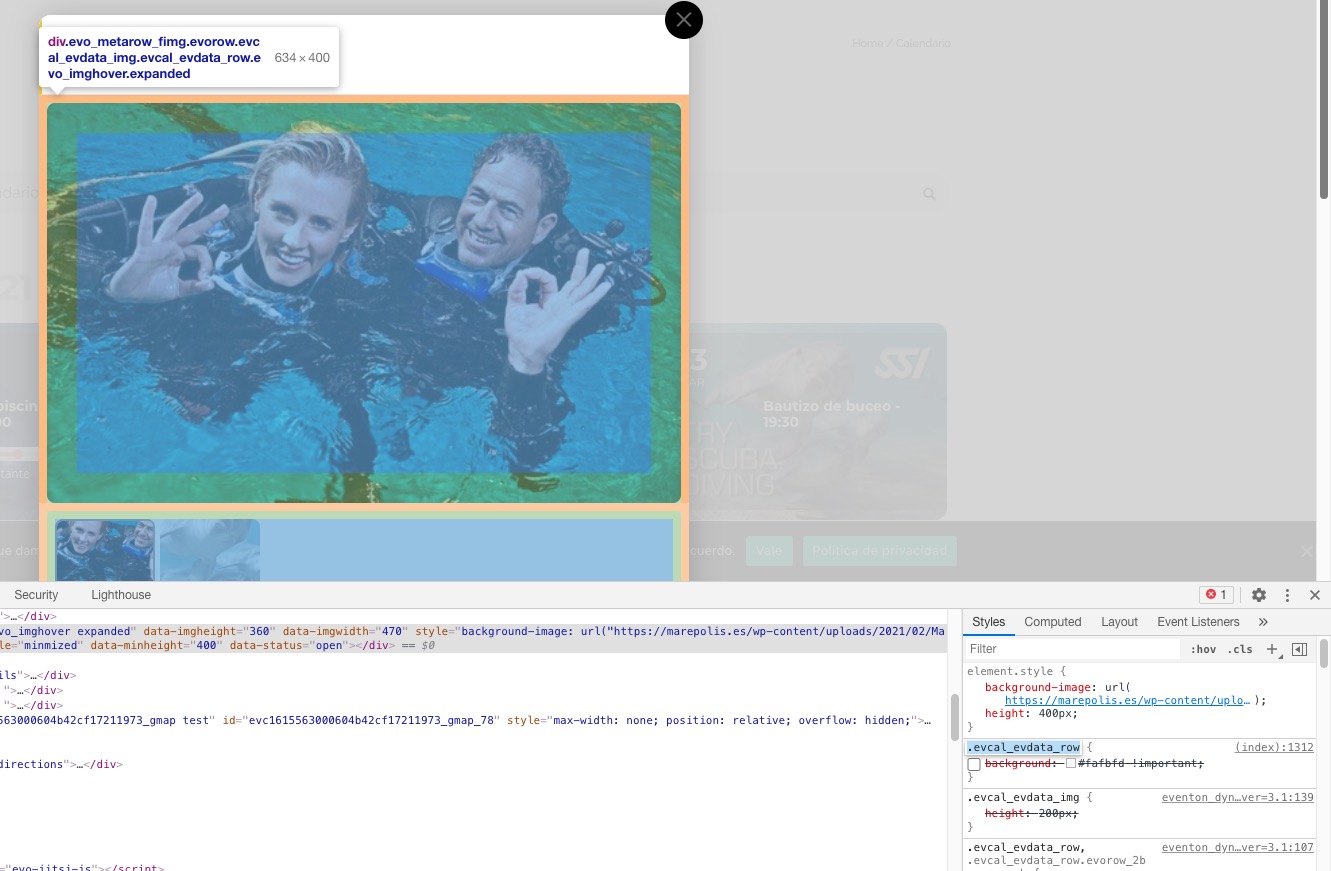
see video below sorry its in english
Someone has added css and its hiding eventons css
we have checked 3 places where that css would be and its not there
Replies for tickets on suppota
see video below sorry its in english
Someone has added css and its hiding eventons css
we have checked 3 places where that css would be and its not there
And other problem, only 10 event show in my calendar. Why this?
search through these forums tickets for something called
Dokan
I created a lot of videos on it
here is the free version: https://wordpress.org/plugins/dokan-lite/ (although most probably need to pro versions for instant split payments)
So the bare minimum if you want to take a cut of the ticket price would be
Action user and tickets addon
looking over your list however
Seating, does not work with action user at this time- best to give a list of exactly the addons you are after and we will tell you whichones work with action user and tickets in your individual needs
Finally 3.1 works now at my site … I was clearing only cache from WP Rocket, but had to clear Browsercache, too.
Thanks for help!
we are finalising version 3.1.1 at the moment- however if that doesn’t fix the issue then unfortunately we cannot help any further.
Its a tweak that turns of an API within eventon and Jitsi for virtual events- although we have not seen this API as an issue in your case but something is not right.
to add some transparency we did research wpengine and found this link to be a HUGE red flag
https://wpengine.com/support/disallowed-plugins/
So instead of making a wordpress server that works – they limit you in what you can use- no caching plugins, no mass email except their own system cache which is designed to limit how many processors you can use
So i have changed the color of the bar to orange
as for the language ends in
in myeventon>>>>language>>>>now calendar
you can change that language
but its designed to go at the end and is (in english) left to go
5 minutes left to go or 56 minutes till the end or 7 minutes until event ends
perhaps in the future we can add the option to make that wording appear pre and post numbers (so you tick a box in the settings to show that language field before hand- but for now its words at the end)
However please create a new ticket and select Feature Request as category so others can vote on your idea and get it moved into development faster. as a feature request it doesn’t always need the most votes however it becomes part of the growing list of requests in our system
Sorry I know thats not the answer you were after
¿where?
can you make it so we can edit an event to see the individual event settings I get an error when trying to edit
ang=”fr-FR”
This is because one of them is a widget. Widgets have different styling. Please just use a regular shortcode.
Hello,
Please remove this custom css code:
.evcal_evdata_row {
background: #fafbfd !important;
}