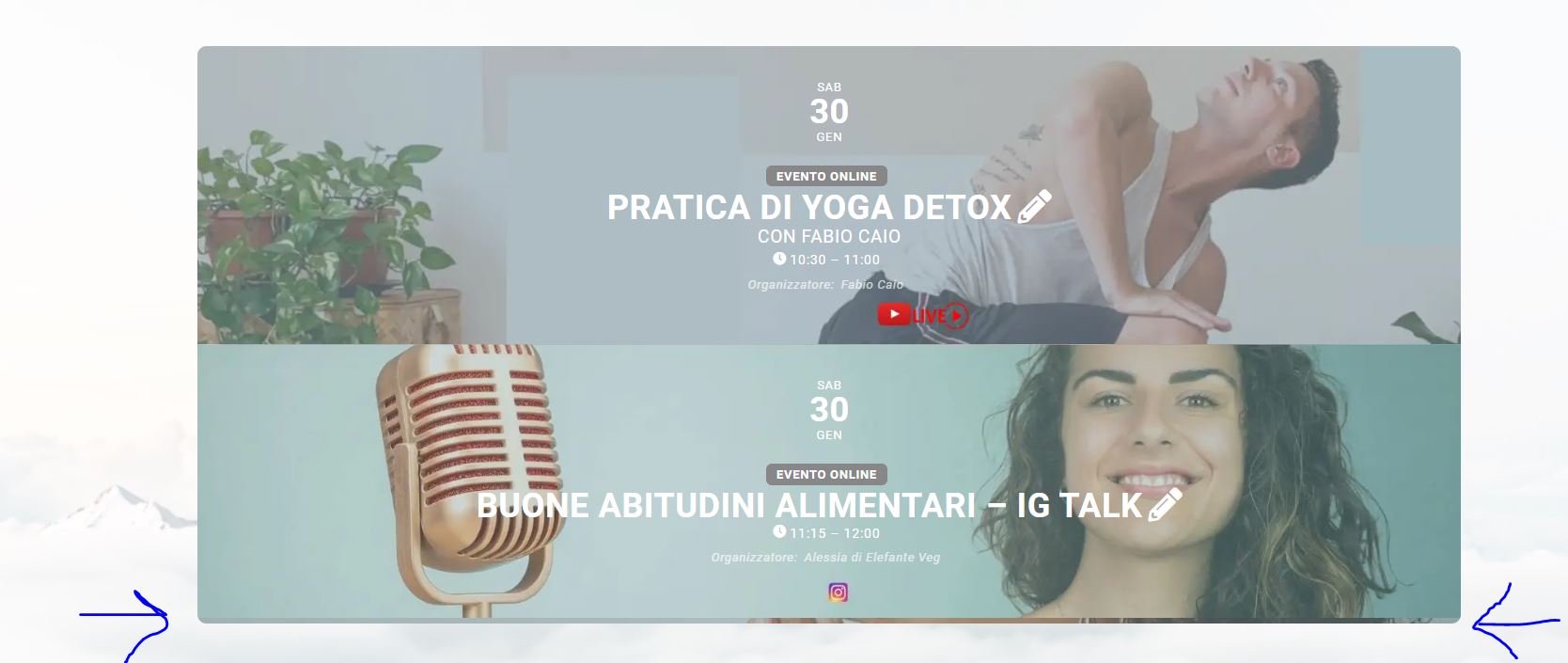
So, I did both and now I can see the vertical slider even if I’m not logged. Yeah! Thankyou
But… now… the calendar seems to be too short and my third event it’s almost disappeared
Replies for tickets on suppota
So, I did both and now I can see the vertical slider even if I’m not logged. Yeah! Thankyou
But… now… the calendar seems to be too short and my third event it’s almost disappeared
Hello,
sorry but the image is too small.
I cannot see what you mean.
This Points are selected
Could you let us know about who did this customization?
Here you can find all the details:
https://helpdesk.ashanjay.com/ticket/i-need-to-send-notification-to-users-when-they-choose-the-combination-of-the-event_type-and-event_type2-origen-and-destino/
You can try add-ons on our demo site: https://dev.myeventon.com/wp-admin/
Hello,
1. It depends on how you use EventON. If just as a shortcode, then of course. If you want to change Single Event Page template with Divi then you need to customize the source code.
2. Could you elaborate more? Do you want to sell tickets or allow customers to register for free?
Please check these available add-ons: https://www.myeventon.com/addons/.
3. EventON doesn’t allow you to have more than Start and End time in the same event.
“1 / 5-14 / 5,” – could you tell us more about this? Don’t know how to read this.
Waitlist is available when users register for free with RSVP add-on: https://www.myeventon.com/addons/rsvp-events-waitlist/
Something doesn’t allow Slider to set the correct height:
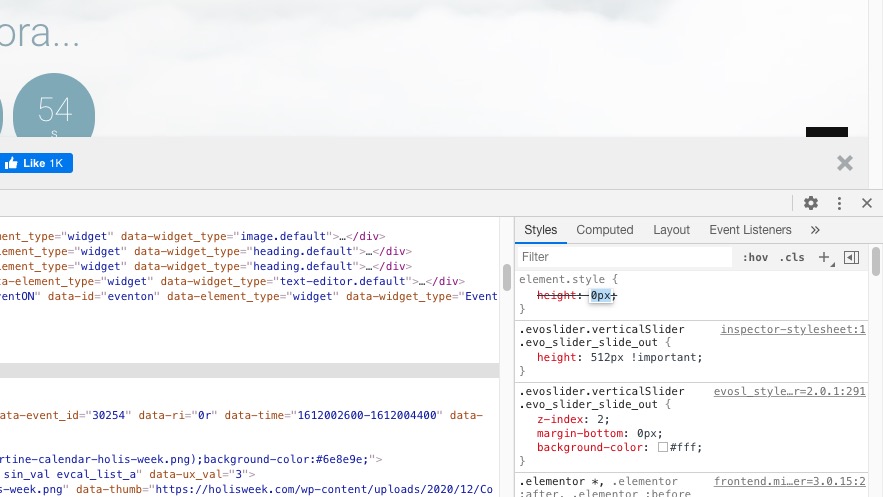
As you can see it’s always 0.
Please add this CSS code to EventON > Styles (If you don’t see any change, EventON > Scripts & Styling > turn off Write styles to header > save settings > turn on Write styles to header):
.evoslider.verticalSlider .evo_slider_slide_out { height: 512px !important; }
Hello,
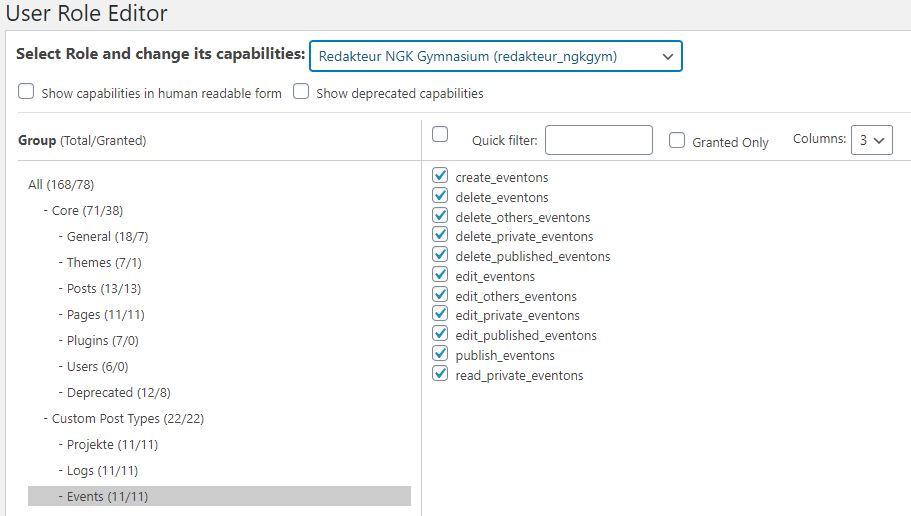
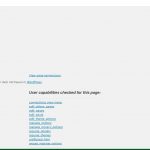
Could you check and make sure that Editor role has all these capabilities:
I enabled Subscriber 1.3.5: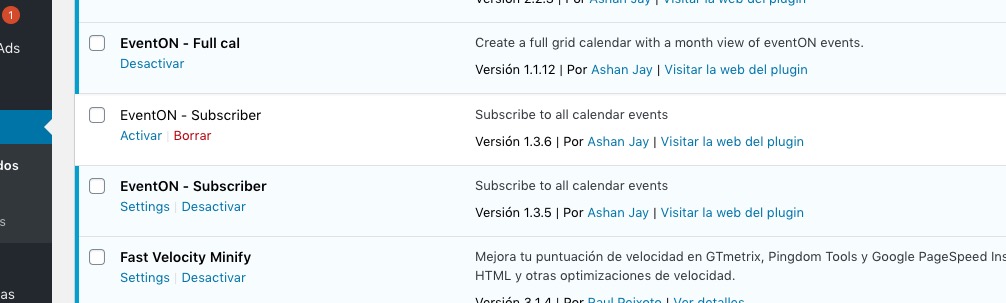
But you can try disabling it and enabling 1.3.6 for a test.
Could you let us know about who did this customization?