Hello! Please try
username: VTHeditor
l6T#1Eb0kmDxNRukI5#4TMlF
Thank you.
Replies for tickets on suppota
Hello! Please try
username: VTHeditor
l6T#1Eb0kmDxNRukI5#4TMlF
Thank you.
Hi, exactly the same thing has happened again and I haven’t changed anything. I’ve cleared the cache just like before but it isn’t having it.
Since opening this ticket, someone on my team went in and remade the classes (tickets) that had variations since there were only 10 of them. Sorry about that. I don’t have a good example to send anymore.
Please follow the instructions in this documentation to activate debug in your site to see any PHP errors recorded that can provide insight on to whats going on. Please reply with a link to debug.log file. If you are not able to do this please send us FTP access to your site so we can do this for you.
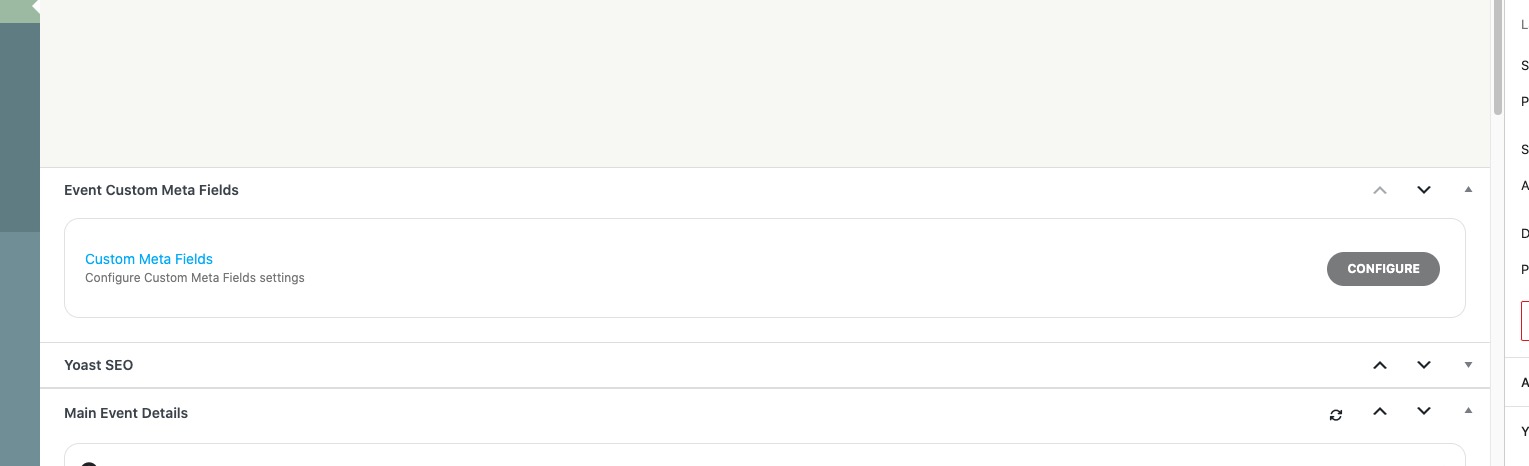
Please go to Edit Event and click on Configure:
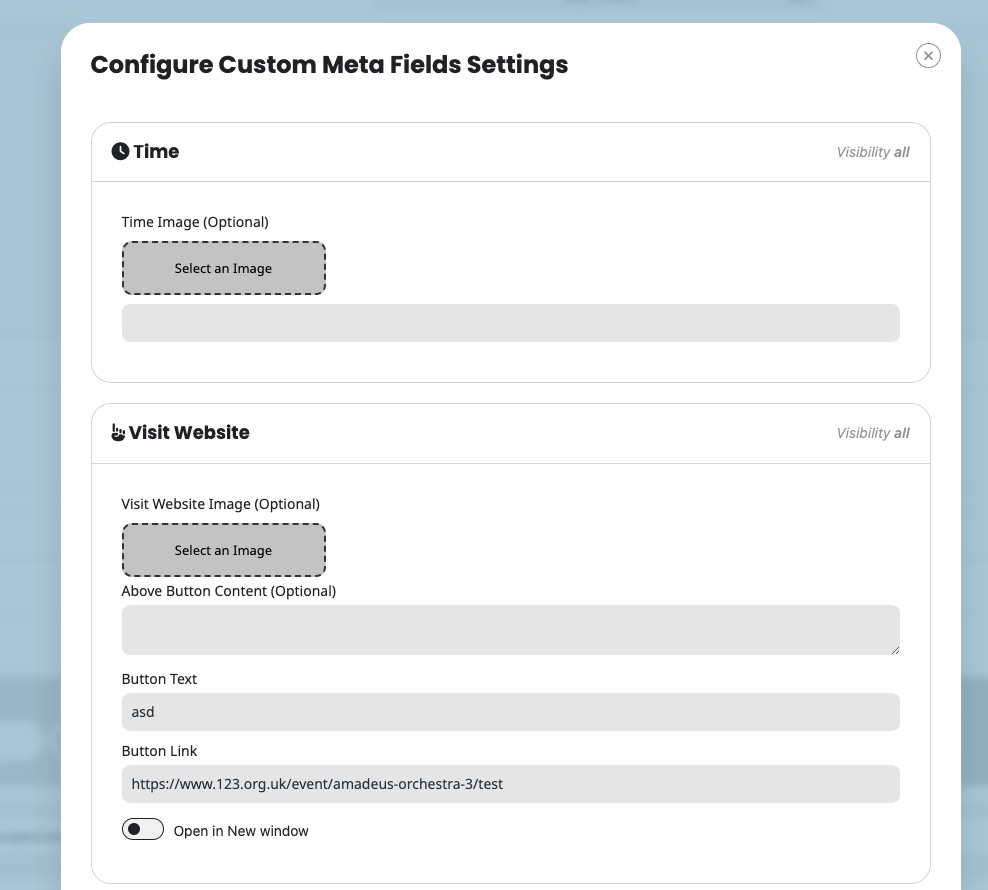
Then edit fields:
Hello,
Please try this shortcode:
[add_eventon_el number_of_months=”12″ event_count_list=”yes” event_count=”4″ tiles=”yes”]
If the issue continues, please send us wp-admin access to your site from “Access Info” box on right side menu, to further assist your situation.
Hello,
Can you please send us a direct link to where the actual issue is happening?
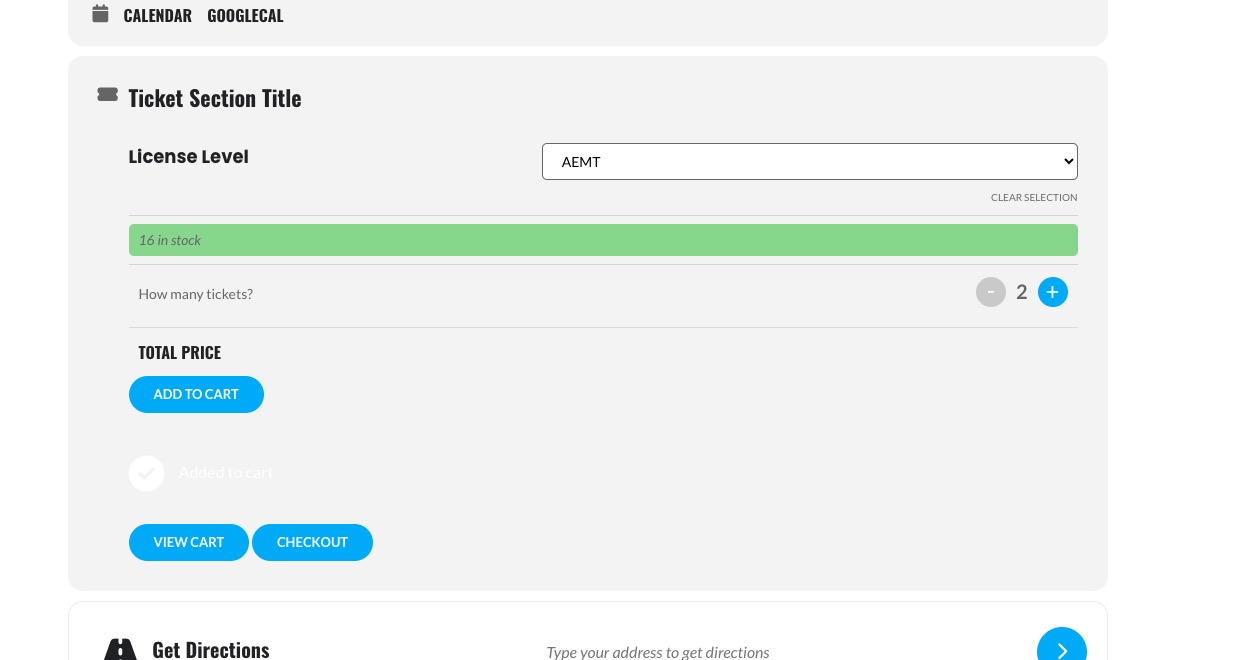
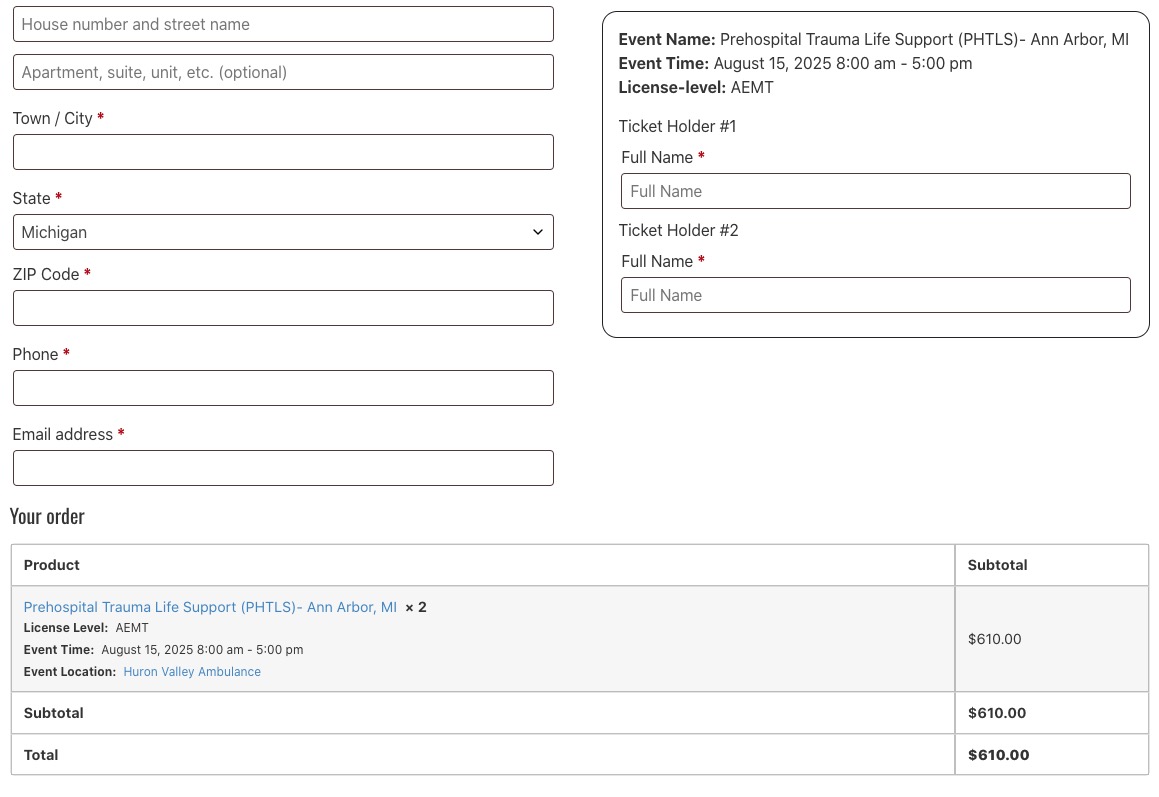
Seems to be working with this event:
Please also add this code:
.eventon_sorting_section.vis, .evo_filter_bar.vis { z-index: 9999999; }
The turn off/on Write Dynamic styles did it! So that part is working…..but it created a new problem.
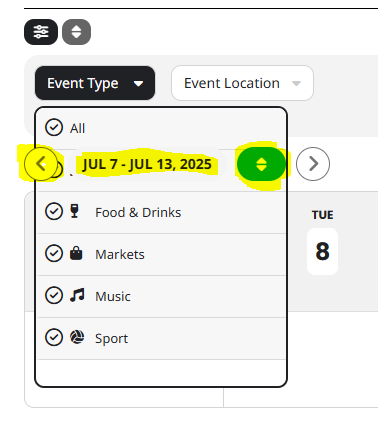
Have a look at the attached image. As you can see, when I activate search/filter, some things go through the box.
By the way – I have disabled QUIC.cloud cache on the “What’s On” page, at least until everything is running as it should.
Thank you for the update. However, there is still problems.
1-WHen the first time the page is loading, the loading effect is displayed under the calendar. This happens now both on mobile and desktop.
2-On mobile, those colorful dots that show there are events in each day are now completely gone.
https://www.dropbox.com/scl/fi/b2apglp0pjsv5i46j50bh/ScreenRecording_07-09-2025-10-48-15_1.MP4?rlkey=zs5z4542oeh7pse60kr46qt11&st=csummk1s&dl=0