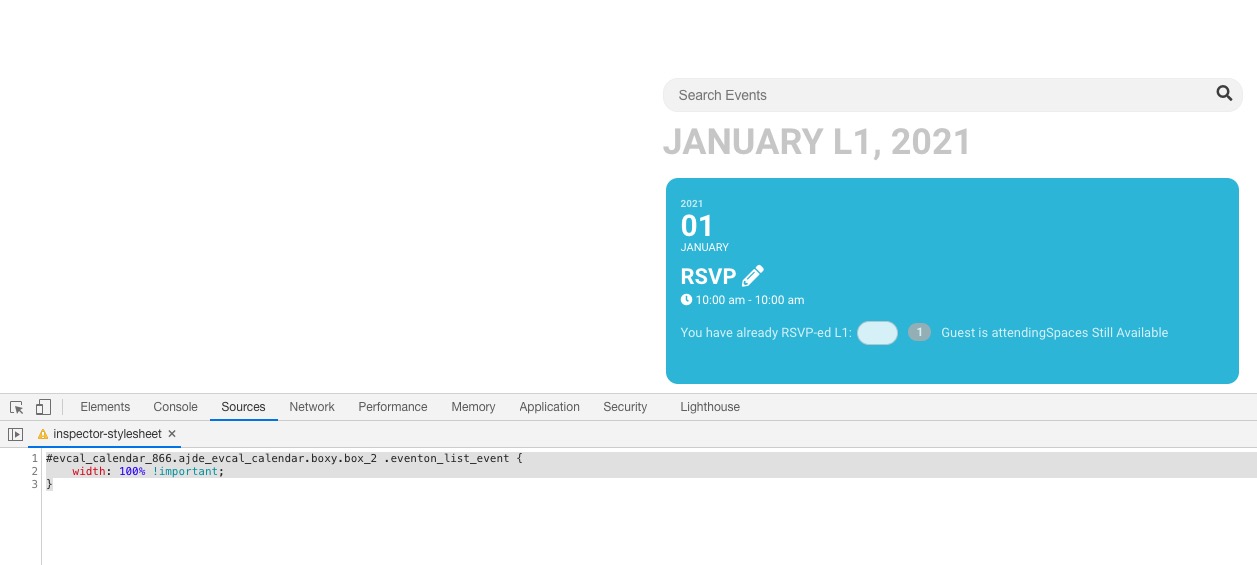
Try adding cal_id=”cal1″ to the shortcode, then change tile_count=”3″ to tile_count=”2″ and add this CSS code to EventON > Styles (If you don’t see any change, EventON > Scripts & Styling > turn off Write styles to header > save settings > turn on Write styles to header):
#evcal_calendar_cal1.ajde_evcal_calendar.boxy.box_2 .eventon_list_event { width: 100% !important; }
The problem is in https://www.thejuntoinstitute.com/wp-admin/options-general.php. Date Format cannot be empty. Could you try changing it to F j, Y and check once?
Hello,
Could you go to EventON Settings > Language > EVENT TYPE CATEGORIES and change category names there as well?
Hello,
Thank you for your great suggestion, at the moment it is not supported. However please create a new ticket and select Feature Request as category so others can vote on your idea and get it moved into development faster. OR You can send us a customization job request by creating a new ticket in here and selecting Customization Request as the category.
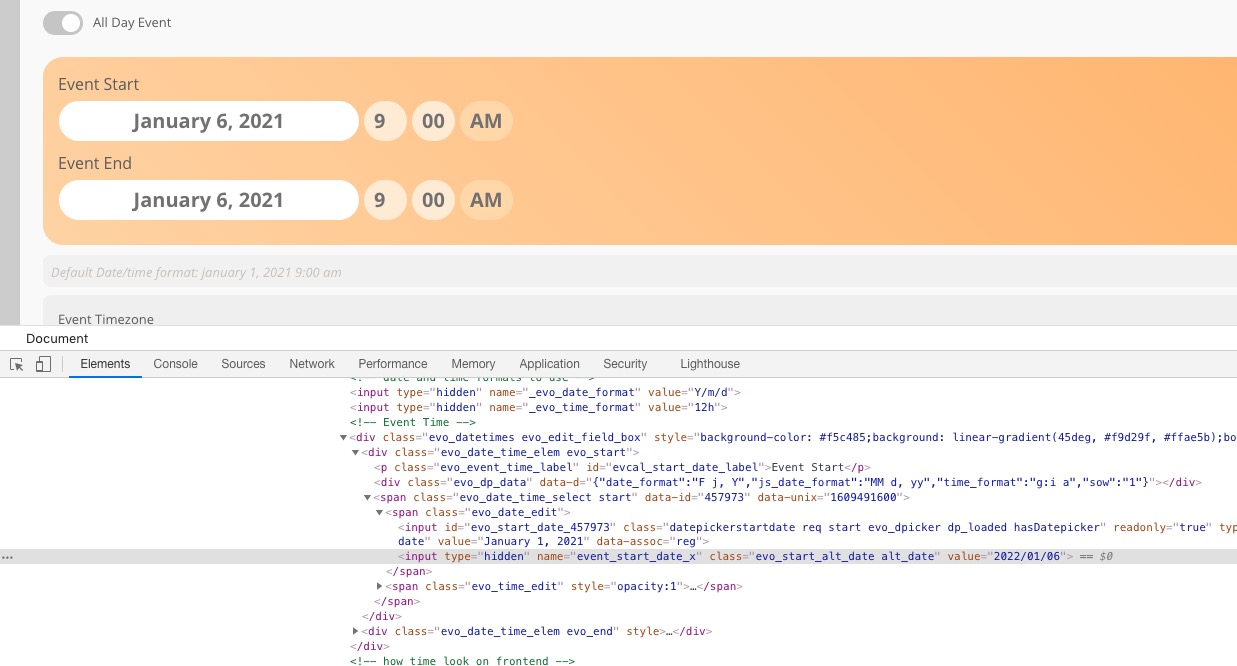
You can also open Developer Console and change the date directly in the HTML code in event_start_date_x and event_end_date_x:
Hi Raman,
I’m afraid that I cannot reproduce this issue on my end.
There is a JS error reported on the page when editing the time on your site. Would you mind investigating if the issue can be reported when you deactivate all other installed plugins and switch to one of the stock WP themes?
You can use the following plugin to troubleshoot without breaking your site: https://wordpress.org/plugins/health-check/
Hi Mike,
Sorry! The main event calendar shortcode will only accept a minimum of 2 tiles.
I should still be able to import ticket info (price, sku, stock), even if it has to be as a draft post that when published creates the woocommerce product. The product doesnt exist yet, is where im getting at. How am I meant to import 200+ events with ticket data attached to them? Why can you import some of the ticket info, e.g. show_remaining but the others dont work?
Thanks so much for the help.
I prefer to wait for your support.
I don’t touch anything.
Good day
Hi Liam,
Event tickets are handled by the WooCommerce plugin. Everytime you create a new ticket, then a WC product is created that contains the information that you are looking for.
I can recommend grabbing the SKU, price, stock quantity from the global $product object or an alternative method. I came across the following article that may be able to help to capture this data: WooCommerce get product data.
I hope this info helps!
Hello,
Please send both wp-admin and ftp access information