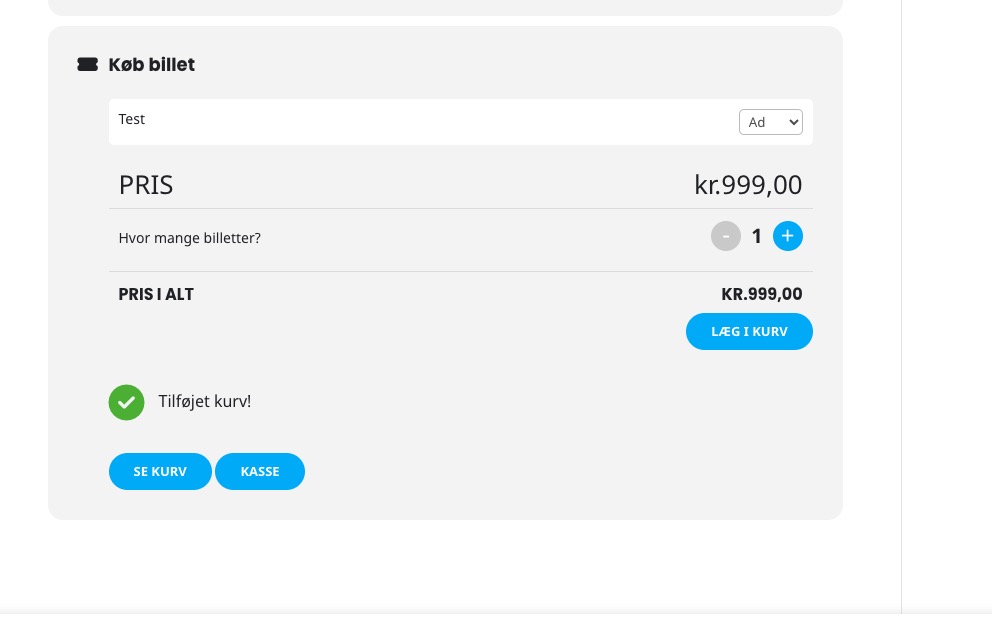
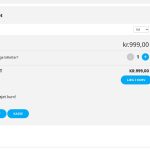
Because I went to EventON > Tickets > set “Upon add to cart redirect customer to: Do not redirect, allow adding more tickets to cart”, users can select a different variation without refreshing the page:
Please take a look at:
https://viborgfolkeuniversitet.dk/arrangementer/test/
I changed it, so it looks similar to what you described.
The latest version of Ticket is 2.4.17. Please update it as well.
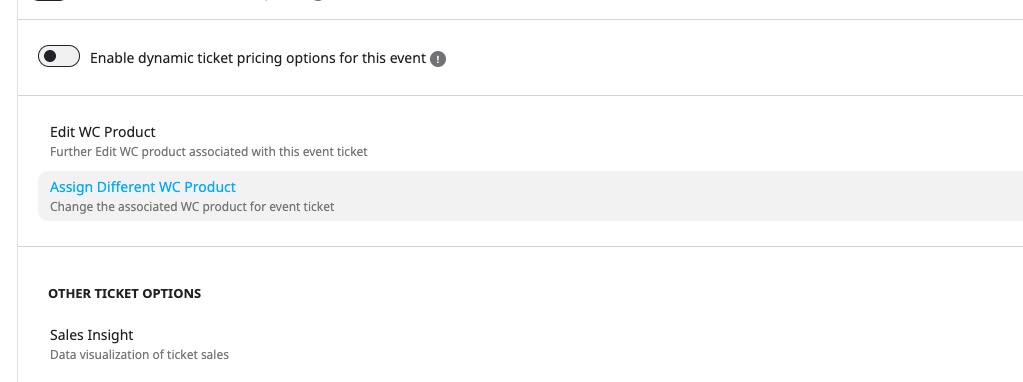
After the update, re-assign products using this functionality:
Hello,
Your add-ons are outdated. Please update them all and check again.
To update eventon to latest version: If you are unable to do autoupdate, you can go to codecanyon your account > download and get the latest eventon version as zip file. Then you can go to your website > make sure “Delete eventon settings & data when EventON is uninstalled” is Deslected from eventon settings, delete old eventon, install new one and activate. This link will further explain the process it. Also you can follow us on twitter to get real-time announcements on updates!
I cannot find any calendars on your website. Could you send us a link?
Please go to EventON > Time Settings > Default Event Timezone and make sure that it’s the same as wp-admin > Settings > General > Timezone. And also similar to Edit Event > Timezone.
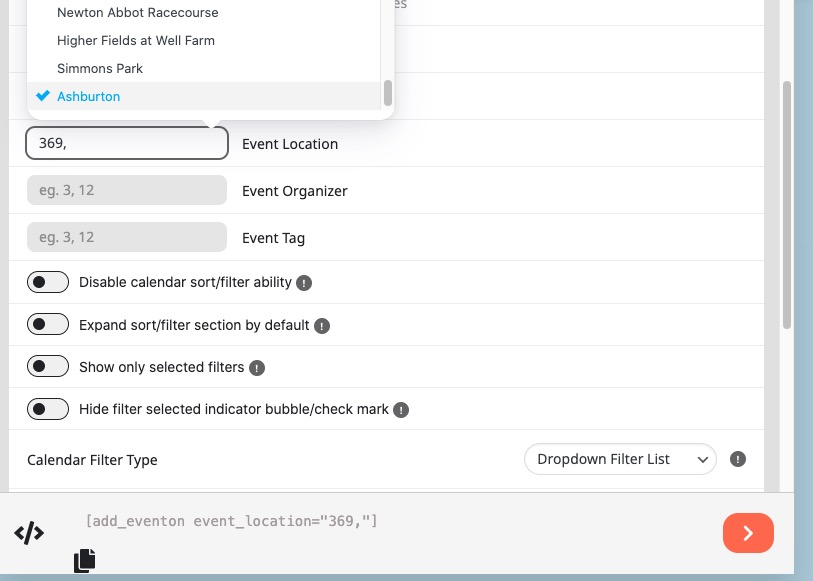
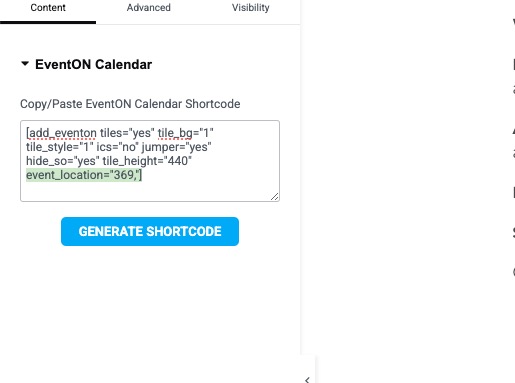
I added Event ID to the shortcode, so only events from Ashburton are visible:
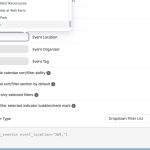
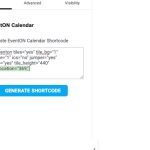

Please check and let me know.
Hello,
I cannot find such order ids among your purchases Do you have another email?
Could you also send us both paypals?
Hello,
Are you referring to lack of numbers on the calendar on mobiles?
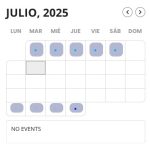
Thank you have sent you a link.
Thank you for your reply. It looks a bit better. The page loads and the calendar is shown. But now I get a PHP Error:
Warning: Undefined variable $days_in_month in /disk/data/www/vhosts/bbw/bbw-volmarstein.de/wp-content/plugins/eventon-full-cal/includes/class-frontend.php on line 103
I am not willing to send you my login details.
The issue is still there. +GMT 10 Australia/Melbourne I have it set at. And it looks like it +10 hours to all events and does not display local time. An event scheduled for 9:50 the next day (under 24 hours) has 1 day and 5 hours (2:19 pm local time)
Install is fresh, new subdomain.