Thanks I will try that when not super busy.
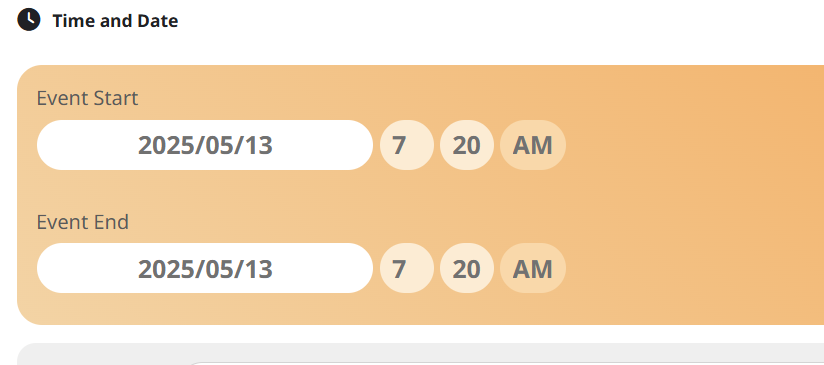
Meanwhile I just noticed a couple of events that have this reset problem with date, time, hide end time, featured event settings. Like the settings are reset. Both events were for tomorrow but have the date of when they were created (13 May). The time is totally random. I will attach one of them here.
I made a point of checking the dates etc after saving them the other day. I will send the SS of the time created too.
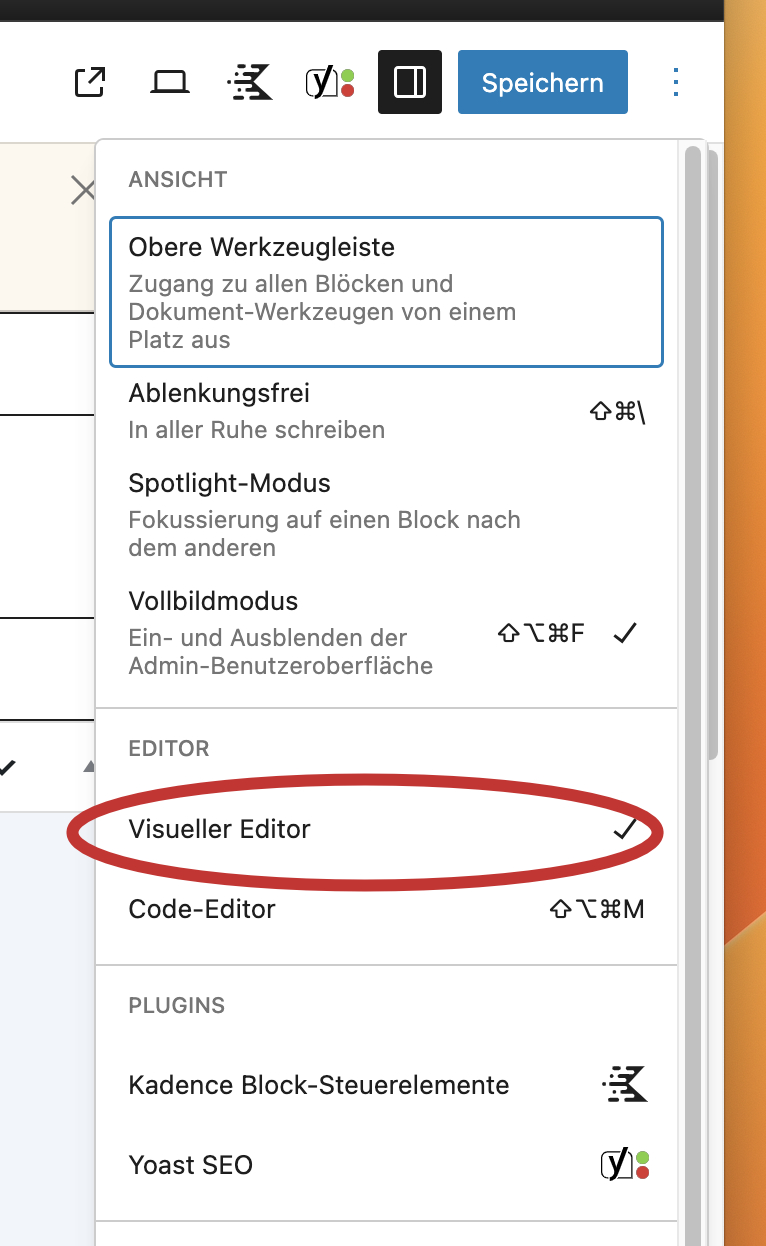
You can open the visual editor here (see screenshot attached)
Hello,
please find attached the direct link:
https://www.frankfiess.de/wp-admin/post.php?post=23103&action=edit
When I go to EventON > ICS import > Import Method is set to “Manual import from ICS file URL”. And it was always set like that.
How do you import events automatically? I believe that it should be set to Schedule import from ICS file URL to import events automatically.
Could you check and let me know?
Hello,
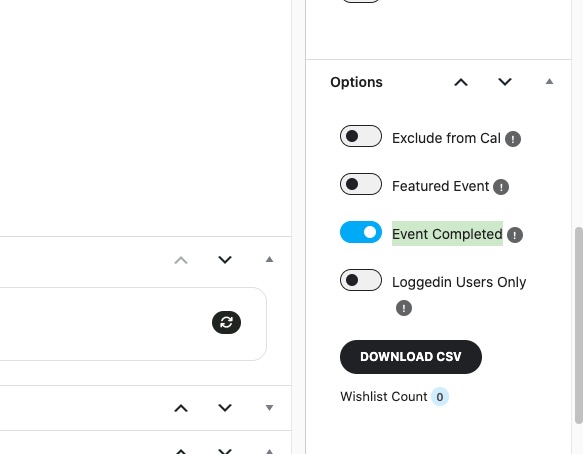
Please go to Edit Event and make sure that Event Completed is disabled:
Hello,
Please send us Order IDs of purchases you want to refund.
Terribly sorry that it takes so long to fix this. Simply not sure what the issue is and don’t know why emails cannot be received on gmail accounts.
There is no ticket #386710. Could you check again?
By “server”, I am referring to your server that you use to install WordPress. The thing is that, again, I didn’t receive the email after the product purchase. So I think that this issue isn’t related to EventON at all but to your server itself.
After you clicked on “Allow plugin to send emails using your Google account”, it says “Access Denied”?
Could you follow this guide on how to use your Google Account for SMTP server:
https://wpmailsmtp.com/docs/how-to-set-up-the-gmail-mailer-in-wp-mail-smtp/?utm_source=WordPress&utm_medium=plugin-settings&utm_campaign=liteplugin&utm_locale=en_us&utm_content=Gmail%20documentation
if it’s the server let me just use your server why i ask what your server is so i can get this fixed now. we’re going back to the smtp plugin that i initially showed you didn’t work. which is just prolonging this situation.it said access denied see ticket no. I don’t know what I’m doing wrong. So if it’s the server that is quickly fixed by me getting on that server. Is their a way for you to remote login to my computer to see? There are free remote logins as well.