I have the calendar set to public and it has been working for ages. I tried both the public and private links, but they no longer save after I leave the settings/import page – see screen recording.
Archives: Replies
Replies for tickets on suppota
Reply to: tickets(387604)
My Email -Adress:
thomas@schauder.net
Reply to: tickets(387712)
Thanks will look into link but the css doesn’t appear to work. This issue where it has no spacing at either side seems to happen on many popular WordPress themes, might be something you’ll want to fix for everyone
Reply to: tickets(387604)
Whats going wrong? Just want to buy Action User Addon but my account doesn‘t exist?
Reply to: tickets(381287)
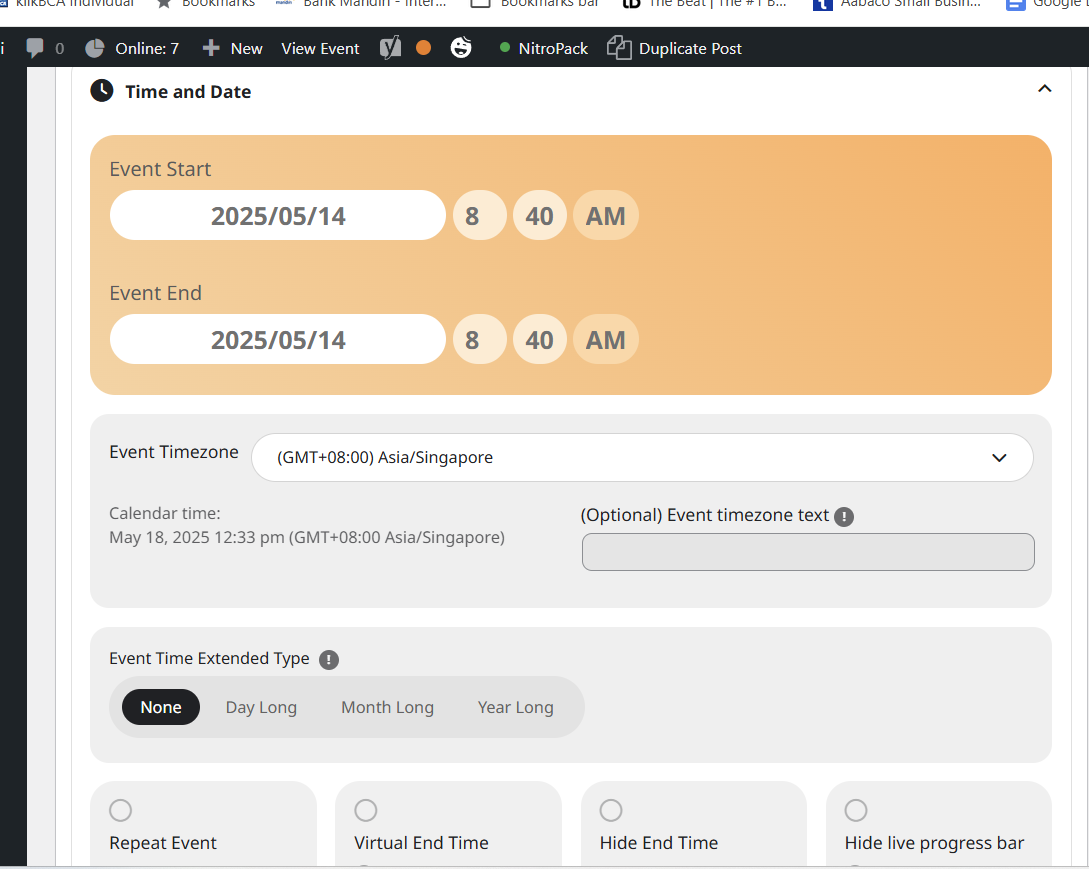
and another one. attached.
Ahhh have to do something about this issue asap. cheers
Reply to: tickets(387704)
see video below
here is the link from the video
https://skealed.com/eventon-testing/
Reply to: tickets(387709)
whats the shortcode you are using?
Reply to: tickets(387712)
try adding to appearance>>>customize>>>additional css
.eventon_main_section, #eventon_comments
Specificity: (1,0,0)
{
margin-left: 5px;
margin-right: 5px;
}
as for having a link above
depending on your site and how you created your headers you could add the link to the header if you had a particular header for the event pages
other than that you’d have to add it to the single event page template via HTML
Reply to: tickets(387709)
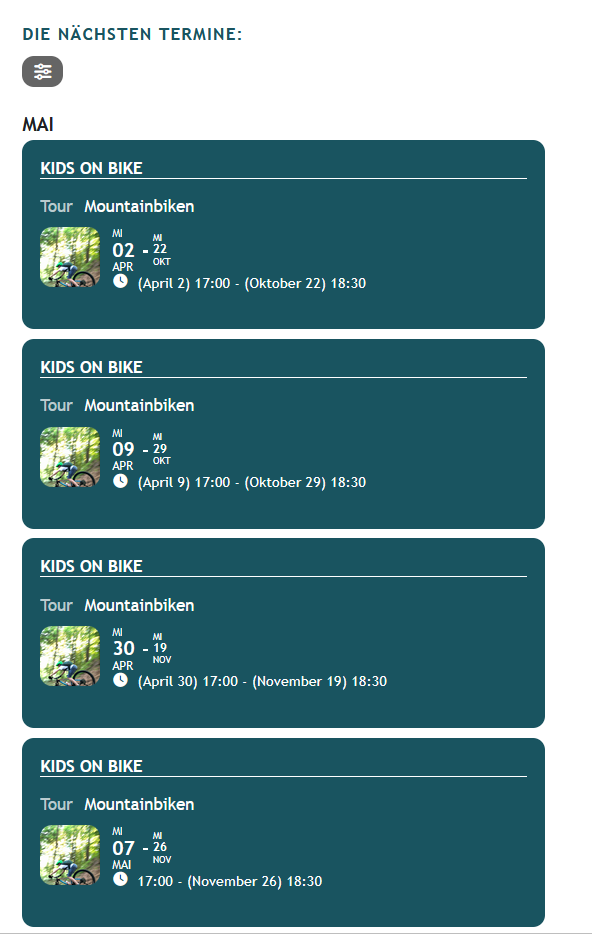
Reply to: tickets(313206)
That’s great news. I was also experiencing the issue that the tickets were not removed from the cart when checkout was complete using the Block checkout, but they are removed after checkout using the legacy checkout.
Looking forward to the update next week.