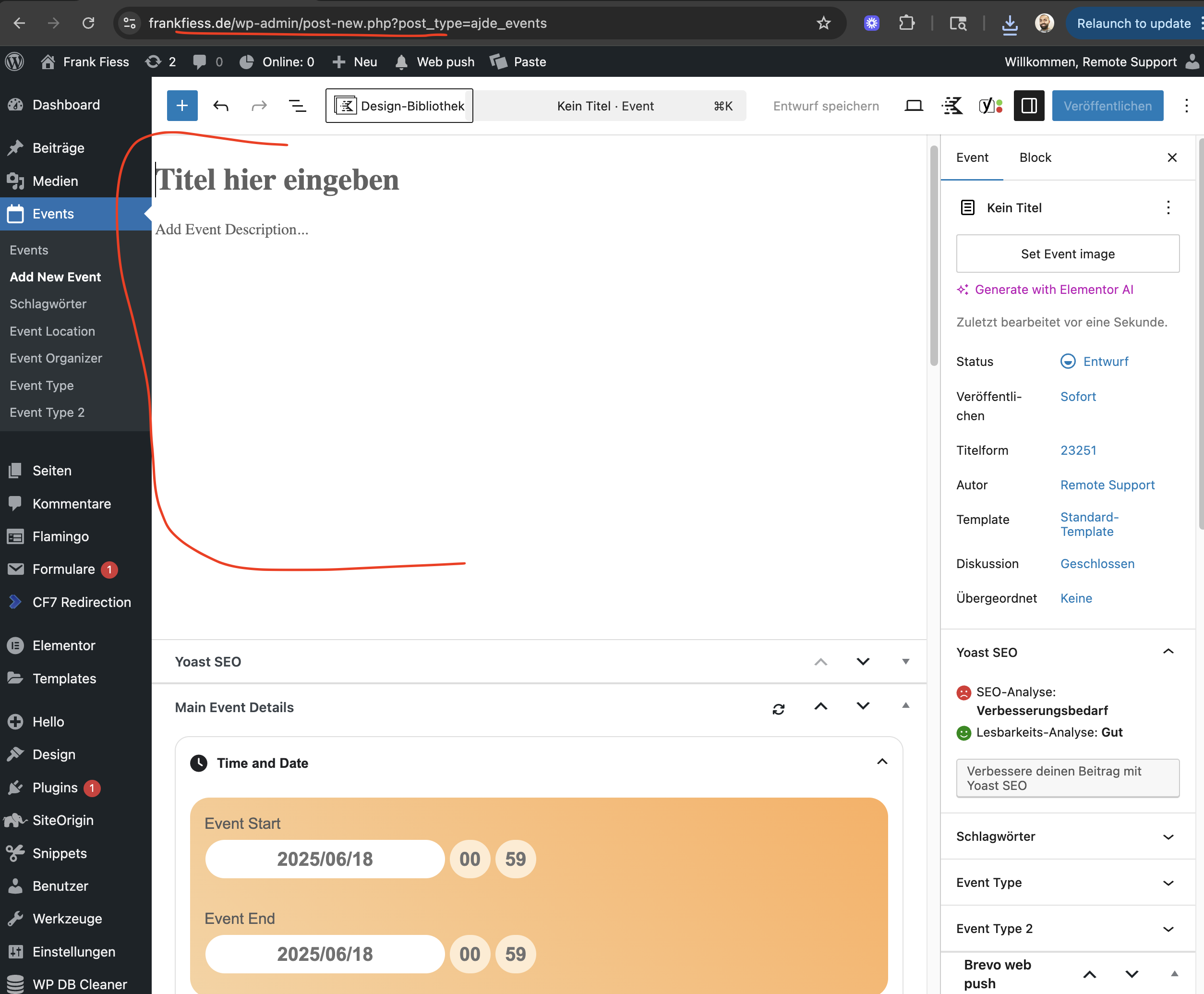
We are sorry for the delay. Please send us wp-admin access to your site from “Access Info” box on right side menu, to further assist your situation.
I just did tests on our test site and it generates Lat/Long correctly. Maybe your location address is somehow causes this?
I am sorry for the delay. Please add this CSS code to EventON > Styles (If you don’t see any change, EventON > Scripts & Styling > turn off Write dynamic styles to header > save settings > turn on Write dynamic styles to header). You can also add this code to wp-admin > Appearance > Customize > Additional CSS.
.eventon_fullcal ul.evofc_ttle_events li { font-family: Museo !important; }
that is strange I jsut went into your website. and when I go there, this is what I see, the editor works just fine for adding new event.
Thank you sandra for letting us know. We will do our best in the next upcoming updates to incorporate those accessible elements into eventON.
Biggest problem is html elements need to be converted into <a> or <button> for them to be recognized via keyboard to be clickable..
Anyways we will keep you updated on our progress 🙂
Hello there, thank you for letting us know of this.
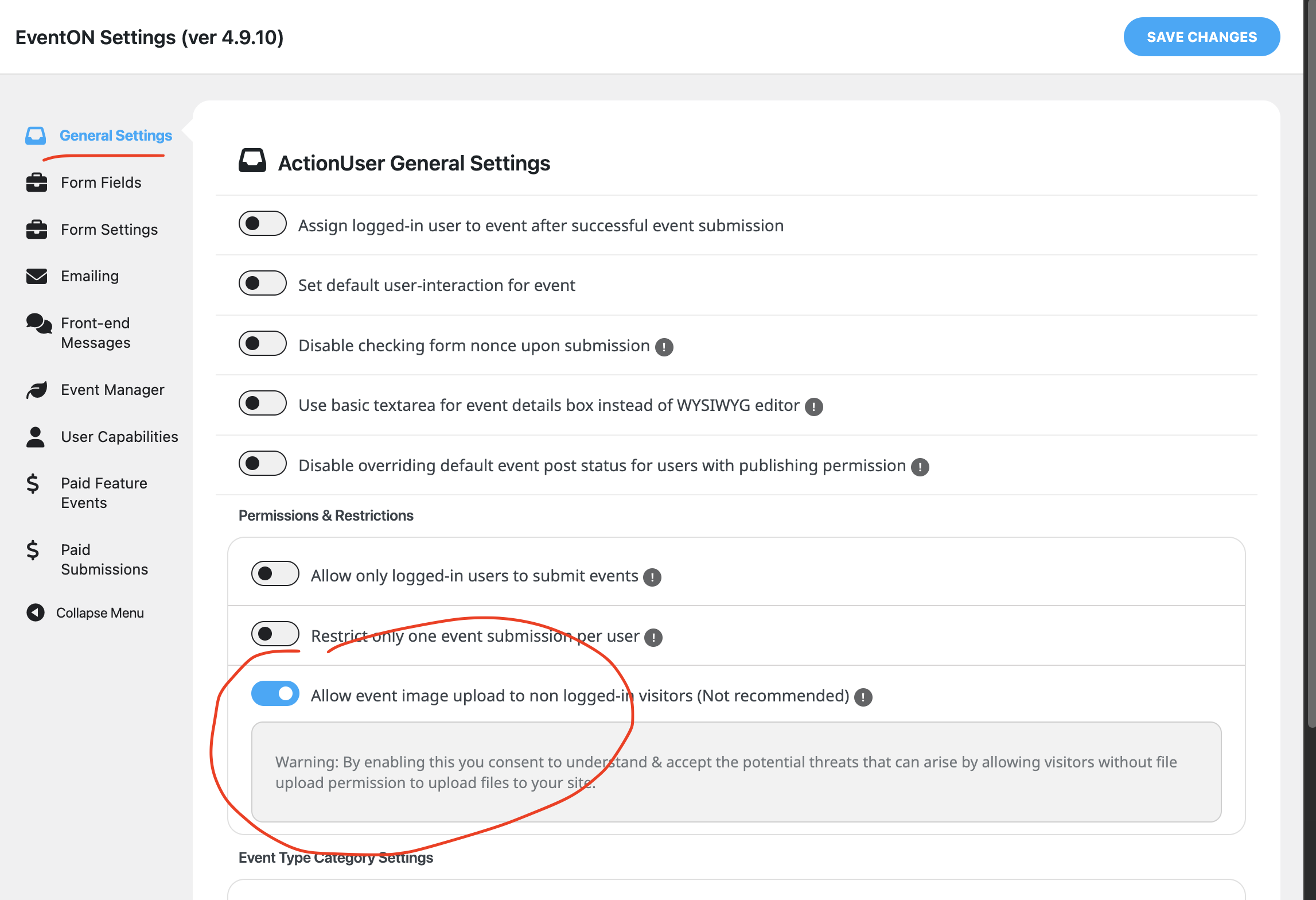
It is happening because the user is not logged in to your site. We will need a bit of time to get this implemented to support non logged in users to upload images using wordpress media manager.
In the mean time, you can restrict only loggedin users to upload images.
I have refunded for the order and the subscription is also cancelled. If you have more questions, kindly send us a new ticket and we would be more than happy to help you resolve your issues!
I have gone ahead and refunded for the event lists and items addon.
thank you for sharing this with us. We will implement that code change in the next version of eventON please use that change on your website.
The issue here, arise from eventcard data fields not saved. So please make sure eventON settings > Eventcard and then in eventcard designer you have saved a event card layout there.
Hello there, were you able to get this feature working at any point before with eventON?
As the payments are completely handled via woocommerce, technically the partial payments should work fine.
We have not exclusivly tested woo partial payments with eventON tickets. — would you mind sharing the name of the plugin you are using for this?