
Reply to: tickets(387474)
Replies for tickets on suppota
Hello,
I have been struggling to receive proper support for almost a month now. I truly cannot understand why it has been so difficult to get assistance, even after paying for support and expressing my willingness to pay for any necessary addons.
I urgently need my website to function correctly, especially for ticket sales. I do not want to spend another week waiting for basic help, and if this issue is not resolved promptly, I will have no choice but to escalate the matter through all available channels.
Please help me finalize this as soon as possible.
Best regards,
Raquel Escobar
Quick Q – can I add a link to the single event page onto the dropdown event card?
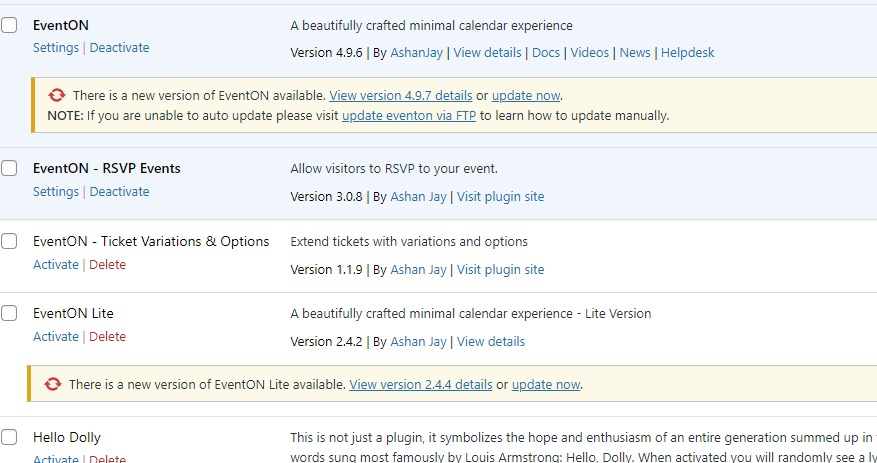
Not sure why the tickets keep attaching the same image. I haven’t attached it.
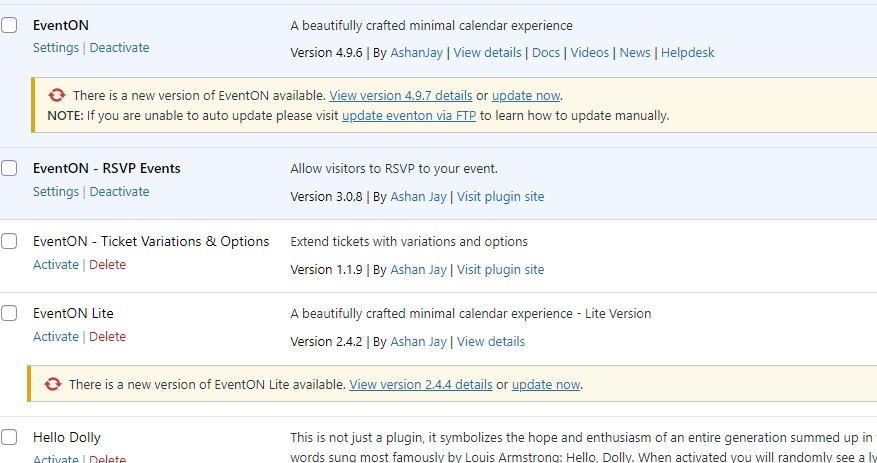
is there a RSVP demo page that i can import and duplicate to ensure it works okay?
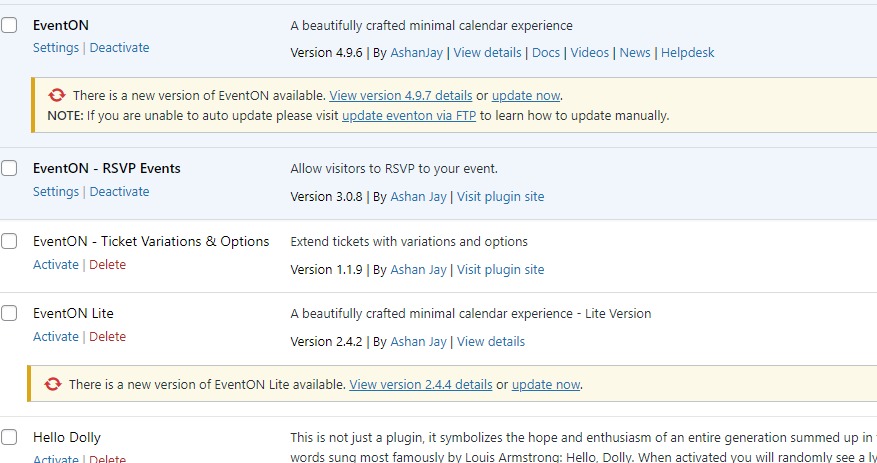
it required that we put a credit card info in and due to the issues having they didn’t want to explore that. I also didn’t want to use that as well. I do understand from the documentation that woocommerce isn’t required for rsvp. Is this not accurate? Please address my direct issue as time is running out. We have sold zero tickets in a charity event. We’ve decided to print the tickets and go back to the old ways and we are currently discussing how we can have folks rsvp the information required via phone and not continue this way anymore. I’m concerned it was my idea to use this platform and online as a new member in an important event. I’ve not given everyone the chance to make this be successful. We need an immediate resolve. If that means starting from scratch since it took me half a day to do the 4 pages. Deeply concerned that this tickeett is not understanding the urgency of this matter as it’s been over a week with no resolution. Is there a call customer number so we can walk through this live together? thanks inadvance.
I am sorry that it takes so long to fix. Just not sure why there is no changes at all.
Could you take a look at this guide:
https://developers.google.com/maps/documentation/javascript/get-api-key#restrict_key
Please remove https://www.libriincantina.it/* as well as https://www.libriincantina.it/events/test and then only add
https://*.libriincantina.it/*
Hello Artem,
I’m a bit confused by your question — I already provided the login credentials, so I assumed your support team would have accessed the site and checked which add-ons are installed.
Could you please confirm if you’ve been able to log in? If not, let me know what’s preventing access so I can fix it right away — but I’d really appreciate it if you could check directly and let me know what’s needed.
From what Ashan said, I DO NOT need to buy the Event ticket. It would be really useful if you read the entire thread.
Thank you,
Raquel Escobar
Now it’s working perfectly.
I don’t know what I’d do without you. Thanks for always being there.
Best regards.
We don’t have access to your CodeCanyon account. Please contact CodeCanyon about this.