Hello,
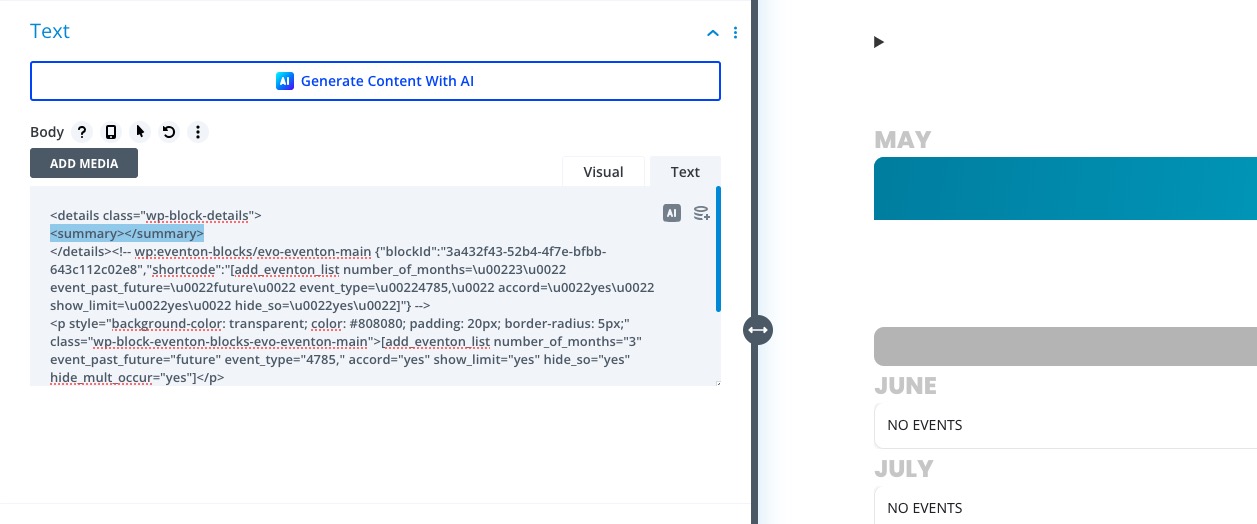
Black arrow isn’t from EventON but is added through the code:
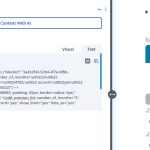
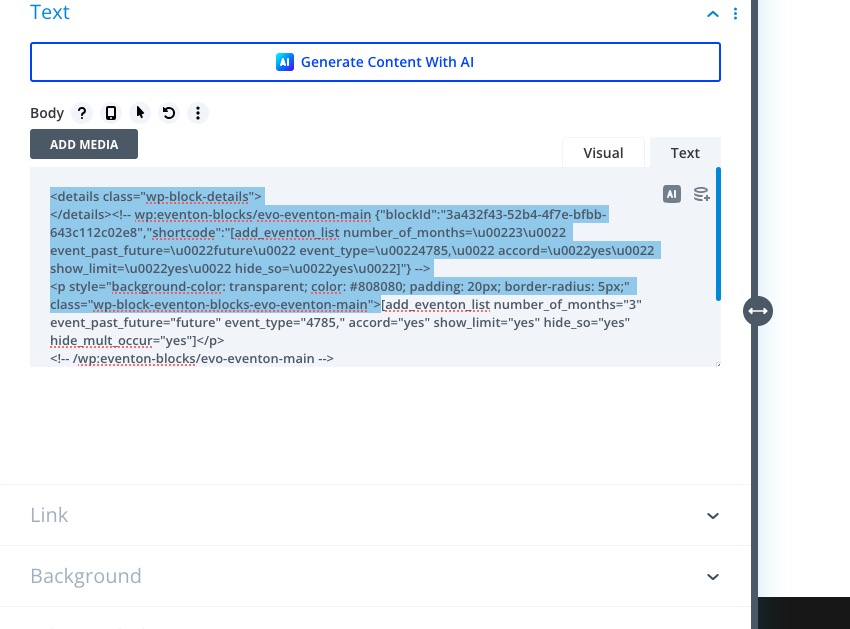
Please remove it and also let us know if this code is supposed to be there:
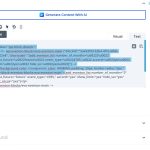
I believe that it should be removed as well.
How do I make the events match the month they are supposed to be shown in?
Please add this to your shortcode:
hide_mult_occur=”yes”
Hello,
Please update EventON and add-ons.
After, try checking if the issue continues.
If continues, please try putting the shortcode on a regular page without Tabs and check:

We are glad your issue is resolved, if you have any further questions or concerns please create a new ticket.
If you have a moment, we would greatly appreciate if you could kindly leave us a review at EventON WordPress Page OR Codecanyon. Your review helps us a lot in continuing EventON improvements!
Hello,
Are you referring to this calendar?
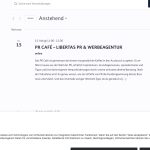
In EventON Settings you can go to Appearance and find all available options to change the colors. If you don’t see any change please go to EventON > Scripts & Styling > turn off Write dynamic styles to header > save settings > turn on Write dynamic styles to header.
Hello,
Please update EventON to the latest version.
To update eventon to latest version: If you are unable to do autoupdate, you can go to codecanyon your account > download and get the latest eventon version as zip file. Then you can go to your website > make sure “Delete eventon settings & data when EventON is uninstalled” is Deslected from eventon settings, delete old eventon, install new one and activate. This link will further explain the process it. Also you can follow us on twitter to get real-time announcements on updates!
/wp-admin and /wp-login.php both redirect to 404 page.
In order to import the event, did you go to EventON > ICS Import > clicked on Process ICS File? I just re-imported it again and the details were imported.
Could you update EventON to 4.9.7?
To update eventon to latest version: If you are unable to do autoupdate, you can go to codecanyon your account > download and get the latest eventon version as zip file. Then you can go to your website > make sure “Delete eventon settings & data when EventON is uninstalled” is Deslected from eventon settings, delete old eventon, install new one and activate. This link will further explain the process it. Also you can follow us on twitter to get real-time announcements on updates!
Please take a look at this page:
https://www.myeventon.com/addons/
Tickets:
https://www.myeventon.com/addons/event-tickets/
QR Code:
https://www.myeventon.com/addons/qr-code/
Could you let us know about your other add-ons?
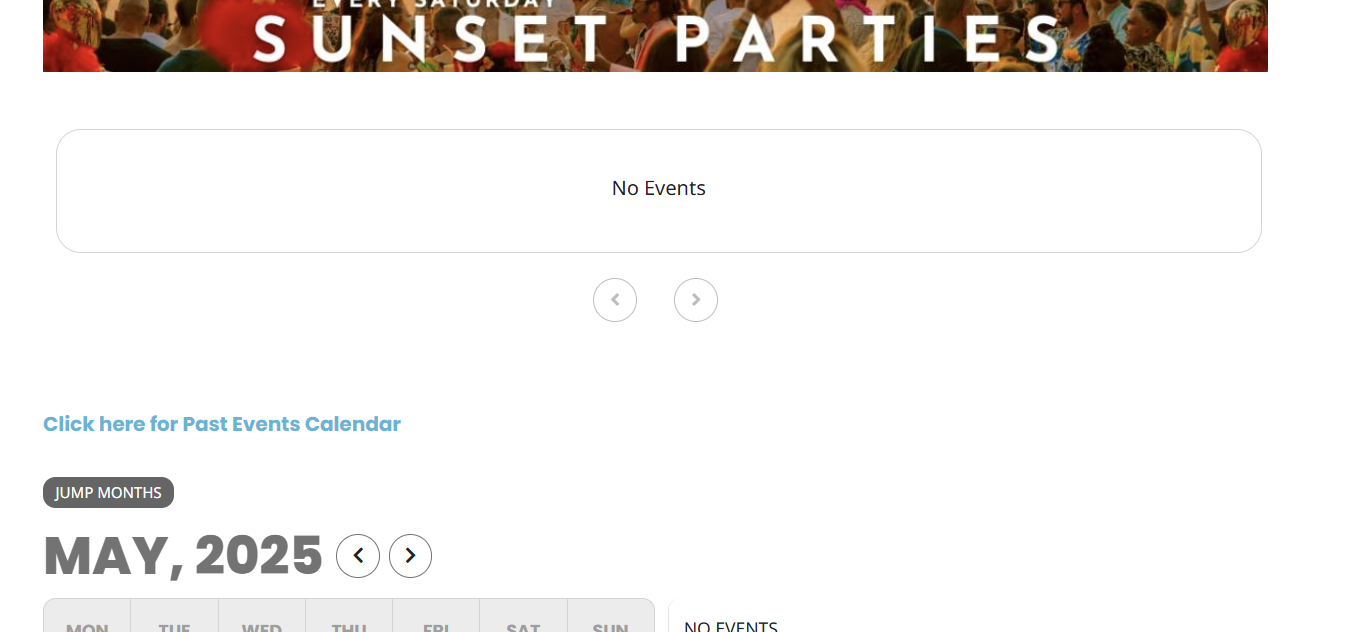
Ok we are back in clean action! Cleared the hack.
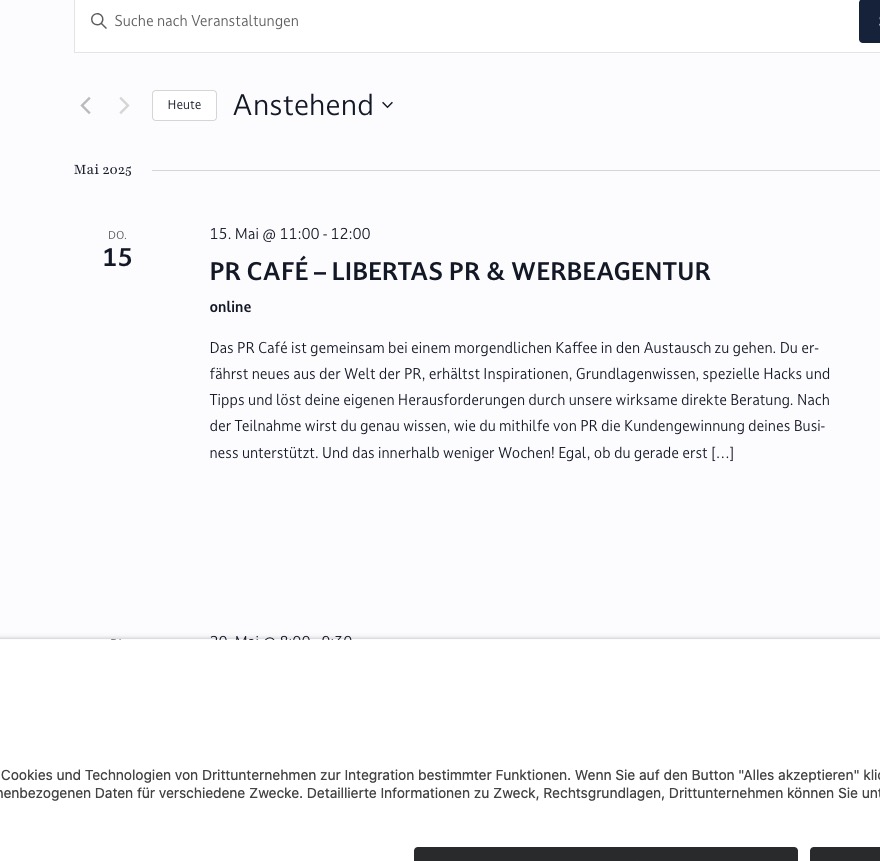
I just tried to activate the index-events addon and no events showed. Please see the attached image
Hello Ashan,
Thank you again.
Please tell me exactly which EventON addons I need to re-purchase in order for everything to work correctly on my site — especially the QR Code on the tickets, which is essential for us.
Kindly send me the direct links to those addons on your site, and I’ll proceed to buy them right away so we can get the page updated and running smoothly, and take advantage of the current 15% discount you mentioned.
Looking forward to your guidance so I can complete this as soon as possible.
Best regards,
Raquel Escobar
Issue is now happening again for the event on the 5th of June.