Here is a video: Showing the error
E-commerce Deposit Payment and Ticketing Display Issue
Watch Video

Replies for tickets on suppota
Here is a video: Showing the error
E-commerce Deposit Payment and Ticketing Display Issue
Watch Video
I have gone ahead and refunded you for QR code and tickets addon order ID 209312.
Support:
The support you purchased from envato is pertaining only to eventON main plugin. EventON addons related support require active license.
EventON itself would work fine on any server. But when you combine eventON + Tickets + woocommerce. the amount of memory and system requirements vary.
We will try our best to do a better job in the future to update our website about server requirements for our software. Thank you for helping us understand the need for this.
I am terribly sorry we could not update your software to latest version of EventON with your current web server conditions.
If you decide to upgrade your webserver to higher capabilities in the future, you should not have any issues running eventON + Tickets + QR + Woocommerce. With a web server with memory of 512MB or higher, Apache 2.4+, PHP Version 8.0+, CPU 2 core+ RAM 4GB+, storage 20GB SSD+ — again these are general guidelines, depending on the amount of content data and website traffic, you may need higher server capabilities.
If you need us to help with any other items kindly let us know.
Just released the new version 2.4.16 for tickets addon https://docs.myeventon.com/documentations/changelog-event-tickets/
this will fix the pricing issue 🙂
PS. Make sure to clear cache on your website after update.
Kindly update to our latest version of tickets addon 2.4.16 — https://docs.myeventon.com/documentations/changelog-event-tickets/
should resolve this issue;
Does not seem like you are getting anything from them. I would suggest trying another translation plugin. We like https://wordpress.org/plugins/loco-translate/
Also FYI, if you are not seeing a new update, you can always force the website to check for new updates and get new version and download package urls from Dashboard > Updates > Check again
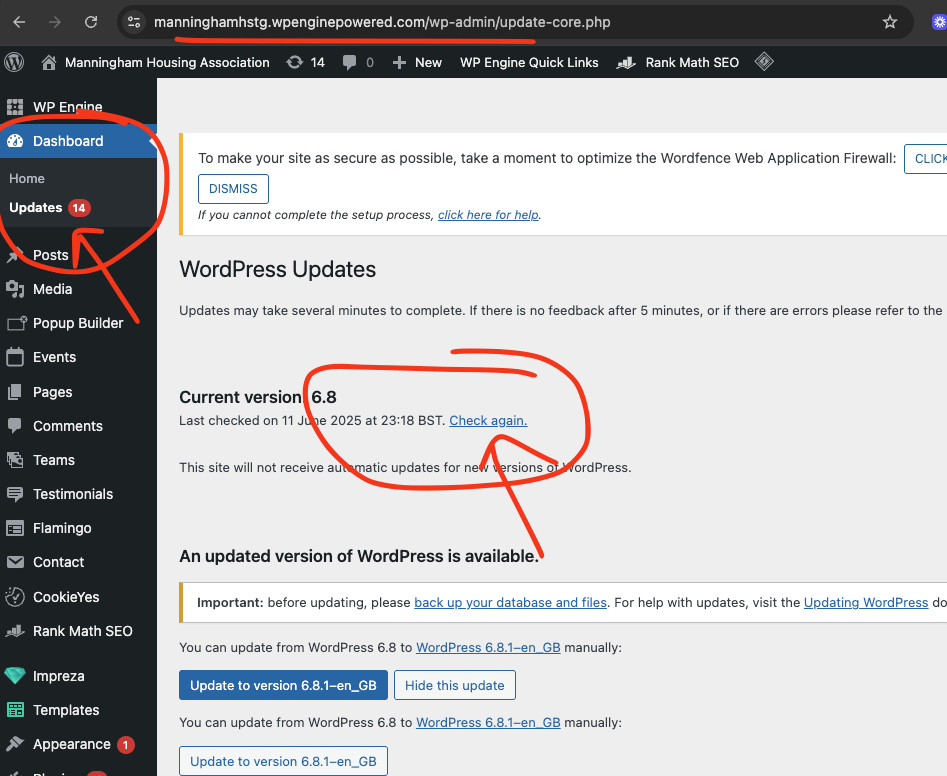
Hmm interesting, I just did the autoupdate on your website and new version of eventON updated quite nicely. Perhaps our new remote update server fixes have solved the issue.
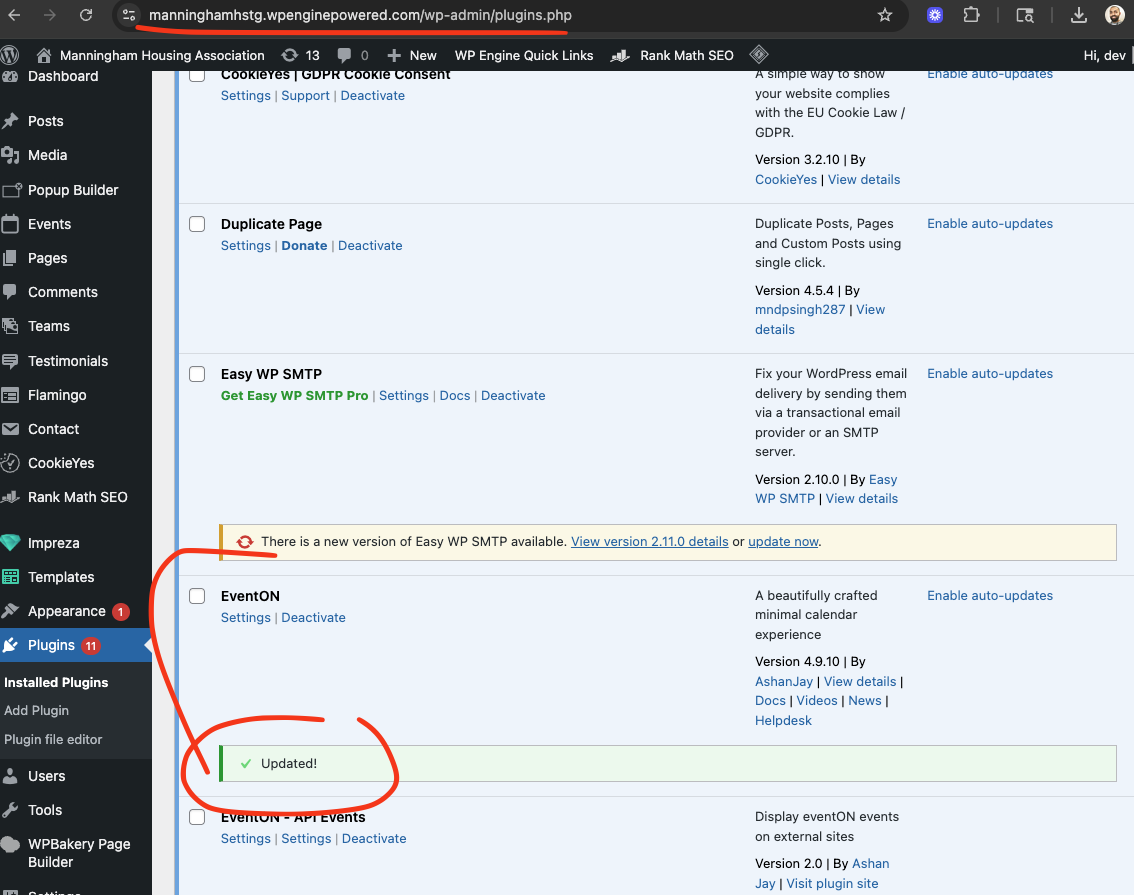
It also works fine for me, as Artem suggested kindly try clearing cache.
Kindly update to the latest version of weeklyview addon v2.1.7 — and make sure to clear cache. that will fix the events content not loading correctly.
https://docs.myeventon.com/documentations/changelog-weeklyview/
Hi,
Thank you for the quick response! Can you clarify where we should be using the styles that you listed? Should we be adding them to our style.css as well?
The issue is that we have changed the RSVP styles and have enabled write dynamic styles to header, and we are not seeing the selected colors on the front end. We have also tried adding the styles to additional CSS and our theme style.css.