Hello,
Please update EventON to 4.9.7. After go to https://www.planconpeques.com/wp-admin/admin.php?page=eventon&tab=evcal_3 and add ! to important.
Next EventON > Scripts & Styling > turn off Write dynamic styles to header > save settings > turn on Write dynamic styles to header.
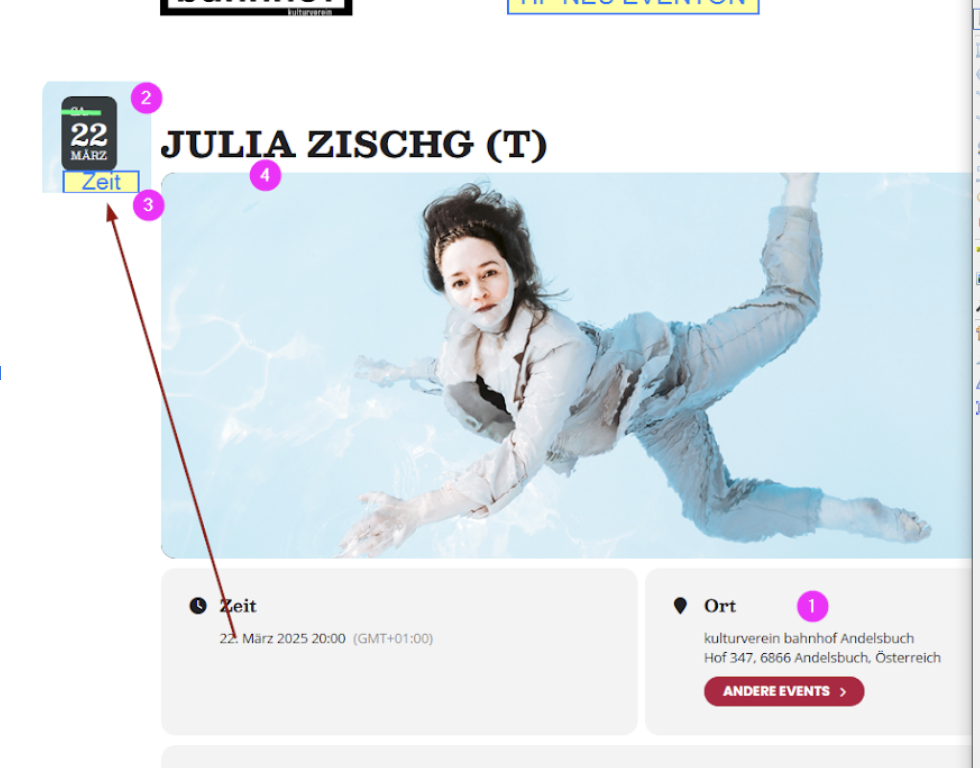
I want to show also these Date and Time Box in the Event Detail page in front of the Title Image of the Event – possible?
I waited 24hours to make sure that Google updated everything. However, no changes unfortunately.
I created this test event:
https://www.libriincantina.it/events/test/
Could you try adding this URL before https://www.libriincantina.it/* for a test to make sure that it will work:
https://www.libriincantina.it/events/test/
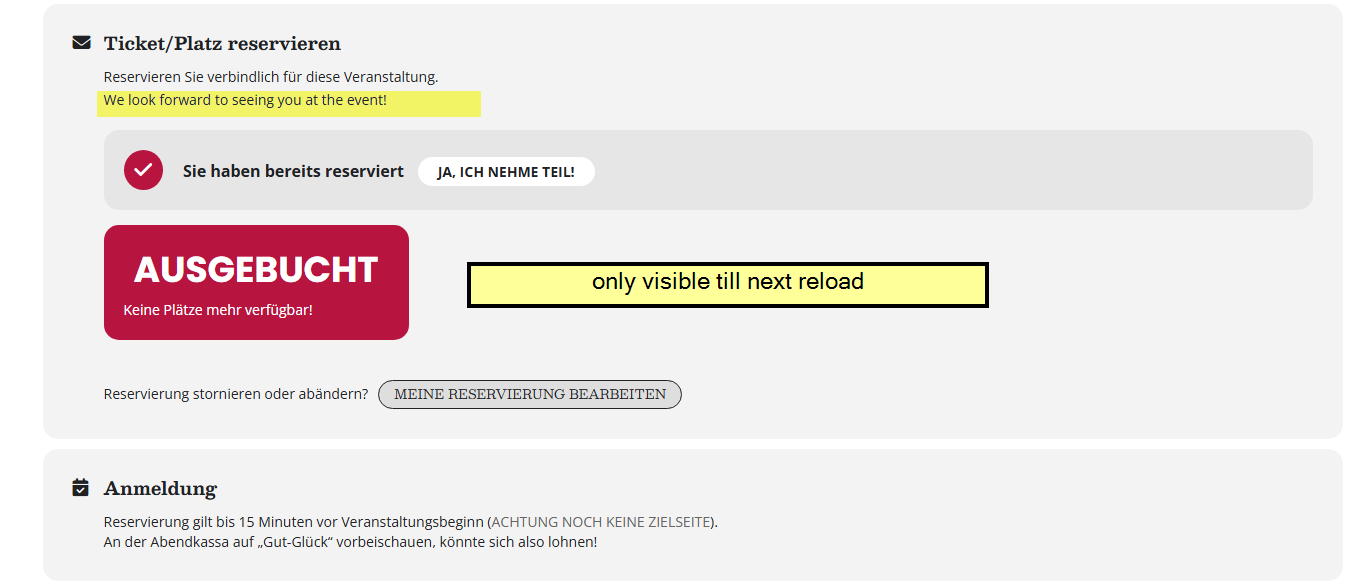
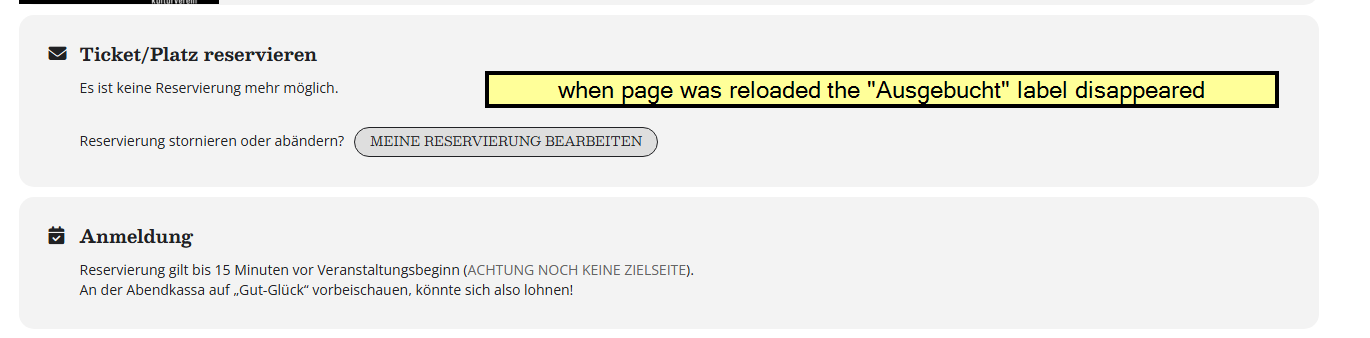
When it is fully booked and i change my reservation from 6 tickets/seats to 4 – it should be visible that there are 2 seats left – actually it is like you have to do a fully reload and then it is shown – maybe you can add some ajax loading there?
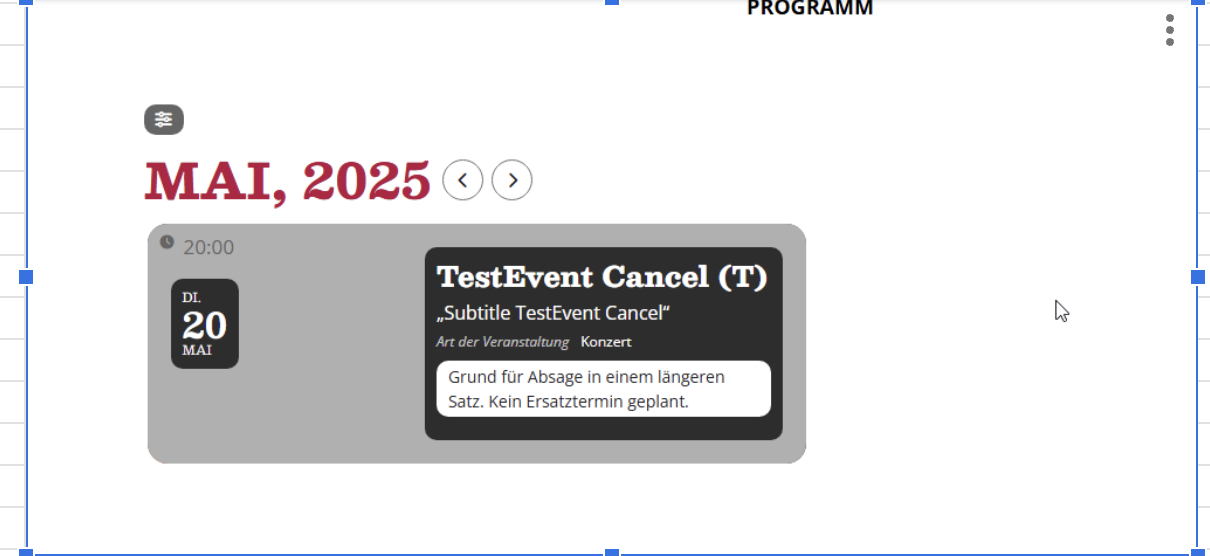
And the new design is like this – no badges and no time and date in one DIV, and no red area when the event is cancelled
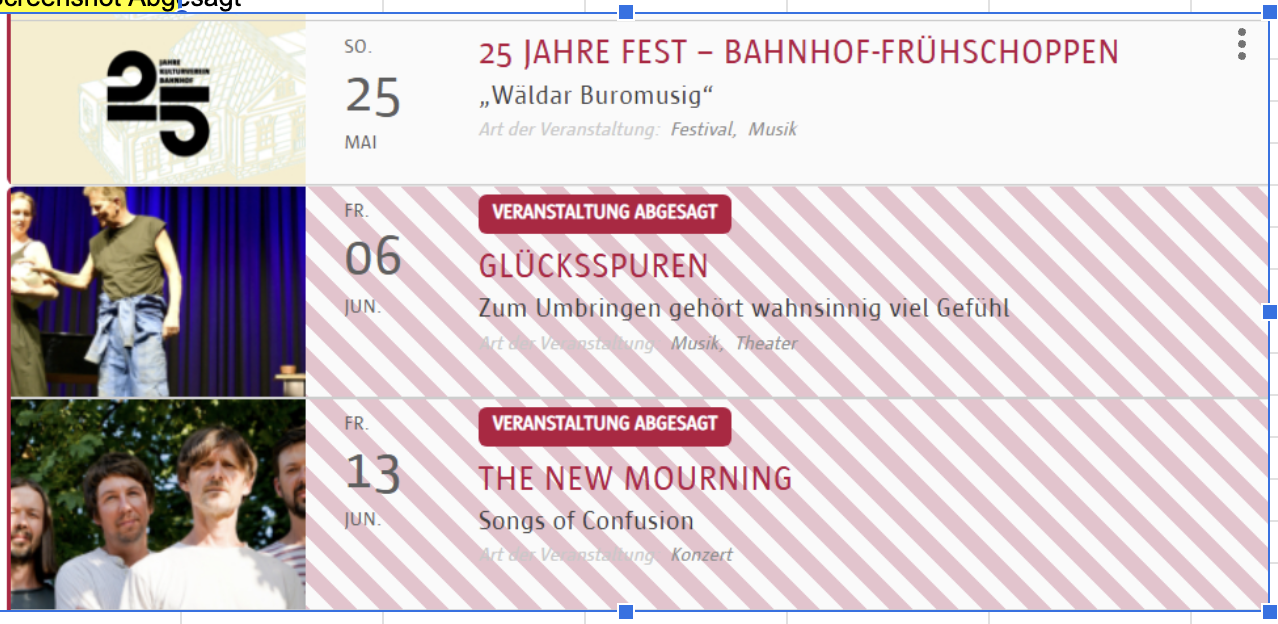
We have this Version on bahnhof.cc now – and we would like to get a Design which is very similar – with Badges and with red area when it is cancelled.
It seems to be working in Troubleshooting Mode with the default theme and no other plugins enabled. Please try enabling yourself:
https://www.bridgedistrictdc.com/wp-admin/site-health.php?tab=troubleshoot
You can also try the instructions mentioned in this documentation.
Ok it is working fine now.
https://botatuin.nl/reliant/wp-admin/post.php?post=1023&action=elementor
You have not set the proper lang=’L2′ value in the shortcode for the language 🙂