Morning,
We tried updating it but it did not help. We are using Elementor blocks on cart and checkout, this should not be an issue because we are using it like this for years.
Kind regards,
Adnan
Replies for tickets on suppota
Morning,
We tried updating it but it did not help. We are using Elementor blocks on cart and checkout, this should not be an issue because we are using it like this for years.
Kind regards,
Adnan
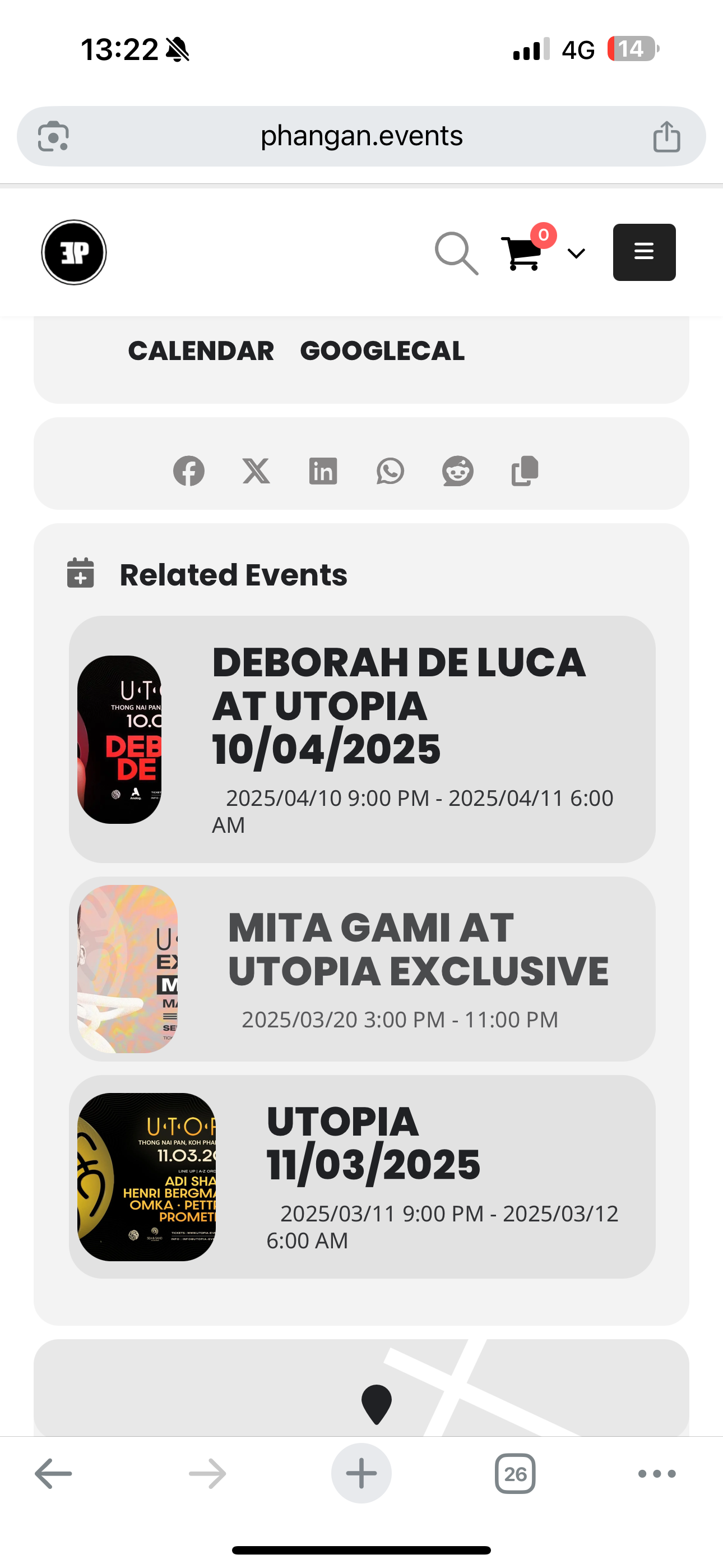
How to change it on my website?
Hi Dave,
thank you for the video. This is indeed what we do when we need to remove one date.
I was looking for something allowing me not to edit all events (we have numerous events during the week).
Would it be possible to eventually show our calendar (we use daily view to both show online and physical events on homepage) starting from the week after the holiday so that we don’t have to deal with each repeat and edit all events? In this way I can “restrict” the calendar when the date approach and move it back to normal after that. What do you think?
Thank you again for the help,
Cristiano
duplicate
you have 1 event in august
https://events.eventtr.ee/events/project-soca/
the calendar is showing only the current month so no events will be seen and you have turned off the arrows sopeople can’t switch the months
https://events.eventtr.ee/event-directory/
I have no idea how to make your sites home page any different most editors have the ability to make a page or post your home page
I am not sure where to do that in your theme
Locations Archive page: https://l6qh256l4j-staging.wpdns.site/event-locations/
Click on any of the locations listed on that page and you will see the issue.
WordPress login: https://l6qh256l4j-staging.wpdns.site/wp-admin
username: eventon
password: 7DnhmbIDYFVjT7bhdXb4jbJW
You have administrator access
I even updated to the latest 4.9.5 but still displaying issue on location item page.. eg: https://l6qh256l4j-staging.wpdns.site/event-location/arnolds-creek-childrens-community-centre/
If you copy the taxonomy-event_location.php template in the plugin and replace the current one in {custom-theme}/eventon/taxonomy-event_location.php, it still displays as broken.
Please completely test this on the URL I provided.
Thank you!
please update to new version 4.9.5 and make sure to clear cache.
couple of options see video below
similar thing for ticketing manage capacity for each repeat then make the number of tickets 0 for a particular repeat
URL : https://staging4.cafedomoun.re/wp-login.php
Login : eventon
Password : 1ORnrcap@uxNv7%zSlO1$^Jv
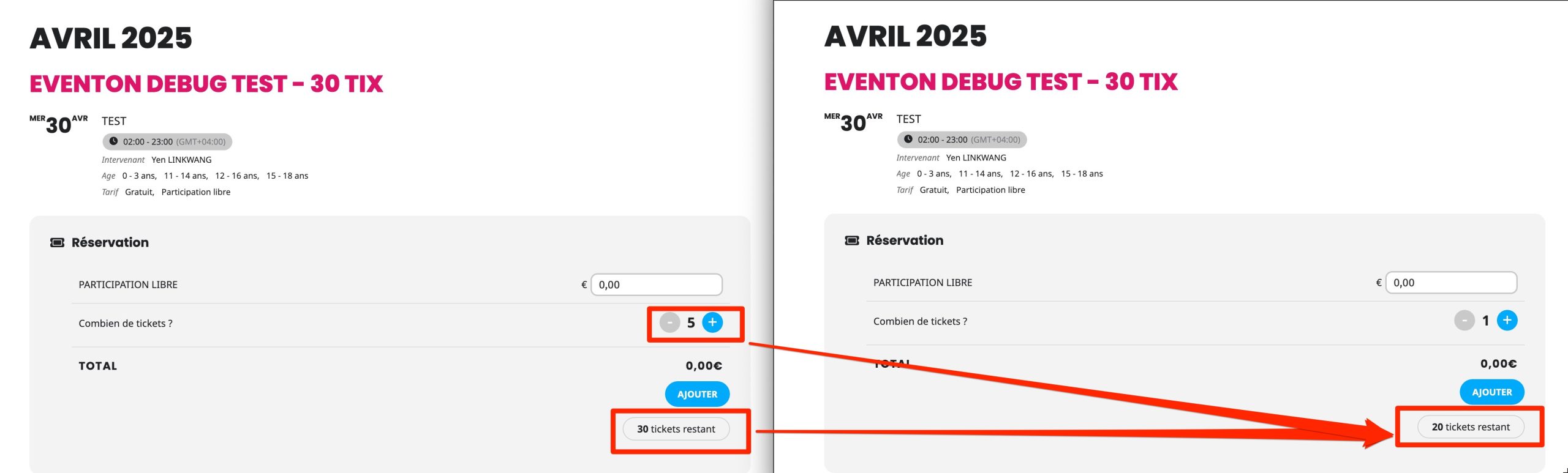
Here a staging environment, feel free to make all your test
URL : https://staging4.cafedomoun.re/wp-login.php
Login :
Password : 1ORnrcap@uxNv7%zSlO1$^Jv
You can create an event, add ticket, order them and see that there are destock x2 times 🙁