Sure. All pages with EventOn are having issues. It’s definitely a title text wrap issue. If the event title is short and can fit on one line, the title appears as it should. If the event title is longer and requires a wrap or a second line, the title location appears under the image and the date. I’ve tried to remove the custom css that you asked me to add, but that makes the issue worse so I kept it.
This page is currently active: Winter Program | The Clearing It doesn’t have images, but if you compare class 11 and 12, you will see how the event title is handled differently because of the title length, ie one title directly to the left of the image and the date and one title beneath the image the date.
This page is my test page for our upcoming summer program: Summer Program 2026 TEST | The Clearing If you compare class 3 and 5, you will see again the difference in title display.
Can we please try the instructions mentioned in this documentation? It will take less than a minute.
I believe so. Could you try cloning the website, so we can check it?
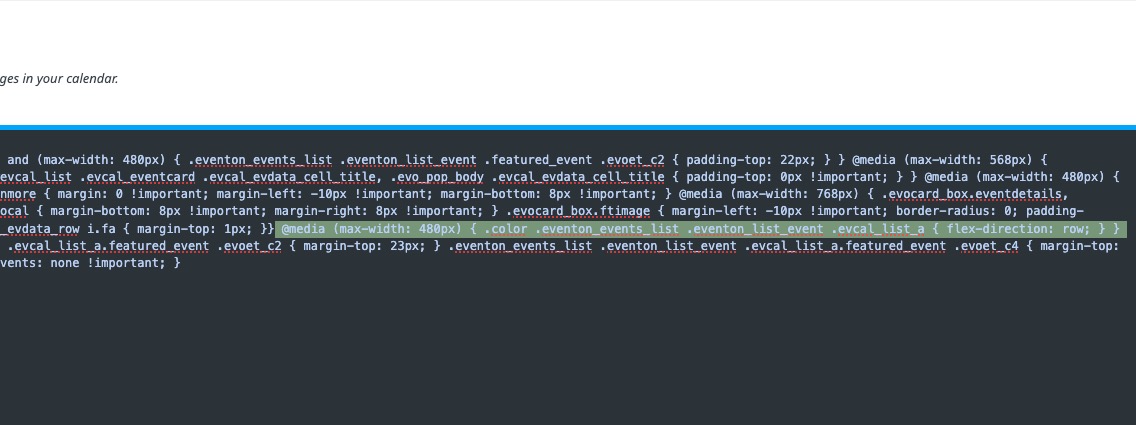
Here’s the code line that causes this:
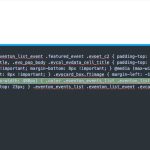
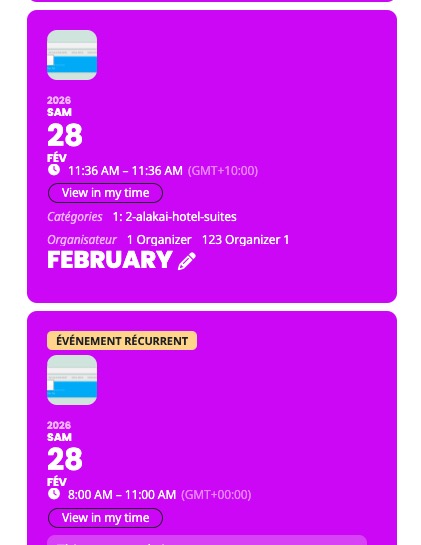
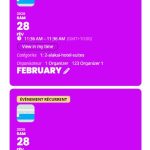
By default EventON on mobiles looks like this:
Could you try commenting the code and let me know?
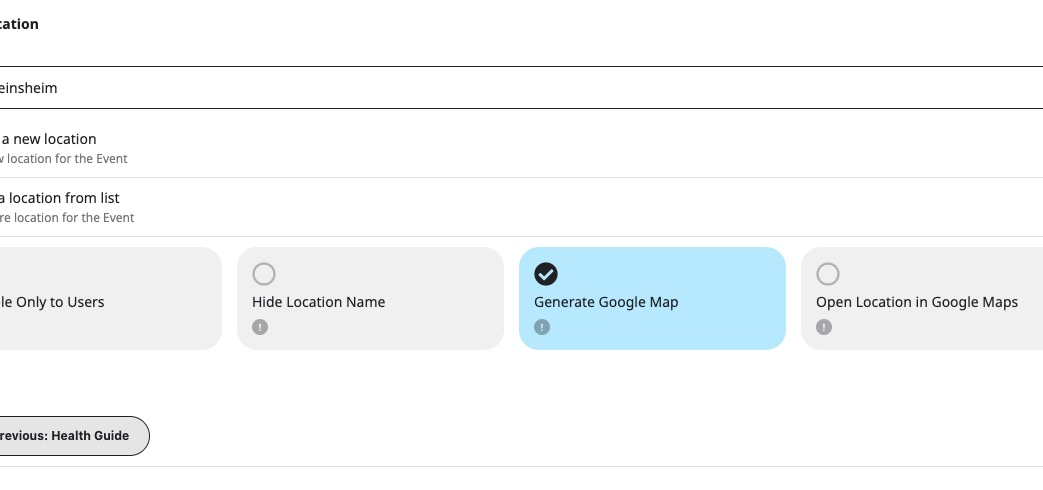
”Generate Google Map” must be enabled:
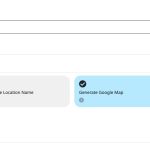
Since you enabled ”Enable generate google maps from address for all newly created events, by default”, all new events will have the option enabled. So please check if the option is enabled in all your old events as well.
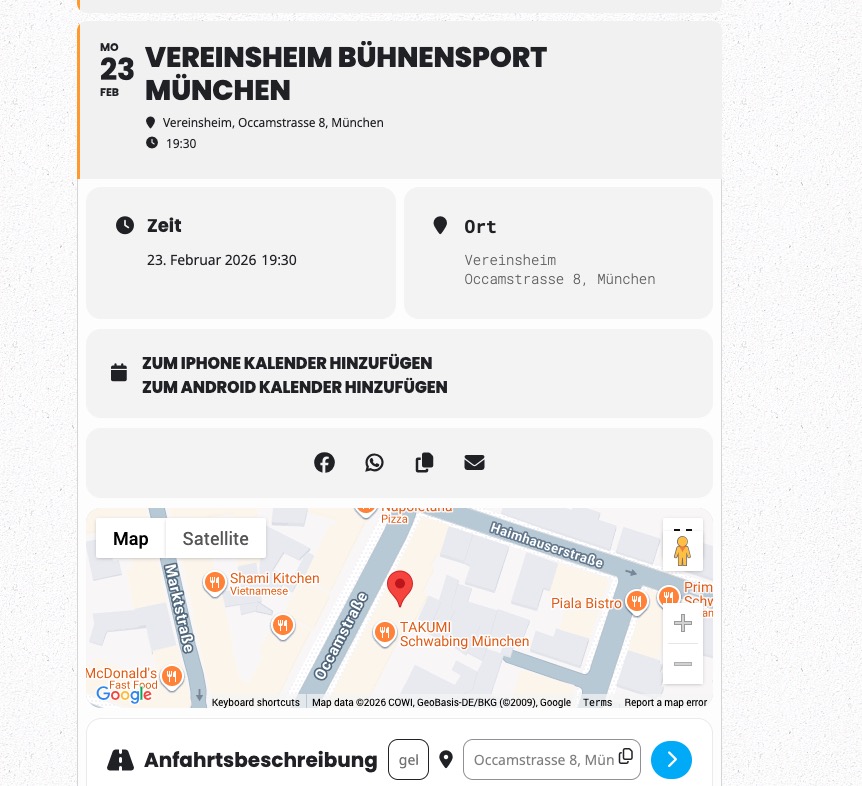
The event from your screenshot does work now:

Hello,
What kind of fails? It cannot load properly or design issues? Could you send us a screenshot?
Please go to EventON > Advanced > try changing Select calendar event content filter type.
Please downgrade to 5.0.2:
https://dev2.myeventon.com/surl/guZG30YrLdbk
Not necessary, I believe.
Did you check my reply on ”Invalid or duplicated SKU”?
The cost of the ticket should be emailed separately from woocommerce, the ticket sent from EventON ticket will have all the ticket information.
Price Options shows the price because it is a static item. Showing the price for each ticket might not work always because of taxes, VAT etc. that may apply to entire ticket order and if multiple tickets in order, showing ticket price without taxes will be different from total order cost.
Any how we will see what we can do to get this implemented in a way that it works for all the scenarios.
Great, Thank you for your great work.
Btw, when participants change their RSVP, they only need to provide their email address. This allows anyone to change other reservations as well as long as they know the emailadress.
Is it possible to add a prompt, for example, to enter the RSVP number (e_id)?
That would ensure that not just anyone who knows an email address can make a change.