1. I mean how to set a specific color for the tile background . EventON > Appearance > EventTop > Background Color does not work.
Archives: Replies
Replies for tickets on suppota
Reply to: tickets(401964)
1. I changed the style to 1 , color changed, but still cant find how to change that color. You wrote I should go to EventON > Appearance > EventTop > Background Color , but there, color is set to white and the color of the tile is different, not white, this does not work.
3. Google maps without importing also still does not work and does not show up. I put all the addresses manually, the api also generated coordinates, so the api seems working as I understand. But no google maps visually.
Reply to: tickets(401942)
Thank you
Reply to: tickets(401964)
About the Google maps. I dont think the error is in the address. I put all the addresses before and also tried, does not generate google maps, in event page the section does not appear at all. The direction section appears, but also seems broken in style. Can this be fixed? I updated all my event with addresses, the api also generated coordinates, so the api seems working, but something else still is conflicting. Me event site you can see how does it look with no google maps. https://www.artimigarsai.lt/testas9/ . Can you please help with this?
Reply to: tickets(401978)
We are glad your issue is resolved, if you have any further questions or concerns please create a new ticket.
If you have a moment, we would greatly appreciate if you could kindly leave us a review at EventON WordPress Page OR EventON > My Account > Downloads. Your review helps us a lot in continuing EventON improvements!
Reply to: tickets(402017)
Hello,
I went to EventON > Advanced > set Select calendar event content filter type to Default WordPress Filter. Now the space is gone, I believe. Please check and let me know.
Reply to: tickets(401989)
Please follow ”How to Use the Shortcode Generator” of this guide:
https://docs.myeventon.com/documentations/shortcode-generator/
Reply to: tickets(401771)
The issue is gone when WooCommerce Payments is disabled, correct?
The payments plugin shouldn’t affect EventON functionality at all and it removes the crucial part of the functionality. We unable to help from our side when it comes to issues caused by a third-party plugins, I am afraid.
Reply to: tickets(401752)
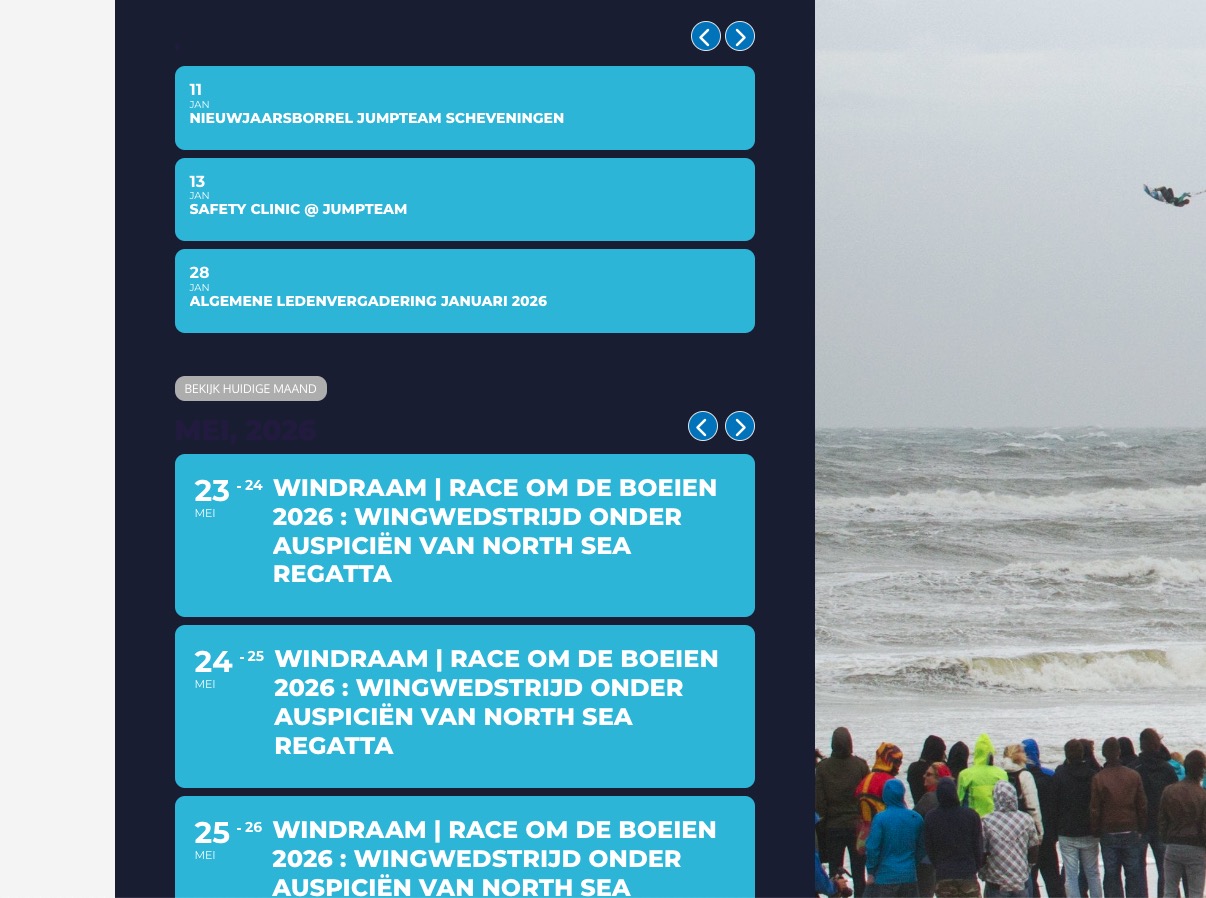
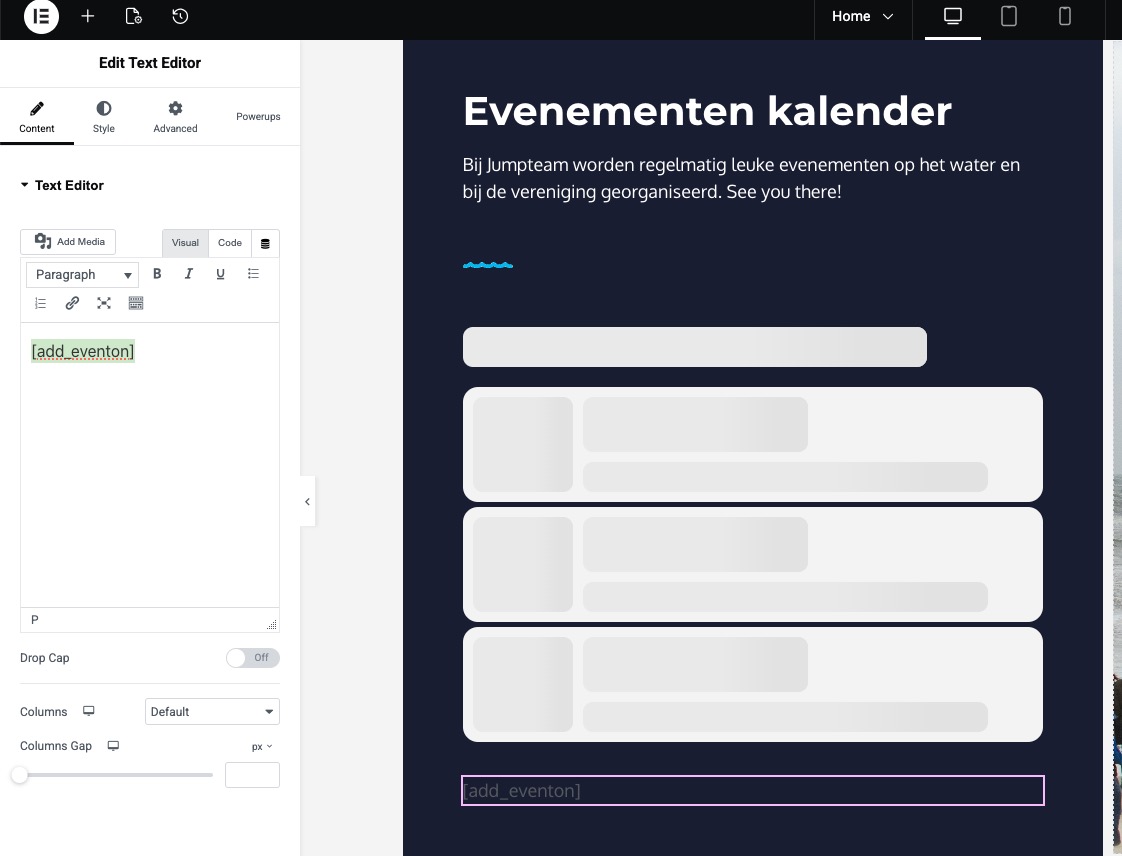
Could you try replacing Calendar widget with Text Element with added [add_eventon] shortcode?
Reply to: tickets(401964)
1. Since you use tile_style=”2” in your shortcodes, EventTop is clear (or grey). Could you try changing it to tile_style=”1”?
3. We don’t support it, so cannot help from our side, I am afraid.