Hello,
1. EventON doesn’t have such functionality. However, maybe WooCommerce can do this. But only during the checkout process. Unfortunately, I am not familiar with any plugins.
2. WooCommerce allows you to pay offline:
https://woocommerce.com/document/cheque/
3. No recommendation, I am afraid.
4. The only option is to go through the checkout process using their data. Just purchase a ticket the same way they would do and then fill their data.
Hello,
We are still working on the version for CodeCanyon. The update will be available ASAP.
Hello,
Since you are trying to show WeeklyView calendar, please use the correct shortcode.
Go to EventON Settings > Shortcodes > Configure Calendar > open WeeklyView > now copy the shortcode.
More info on how to use it:
https://docs.myeventon.com/documentations/shortcode-generator/
Please check and let me know.
Hello,
Thank you for your great suggestion, at the moment it is not supported. However please create a new ticket and select Feature Request as category so others can vote on your idea and get it moved into development faster.
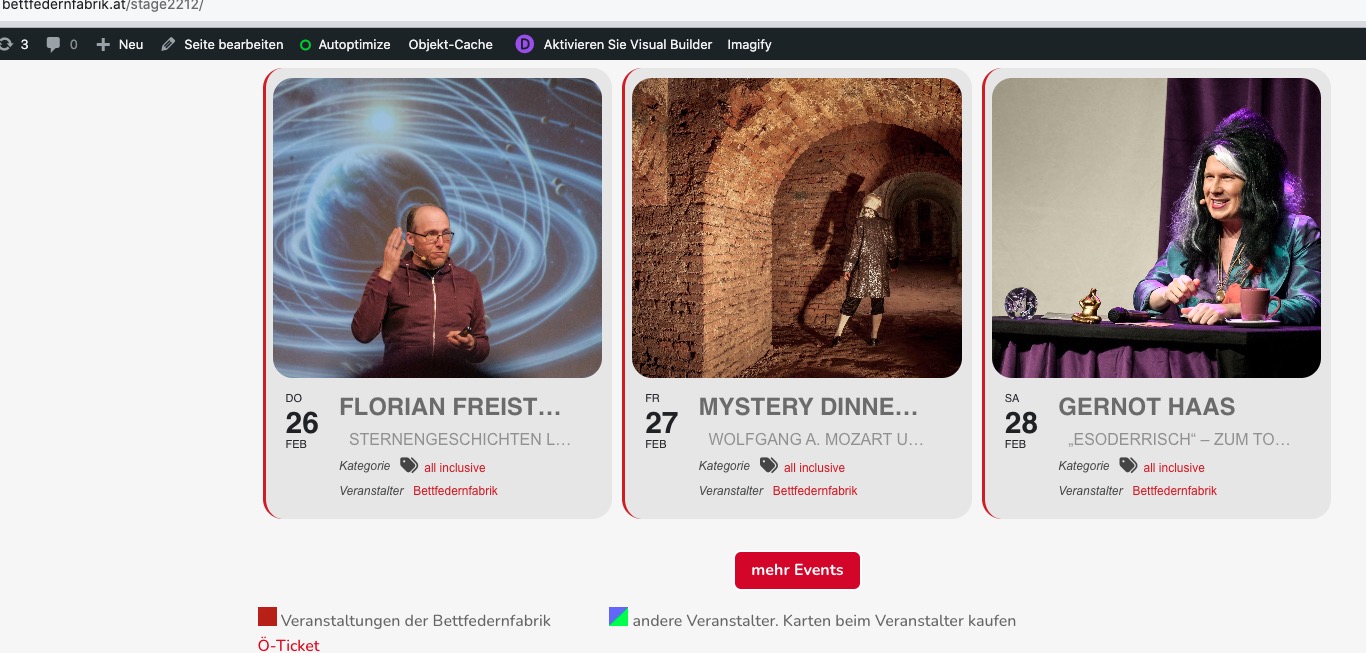
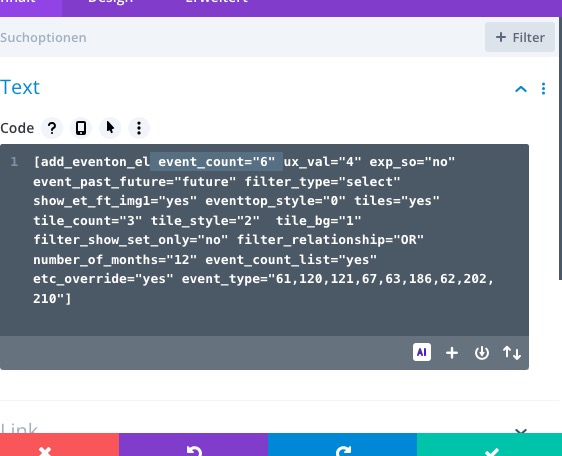
I fixed quotes and now it’s showing only 6 events:

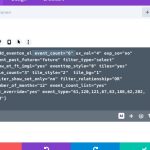
Please check and let me know.
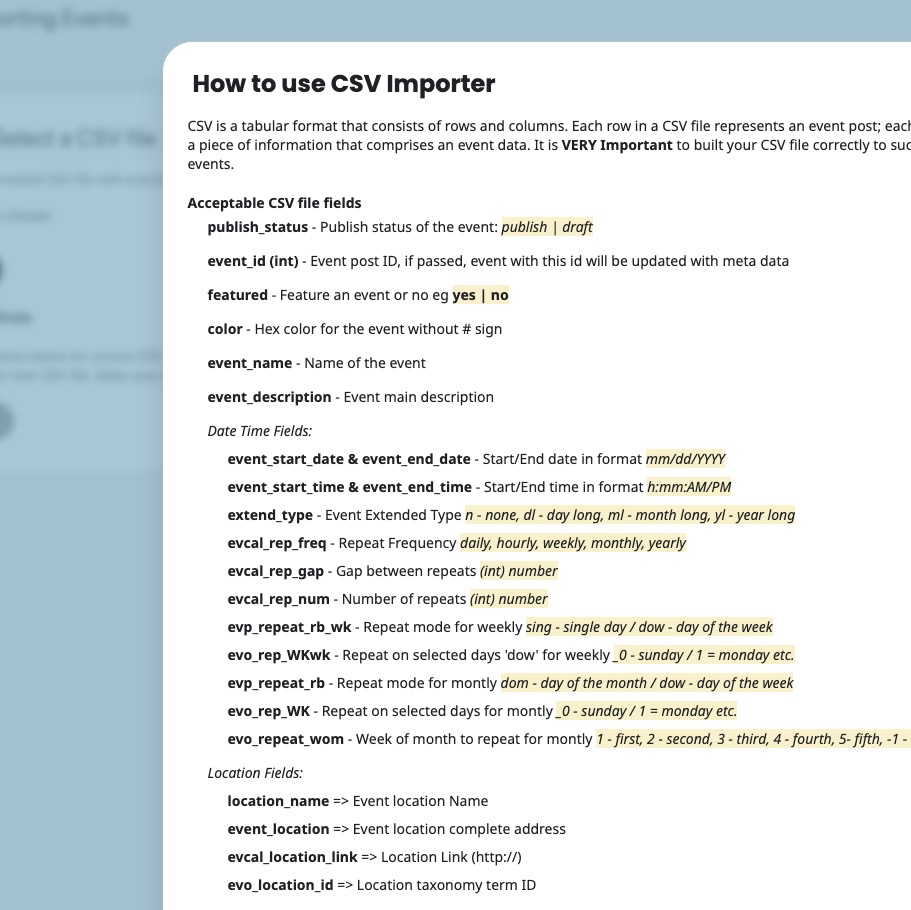
You can find Acceptable CSV file fields by going to EventON > CSV Import > Guide for CSV file:
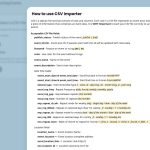
event_type categories – Event type category term IDs seperated by commas eg. 4,19. You can add upto 5 event type categories in seperate columns with column headers in format event_type, event_type_2 etc.
Custom Meta Fields:
cmd_{x} => Custom meta data values. You can add upto 10 custom meta field values with sepeate columns with column headers in format cmd_{x}
cmd_{x}L => can be used for custom field button url data
Organizer Fields:
event_organizer => Organizer Name
evcal_org_contact => Organizer contact information eg. email
evcal_org_address => Organizer location address
evcal_org_exlink => Organizer external link (http://)
evo_organizer_id => Organizer taxonomy term ID
Please check and let me know.
Perfect! Please keep us updated.
Hello,
Thank you for your great suggestion, at the moment it is not supported. However please create a new ticket and select Feature Request as category so others can vote on your idea and get it moved into development faster.
Hello,
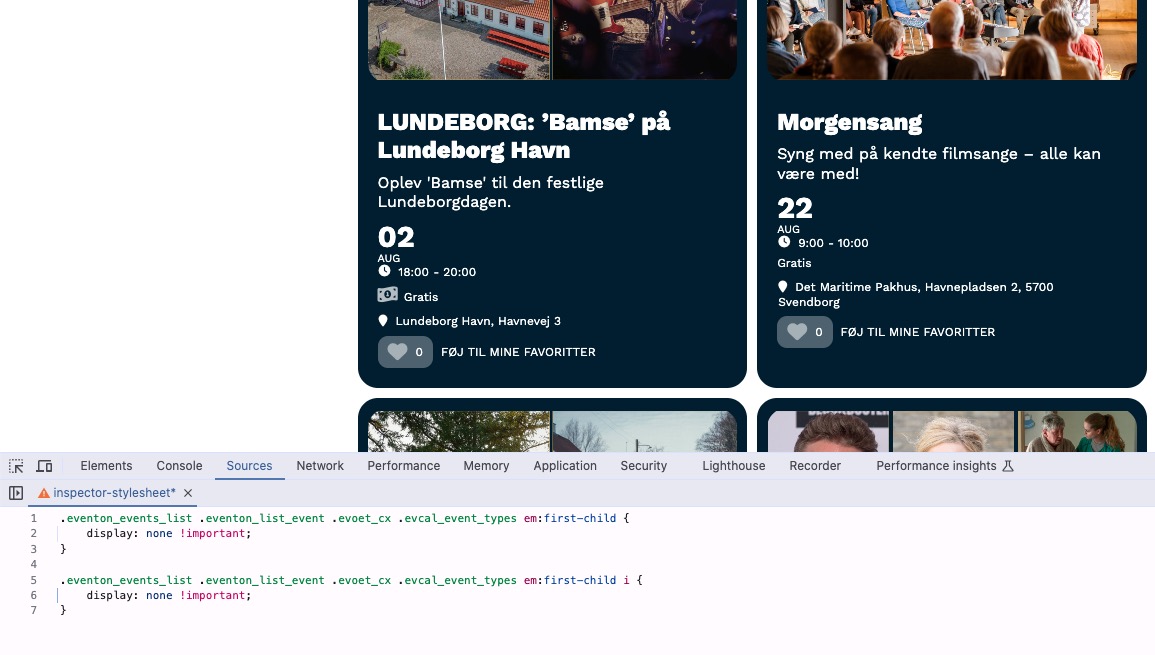
Please add this CSS code to EventON > Styles (If you don’t see any change, EventON > Scripts & Styling > turn off Write dynamic styles to header > save settings > turn on Write dynamic styles to header).
You can also add this code to wp-admin > Appearance > Customize > Additional CSS.
.eventon_events_list .eventon_list_event .evoet_cx .evcal_event_types em:first-child { display: none !important; } .eventon_events_list .eventon_list_event .evoet_cx .evcal_event_types em:first-child i { display: none !important; }
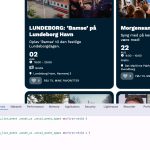
It seems that is working now , i will test it now with the clients. thaks for your help