Hello,
Please add this CSS code to EventON > Styles (If you don’t see any change, EventON > Scripts & Styling > turn off Write dynamic styles to header > save settings > turn on Write dynamic styles to header).
You can also add this code to wp-admin > Appearance > Customize > Additional CSS.
.eventon_events_list .eventon_list_event .evoet_cx span.evoet_tags .sold_out { background: #F79191; color: #202124; }
.eventon_events_list .eventon_list_event .evoet_cx span.evoet_tags .pending_approval { background: #F79191; color: #202124; }
The first line is for Sold Out and the second is for Tickets Available. Please try and let me know.
Hello,
EventON and add-ons are all sold separately and you don’t need to link them.
In order to activate, please install them on the server and then go to EventON > Addons & Licenses and activate using email and license code.
well thank you, I don’t know why I cancelled it. I paid $50 or $55…
Thanks for you reply.
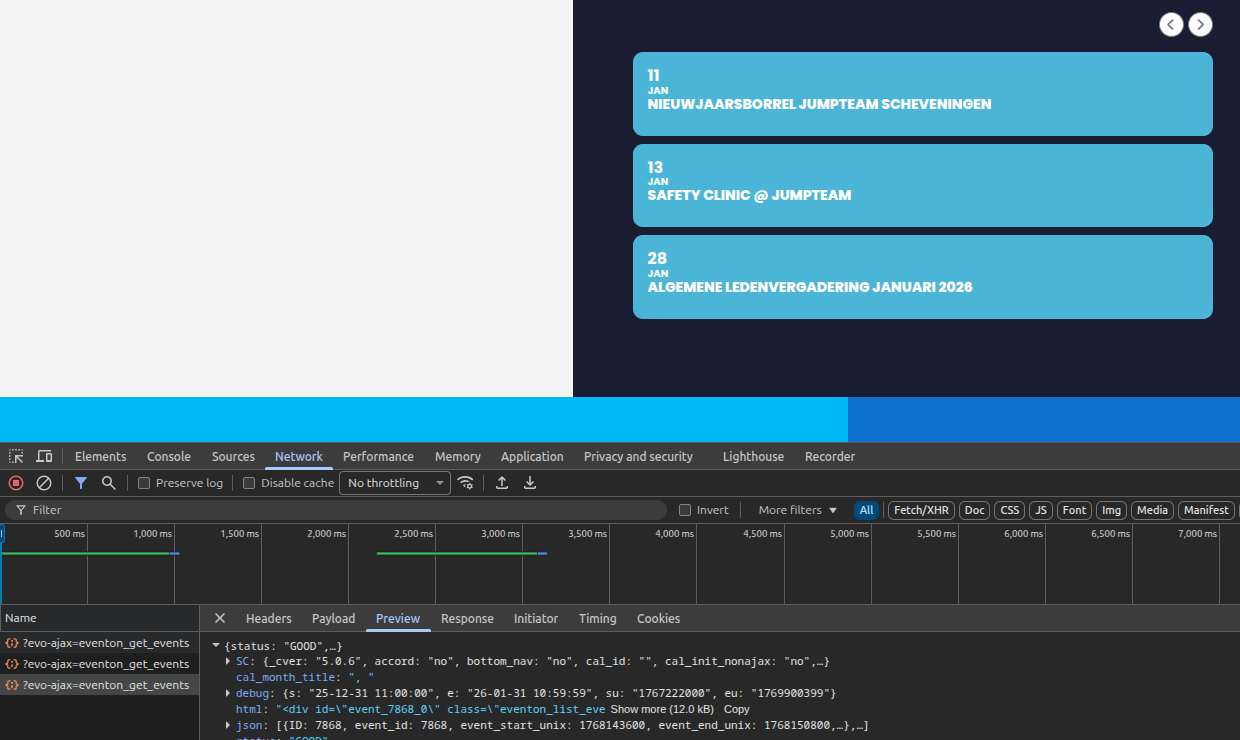
I have updated eventon to the latest version. Now the navigation buttons to switch to another month aren’t working at all.
I disabled al caching and optimization. Tried different browsers, and have been sifting thru the module settings, but I can’t figure out whats wrong.
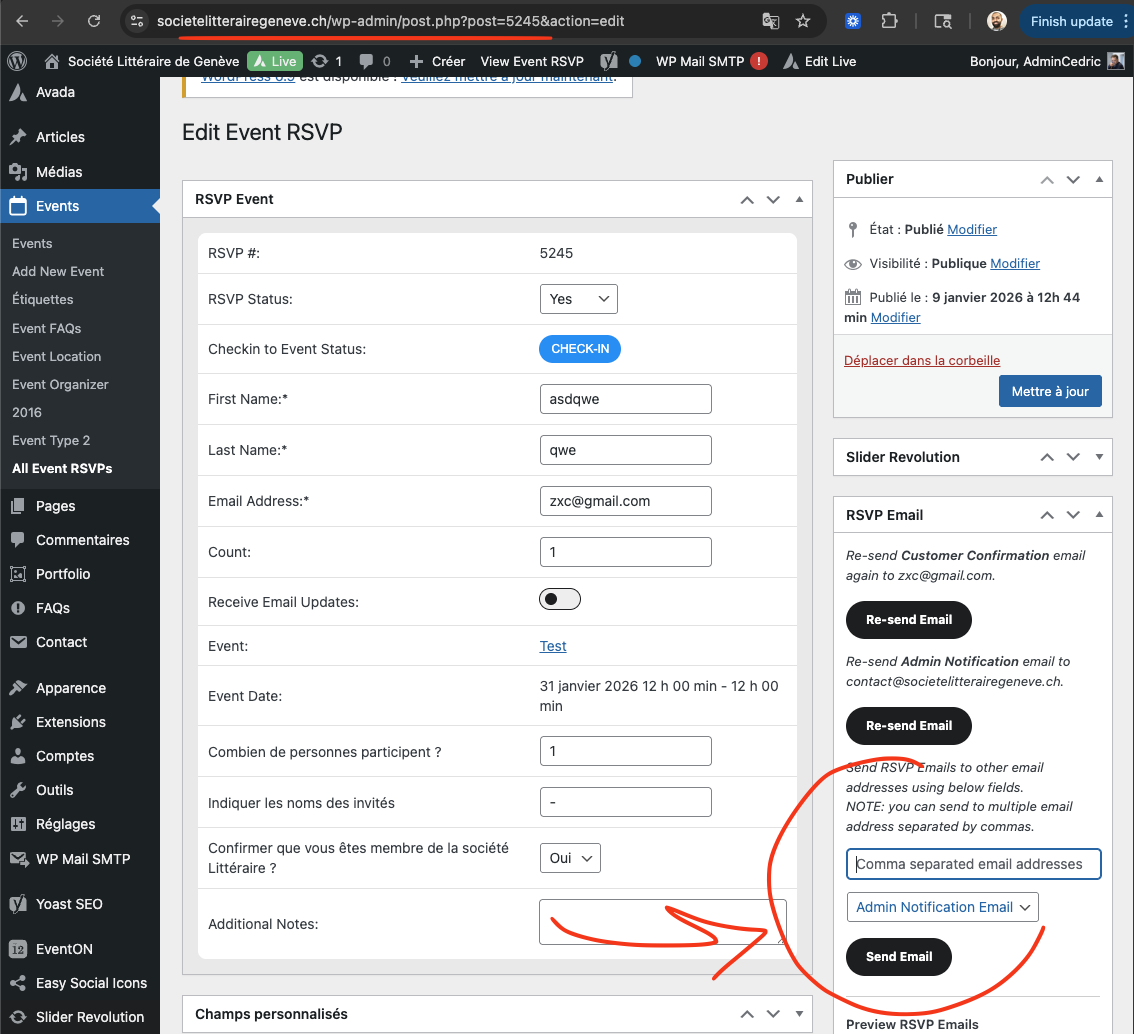
is it ok if we do some tests on your website to see why these notifications are not going auto?
Hello tehre, it seems we can not replicate this issue on our end. Also on your website I sent a manual admin notification email to our email account and it went through just fine.