Ciao,
OK ho fatto dei test e ora risulta funzionare per le varie occorrenze.
Però nel caso della prima data 3 gennaio 2026 se edito i dati di questa occorrenza specifica, non vengono salvati. Perchè?
Replies for tickets on suppota
Ciao,
OK ho fatto dei test e ora risulta funzionare per le varie occorrenze.
Però nel caso della prima data 3 gennaio 2026 se edito i dati di questa occorrenza specifica, non vengono salvati. Perchè?
The instruction is not clear, I can’t find the event type #1 and where is the single event with right side bar?
I’m sorry, but if i remove the: Open all eventCards by default (Except tile layout) is not possible registering to the event can you see the video attached: https://vimeo.com/manage/videos/1152443086
the event card doesn’t
Could you try enabling Load More on all your shortcodes? Add these:
show_limit=”yes” show_limit_ajax=”yes” event_count=”5”
Also could you try disabling unused plugins. Please also try installing a cache plugin, ie WP Fastest Cache or similar.
Hello,
Could you elaborate more? By default you can see past and future orders.
Perfect! If you have any further questions or concerns please create a new ticket.
Have you managed to fix the issue? Please let me know.
Hello,
You can use Event Type to show filtered calendar of events. Please check ”Use Case 1: Displaying a calendar of events exclusively scheduled for Mondays.” of this guide:
https://docs.myeventon.com/documentations/how-to-use-event-types-to-do-more/
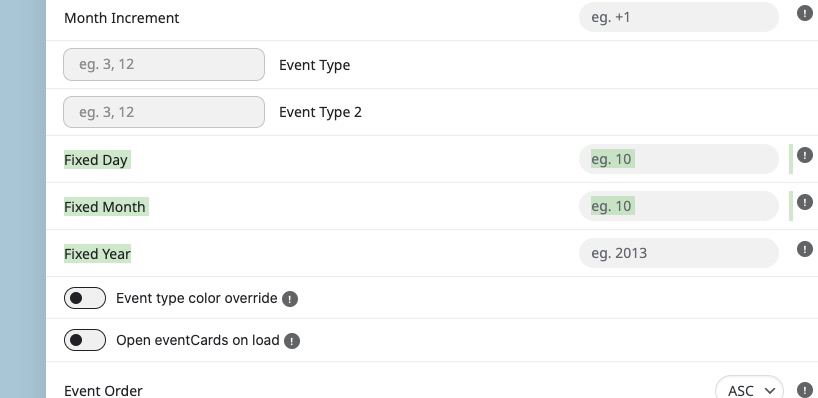
You can also try using Fixed Day/Month/Year:
Hello,
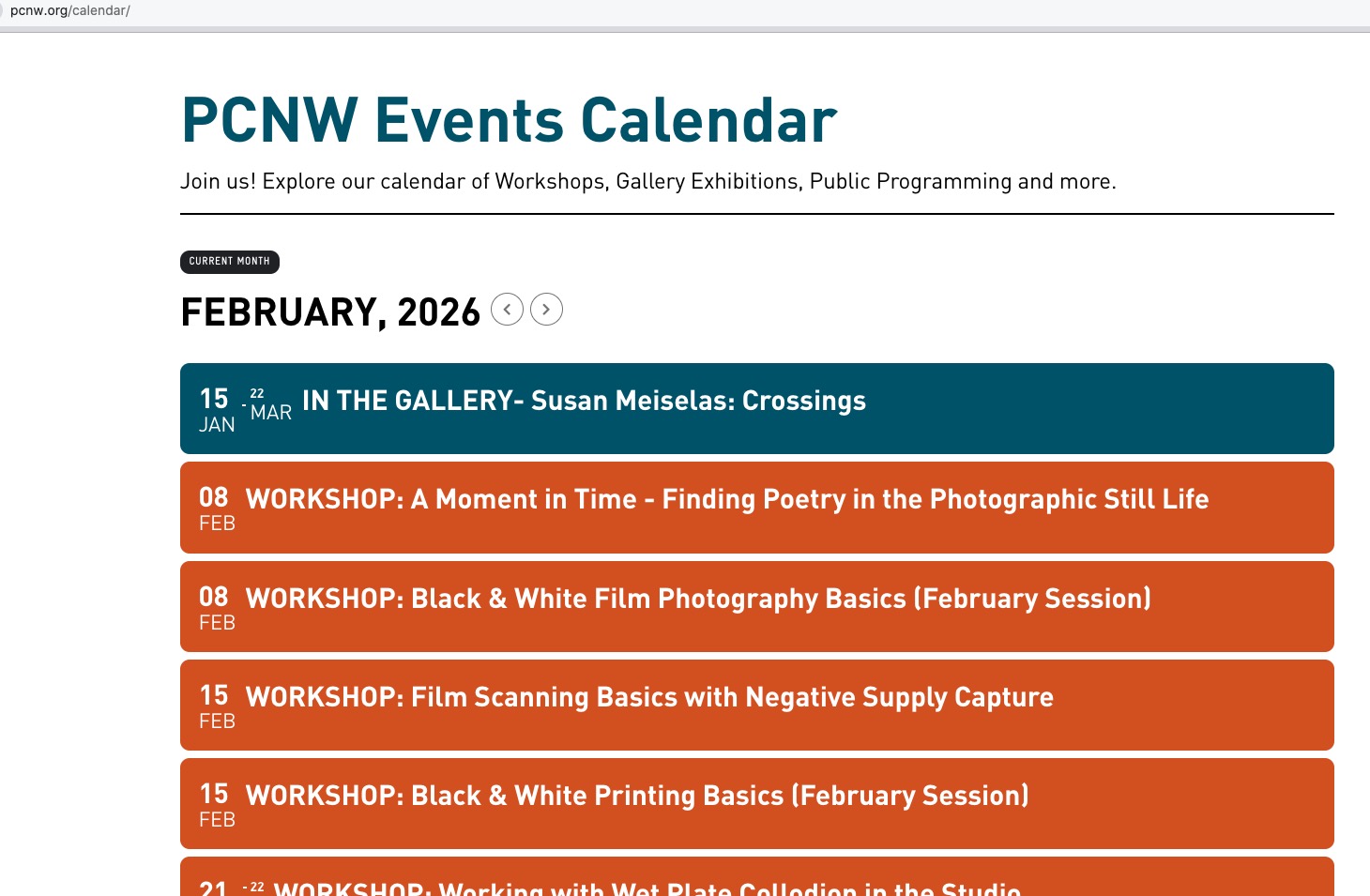
Have you managed to fix the issue? The calendar is loading on my side:
If the issue continues, please follow the instructions in this documentation to activate debug in your site to see any PHP errors recorded that can provide insight on to whats going on. Please reply with a link to debug.log file. If you are not able to do this please send us FTP access to your site so we can do this for you.
Please update the add-on manually since the latest version is 2.5.
To update eventon addons: You can download latest eventon addons from myeventon > my account. Then you can go to your website, deactivate old addon and install new one and activate then delete the old addon. This link will further explain the process. Also you can follow us on twitter to get real-time announcements on updates!
I did check the order you sent before and the button doesn’t appear there. Please update the add-on.