Hello,
Do you import with CSV Import add-on?
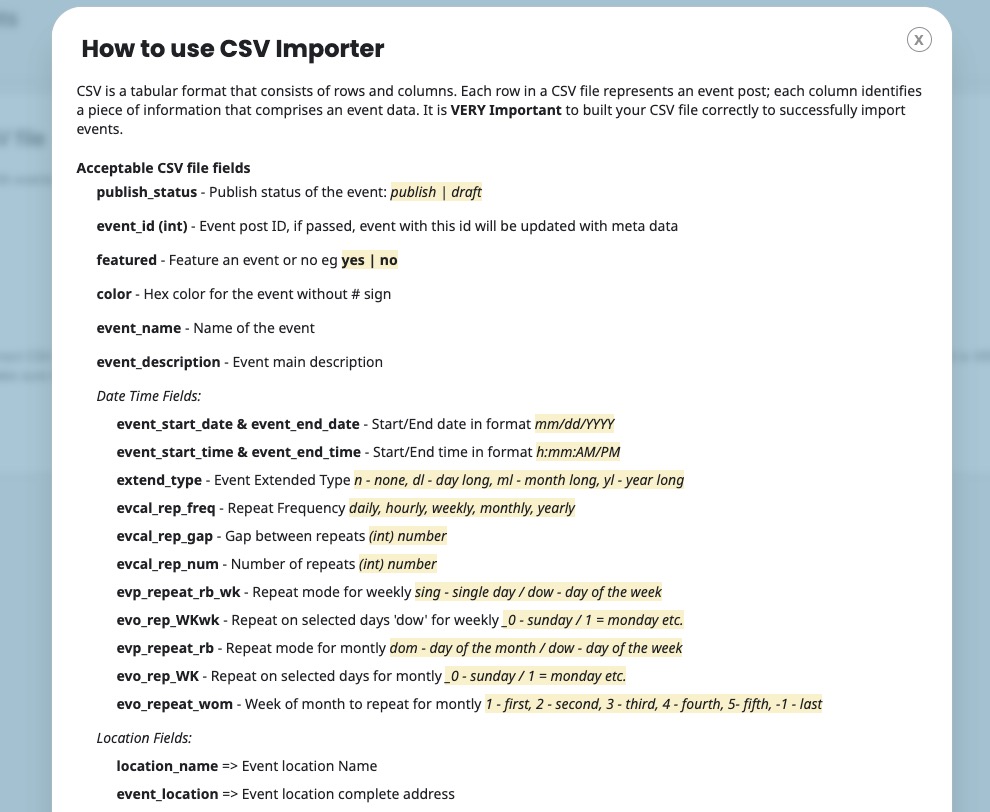
Please go to EventON > CSV Import > Guide for CSV file to see which fields are acceptable to import:
Replies for tickets on suppota
Hello,
Do you import with CSV Import add-on?
Please go to EventON > CSV Import > Guide for CSV file to see which fields are acceptable to import:
Hello,
CodeCanyon still doesn’t have 5.0.6 available. We are going to update it ASAP.
Hello,
I don’t see an update available for Event Tickets.
I did check auto-restock tickets.
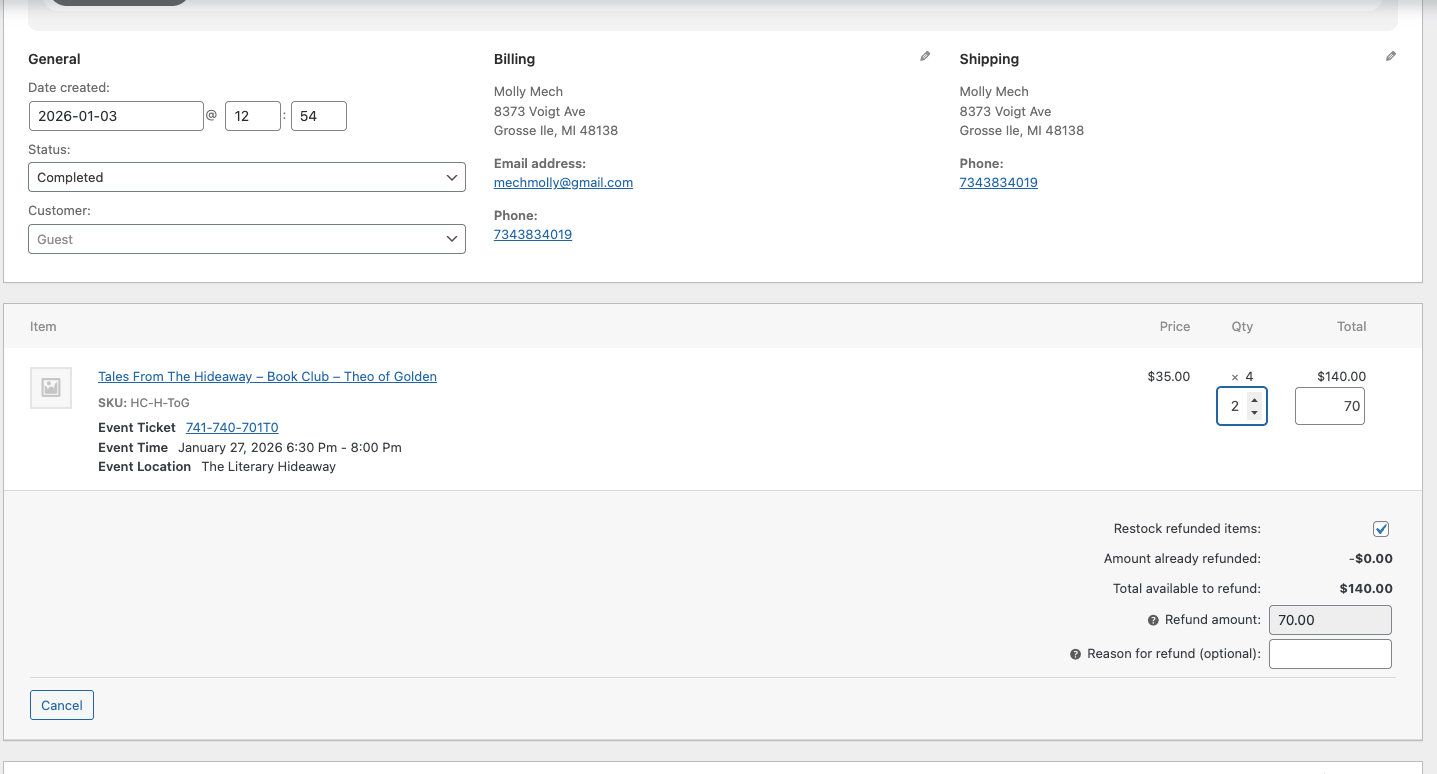
Also, can you check the specific order that i inputted above? That button still doesn’t appear for me. I’m attaching a screenshot!
Hello,
Could you please update EventON? You version is outdated.
To update eventon to latest version: If you are unable to do autoupdate, you can go to codecanyon your account > download and get the latest eventon version as zip file. Then you can go to your website > make sure ”Delete eventon settings & data when EventON is uninstalled” is Deslected from eventon settings, delete old eventon, install new one and activate. This link will further explain the process it. Also you can follow us on twitter to get real-time announcements on updates!
Since the .js file was changed, could you make sure to clear your browser cache?
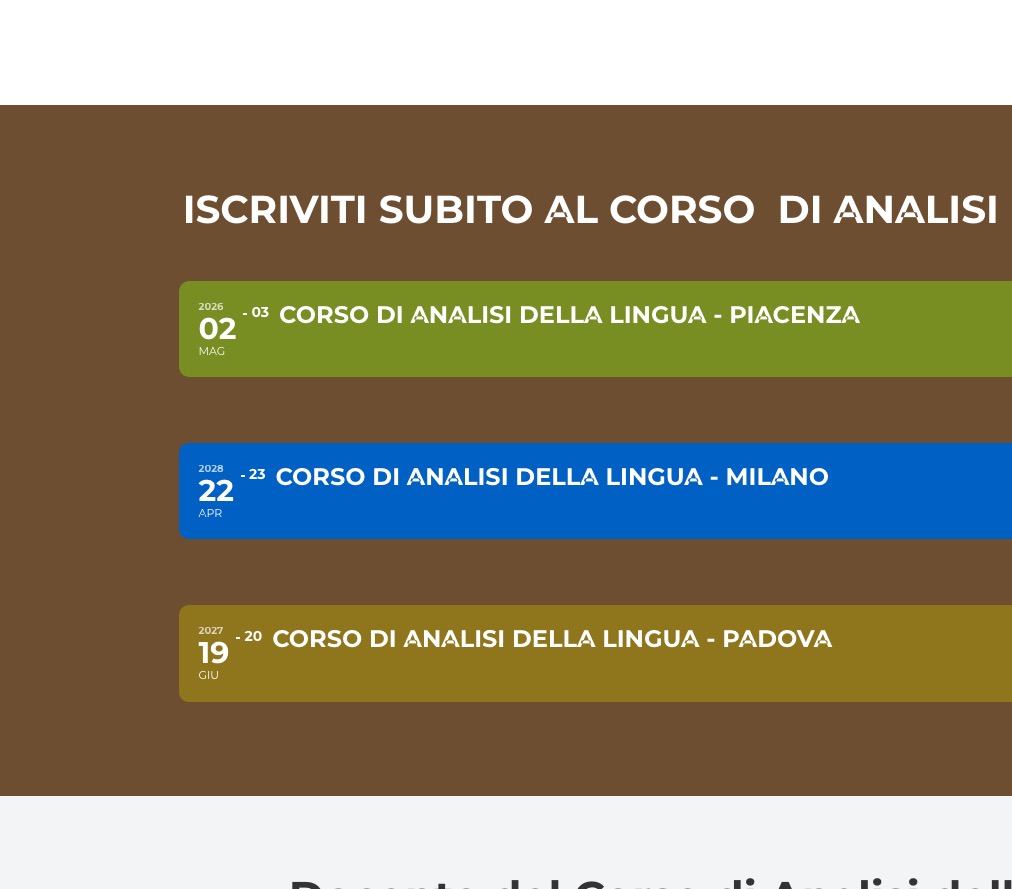
Single Event shortcodes opening and closing normally on my side:
We are glad your issue is resolved, if you have any further questions or concerns please create a new ticket.
Short hint: Your Help-Link at the myeventon page footer is faulty: http://http//helpdesk.ashanjay.com/
Thank you very much! We are going to fix the issue.
Hello,
Could you check this event:
https://gotomarket.it/wp-admin/post.php?post=2744&action=edit
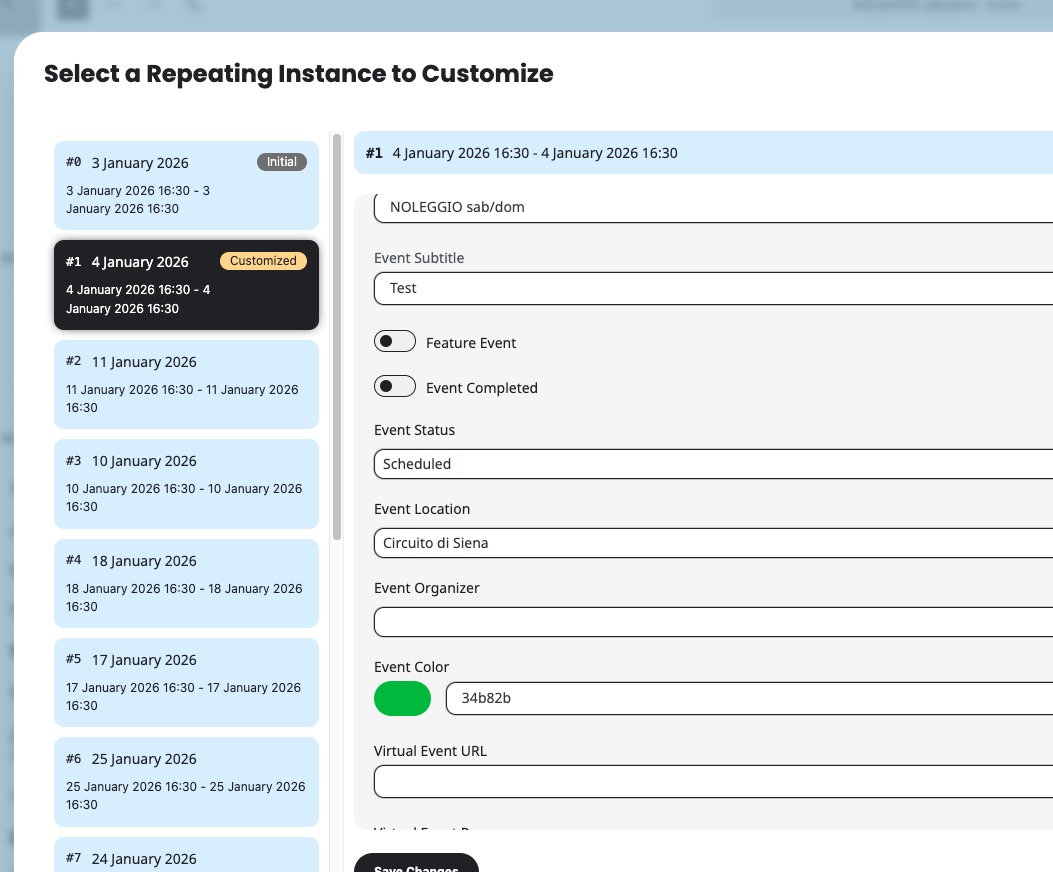
I just did some changes to it and the values saved correctly. Please let me know.
Hello,
Could you update Tickets add-on?
I just checked our website and the button is where it should be:
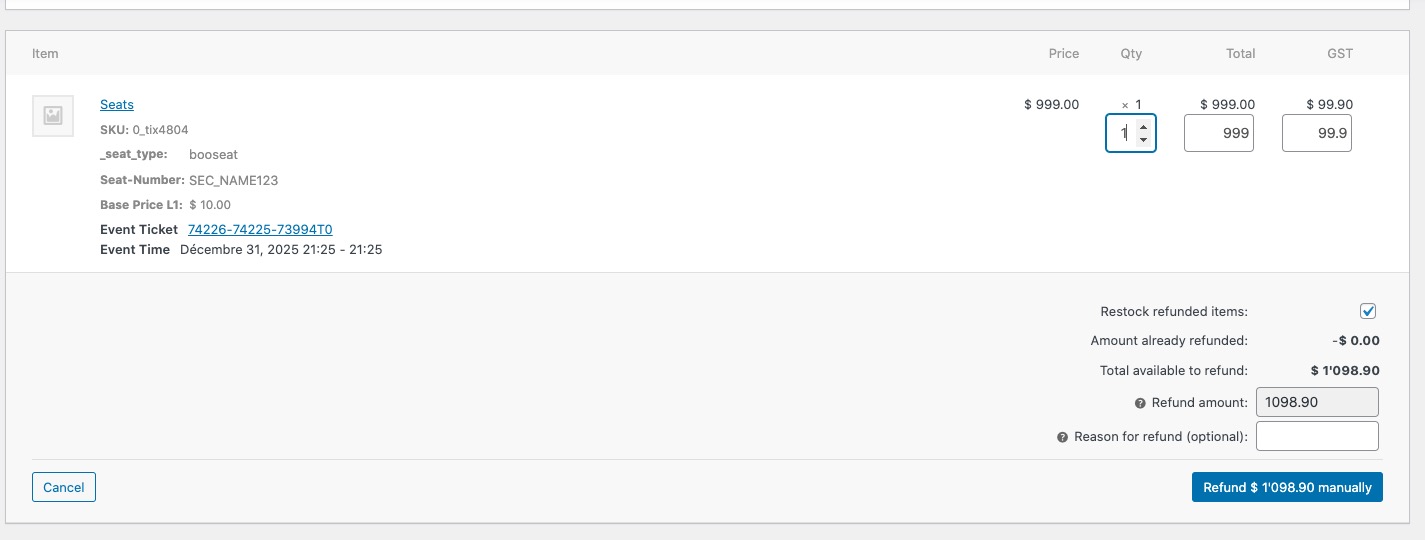
Since you want to refund orders, please make sure to go to EventON > Tickets > check Auto re-stock tickets when orders are refunded or cancelled.
We are glad your issue is resolved, if you have any further questions or concerns please create a new ticket.
If you have a moment, we would greatly appreciate if you could kindly leave us a review at EventON WordPress Page OR EventON > My Account > Downloads. Your review helps us a lot in continuing EventON improvements!
Thank you