We are glad your issue is resolved, if you have any further questions or concerns please create a new ticket.
If you have a moment, we would greatly appreciate if you could kindly leave us a review at EventON WordPress Page OR EventON > My Account > Downloads. Your review helps us a lot in continuing EventON improvements!
Hello,
Please follow the instructions in this documentation to activate debug in your site to see any PHP errors recorded that can provide insight on to whats going on. Please reply with a link to debug.log file. If you are not able to do this please send us FTP access to your site so we can do this for you.
Usually there is an issue with the memory limit:
https://docs.myeventon.com/documentations/increasing-wordpress-memory-limit/
Hello,
We only have access to https://dgsens.artt.media/wp-admin/, but not to https://digital-learning-leadership.com/wp-admin/.
Could you add the correct login info from ”Access Info” box on right side menu, to further assist your situation.
Hello,
Please send us wp-admin access to your site from ”Access Info” box on right side menu, to further assist your situation.
Could you go to EventON > Advanced > make sure that Select event calendar WP Query method is set to Query all the event posts?
Hi there…. i removed the patch for removing “return”…. it was ugly…. can you help me?
The problem is already here
Thank you so much! I was able to activate the license without any problems.
Best regards and Happy New Year!
Hello,
Thank you for the quick response.
sorry didn’t know the account had restrictions, edited now so you can access it.
Oh wait… I did the ”Disable nonce verification for calendar loading” that you wrote last time, and NOW it works!!! 🙂
”
Hey team,
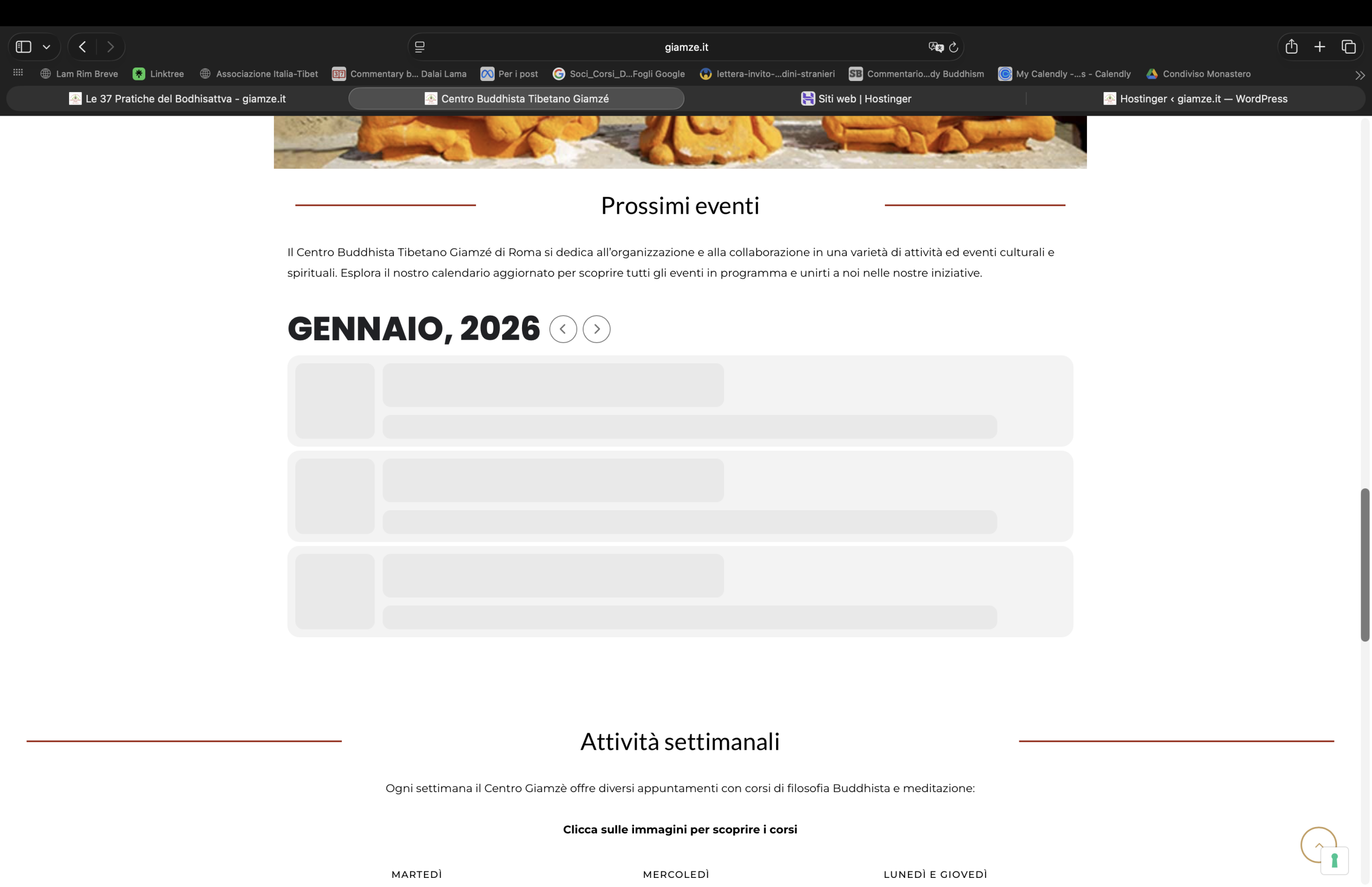
Just wanted to let you know that the exact same problem is again occuring!
My listings don’t show up: https://vhm.dk/events-directory/