Hiya,
WordPress didn’t report the final update for Event Tickets, but I have since manually updated it.
Unfortunately this hasn’t rectified the issue.
I talked also with the Woocommerce developer of the Product Bundles plugin it is clashing with. Their response was to suggest using a different variant on one of their plugins.
Do you think you could take a deeper look or do you think there is anything more you can do your end?
Thanks! Leo
Hi Artem, Thank you so much for your continued support. I checked on my end and unfortunately do not see any updates. I flushed cache several times and did a hard reload of the page. I also checked on my mobile device and in both firefox and chrome.
… the via admin you get through to the right site
auxlitera has eventon in his plug-ins
there a 2 websites by this login. (I don’t know why it now starts with the wrong website, sorry)
it’s martynschmidt.de (the wrong one that is showing up) and auxlitera.de (the right one)
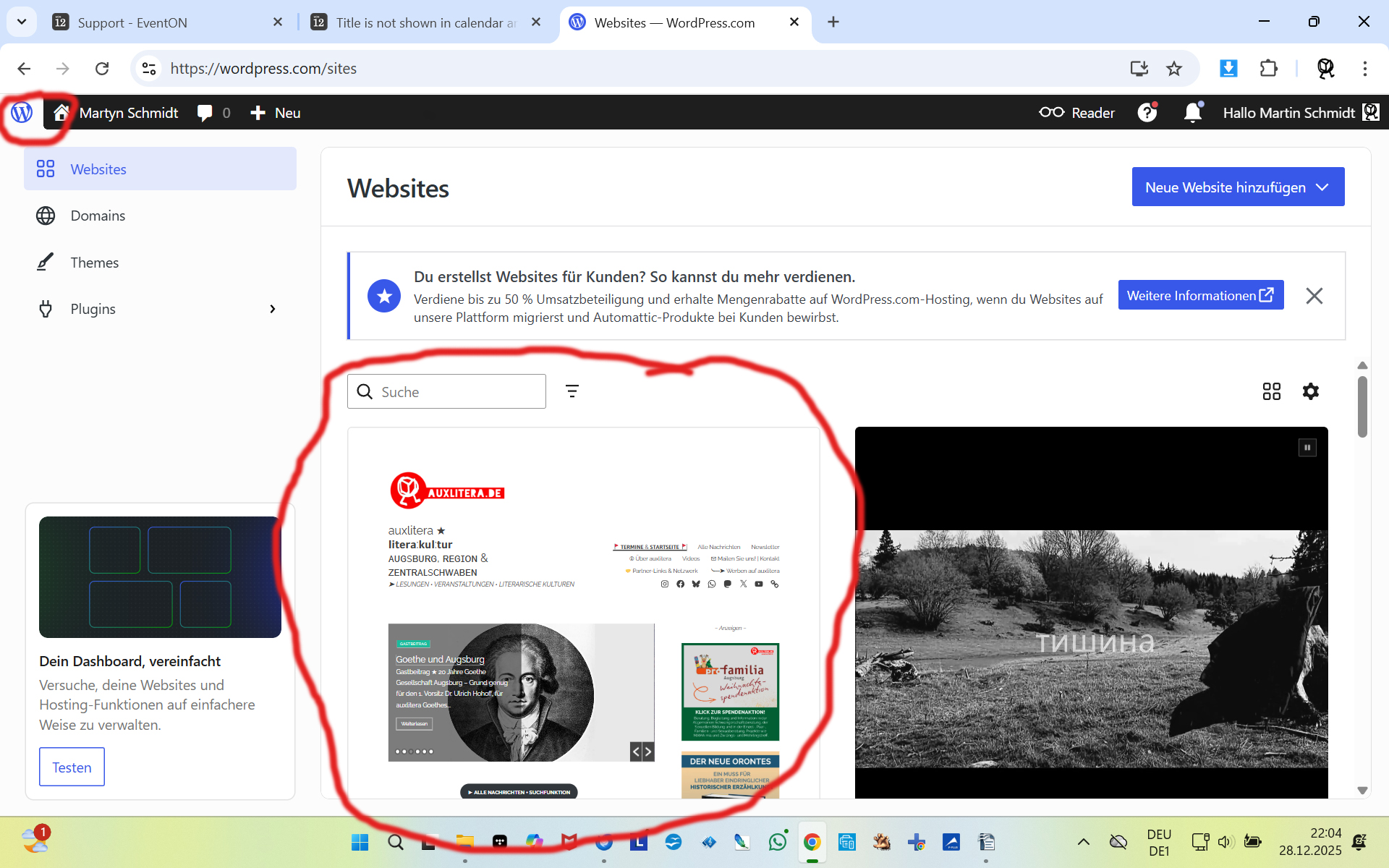
please go to ”websites” (wordpress-icon ”W” in the corner left above), click, and choose the left box ”auxlitera.de” (see screenshot), https://wordpress.com/sites/auxlitera.de

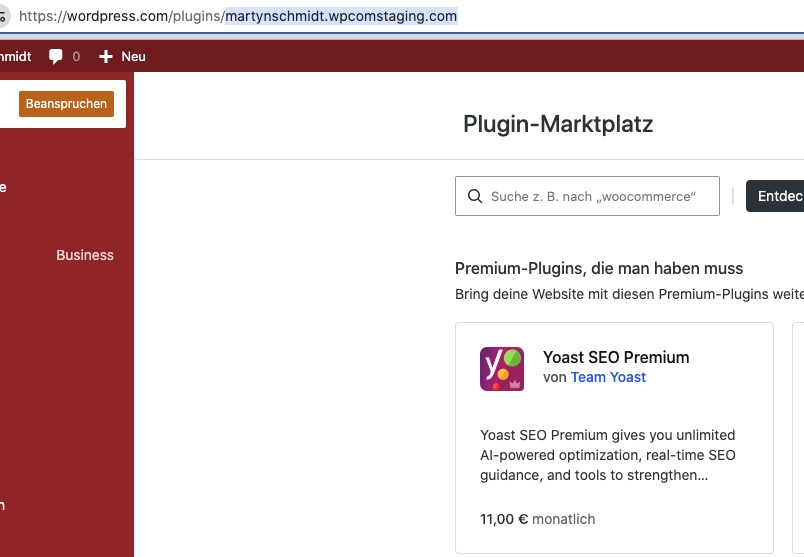
After the login, I get redirected to this website, but EventON isn’t installed there:
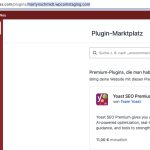
Could you check and let me know?
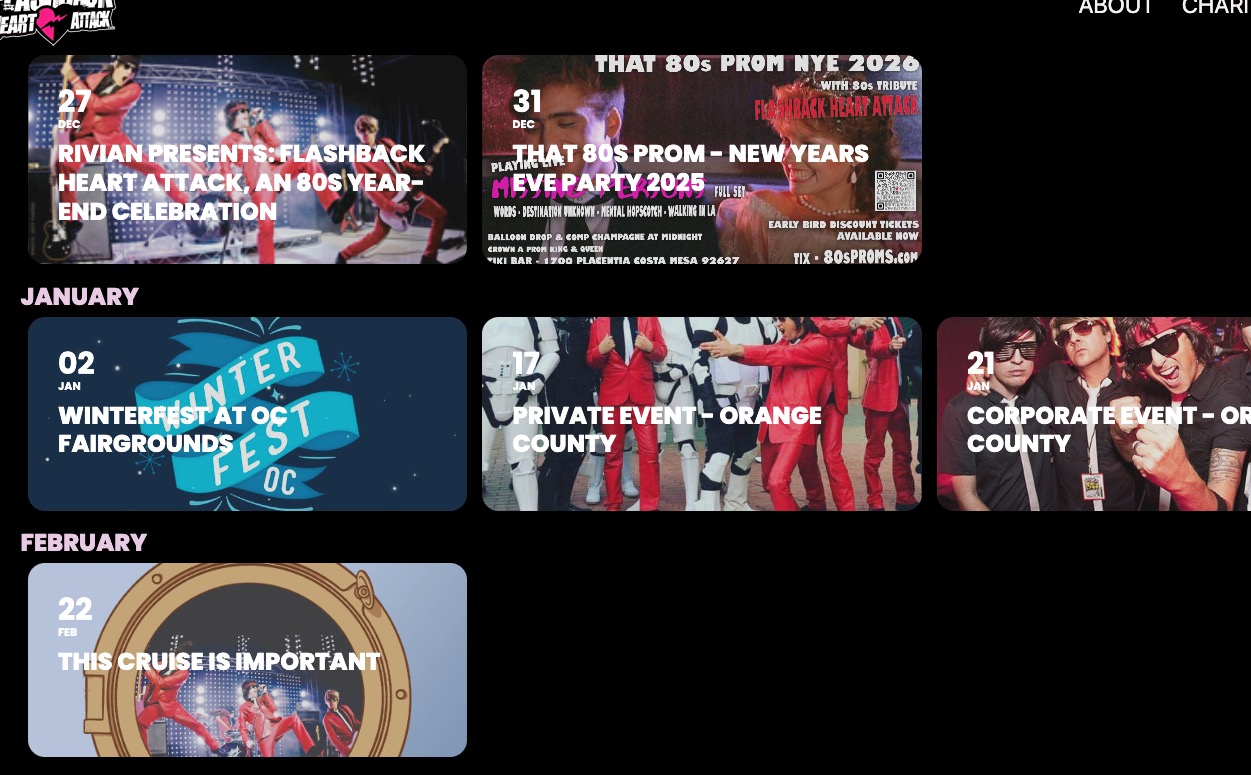
It looks like this on my side:

Do you want the title to be centered?
Could you send us the event you are referring to, with the issue?
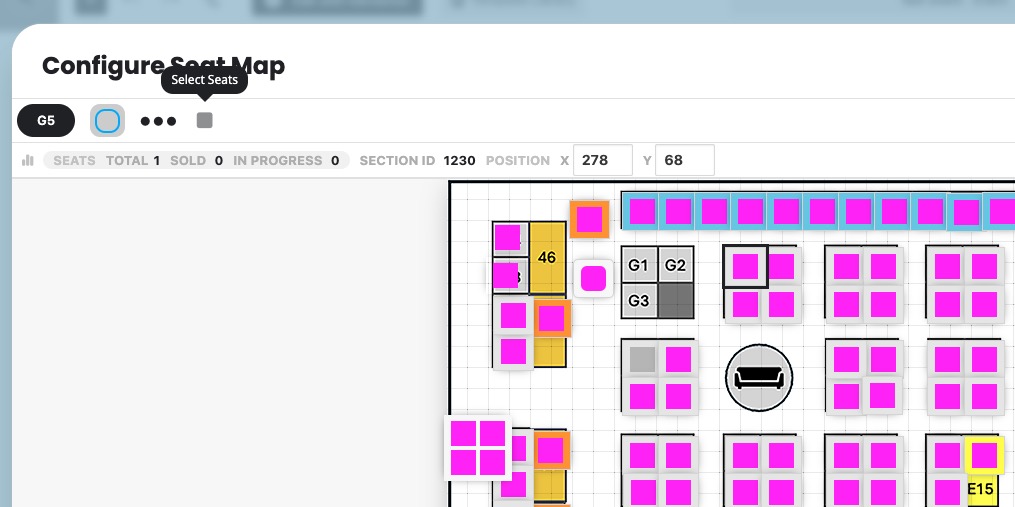
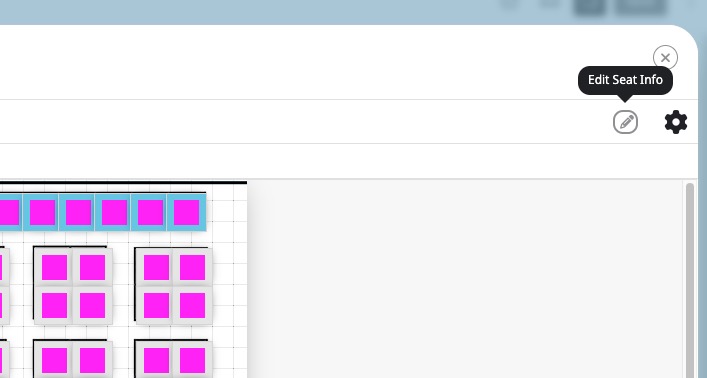
In order to see if any seats are available, please go to Edit Event > open Configure Seat Map > now click on a seat and click on the top button:
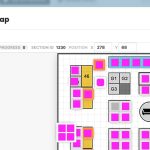
Now click on
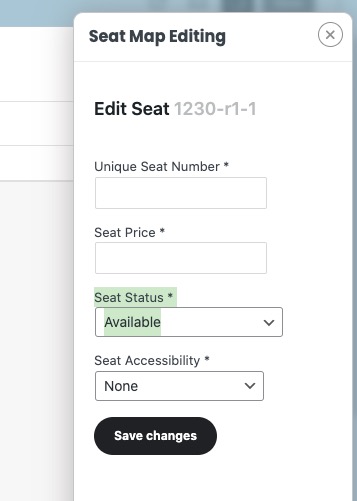
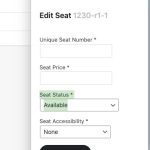
Now you can check the seat status:
Hello,
Please make sure to update EventON to the latest available version.
To update eventon to latest version: If you are unable to do autoupdate, you can go to codecanyon your account > download and get the latest eventon version as zip file. Then you can go to your website > make sure ”Delete eventon settings & data when EventON is uninstalled” is Deslected from eventon settings, delete old eventon, install new one and activate. This link will further explain the process it. Also you can follow us on twitter to get real-time announcements on updates!
I added the code to wp-admin > Appearance > Customize > Additional CSS, so week days aren’t transformed now.
I also added for the button:
.evo_btn_arr { text-transform: none !important; }
Month names are also work correctly. Please check and let me know.
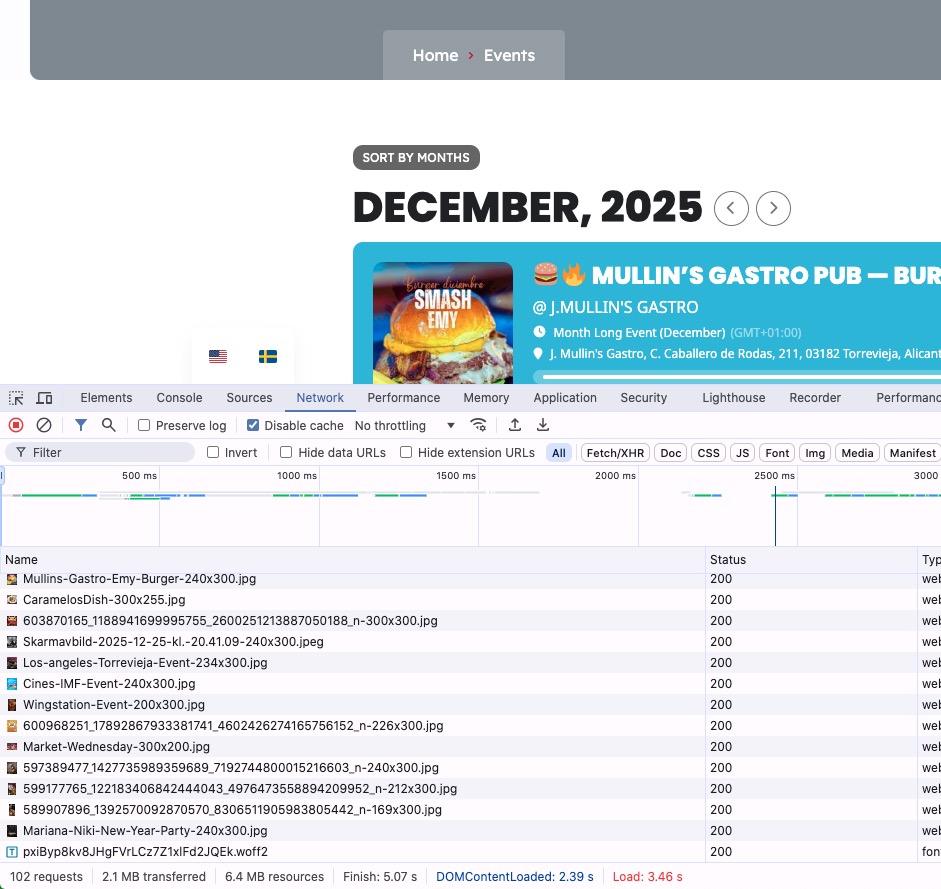
Your website loads for me for 5 seconds from the start to finish and events are loading even faster:
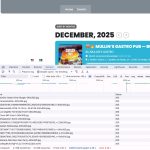
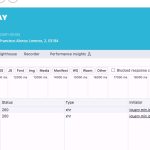
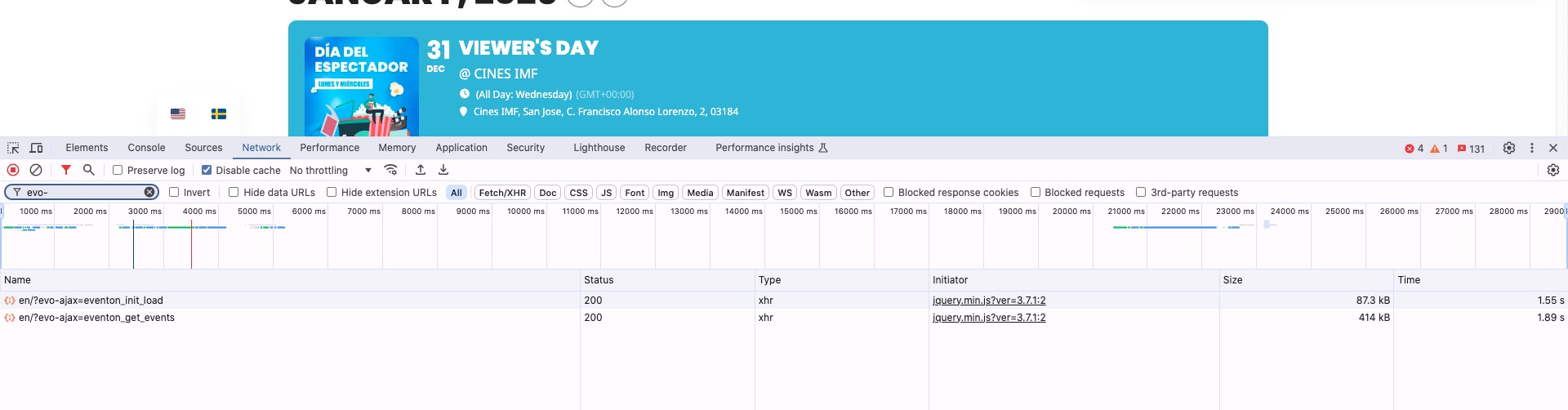
When I switch months, it takes less than 2 seconds to load.
If you just deactivate it, nothing is going to happen.