You could save EventOn preset colors inside wordpress.
How it was possible before? Could you tell us more?
I just tried to set a new color and it got saved to “OR Select from other colors“:
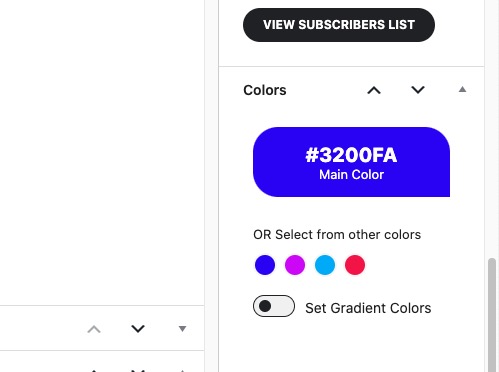
It’s not possible on your website?
Replies for tickets on suppota
You could save EventOn preset colors inside wordpress.
How it was possible before? Could you tell us more?
I just tried to set a new color and it got saved to “OR Select from other colors“:
It’s not possible on your website?
Ok, thank you. You used to be able to add those without code. You could save EventOn preset colors inside wordpress. I have a few sites running EventOn and have never had to add them via code or adding snippets to functions.php.
1. Got it, thank you!
2. This is what the featured image looks like unless I physically edit it to horizontal. The event is in the month of Oct for troubleshooting purposes.
I would like to know why it is cropping when I have Feature image display style set to “Fit entire image, resized box height” 
3. Can I use tile design with the slide down enabled? If so, what would that shortcode look like?
Hello?
Ashan,
1 isn’t really an issue, but just a suggestion to add a new option to hide the events list, I believe.
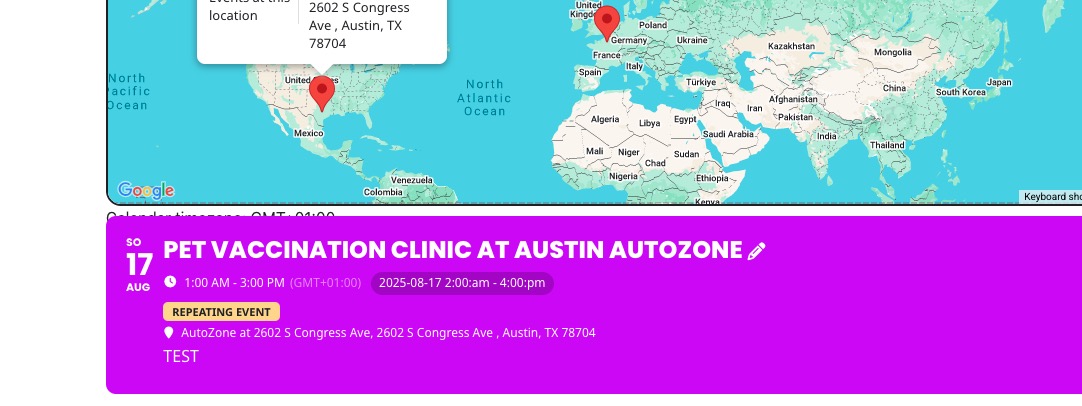
2. The same on dev2:
https://dev2.myeventon.com/test-1055/
Hello,
Sorry for the delay.
1. Please add this CSS code to EventON > Styles (If you don’t see any change, EventON > Scripts & Styling > turn off Write dynamic styles to header > save settings > turn on Write dynamic styles to header). You can also add this code to wp-admin > Appearance > Customize > Additional CSS.
.ajde_evcal_calendar.eventmap .evoEM_list { display: none !important; }
2. Thank you for your messages, I am going to assign this ticket to Ashan and he will be able to take it from here and find you a solution. Please allow some time for him to get back to you, we greatly appreciate your patience and thank you for being a eventon customer! Also please disable any IP blocking on your site if there are any.
There is an issue with 4.9.10 that doesn’t let you to delete the custom styling from EventON > Styling. Thank you for letting us know! We are going to fix the issue in the next version.
As for the issue, please try disabling EventON and also remove 900 from row’s settings:
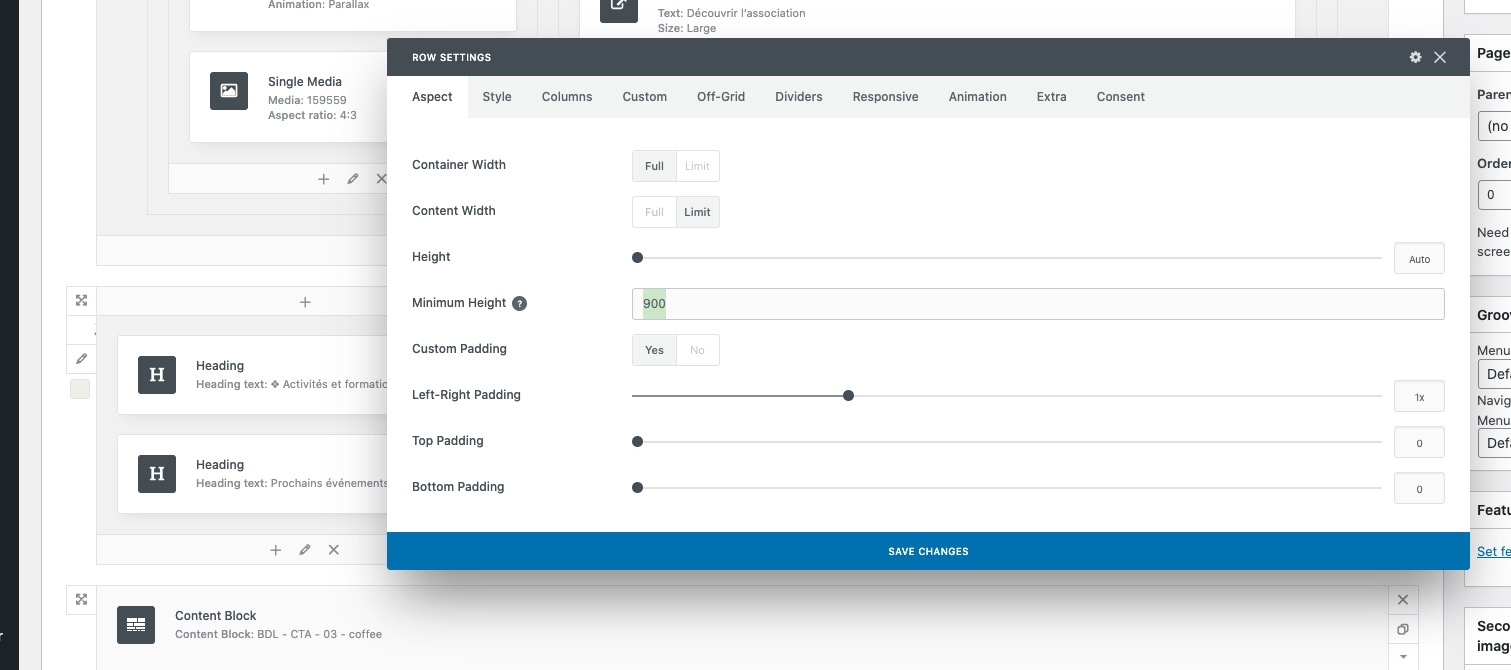
Also try adding this code to wp-admin > Appearance > Customize > Additional CSS:
.ajde_evcal_calendar.evoFC { min-height: 600px; }
1. Thank you for letting us know. We figured out the issue. It will be fixed with the new version of eventON 4.9.12 which we are hoping to get out later this week., Much appreciate your understanding. You can stay up to date on our releases real-time via x.com/myeventon
Thank you for letting us know. We figured out the issue. It will be fixed with the new version of eventON 4.9.12 which we are hoping to get out later this week., Much appreciate your understanding. You can stay up to date on our releases real-time via x.com/myeventon
Hello,
Thank you for letting us know!
We figured out the issue. It will be fixed with the new version of eventON 4.9.12 which we are hoping to get out later this week., Much appreciate your understanding. You can stay up to date on our releases real-time via x.com/myeventon