Thanks
Archives: Replies
Replies for tickets on suppota
Reply to: tickets(392699)
Could you explain me why this line come back, I don’t want it written there: https://www.loom.com/share/d7a51a469beb41a48cdcb82e2069fa93?sid=e697f1b6-e80a-43c2-a289-e3e37168072b
Thanks.
Reply to: tickets(392699)
I think there was two problem at the same place but both coming from a different issue.
I disable your plugin and the glitch is still there. So I’ll try to figure out why. Might not be your plugin
Reply to: tickets(392699)
I changed the type of animation and I still got that problem. I’ve been using this Theme with a lot of different plugins for years and I’ve never experienced any conflicts or problems. It’s coming form EventON. I don’t thinki it’s just about Heights.
Reply to: tickets(392699)
Hi, this is the answer from the coding Team:
I think there are two problems:
1. The calendar is loaded dynamically, causing the row height to change several times (see the video here https://lopezb.d.pr/v/vVtJdD)
2. I suspect that the plugin triggers some event that restarts the animations
Unfortunately, we cannot help you, because debugging this type of issue would take many weeks and we would run the risk of breaking the animations that have always worked correctly over the years.
Reply to: tickets(392699)
Could you check now with cleared cache?
Reply to: tickets(390205)
I don’t have access to EventON Settings as well as Appearance > Themes:
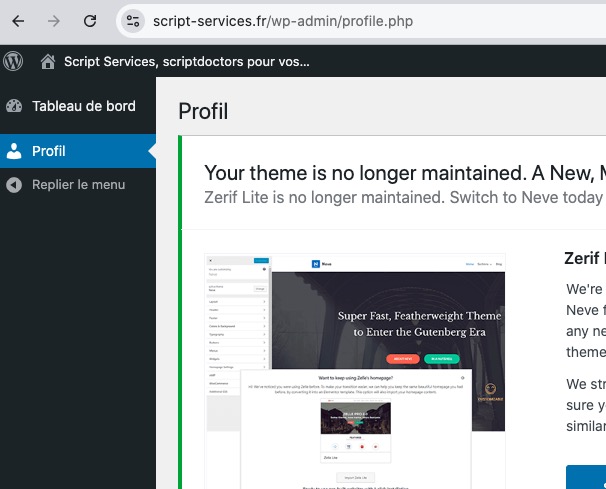
Could you check?
Please also add the CSS code to EventON > Styles (If you don’t see any change, EventON > Scripts & Styling > turn off Write dynamic styles to header > save settings > turn on Write dynamic styles to header). You can also add this code to wp-admin > Appearance > Customize > Additional CSS.
Reply to: tickets(390018)
I contacted Ashan about your request. He’ll respond ASAP.
Reply to: tickets(393586)
We are glad your issue is resolved, if you have any further questions or concerns please create a new ticket.
If you have a moment, we would greatly appreciate if you could kindly leave us a review at EventON WordPress Page OR Codecanyon. Your review helps us a lot in continuing EventON improvements!
Reply to: tickets(393514)
uncode icons also affect EventON. After I removed the .css file from the HTML code the issue is fixed:
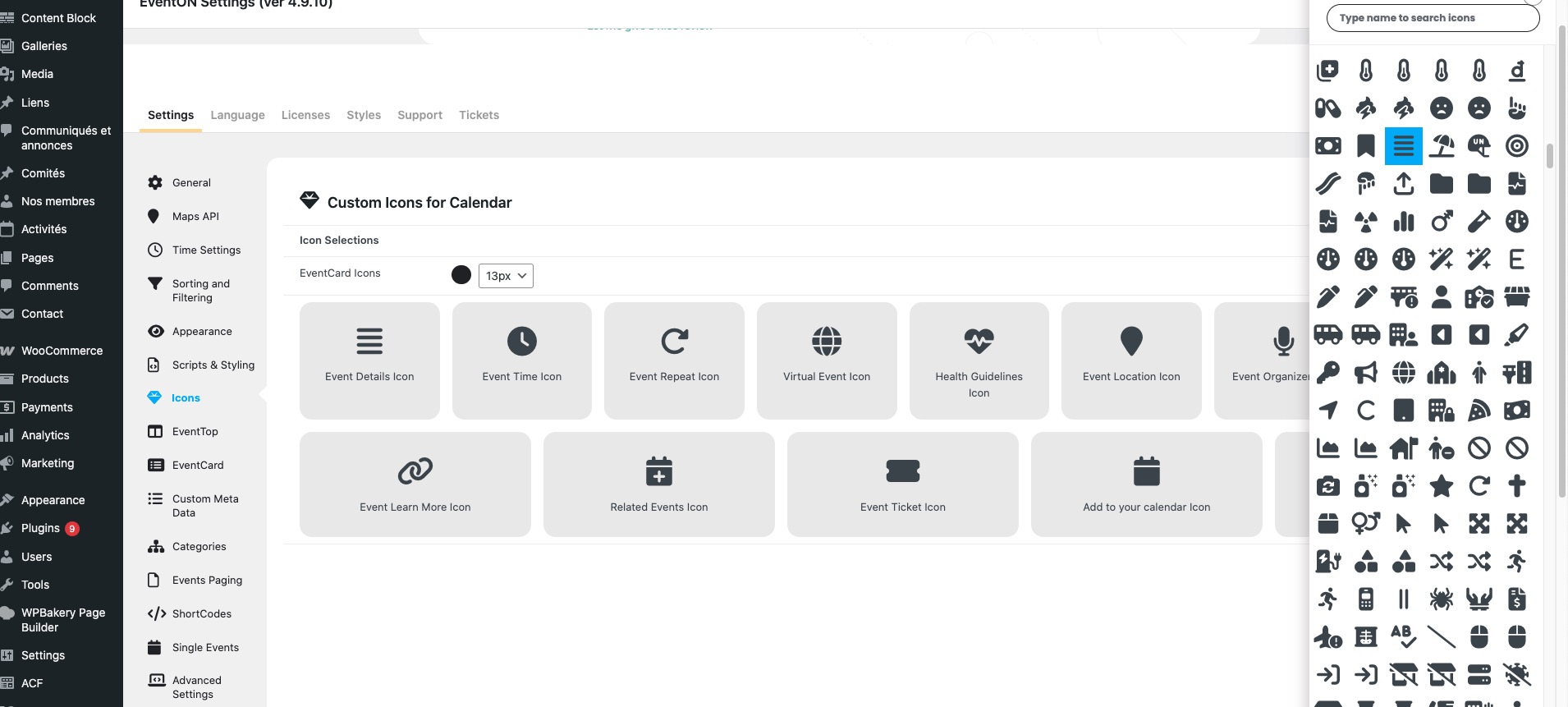
There is no way of fixing this as theme developers themselves must change this, so their icons only affect their theme/plugins.