I just did tests in Incognito Mode. No issues on my side:
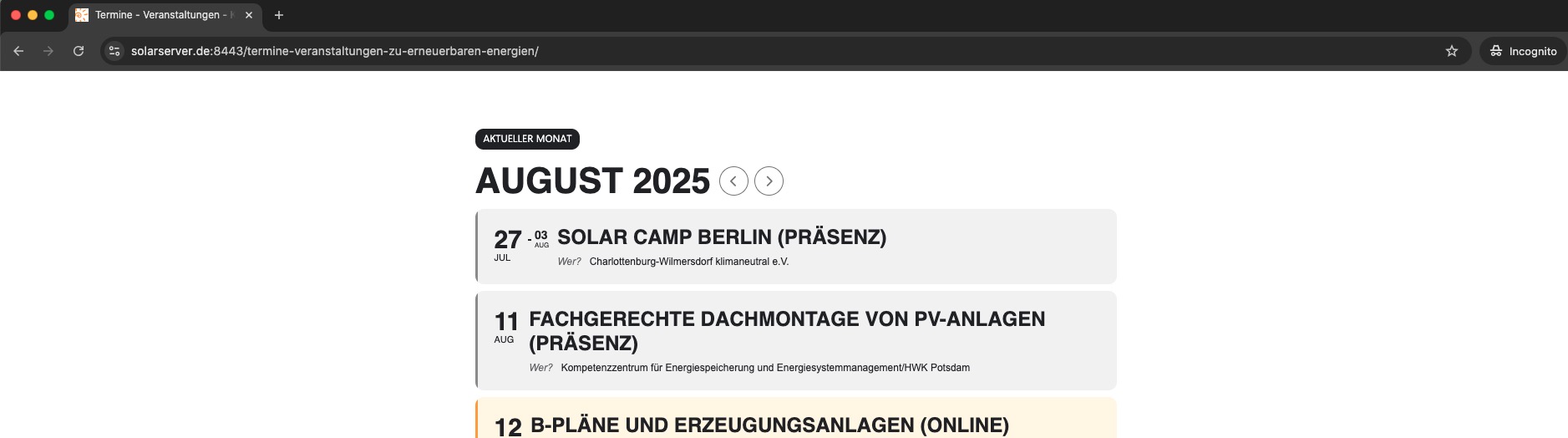
This is the page you are referring to, correct:
https://www.solarserver.de:8443/termine-veranstaltungen-zu-erneuerbaren-energien/
Replies for tickets on suppota
I just did tests in Incognito Mode. No issues on my side:
This is the page you are referring to, correct:
https://www.solarserver.de:8443/termine-veranstaltungen-zu-erneuerbaren-energien/
It is still available:
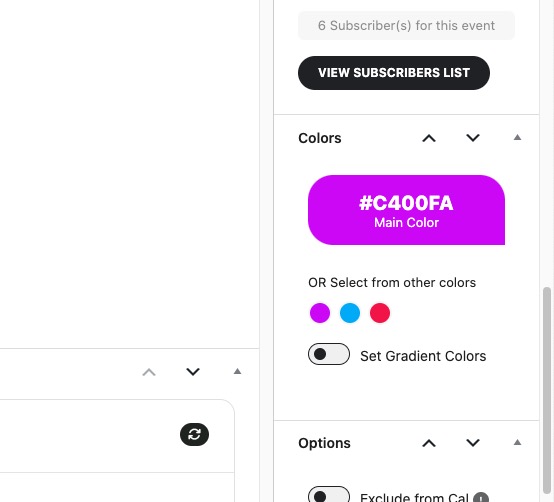
But in order to add a preset set colors, you need to add them through the code.
Your versions of EventON and add-ons are outdated. Please update all of them.
To update eventon to latest version: If you are unable to do autoupdate, you can go to codecanyon your account > download and get the latest eventon version as zip file. Then you can go to your website > make sure “Delete eventon settings & data when EventON is uninstalled” is Deslected from eventon settings, delete old eventon, install new one and activate. This link will further explain the process it. Also you can follow us on twitter to get real-time announcements on updates!
To update eventon addons: You can download latest eventon addons from myeventon > my account. Then you can go to your website, deactivate old addon and install new one and activate then delete the old addon. This link will further explain the process. Also you can follow us on twitter to get real-time announcements on updates!
I am referring to this setting:
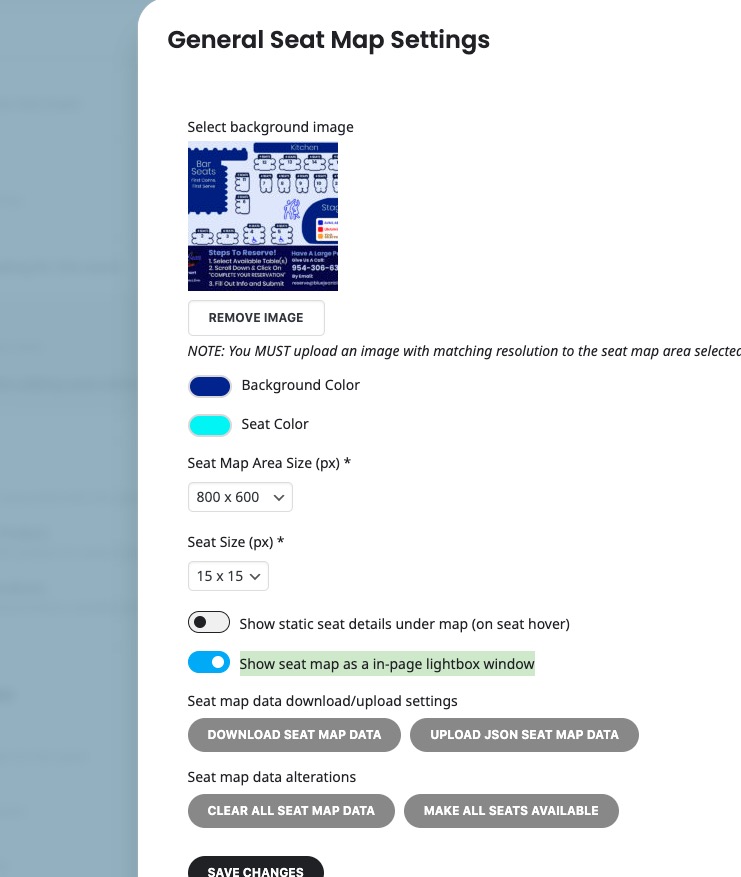
Please go to Edit Event > Tickets > Configure > Seating Setting > enable Show seat map as a in-page lightbox window.
About WP_DEBUG, please make sure to add all three lines to wp-config.php:
https://docs.myeventon.com/wp-content/uploads/2018/11/capture.png
I see 4.9 is now installed and the seat map does not load. Please resolve as soon as possible as the site is live.
Thanks
Hi Artem,
The wp debug has been set to true. I am not aware of the setting “within EventCard”.
I created this event for testing the ticket attendee capture. https://autobahncc.com/events/test-event-2025/
Admin access has been shared. Thanks for you help!
Hi Artem, EventOn used to have the ability to add custom colors so you can choose one for the background of an event tile. I have attached a screen cap of the panel where you used to be able to add colors. You used to be able to do this through the EventOn plugin. Are you saying this ability was removed and now you have to add them via the functions php file? This doesn’t make any sense to me. Am I misunderstanding something?
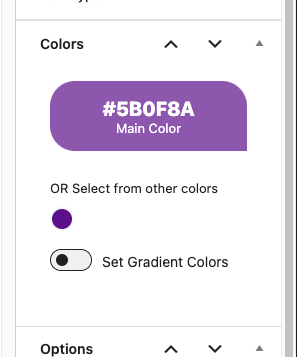
I have made the necessary changes:
Log-in: https://www.solarserver.de:8443/wp-login.php
Admin user: eventon
Password: *nV(Q1NXIIh@Ga)uCP(JPmuT