Hi,
I’ve added the CSS code as indicated, and also followed the steps to disable and re-enable the “Write dynamic styles to header” option. I even tried adding the code via Appearance > Customize > Additional CSS.
Unfortunately, I haven’t seen any change — the “Repeating Event” tag is still being displayed.
Is there anything else I can try?
Thank you again for your support.
Best regards,
Ana
Hi,
I’ve followed the steps you suggested: updated to version 4.9.7, added the exclamation mark to “important”, and disabled and re-enabled the “Write dynamic styles to header” option.
However, the issue still persists and hasn’t been resolved.
Do you have any other ideas or possible solutions?
Thank you in advance for your help.
Best regards,
Ana
Hello,
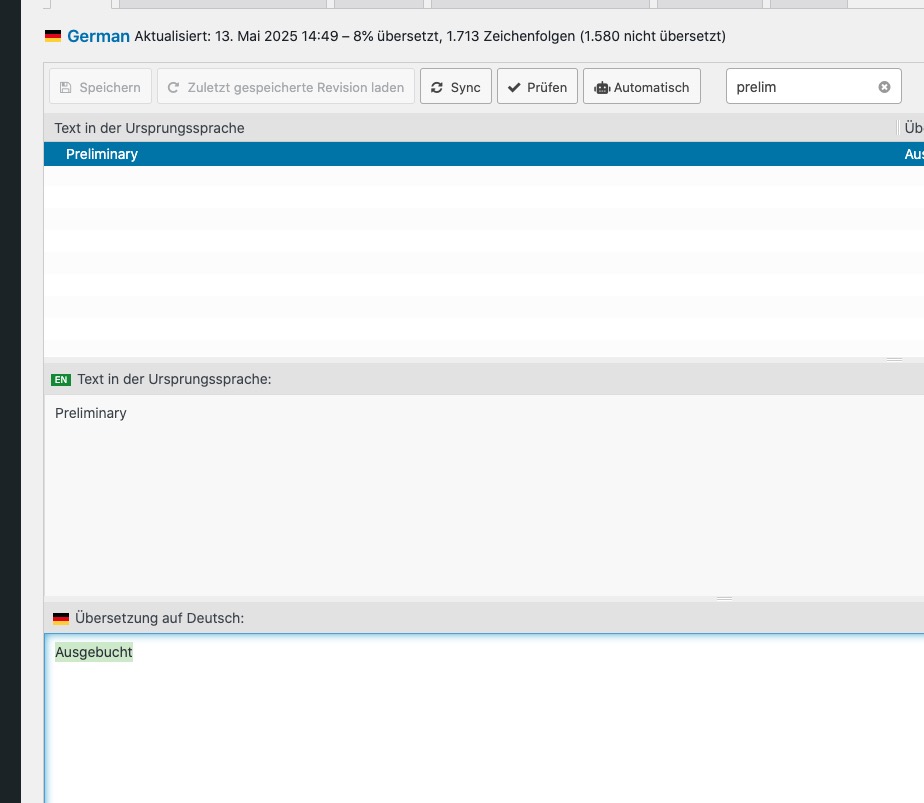
I went to https://life-online.de/wp-admin/admin.php?path=languages%2Floco%2Fplugins%2Feventon-de_DE.po&bundle=eventON%2Feventon.php&domain=eventon&page=loco-plugin&action=file-edit
and changed
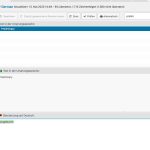
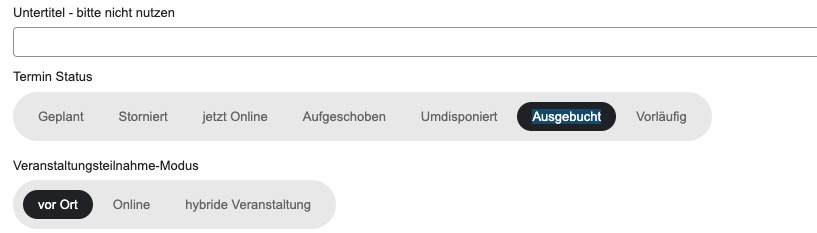
So the translation is correct now:
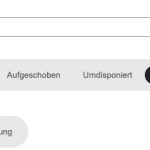
Please note that all back-end translations can be found in Loco Translate and not EventON > Language.
Could you check and let me know?
Hello,
This will require quite extensive customization. Please create a new ticket and select Feature Request as category so others can vote on your idea and get it moved into development faster. We also check all requests and can implement them without voting required.
Ashan,
Please take a look at:
https://dev2.myeventon.com/events/rsvp/
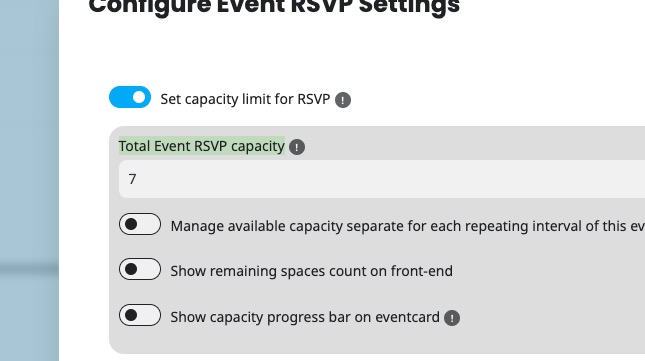
I set 2 to capacity:
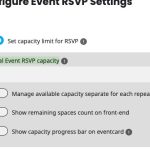
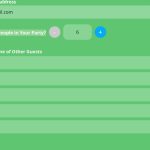
But I was able to increase it by changing this:
Please also check this suggestion from the customer:
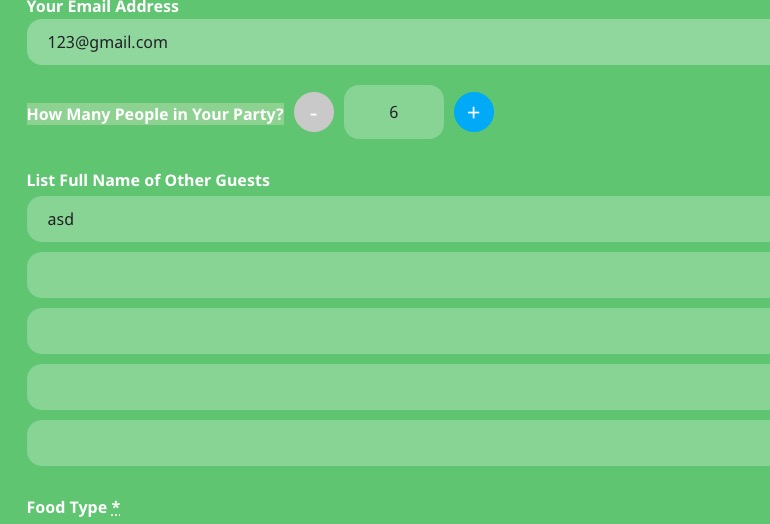
If I reserve the last 6 tickets for an event and then want to adjust my reservation (e.g., reduce it to 4 tickets), the availability only updates after a full page reload – shouldn’t this be handled via AJAX and update immediately?
When it is fully booked and i change my reservation from 6 tickets/seats to 4 – it should be visible that there are 2 seats left – actually it is like you have to do a fully reload and then it is shown – maybe you can add some ajax loading there?
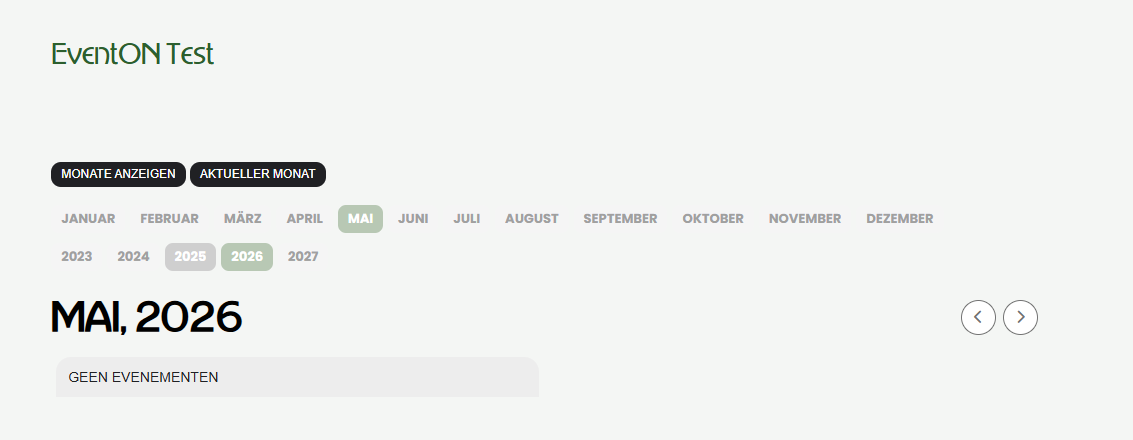
Please check this screenshot of your testpage
Hello,
Could you update EventON and RSVP to latest versions?
“We look forward to seeing you at the event” will become available in EventON > Language > RSVP.
Also, it’s currently possible to increase my existing reservation from 6 to 8 tickets even when no more spots are available.
Thank you for your messages, I am going to assign this ticket to Ashan and he will be able to take it from here and find you a solution. Please allow some time for him to get back to you, we greatly appreciate your patience and thank you for being a eventon customer!
…the availability only updates after a full page reload – shouldn’t this be handled via AJAX and update immediately?
Ashan will check this one as well.
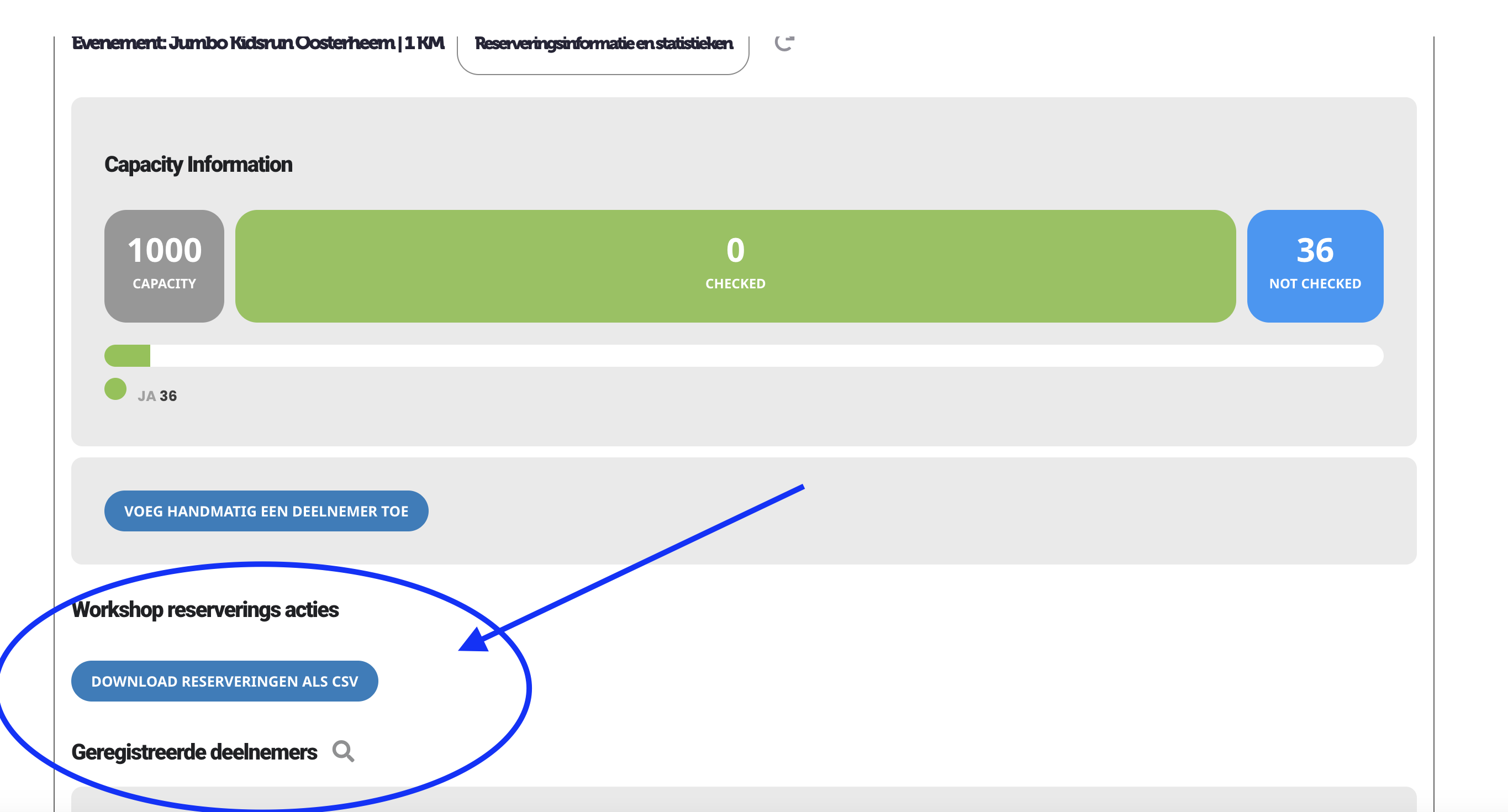
This can be seen on https://meizelf.staging.tempurl.host/aanbieder/
I also added a screenshot
It’s with these exports where the dates of the first event is missing, and another dates gets doubled.
Really anoying with so many events I host, and especially when you say the export isn’t available in the action user.
Maybe the naming is wrong, but actions users can add a workshop on frontend and can see their workshops on frontend.
Because of the little knowlegde in wordpress, I only let them see their own events, and download their own rsvp’s.
Hope this helps, and you can help me out with this problem.
Thank you in advance.
Hello,
Please take a look at this guide:
https://docs.myeventon.com/documentations/customize-eventtop-date-format/
You can add time to the block by using ‘time’=> ”,.
Hi there,
I am sorry to say but it still is not working. The string “No Events” still does not get translated ok when choosing L2 or L3.
Even on the testpage you created it is not working. The text should say “Keine Veranstaltungen”. The text your marked with a red circle in your image is the wrong text. It is the translation of L1.
All other strings are being translated ok.
Instead it is showing “Geen evenementen”. This is the text of L.